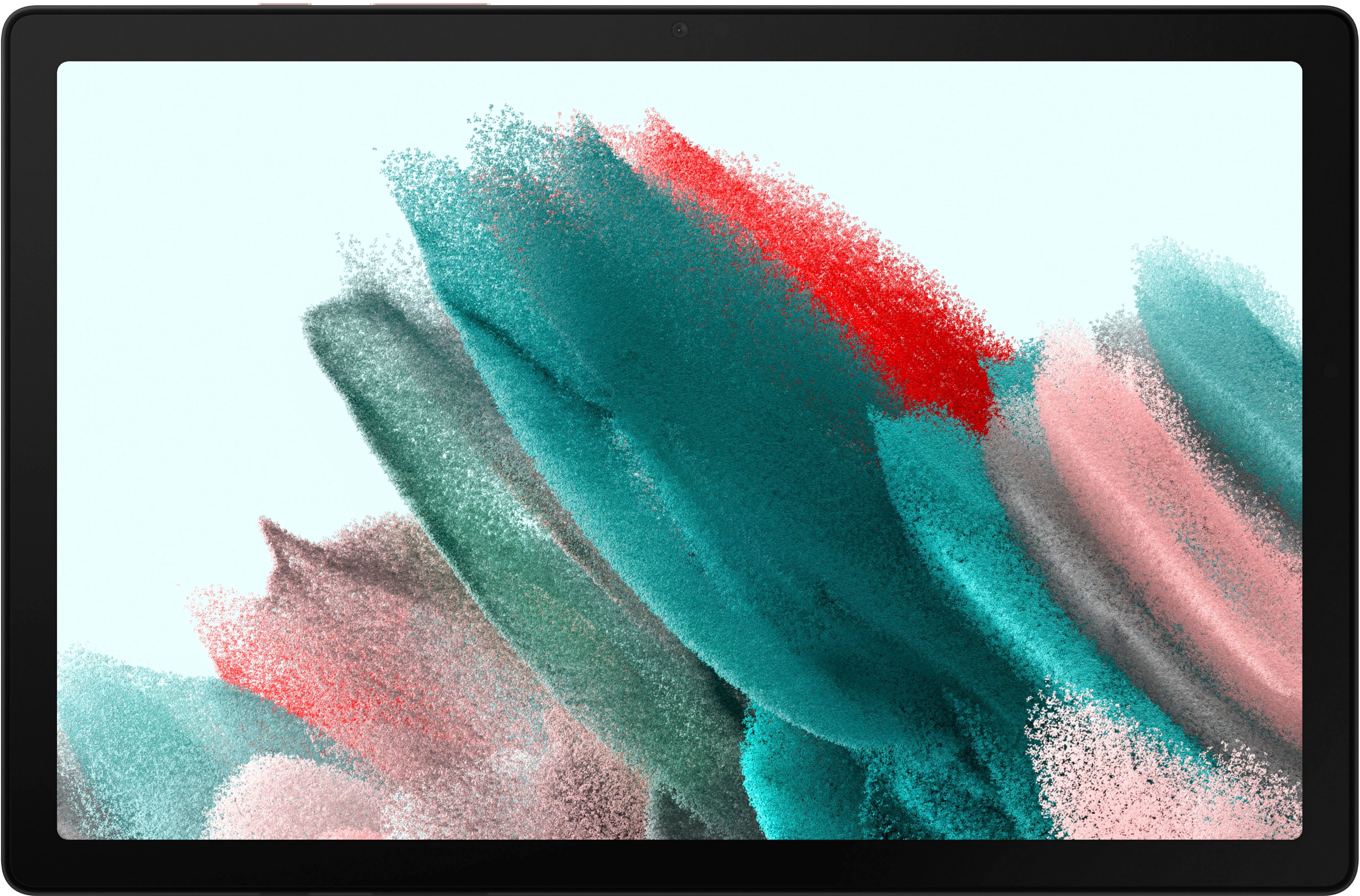
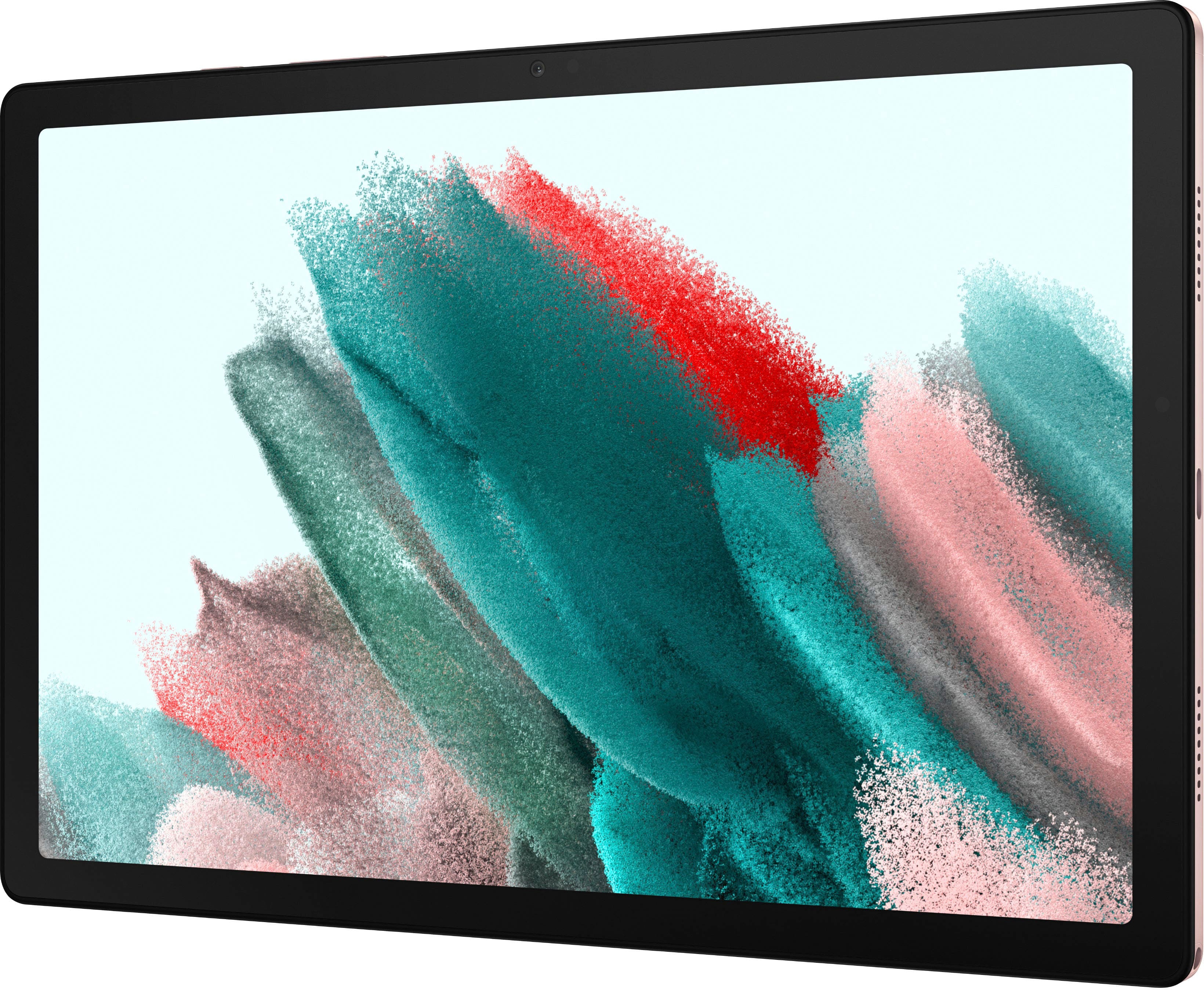
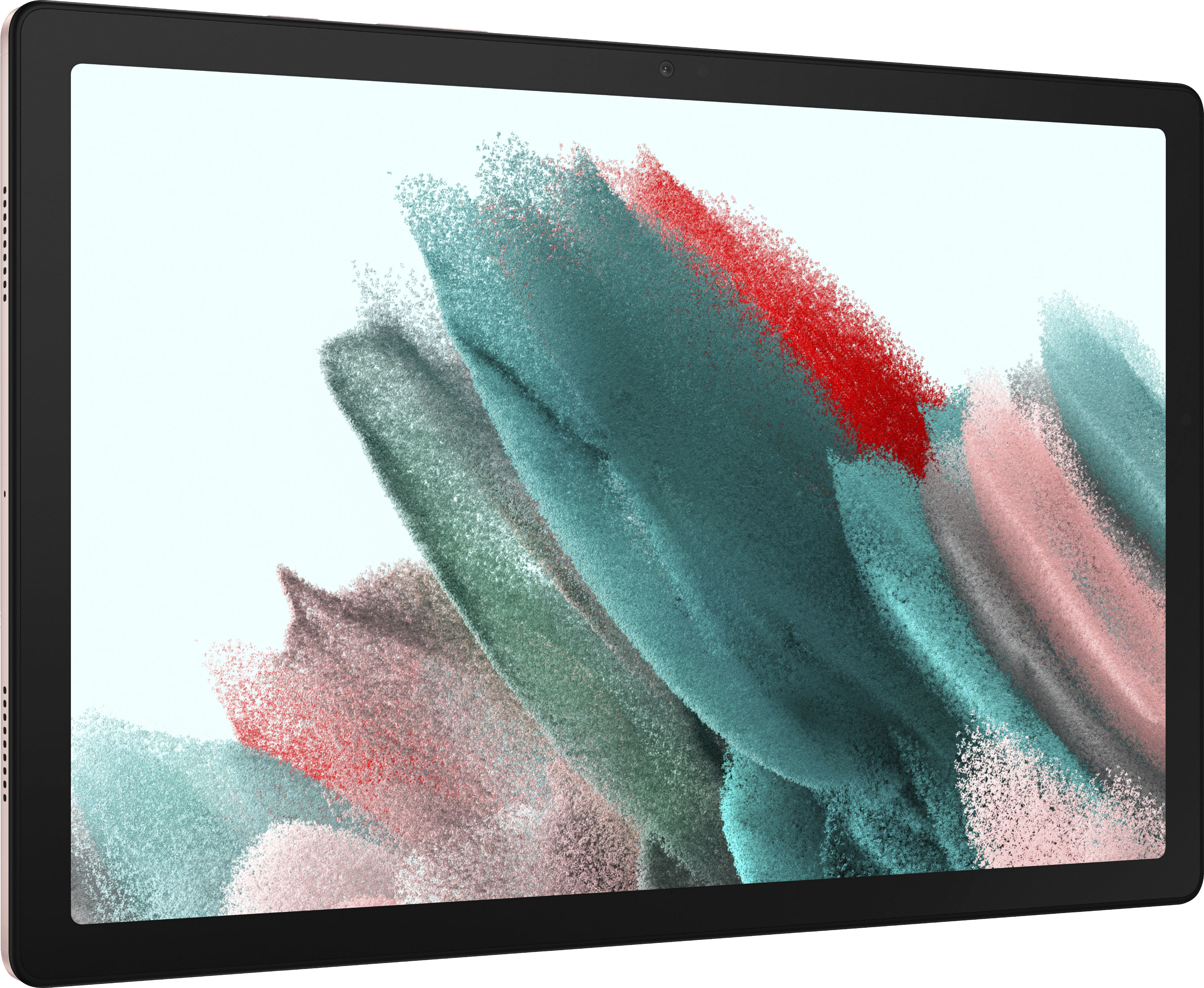
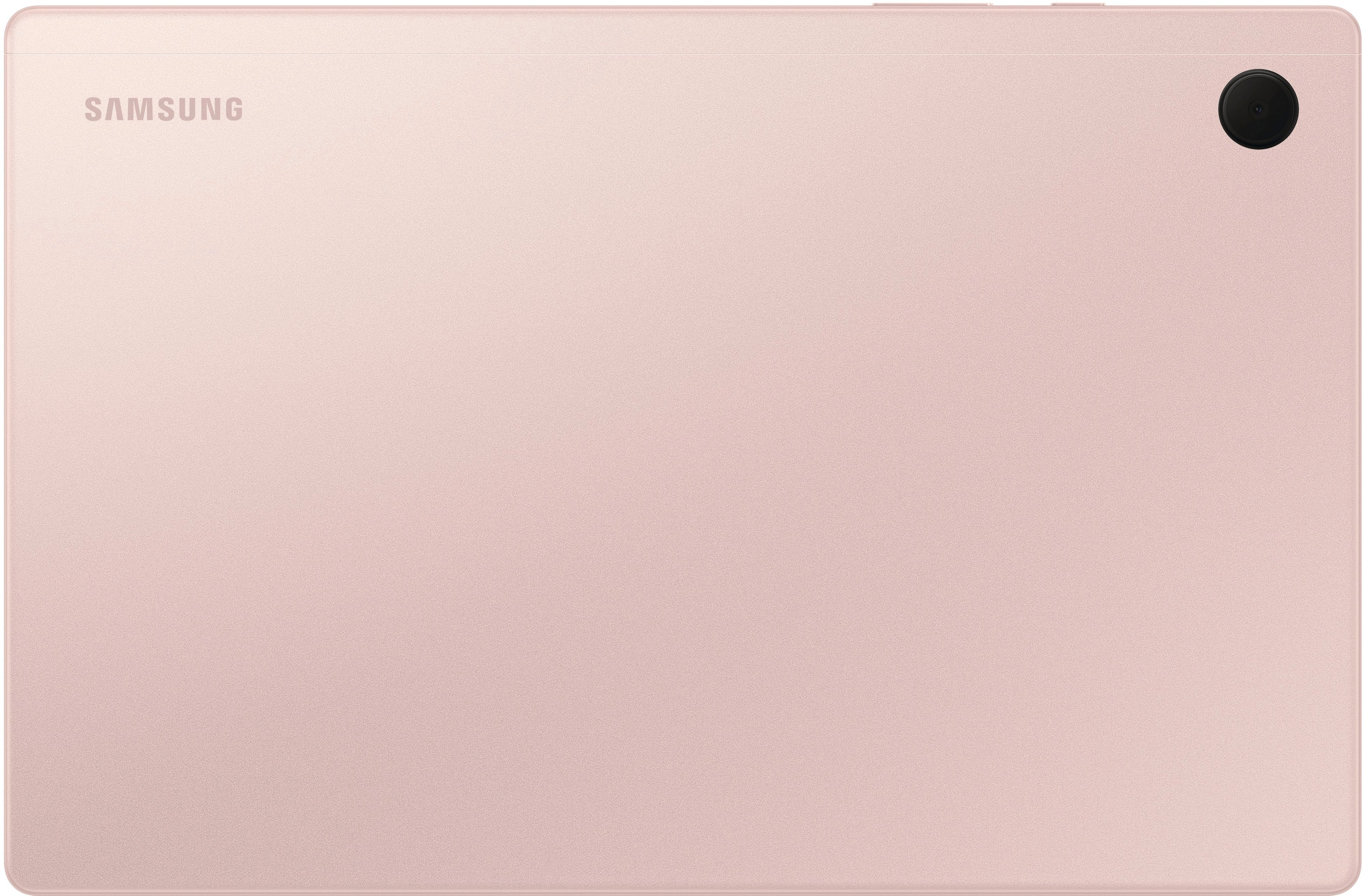
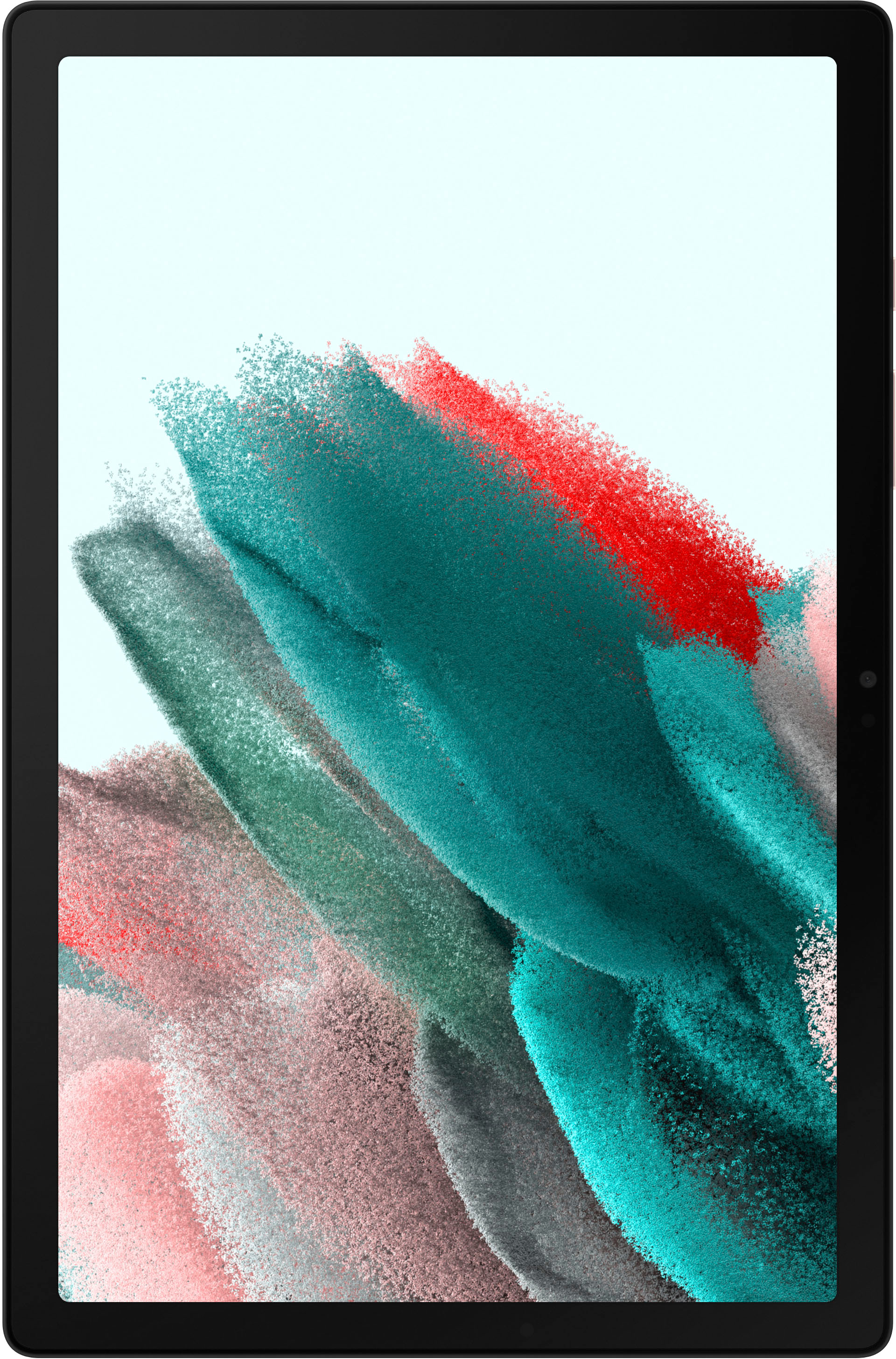
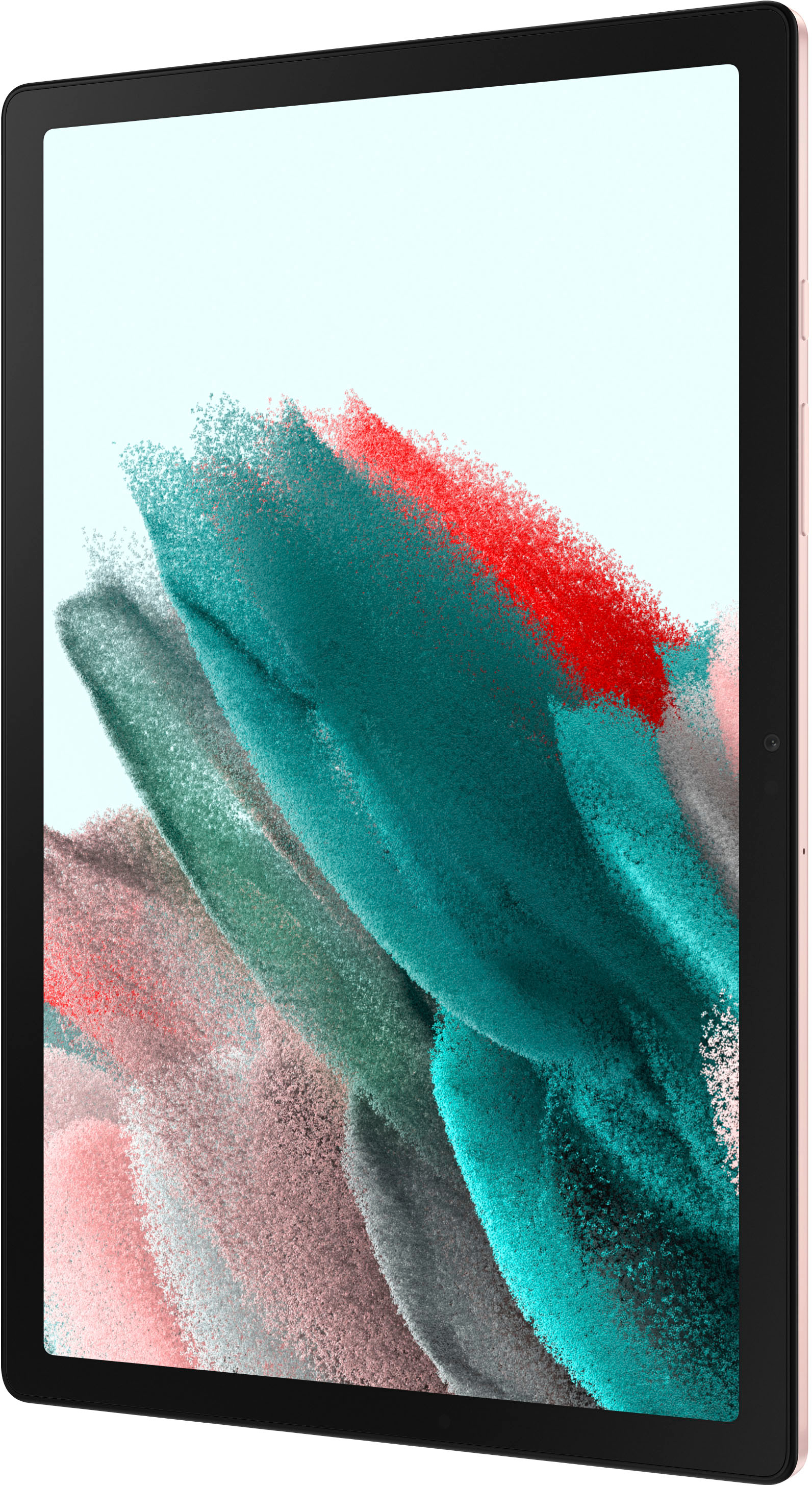
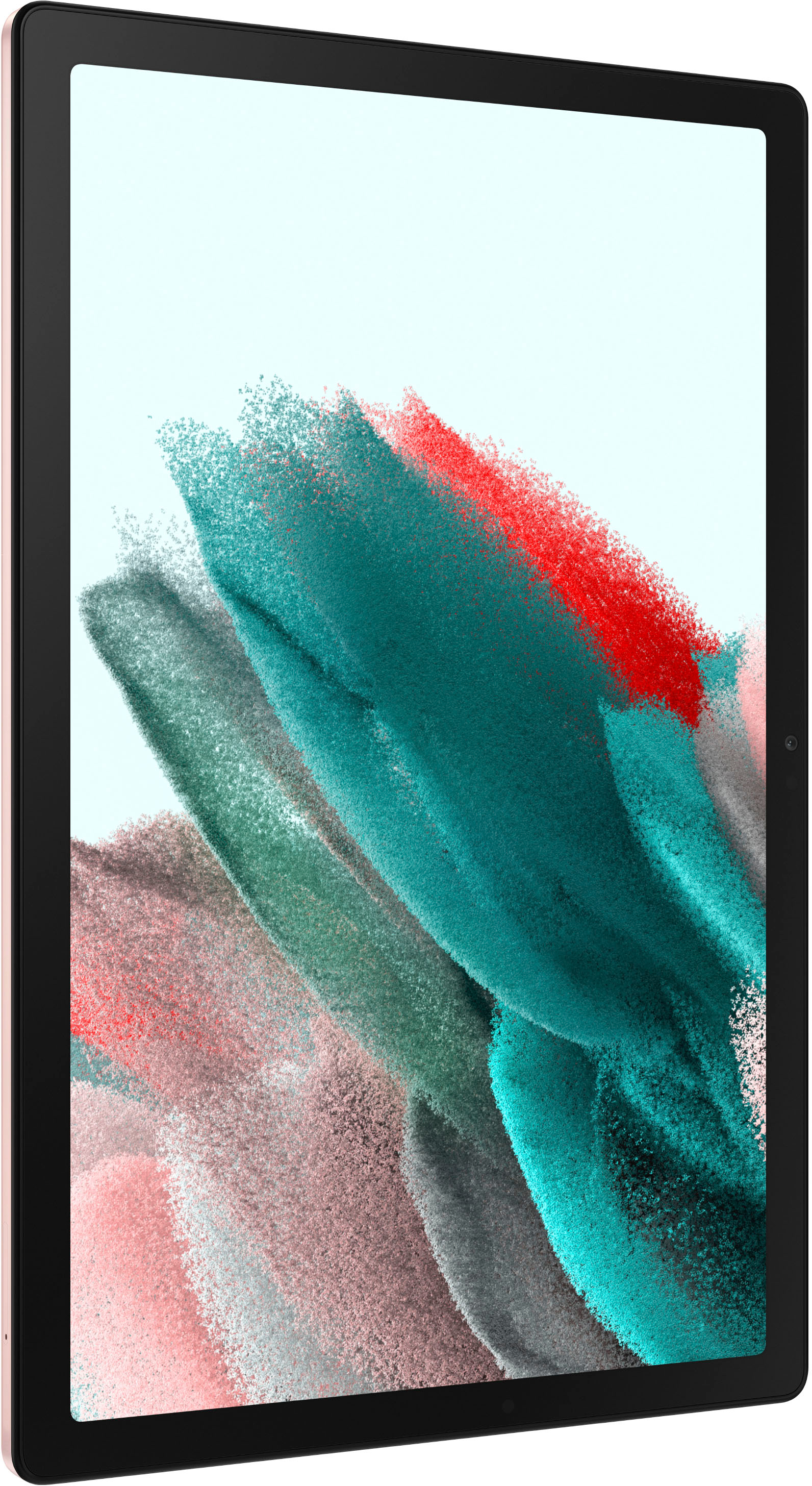
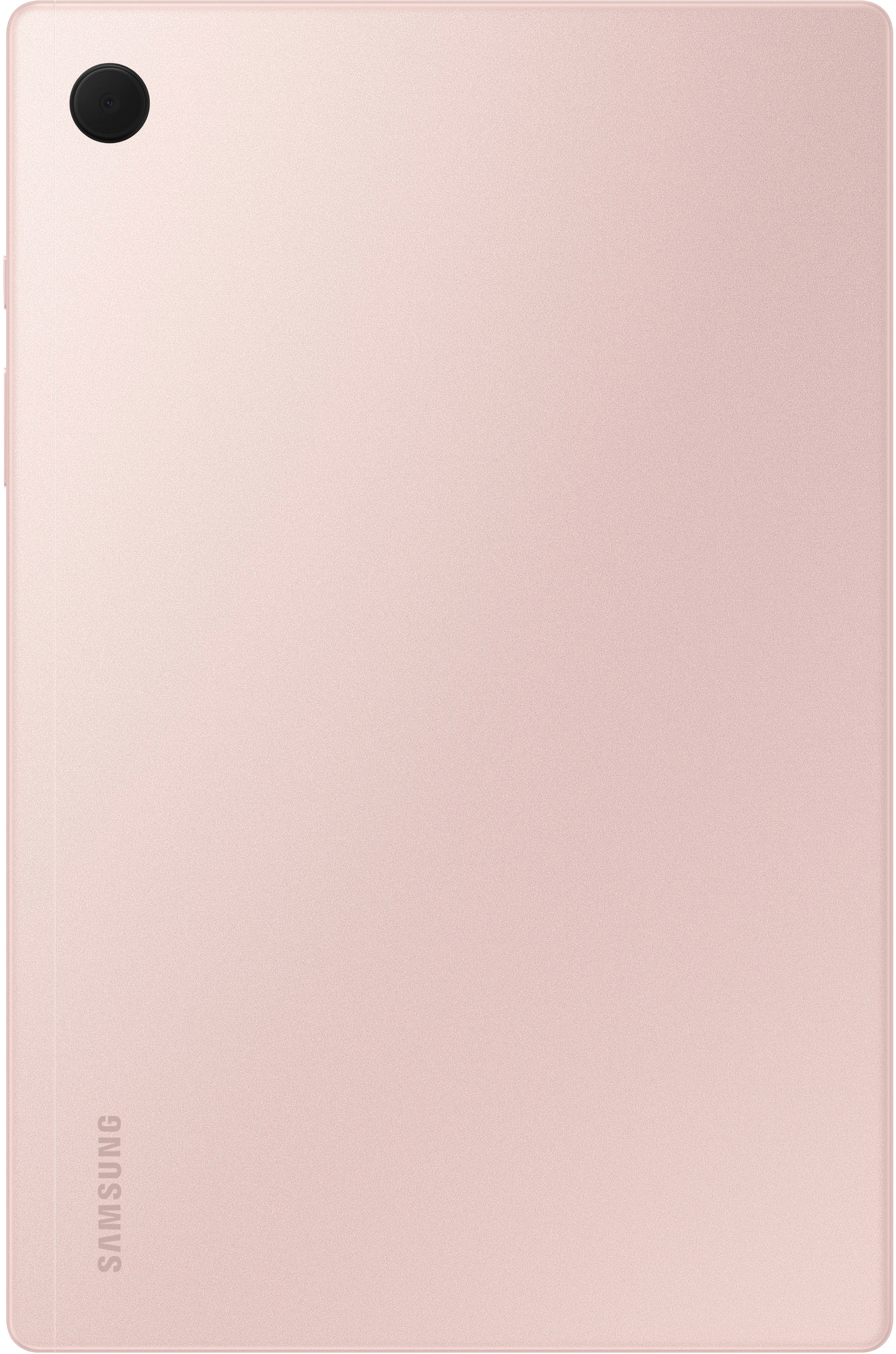
A:AnswerHey there, we appreciate you reaching out to us with your question about the Samsung Galaxy Tab A8. If you are asking if you can wirelessly charge this device it is not compatible with any wireless charger, and would need to be physically plugged in with a cable. Thank you for being a Samsung customer. -Elizabeth
A:AnswerHi there Sam, we appreciate you reaching out to us with your question about the Samsung Galaxy Tab A8. This device does have Bluetooth capabilities, but using a printer will depend upon the printer itself as well as the apps you are attempting to use with printing abilities. For full information and to ensure you can use your device as desired, please reach out directly to the Samsung Support Team. Thank you for being a Samsung customer. -Elizabeth
A:AnswerHi Meme, thank you for reaching out to us with your question about the Samsung Galaxy Tab A8. If you are wanting to use this tablet to read your favorite books, you can browse the Google Play Store to ensure the app you would prefer to use can be downloaded and you will be able to read your favorite or new books. Thank you for being a Samsung customer. -Elizabeth
A:AnswerHi there Bluepanda, thanks for taking the available time out of your busy day to ask us your question about the Samsung Galaxy Tab A8. The advertised version of the Galaxy Tab A8 is a Wi-Fi enabled version that lacks cellular capabilities so it would require a steady Wi-Fi signal in order for it to be fully functional. This version lacks the need for a SIM card so you will not have a SIM card tray available. This tablet does, however, have a microSD card tray to expand out the storage up to 1TB. Let us know if you have any other questions for us by reaching out to Samsung Support at your leisure. Thank you for being a faithful Samsung customer. - Debra
A:AnswerIt definitely can interface with other devices. I use it to connect to an audio interface, and that works seamlessly. I would imagine a hard drive would be no different.