Year-End SaleEnds 1/1/26. Limited quantities. No rainchecks.

Skip to content
Gift Ideas
Main Content

Questions & Answers

Model:
SM-X200NZAAXAR
SKU:
6492906
Your price for this item is $73.99
Clearance
The comparable value price is $229.99
Page Showing 21-40 of 273 questions
  • QuestionWhat year model is this? When was it built and/or released?

    Asked by NovemberDecember.

    • Answer 2022

      Answered by Anonymous

  • QuestionCan a keyboard be bought to work with it?

    Asked by peter.

    • Answer Found on Google: Plug the keyboard or dock into the port on the bottom of the Galaxy Tab. You can use any USB keyboard if you get a USB OTG host cable. This adapter lets you connect a standard-sized USB plug to your Samsung Galaxy Tab.

      Answered by Pleased

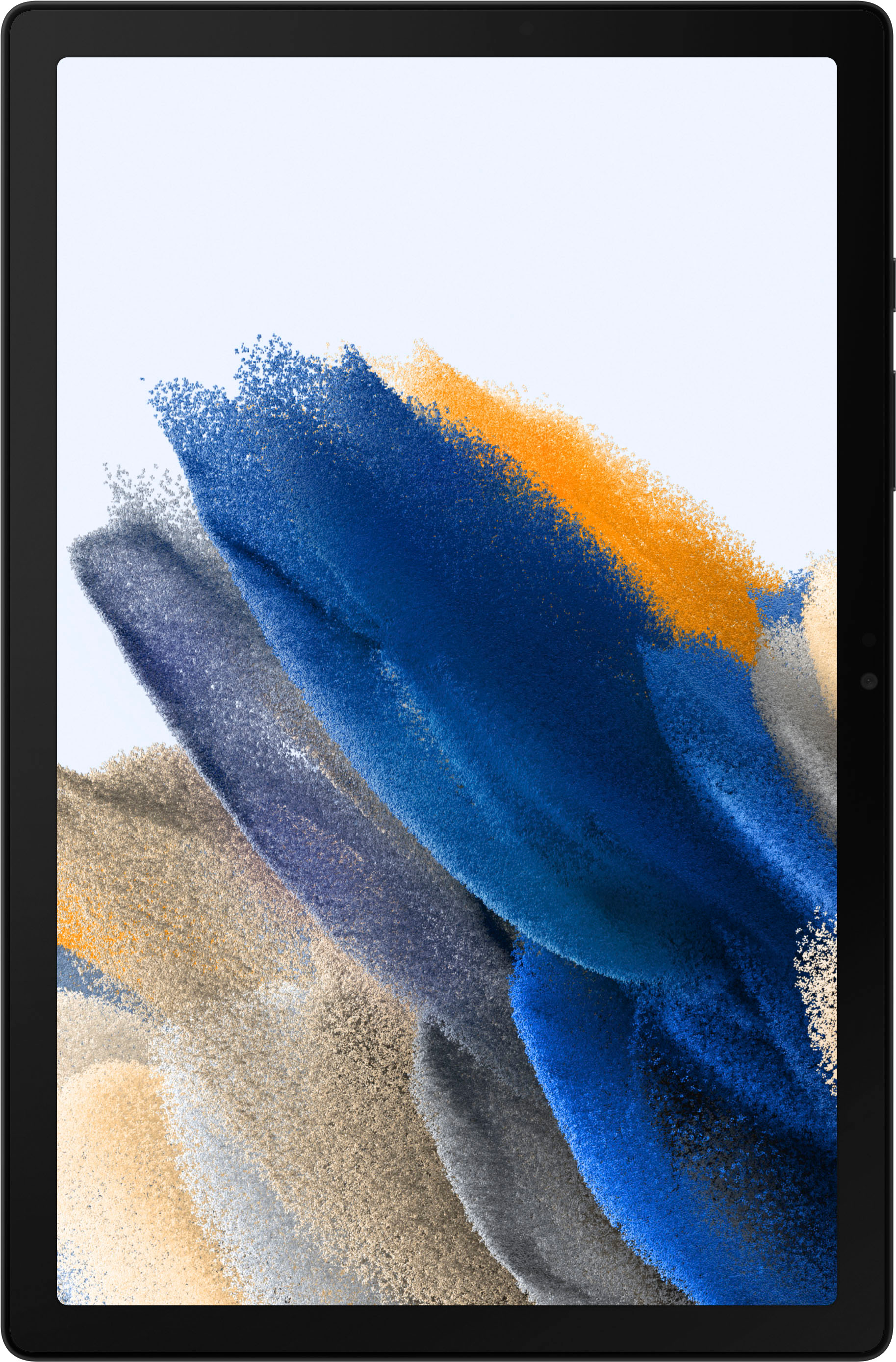
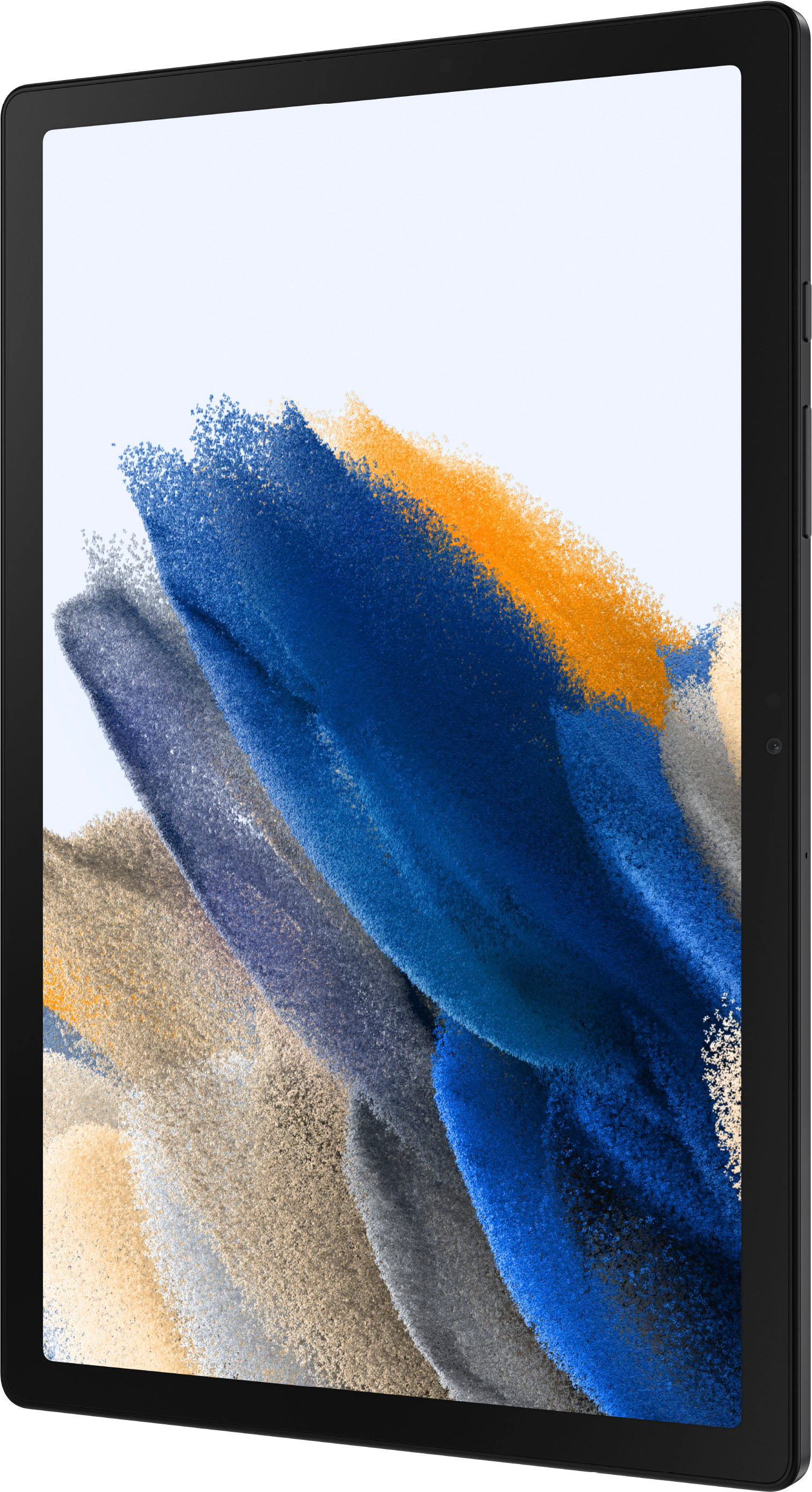
  • QuestionDoes this tablet have touchscreen, and when writing with stylus will it transfer writing to type print?

    Asked by DM.

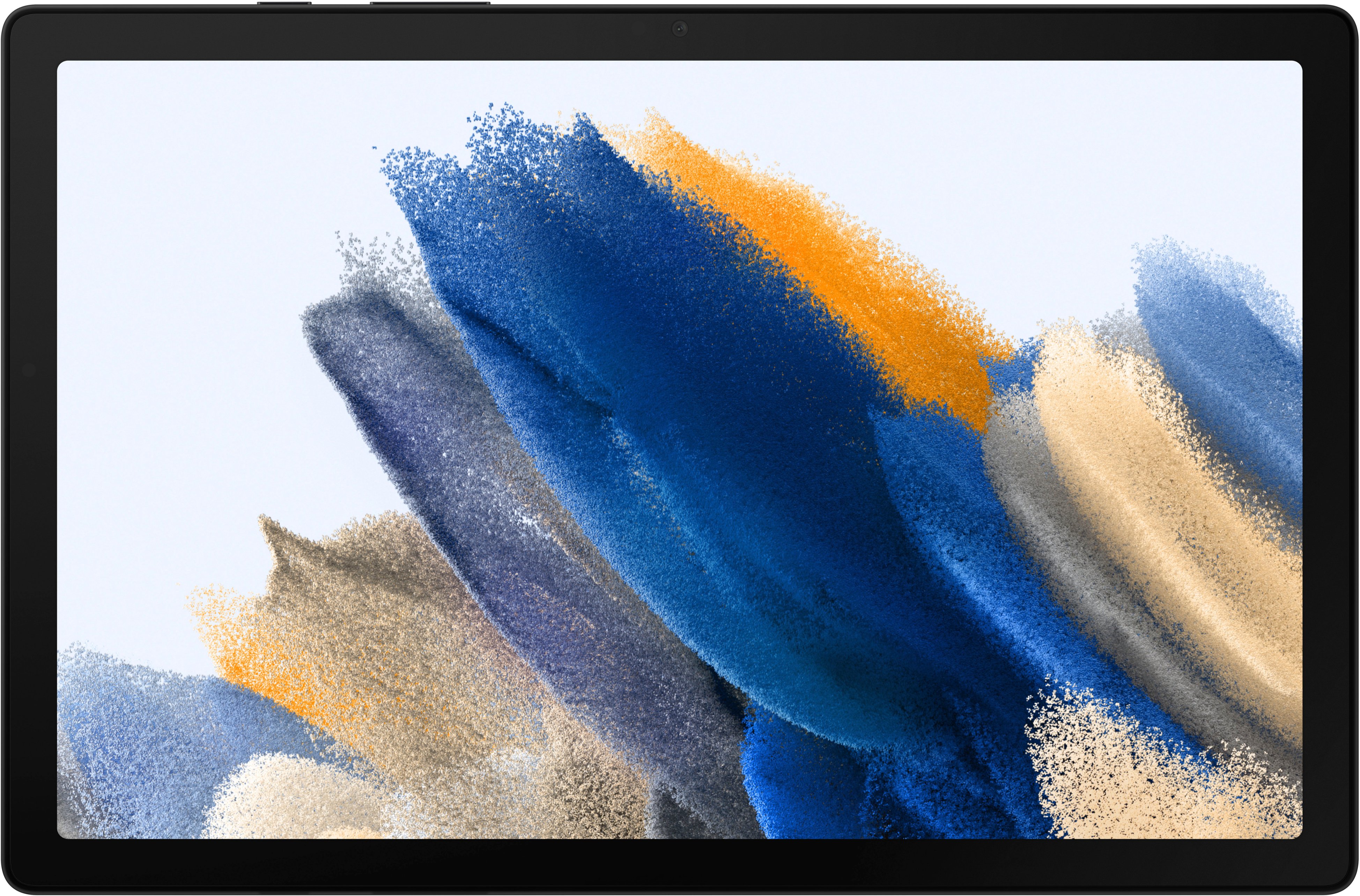
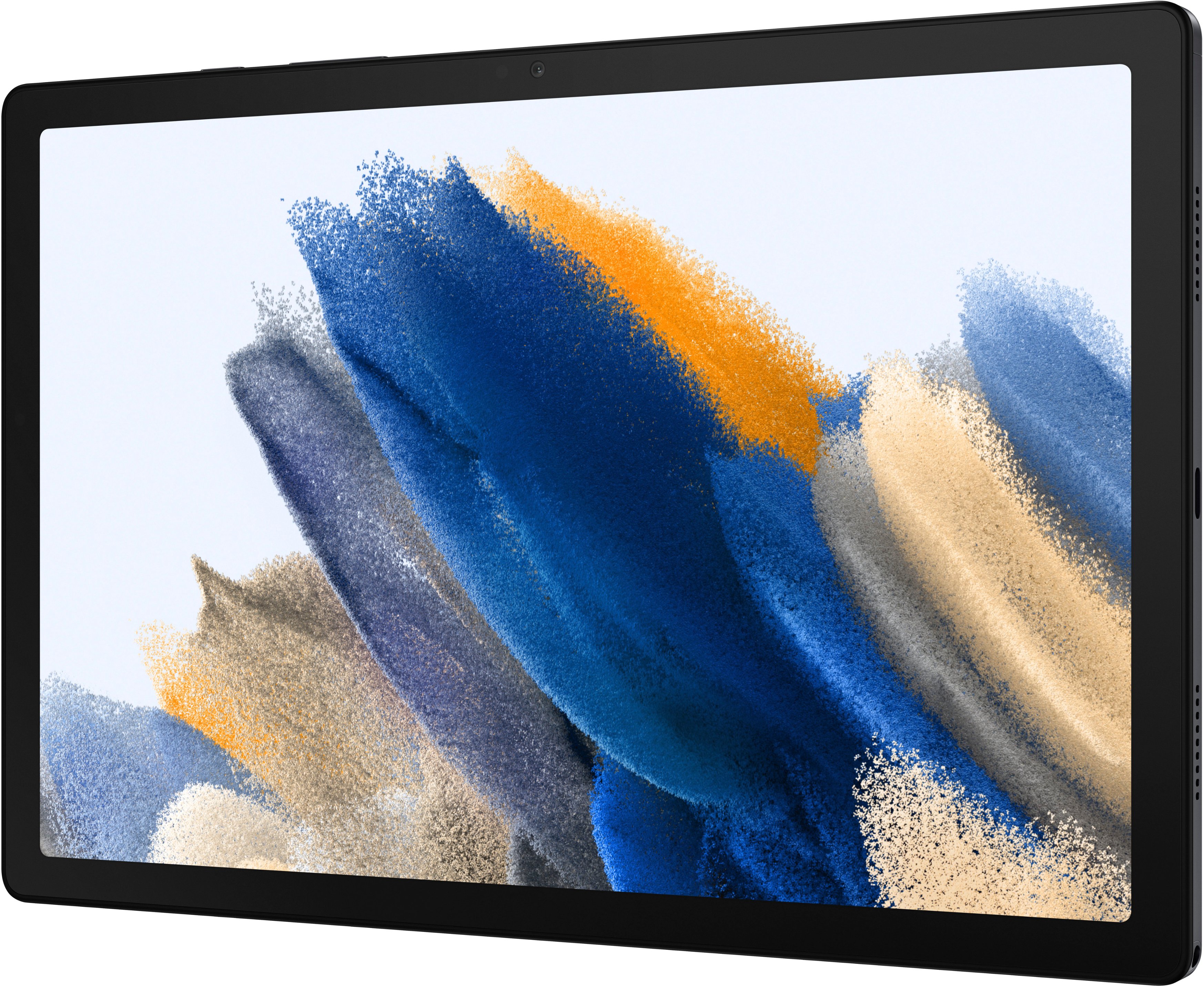
    • Answer Hey DM, thank you for reaching out to us with your question about the Samsung Galaxy Tab A8. This device is absolutely a touch screen, however, it does not support usage of the S Pen. If this accessory is one you feel is a must have, we would be more than happy to find the tablet that will fulfil all of your needs. Thank you for being a Samsung customer. -Elizabeth

      Answered by Samsung

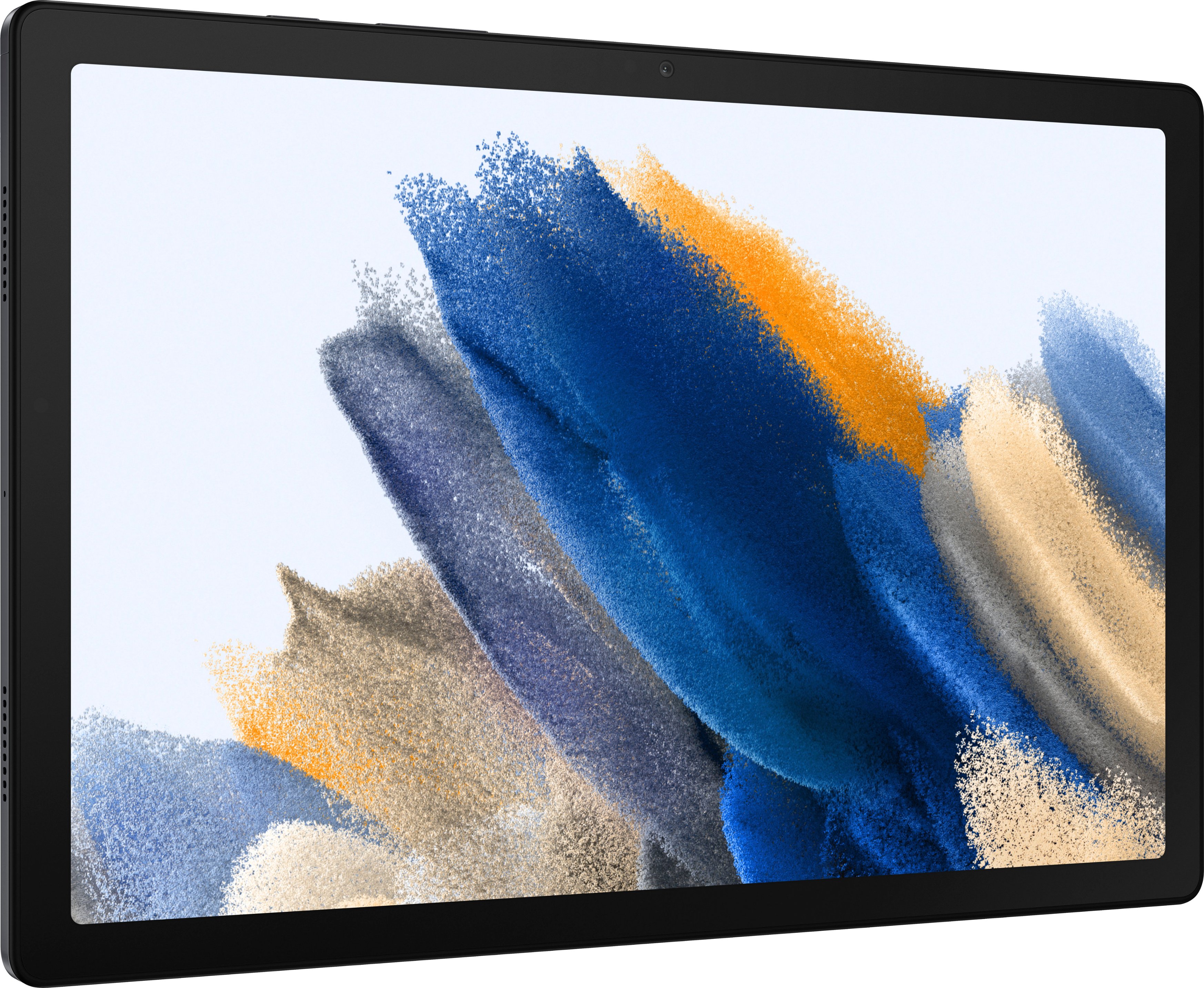
  • QuestionDoes it have a camera.

    Asked by Gloria.

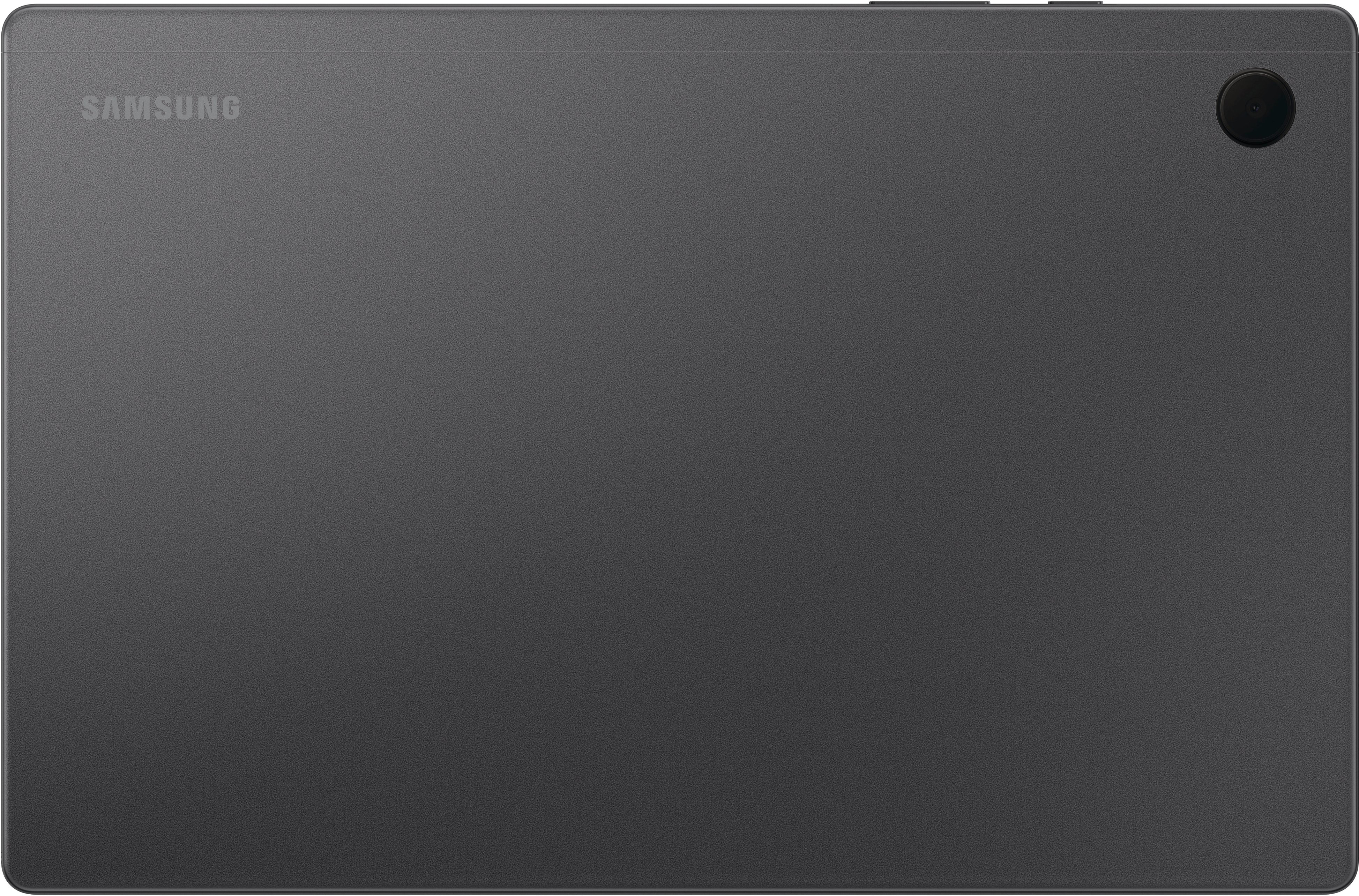
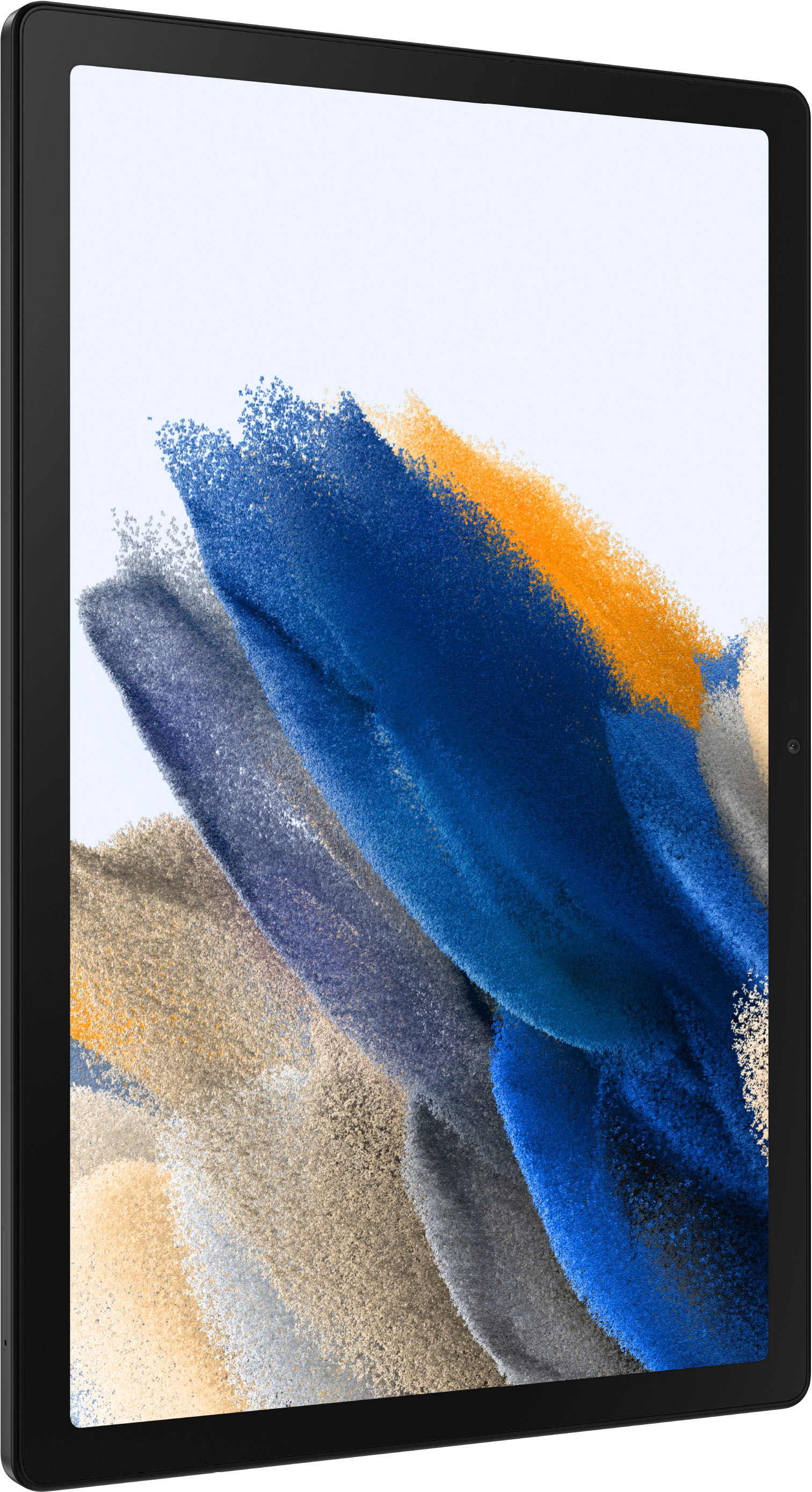
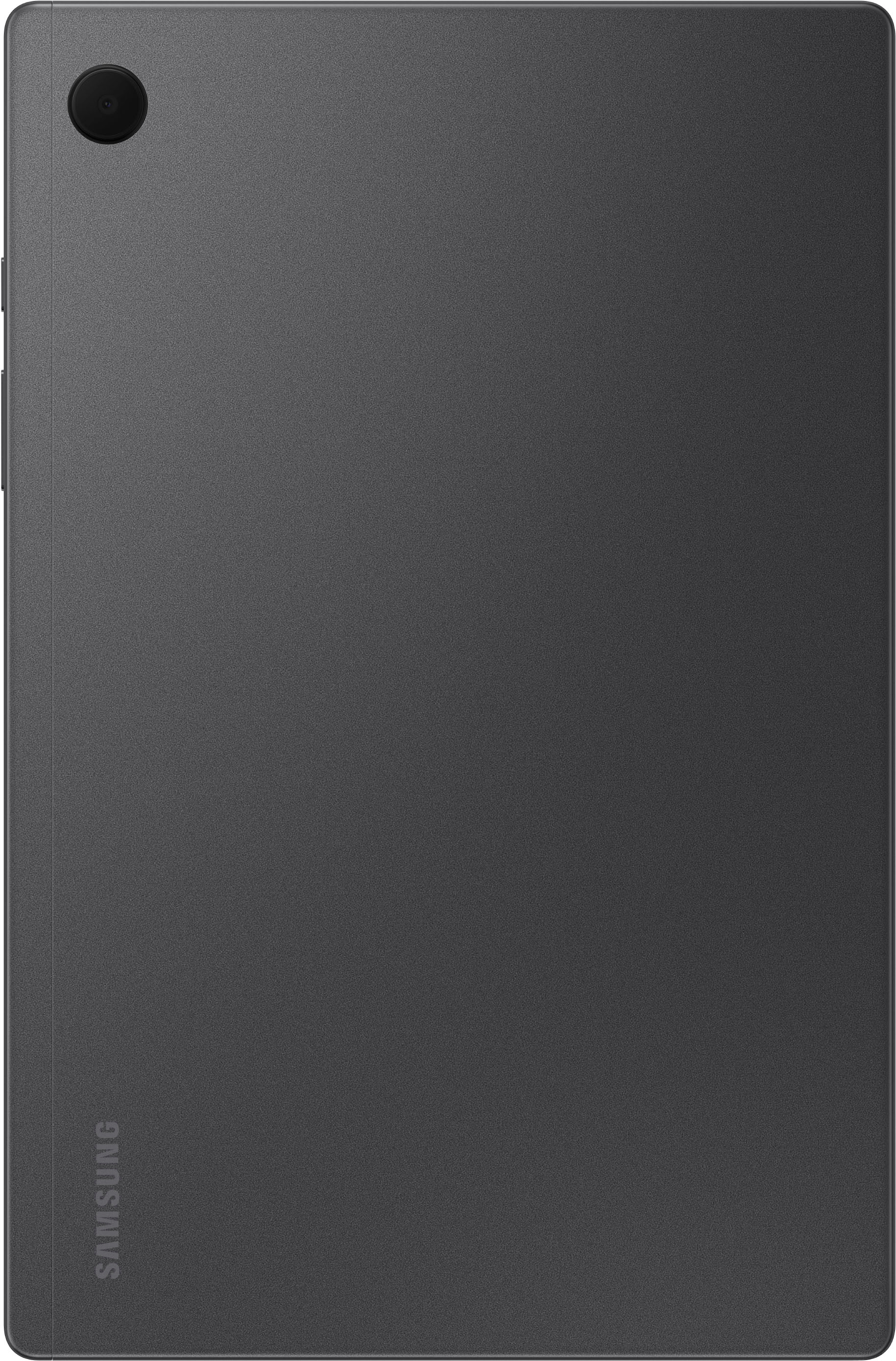
    • Answer Howdy Gloria, Thanks for taking the time out of your hectic day to ask us your question about the Samsung Galaxy Tab A8. That's a great question! Absolutely, the Galaxy Tab A8 does have a 5MP Front camera and an 8MP Rear camera. Let us know if you think of any other questions for us by reaching out to Samsung Support. Thank you for being a devoted Samsung customer. - Debra

      Answered by Samsung

  • Questiondoes it have telephone capability?

    Asked by jerry.

    • Answer Yes it does. You just have to hook it to your local carrier, whatever cell phone company that you use as far as AT&T or sprint or Verizon and then you can make phone calls on it.

      Answered by HeatThing

  • QuestionDo I have to have a carrier in order to download apps and surf internet since it comes with wi-fi?

    Asked by Sillybillys.

    • Answer As long as you can connect to a wifi connection you do not need a carrier. But if you want to access these things in the middle of the woods with no wifi access, yes you would need a carrier. Or you could share your data from your cellphone.

      Answered by Anonymous

  • QuestionCan it be upgraded to android 12 to run Samsung TV Plus

    Asked by AW.

    • Answer Once I set up the tablet it automatically updated to Android 12. I hope that helps you out.

      Answered by Anonymous

  • QuestionCan my kids play most Roblox games on this? Does the processor meets the minimums?

    Asked by bearamedic99.

    • Answer This tablet has no problems running Roblox.

      Answered by Jerry

  • QuestionDoes this tablet support hdmi output (can I connect this to my tv with a usb c to hdmi adapter)?

    Asked by Psfan711.

    • Answer After doing some additional research online, it appears that this tablet doesn't support DP Alt Mode so trying to connect it to a tv using a usb c to hdmi adapter to mirror the display will not work. I can verify this from personal experience having attempted it. When I tried to use a usb c to hdmi adapter, the tablet screen did not output to the tv.

      Answered by Psfan711

  • QuestionCan you tell me what the processor speed is? Thank you.

    Asked by Motherearth.

    • Answer Hi Motherearth! Thank you for reaching out to us. We appreciate your interest in knowing the processor speed for Galaxy Tab A8. Its processor speed is Octa-core (2x2.0GHz+6x2.0GHz). For more information under the "Compare the Models" section, you may visit our website and look for "Processor Speed": https://www.samsung.com/us/mobile/tablets/buy/?modelCode=SM-X200NZAAXAR. Should you need more assistance, please feel free to get back to us via the following options: 1. Facebook Messenger: http://m.me/samsungsupport 2. Twitter: https://twitter.com/messages/compose?recipient_id=18768513 3. Samsung Community: https://us.community.samsung.com/t5/Samsung-Community/ct-p/us Reference #: 1144216302 Have a great day. Melardo

      Answered by Samsung

  • QuestionDoes it have 3.3mm headphones

    Asked by Driv3rx.

    • Answer Yes

      Answered by EMANUELC

  • QuestionCan it work with a Sims card to make it work with cellular service

    Asked by Anonymous.

    • Answer Hello there, thank you for finding the available time out of your lively day to ask us your question about the Samsung Galaxy Tab A8. No, the advertised version of this tablet is a Wi-Fi enabled version that lacks cellular capabilities so it would require a steady Wi-Fi signal in order for it to be fully functional. You are looking for an LTE/cellular version of this tablet if you are wanting a cellular carrier to provide mobile services to it when you are not in the presence of a Wi-Fi connection. Let us know if you have any other questions for us by reaching out to Samsung Support at your earliest convenience. Thank you for being a steadfast Samsung customer. - Debra

      Answered by Samsung

  • QuestionWill this tablet be able to use a S Pen or any Pen to navigate in on the screen?

    Asked by Faith.

    • Answer I don't think so.

      Answered by Jamestime1

  • QuestionHow is it for controlling a Unistellar digital telescope?

    Asked by Moonboy.

    • Answer Hi there Moonboy, we appreciate your question about the Samsung Galaxy Tab A8. We understand wanting to ensure your device will help enhance your enjoyment of your favorite hobbies. Without knowing the specifics of the telescope and the software required, we recommend reaching out to the manufacturer of the telescope to help ensure you can use the tablet with their software whether that be through app or other means. Thank you for being a Samsung customer. -Elizabeth

      Answered by Samsung

  • QuestionI cannot sign into my New Samsung Galaxy Tablet. I set it up using a pin to sign in, but, it is Not working?

    Asked by Gracie.

    • Answer Greetings Gracie, thank you for finding the opportunity to ask us your question about the Samsung Galaxy Tab A8. If your tablet is not recognizing your PIN, pattern, password, fingerprint, or face unlock, rebooting the device or entering Safe Mode can help solve the problem. Sometimes you may be prompted to try an alternate method, like your password. Take a look at, "Unable to unlock Galaxy phone or tablet's screen" when you have some free time for some quick troubleshooting steps to help resolve what you may be experiencing with your tablet. Let us know if you would like any further assistance by contacting Samsung Support at your leisure. Thank you for being a trustworthy Samsung customer. - Debra
      Answered by Samsung

  • Questiondoes the samsung a8 have a built in camera

    Asked by Anonymous.

    • Answer Salutations, thanks for taking the time out of your busy day to ask us your question about the Samsung Galaxy Tab A8. That's a great question! Yes, the Galaxy Tab A8 has a 5MP Front camera and an 8MP Rear camera. Please feel free to reach out to Samsung Support if you have any other questions for us! Thank you for being a faithful Samsung customer. - Debra

      Answered by Samsung

  • Questionhello, can you watch you tiktok videos on here

    Asked by yaney.

    • Answer Hi Yaney, thank you for your question about the Samsung Galaxy Tab A8. When you get this device, in the Google Play Store you can download any of your social apps and enjoy your usage. Thank you for being a Samsung customer. -Elizabeth

      Answered by Samsung

  • QuestionDoes it have the option to multitask screen

    Asked by Anonymous.

    • Answer Hello, we appreciate you reaching out to us with your question about the Samsung Galaxy Tab A8. You can absolutely use multitasking with this device and use these steps to do so, tap Recents in the Navigation bar. Tap your desired app's icon (not on the preview field), and then tap Open in split screen view. To open another app in split screen view, tap on a second app from Recents or through the Apps screen. The apps will display next to one another, and you can use both at the same time. Please reach out to us if you have any additional questions about your Samsung products. Thank you for being a Samsung customer. -Elizabeth

      Answered by Samsung

  • QuestionDoes this tablet have GPS satellite?

    Asked by Sis.

    • Answer Only if you buy one that has cellular data. Or you can use your phones hotspot and should work in your car.

      Answered by Joseph