Refund Refresh 4-Day SaleEnds Monday. Limited quantities. No rainchecks.Shop now

Skip to contentGo to Product Search
Main Content

Questions & Answers

$259.99
Save $60
Comp. Value: $319.99
Deal ends tomorrow
Page Showing 41-60 of 150 questions
  • Questiondoes it support all Microsoft apps?

    Asked by Jeff.

    • Answer It is an Android, and therefore supports Android apps.

      Answered by StewartL

  • QuestionDo I need to buy an SD card for this tablet?

    Asked by Cowboy.

    • Answer You don't have to, but I would recommend it, just for extra storage

      Answered by GMS1

  • QuestionCan you Use a SIM card in these Models?

    Asked by G.

    • Answer No. This tablet is WiFi ONLY

      Answered by GMS1

  • QuestionIs it possible to update the Android system on this tablet?

    Asked by Dani.

    • Answer Yes. Mine is updated to the latest version, Android Version 16 and UI Version 8.0.

      Answered by StewartL

  • Questionwhat size of microoSD card do i need for this tablet

    Asked by joiee.

    • Answer Hey Joiee, thank you for asking us your question about the Samsung Galaxy Tab A9+. The Galaxy Tab A9+ supports microSD cards up to 1TB for expanded storage. A card is not necessary but highly recommended if you store many photos, videos, or apps. Let us know if you have additional questions for us by contacting Support. Thanks for being a valued Samsung customer. - Debra

      Answered by Samsung

  • QuestionCan you use a stylus on this

    Asked by Jeff.

    • Answer Hi Jeff, thank you for asking us your question about the Samsung Galaxy Tab A9+. No, the Galaxy Tab A9+ is not compatible with the Galaxy S Pen. A generic capacitive stylus pen may be a viable option for you instead. If you have any other questions for us or if you would like further assistance, please feel free to reach out to Support. Thank you for being a treasured Samsung customer. - Debra

      Answered by Samsung

  • QuestionCan this tablet be used international

    Asked by Anonymous.

    • Answer Aloha, thanks for asking us your question about the Samsung Galaxy Tab A9+. Yes, the advertised Galaxy Tab A9+, purchased in the USA, can often be used internationally as this Wi-Fi model would only be limited by local Wi-Fi regulations or hotspot availability. If you have additional questions for us or if you would like any further assistance, please feel free to reach out to Support. Thanks for choosing Samsung! - Debra

      Answered by Samsung

  • QuestionWhat trial subscription c0me with this tablet

    Asked by Anonymous.

    • Answer Howdy, thanks for asking us your question about the Samsung Galaxy Tab A9+. The advertised Galaxy Tab A9+ may include various trial subscriptions, which varies based on the retailer and specific promotion at the time of purchase. If you have additional questions, please reach out to Support. Thanks for being a dedicated Samsung customer. - Debra

      Answered by Samsung

  • Questioncan this play world of warcraft

    Asked by snoop.

    • Answer Hi Snoop, thanks for asking us your question about the Samsung Galaxy Tab A9+. It looks like there's no native Android app for the PC version of World of Warcraft, however, you may be able to play using your cloud gaming services or by streaming from your PC. If you have additional questions for us, please feel free to contact Support. Thanks for being a faithful Samsung customer. - Debra

      Answered by Samsung

  • QuestionCan the Samsung Galaxy Tab A9+ read, work with Kindle?

    Asked by KCKeys272.

    • Answer Installed Kindle app. No issue so far.

      Answered by WilliamS

  • QuestionDoes it have good sound speakers?

    Asked by Anonymous.

    • Answer Yes, very good sound.

      Answered by Frank

  • QuestionDoes it have a reading mode or is the screen matt?

    Asked by Car.

    • Answer Good day Car, thanks for reaching out with your question about the Samsung Galaxy Tab A9+. The Galaxy Tab A9+ offers Eye Comfort Shield, Dark Mode, and adjustable brightness to enhance your reading experience. If you have any other questions for us or if you would like further assistance, please let us know by contacting Support. Thanks for being a faithful Samsung customer. - Debra

      Answered by Samsung

  • QuestionCan I voice dictate or emails and Google docs. And also can I do Google home commands?

    Asked by Bruce.

    • Answer Hello Bruce, thanks for taking the time to ask us your questions about the Samsung Galaxy Tab A9+. Yes, the advertised Galaxy Tab A9+ supports voice dictation for Google Docs. The tablet has a built-in microphone and allows you to use either Google Voice Typing or Samsung Voice Input, which are integrated with the on-screen keyboard. A Google Assistant is also built-in to allow you to use voice commands to help control Google Home. If you have any other questions for us, please feel free to reach out to Support. Thanks for being a staunch Samsung customer. - Debra

      Answered by Samsung

  • QuestionDoes it have ac cover to help protect the screen

    Asked by Winnie.

    • Answer Hello Winnie, thanks for taking the time to ask us your question about the Samsung Galaxy Tab A9+. The Book Cover Keyboard Slim for Galaxy Tab A9+ and the Book Cover for Galaxy Tab A9+ are compatible with the Galaxy Tab A9+ to provide protection to your display. If you have additional questions or if you would like further assistance, please let us know by contacting Support. Thanks for being a cherished Samsung customer. - Debra

      Answered by Samsung

  • QuestionCan it connect to internet

    Asked by Anonymous.

    • Answer Yes. It connects to the internet via WiFi.

      Answered by StewartL

  • Questiondoes best buy have a samsung tablet that will work on the verizon cell network

    Asked by j.

    • Answer YES

      Answered by MerariE

  • QuestionIs the screen anti-glare?

    Asked by Nancy.

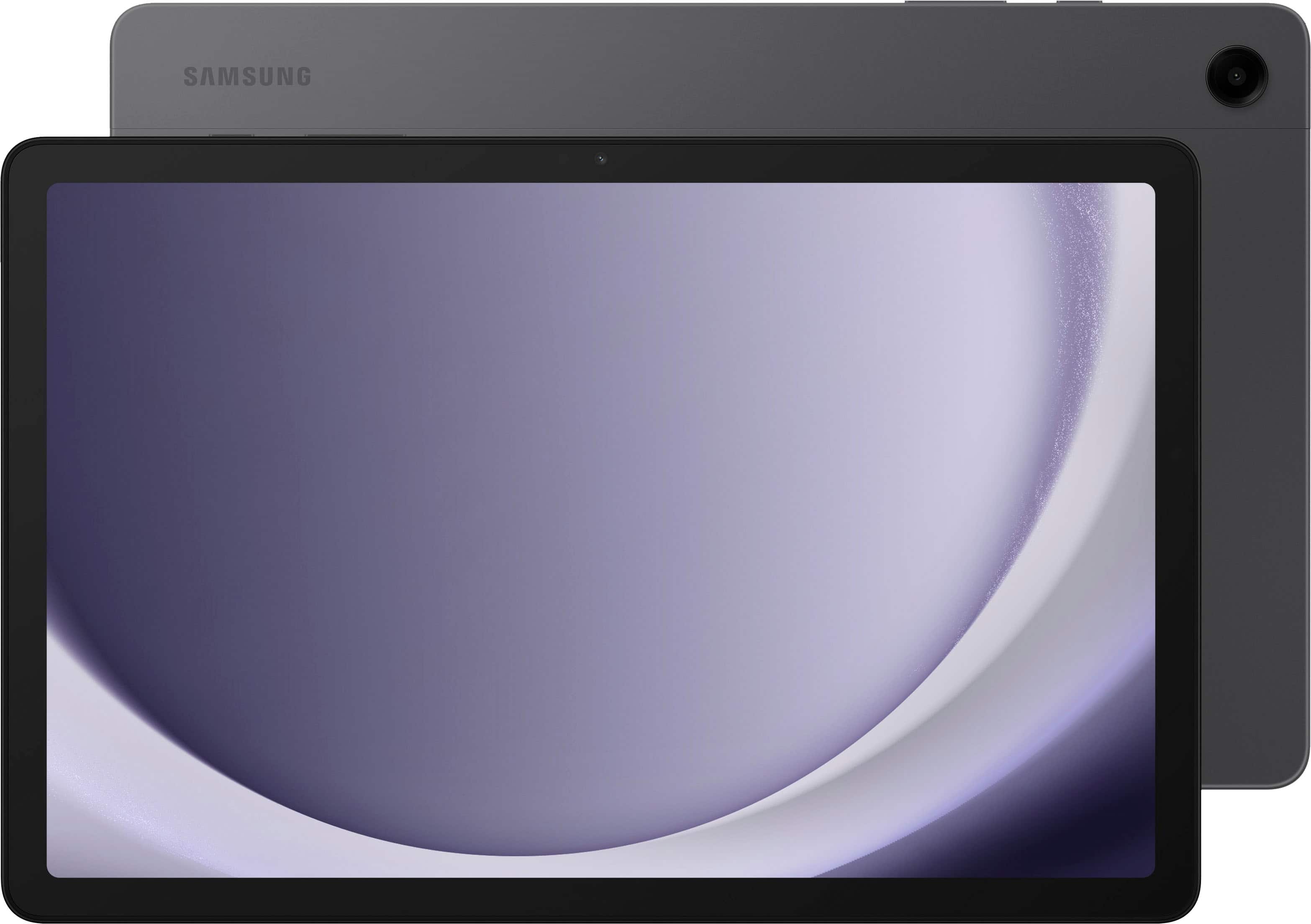
    • Answer Hello there Nancy, thanks for reaching out with your question about the Samsung Galaxy Tab A9+. The Galaxy Tab A9+ does not have a built-in anti-glare screen, however, a screen protector could be helpful in reducing glare and fingerprints. If you have any other questions for us or if you would like any further assistance, please do not hesitate to contact Support. Thanks for choosing Samsung! - Debra
      Answered by Samsung

  • Questioncan i use it to read books?

    Asked by Anonymous.

    • Answer Yep. That's one of my primary usages for it and the screen is nice and sharp. Kindle provides a compatible app for Android if that's your primary source plus there are no end of more general purpose readers for e-books, digital comics, PDFs, and other formats.

      Answered by BrianD

  • QuestionDoes it come with a charger

    Asked by pienkie.

    • Answer Hello there Pienkie, thank you for taking the opportunity to ask us your question about the Samsung Galaxy Tab A9+. Here's what's included in the box when you purchase the Galaxy Tab A9+; Galaxy Tab A9+ Tablet, Data Cable, and Quick Start Guide. Let us know if you have additional questions for us by reaching out to Support. Thanks for being a valued Samsung customer. - Debra

      Answered by Samsung

  • QuestionCan you connect to a monitor with a docking station? If so, how? If not, are there alternative ways to display it on a larger screen?

    Asked by SamsumgAl.

    • Answer Hey there SamsumgAl, thank you for taking the time to ask us your questions about the Samsung Galaxy Tab A9+. No, the advertised Galaxy Tab A9+ doesn't support a direct wired connection to a monitor via a standard USB-C docking station as the USB-C port lacks video output capabilities. Some alternative methods for display may include using a wireless connection like Samsung DeX on a compatible TV or monitor, or a third-party adapter for a wired solution. If you have any other questions for us or if you would like any further assistance, please feel free to reach out to Support. Thanks for being a faithful Samsung customer. - Debra

      Answered by Samsung