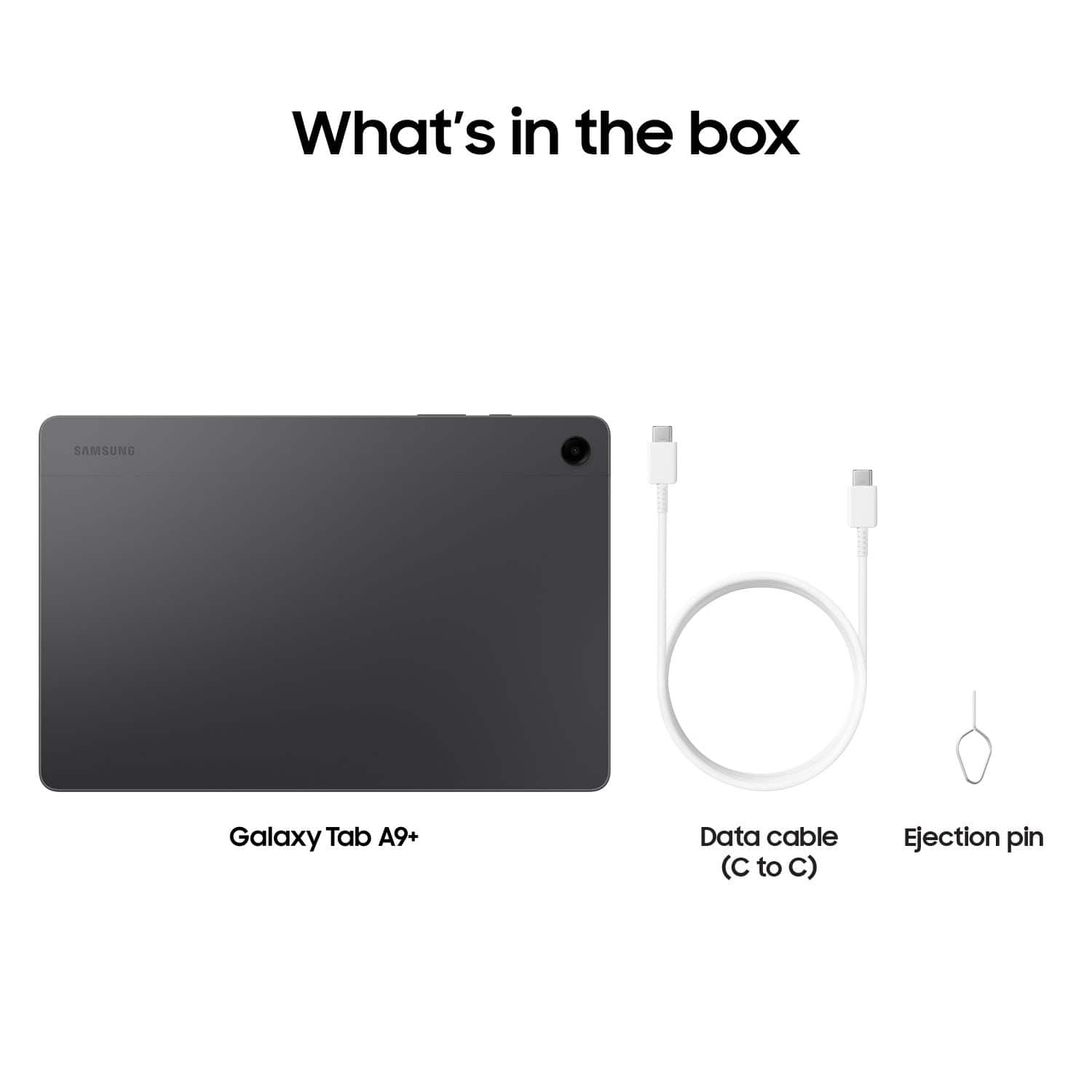
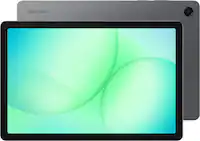
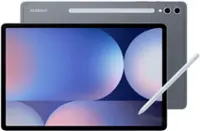
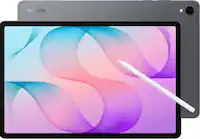
A:AnswerAloha, thanks for taking the time out of your busy day to ask us your question about the Samsung Galaxy Tab A9+. Those are great questions! No, the Galaxy Tab A9+ is not compatible with the S Pen so one will not be included in the box or with any keyboard covers. If you have any other questions for us, let us know by contacting us again at your leisure. Thank you for being a steadfast Samsung customer. - Debra
A:AnswerThanks for reaching out to us. We see that you reached out to inquire about the Galaxy A9+. Samsung releases quarterly firmware security updates on the Galaxy A9+. As of January 2024, we are extending our security update support for Samsung Galaxy devices by up to 7 years, to help our users enjoy the latest Galaxy experiences longer and securely! For more information, be sure to check out our "Security Updates Scope" page. If you have any other questions, do not hesitate to reach out to us at Support. -Kelvin
A:AnswerWe appreciate you taking the time to reach out to us! We see that you inquired about the Galaxy Tab A9+. Since this is a Wi-Fi model of the A9+, you would not be able to use a sim with this tablet, however we do offer LTE versions of the Tab A9+. If you have any further questions, please be sure to reach out to us at Support. -Kelvin
A:AnswerHello Sergei, thank you for finding the time out of your lively day to ask us your question about the Samsung Galaxy Tab A9+. Android 14 is offered with the Galaxy Tab A9+. If you have any other questions, please do not hesitate to reach out! Thank you for being a treasured Samsung customer. - Debra
A:AnswerHi there Shadow, thanks for taking the time to ask us your question about the Samsung Galaxy Tab A9+. No, the Galaxy Tab A9+ does not support the S Pen so it is not included in the box when you purchase this tablet. Feel free to reach back out to us if you have any other questions. Thank you for being a loyal Samsung customer. - Debra
A:AnswerThank you for reaching out with your inquiry about the Galaxy Tab A9+. Yes, you can log into multiple accounts on a Samsung Galaxy tablet. Please note that the first account added to the tablet will be the administrator account. This account has full control of the device and can manage other accounts. Make sure to switch to this account before creating or editing user accounts. For any further questions, please be sure to reach out to us at Support. -Kelvin
A:AnswerGood day, thank you for finding the free time out of your busy day to ask us your question about the Samsung Galaxy Tab A9+. The Tab A9+ was launched this year, 2024. If you have additional questions, please feel free to reach out to Samsung Support at your earliest convenience. Thank you for being an unwavering Samsung customer. - Debra
A:AnswerThank you for reaching out, Simon. We are pleased to hear that you are interested in our Galaxy Tab A9+. This tablet was released in select regions in October 2023. Both the Galaxy Tab A9 and Tab A9+ feature up to 8GB of RAM, which helps reduce lag while multitasking. Additionally, the tablet comes with built-in storage of 128GB, allowing you to save your high-resolution videos, photos, and files. You also have the option to expand the storage with a microSD card, supporting up to 1TB. This means you can store more of what you love and delete less. For any further questions or concerns, please do not hesitate to reach out to us at Support. -Kelvin
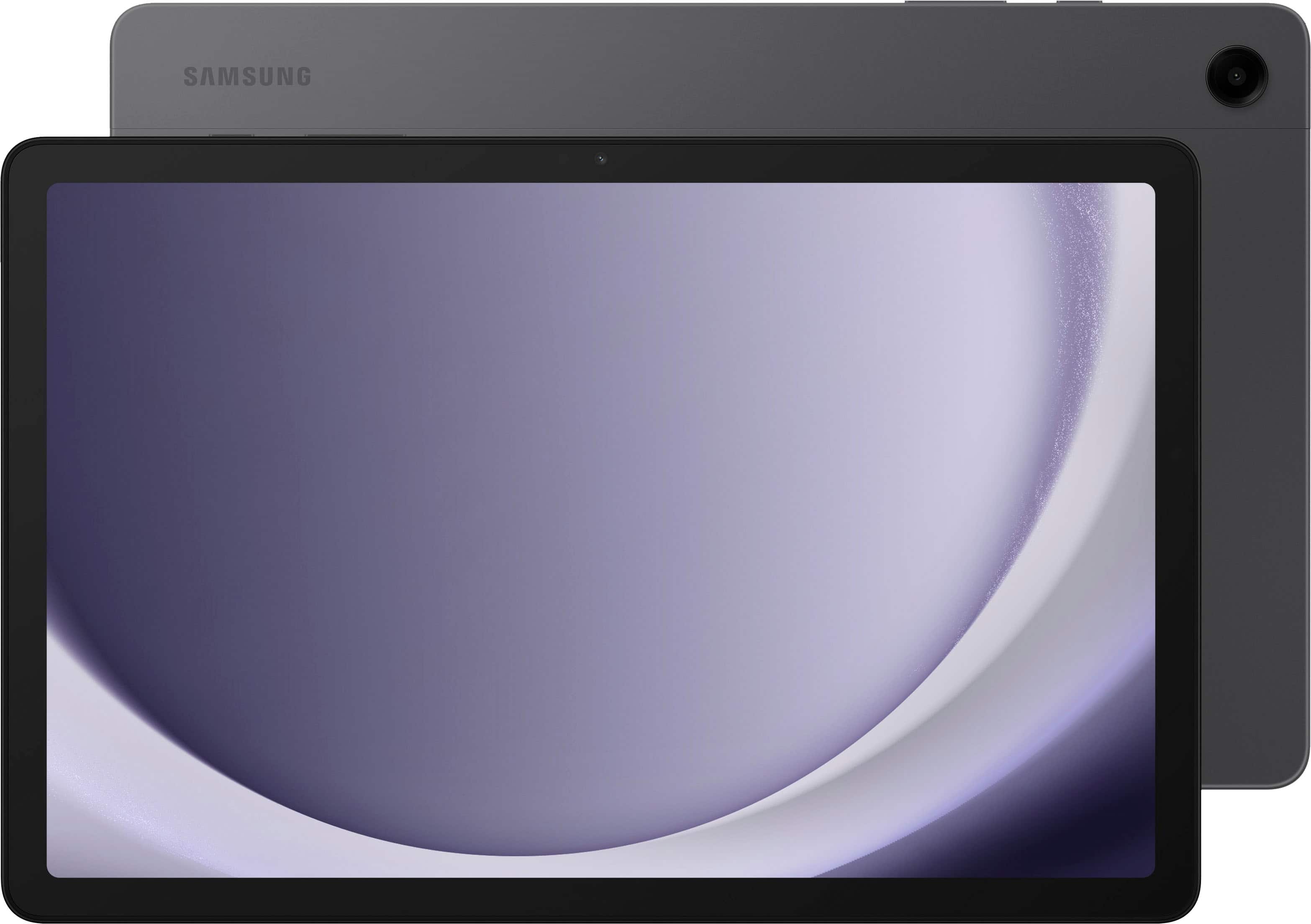
A:AnswerHowdy, thank you for taking the time to ask us your question about the Samsung Galaxy Tab A9+. No, the advertised Galaxy Tab A9+ does not require a microSD card in order to be functional. If you have additional questions or if you would like any further assistance, please feel free to contact Support. Thanks for being a faithful Samsung customer. - Debra
A:AnswerHi there Mykr, thanks for asking us your question about the Samsung Galaxy Tab A9+. When updates become available, you'll typically receive a notification, or you can check manually in your tablet's Settings > Software update > Download and install. If you have any other questions, feel free to reach out to Support. Thanks for choosing Samsung! - Debra