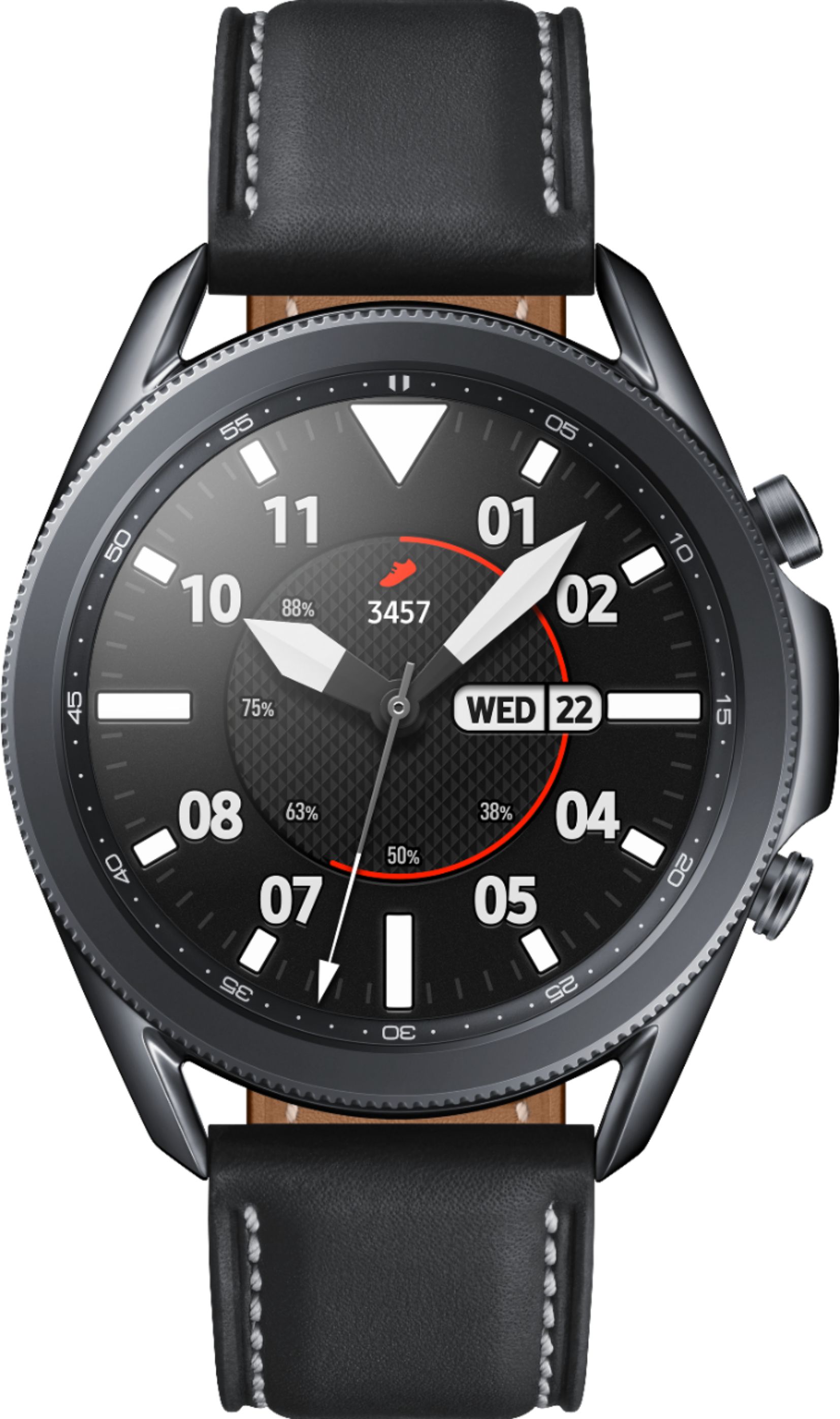
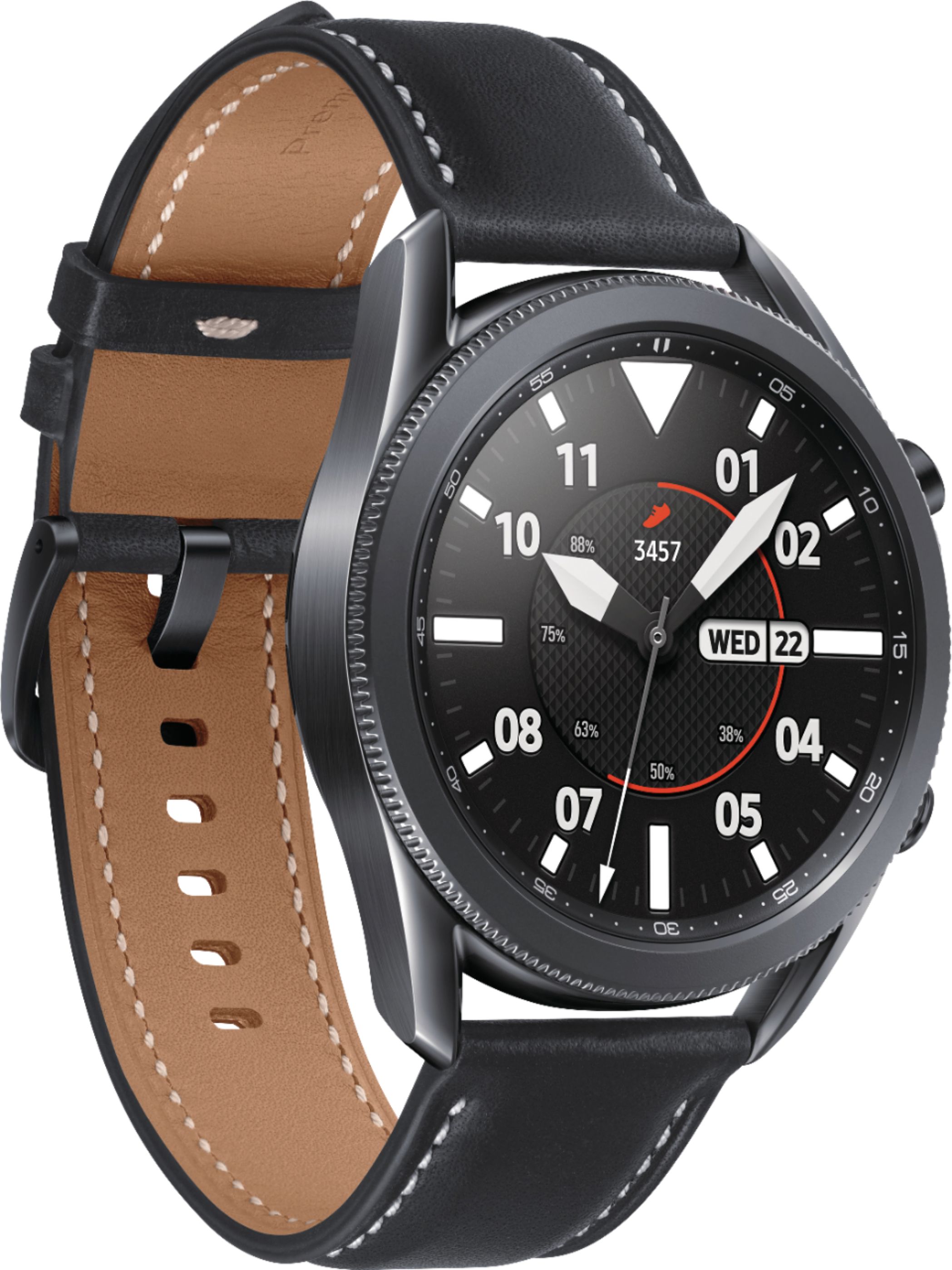
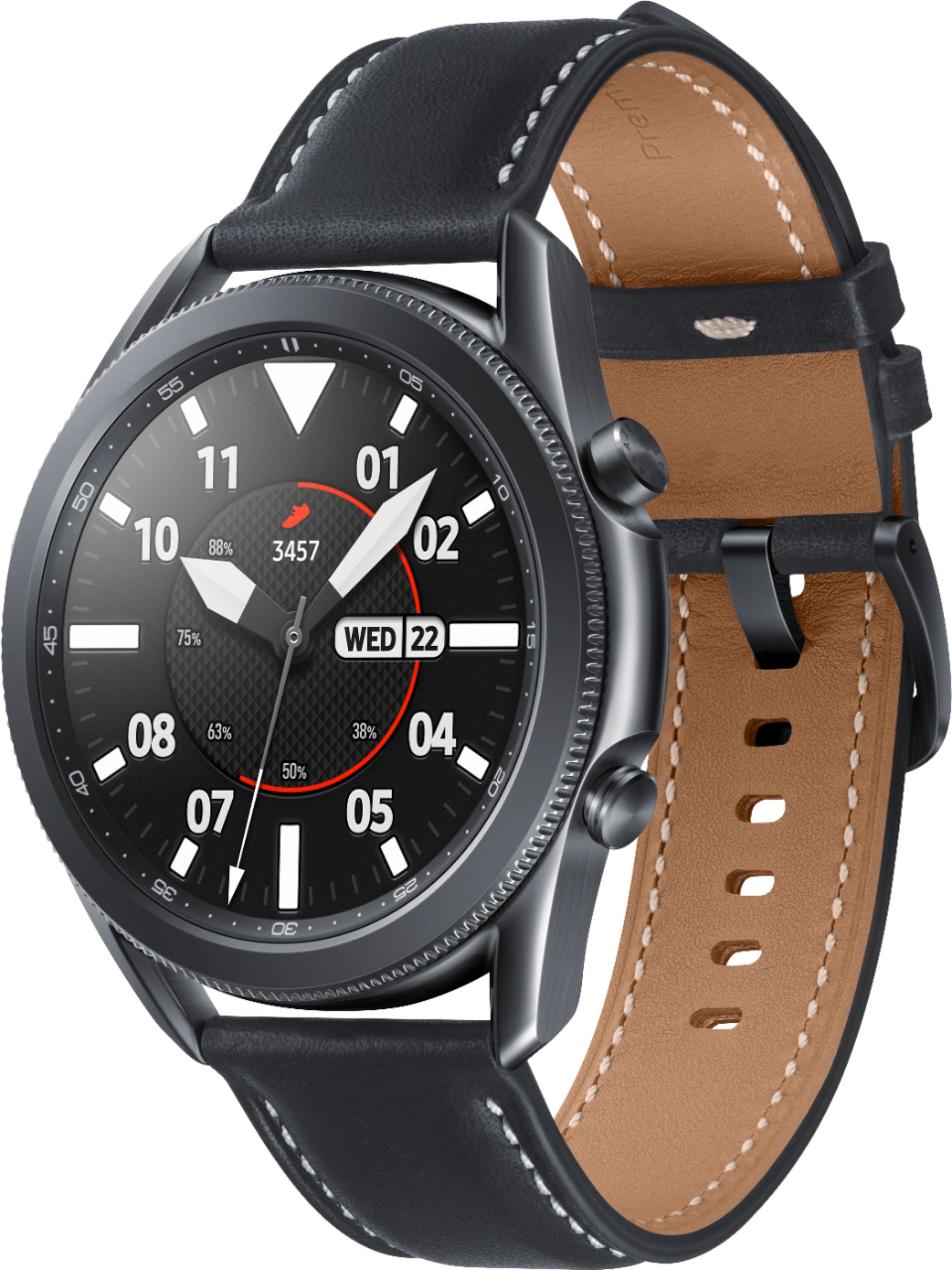
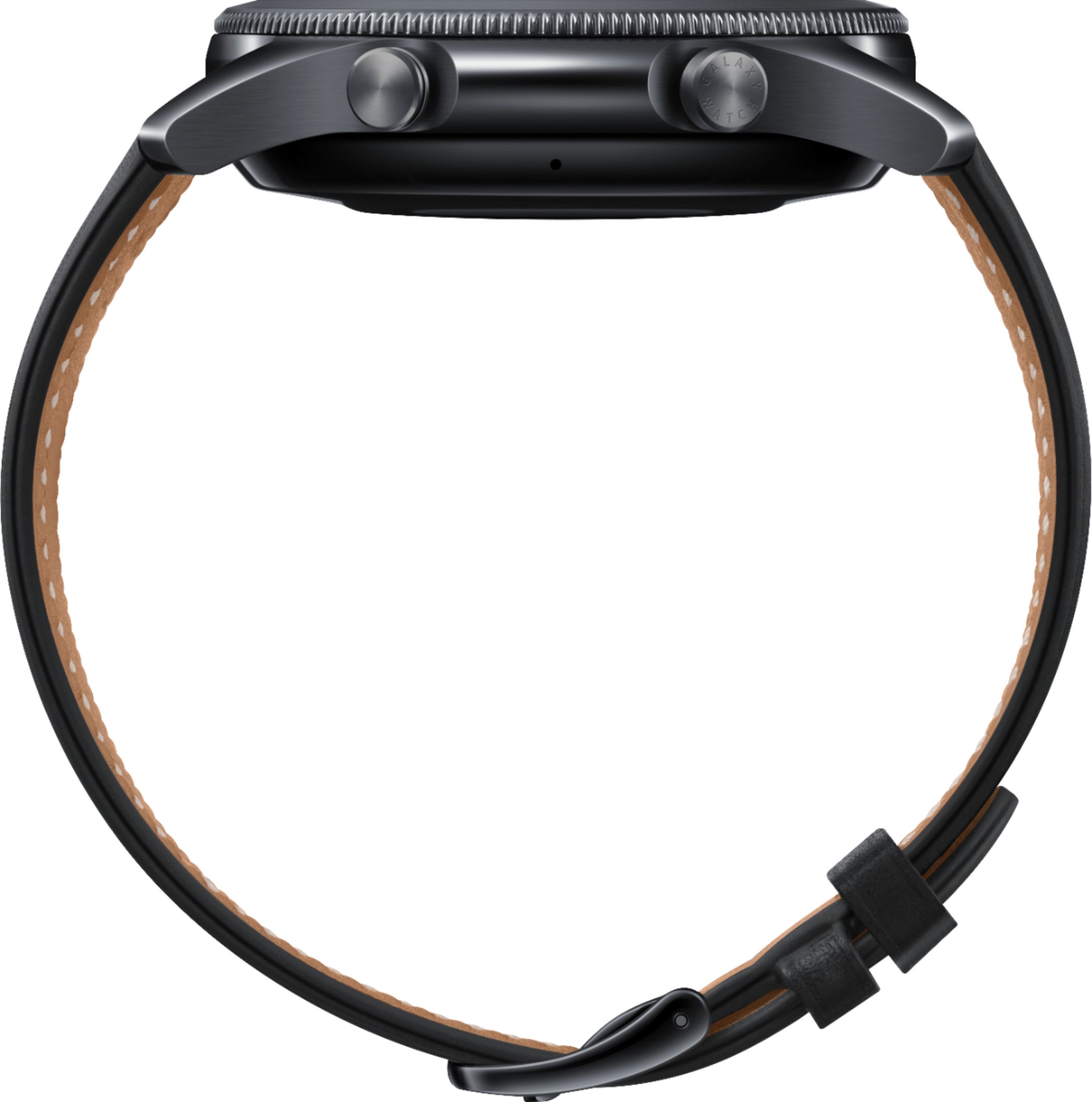
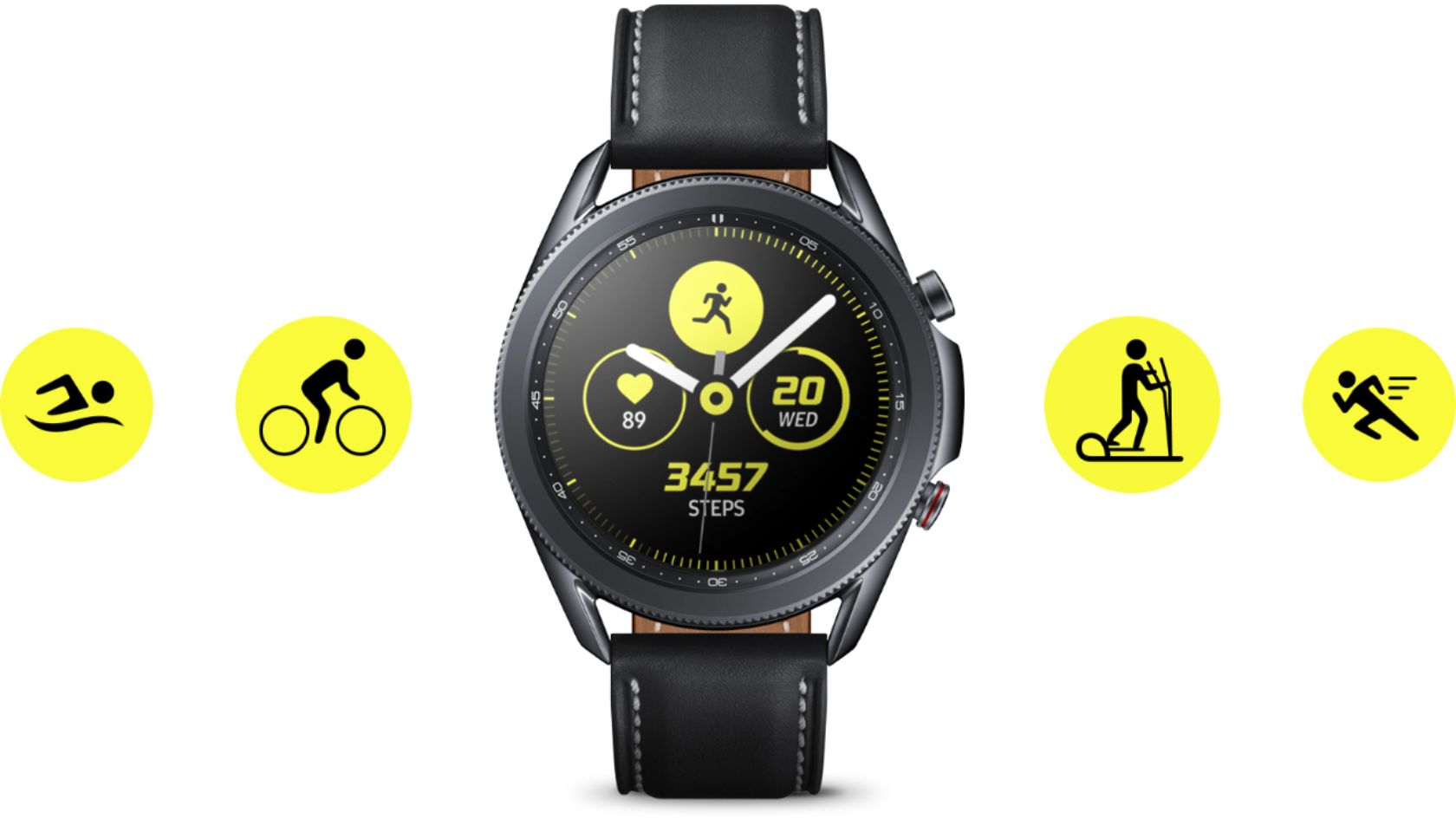
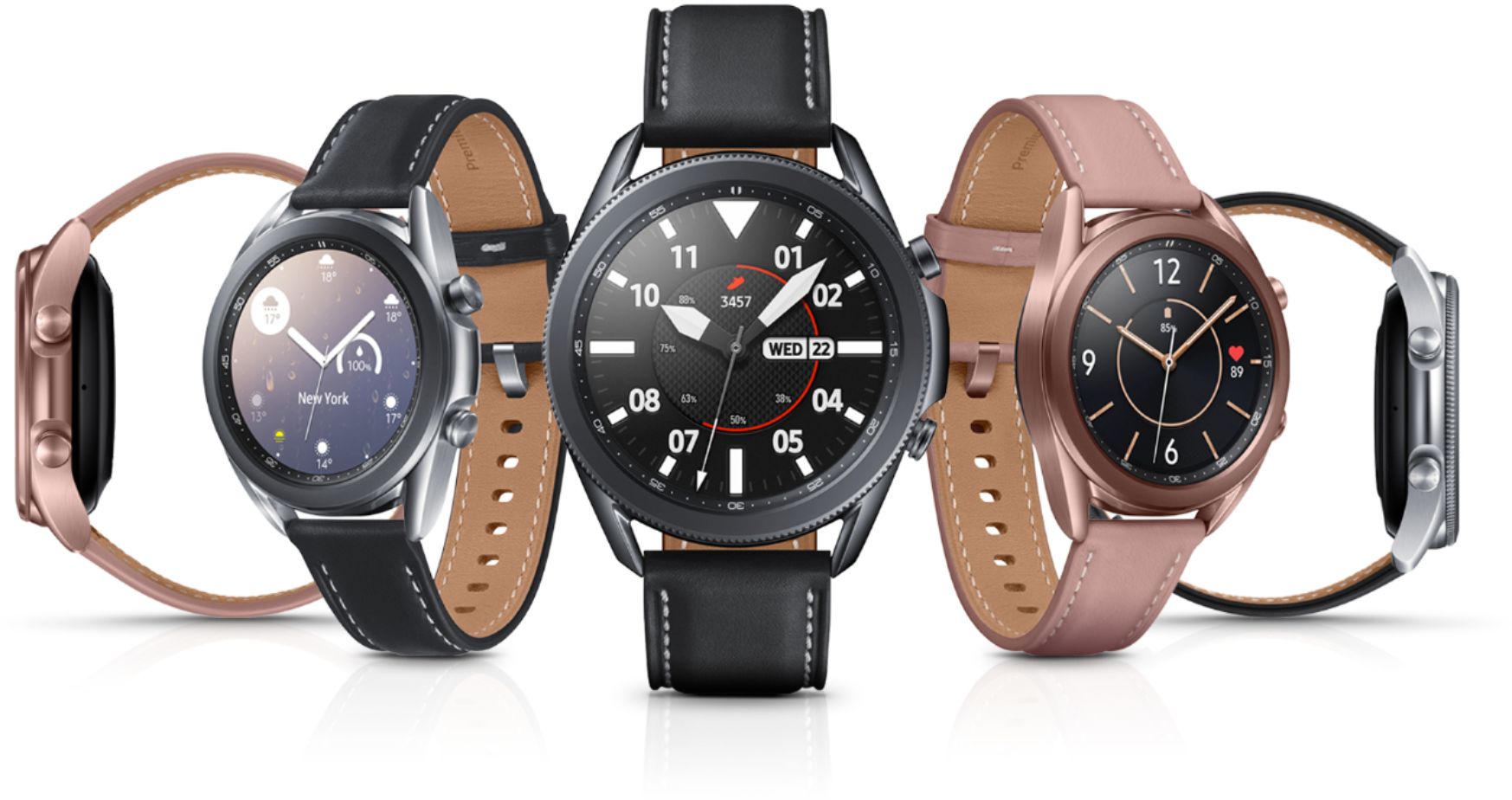
A:Answer You "can" wear your watch on your right wrist but sadly Samsung does not allow you to flip the watch around 180 degrees so the buttons face inward. Apple Watch incorporates this setting upon setup where it actually asks you which wrist you're wearing your watch on and which way you want the crown to face and the screen flips accordingly. Maybe that's because there's more left handed people using Apple? I don't know. But Samsung has sadly ignored the 10% or so of the population that wears their watches on their right wrist. You can wear it on the right wrist, but the buttons face away from your body and it's awkward to use them. I know this because I've worn Samsung watches every day since 2014. It's annoying. What's worse is the capability is there because the screen flips 90 degrees when docked, and sometimes the screen will flip 180 degrees for a quick second when un-docked. But sadly there's no setting to flip the watch around. I once asked a CS rep about this and they said "you can't flip non-smart watches either" to which I said, "You don't INTERACT with regular watches". Anyway, hope this is a more clear answer. Hopefully when they combine with Google on a watch their settings will be more inclusive.