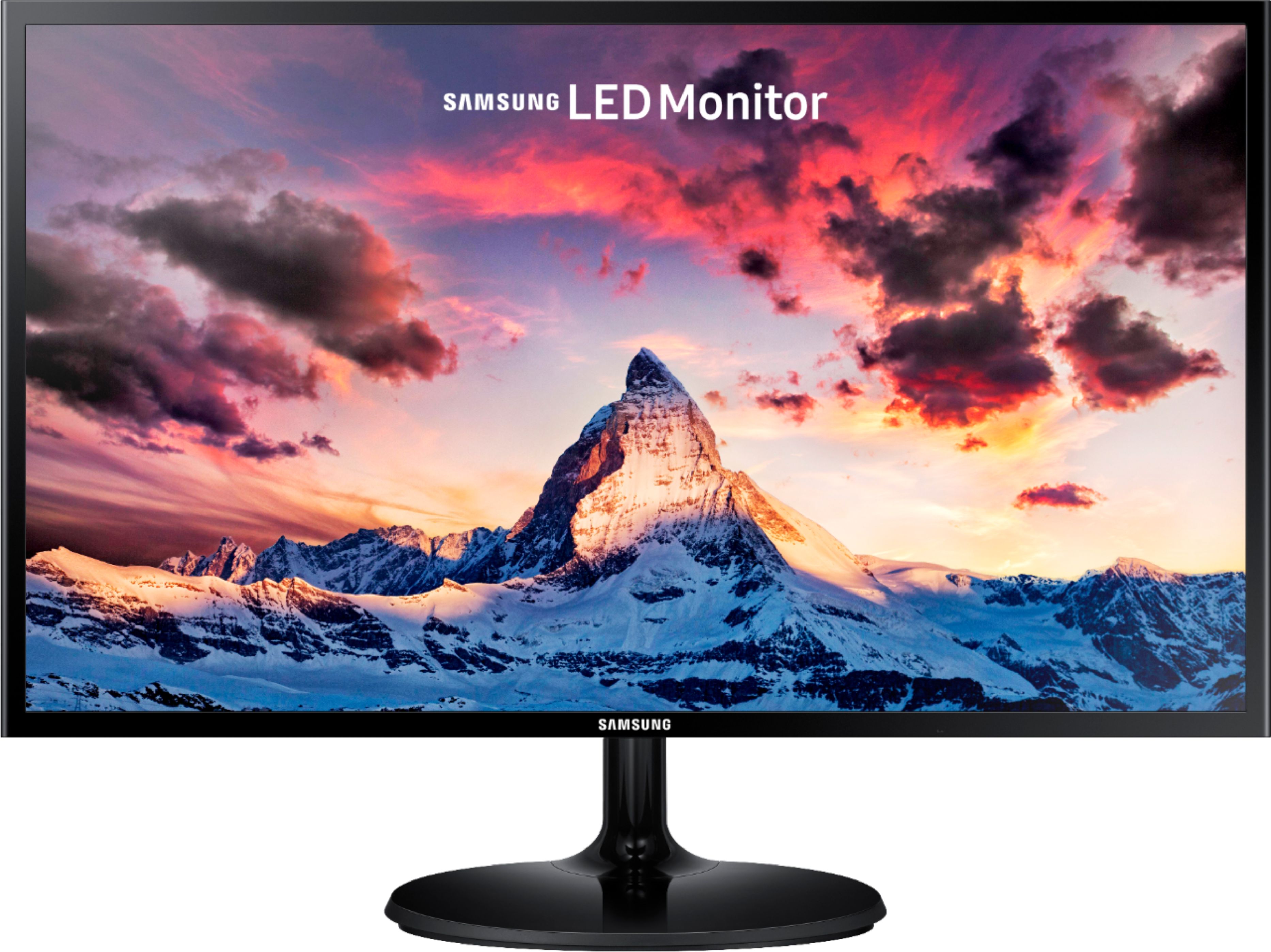
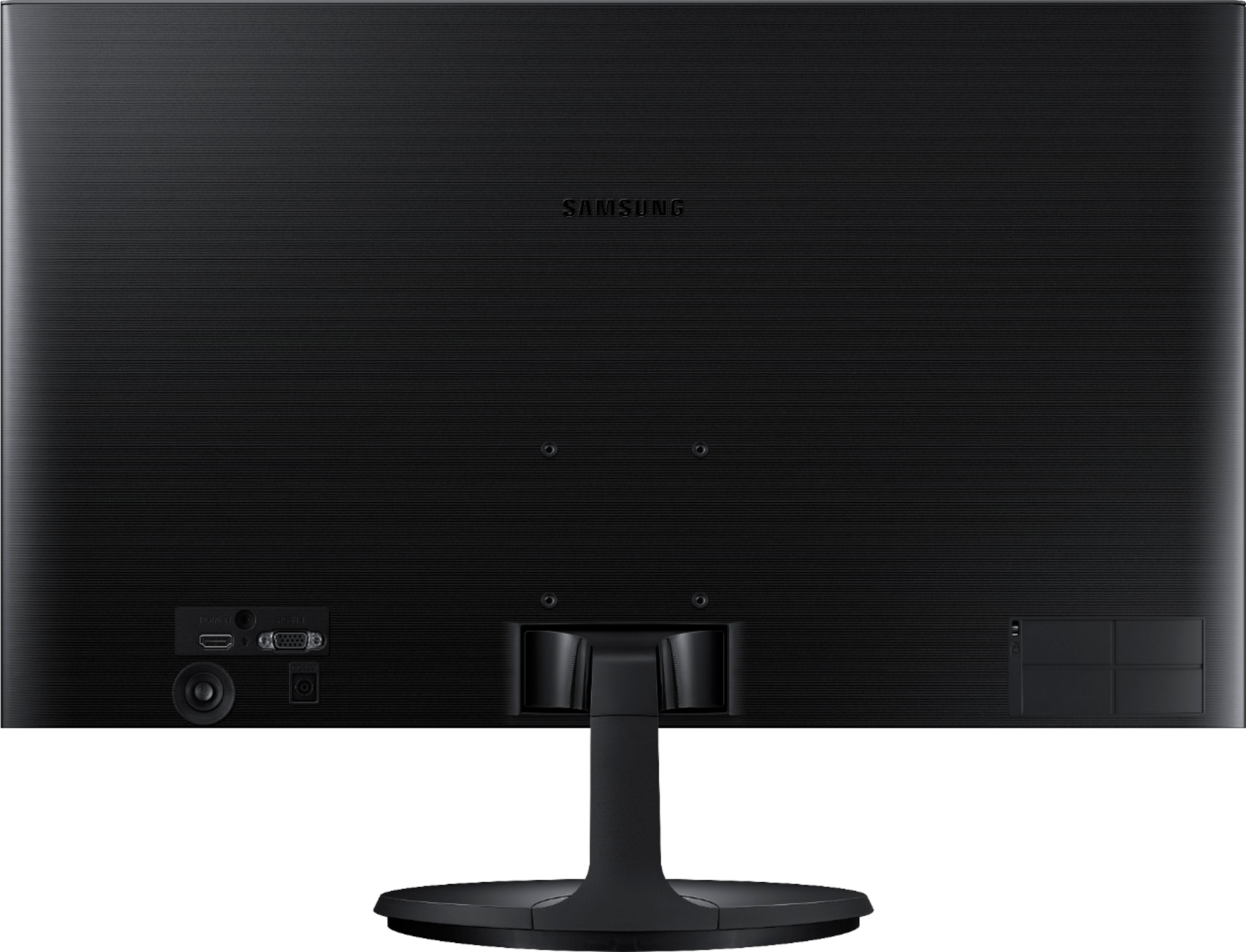
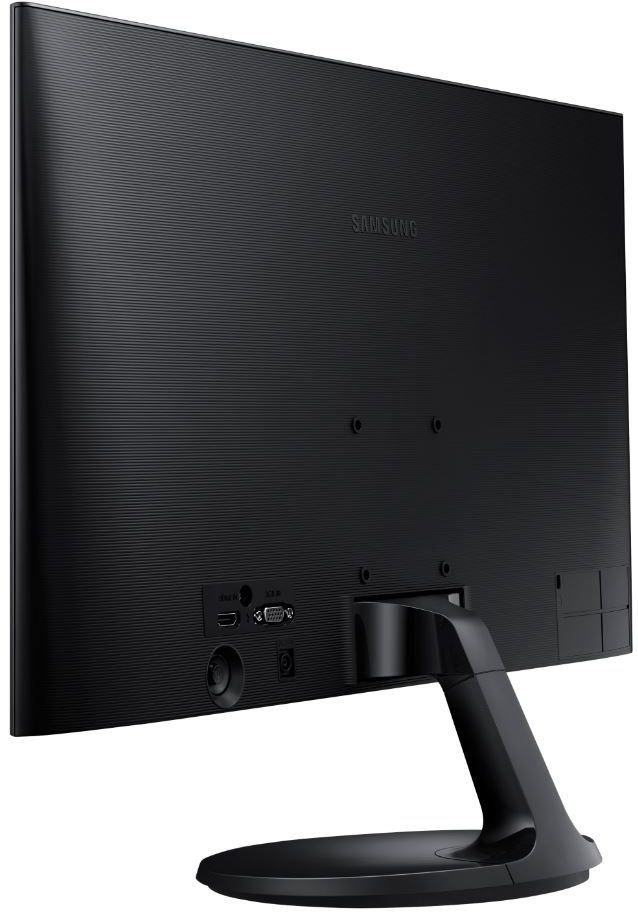
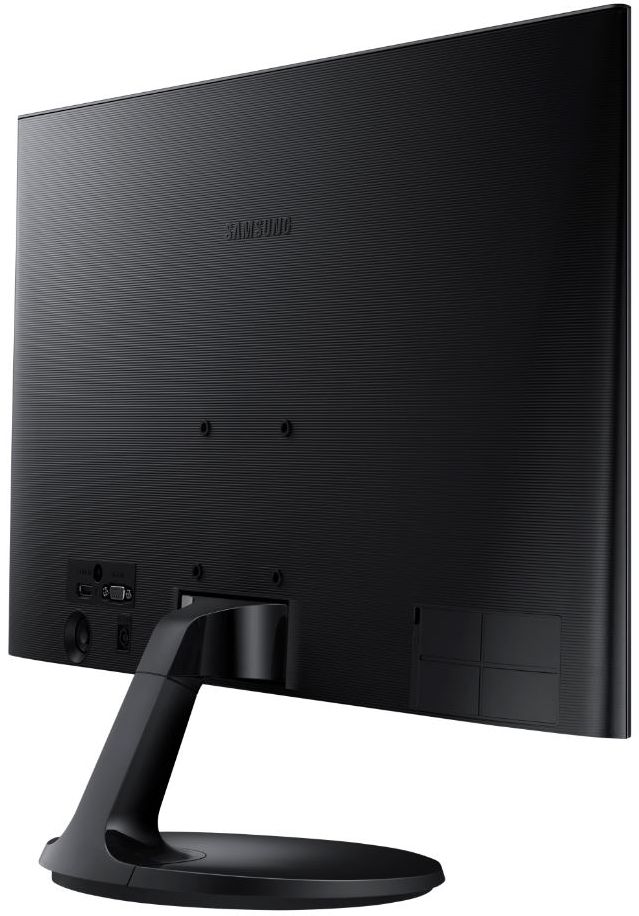
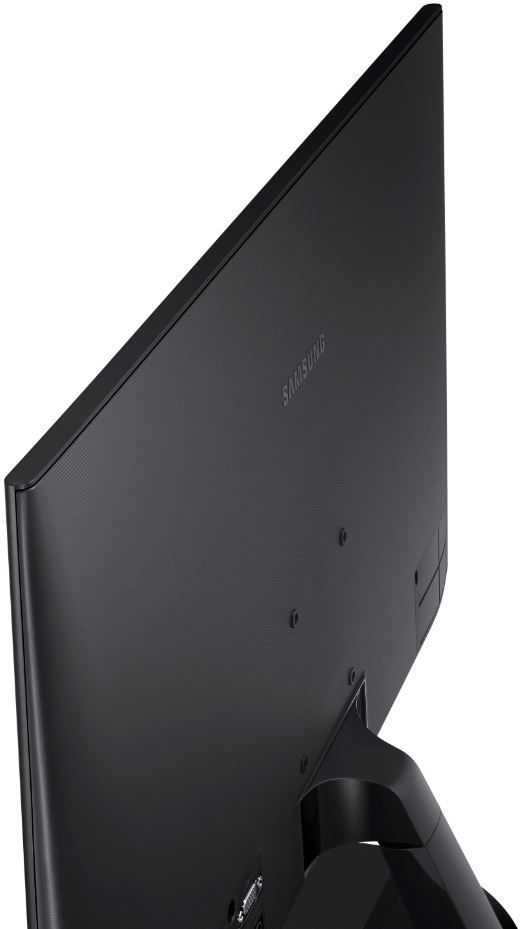
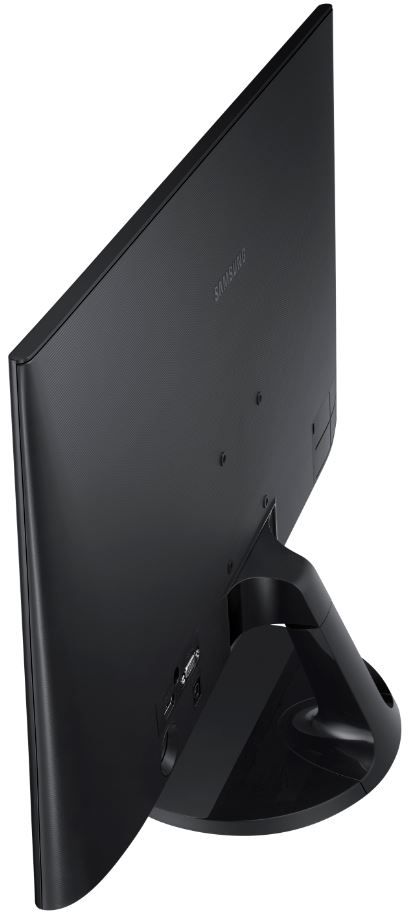
A:AnswerNo, it only has an HDMI Input and an RGB input. You can probably accomplish that with an HDMI hub and or HDMI splitter connected to your laptop. Good luck!
A:AnswerOn the right side of the monitor on the back, behind the little light, there is a turn-on switch that you simply push up to click. The blue monitor light should go on and you're good to go -- (I hope!)