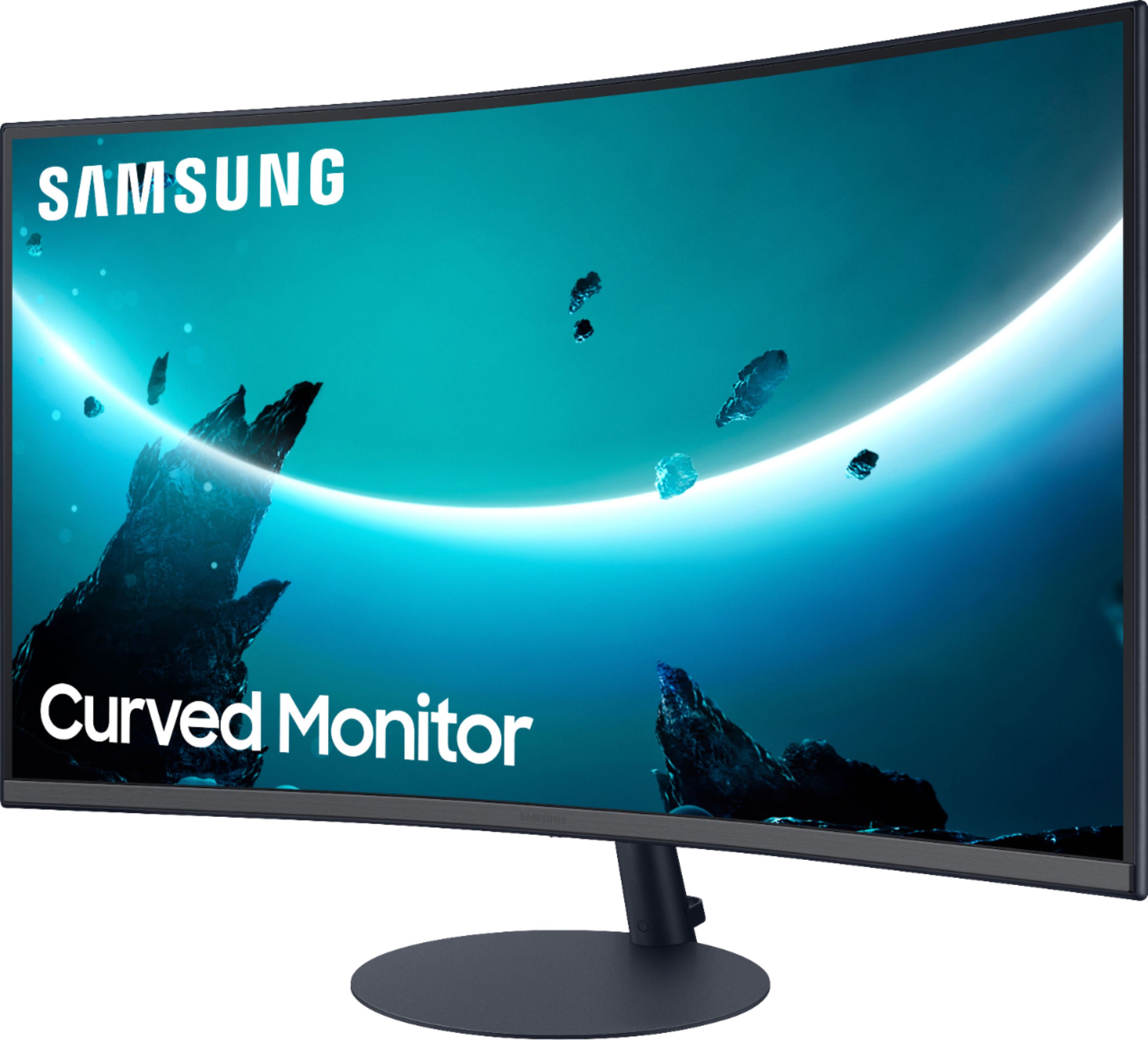
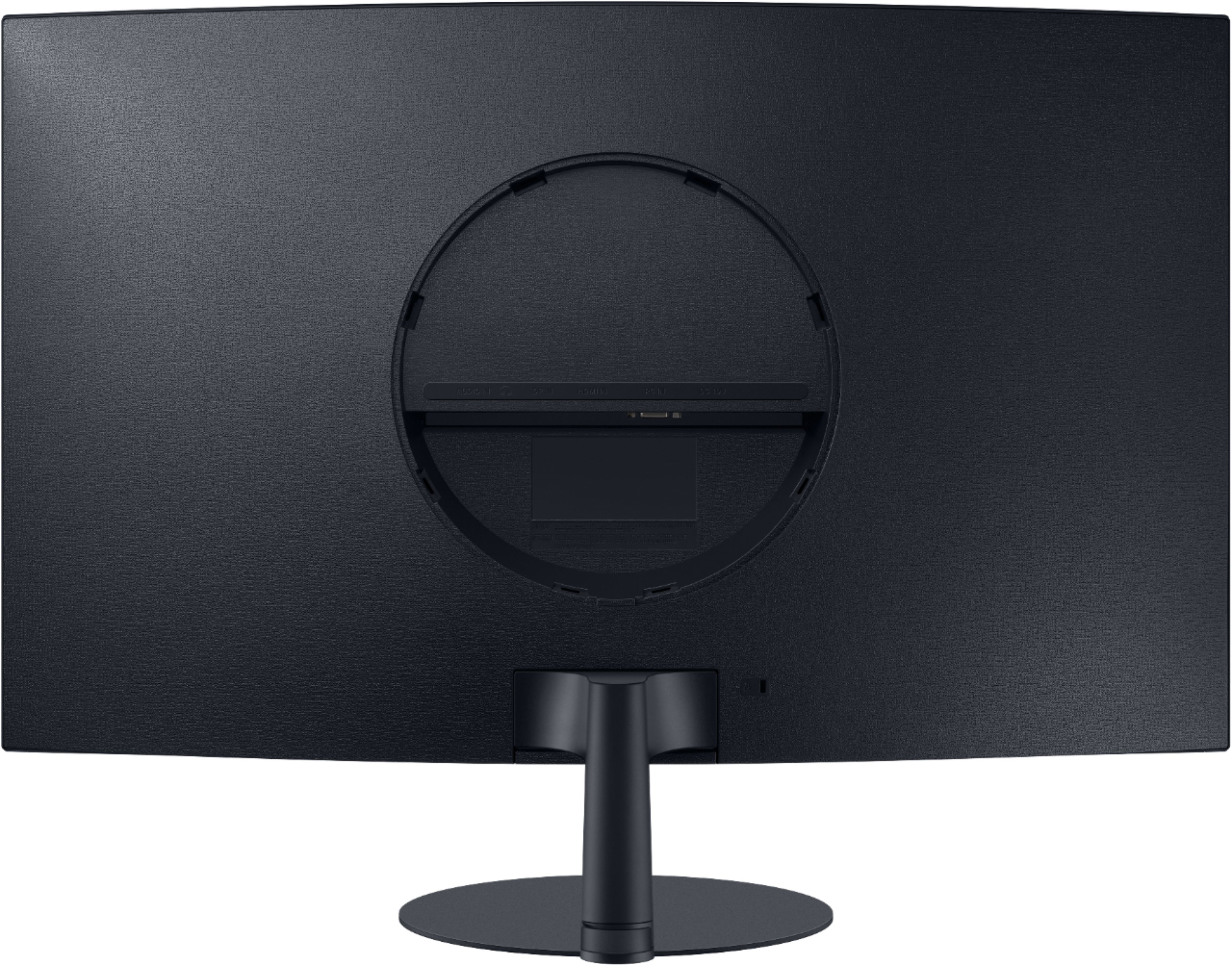
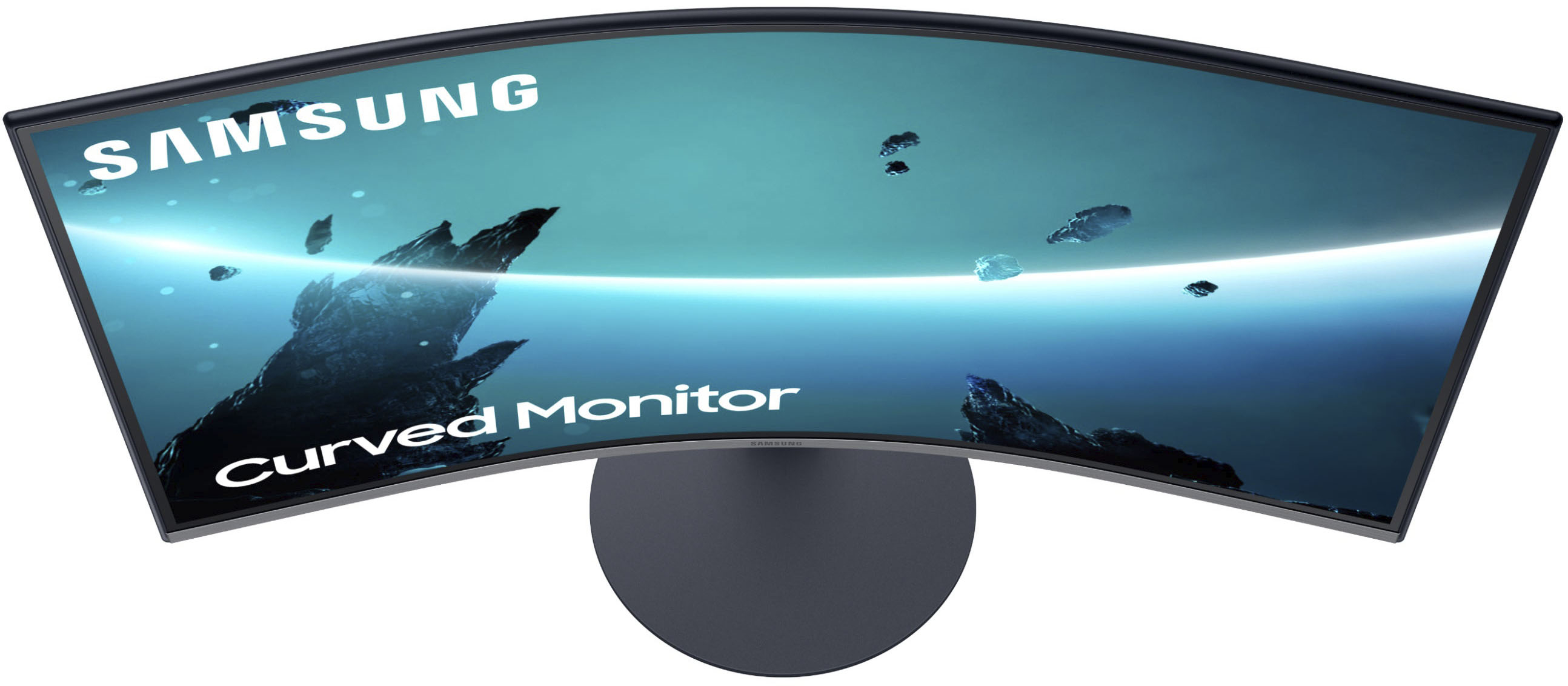
A:AnswerHad the same issue and first stand broke on installation. Almost was in same place with the second but after watching some YouTube videos it appears that it goes in straight, not at an angle but with swift push. Look up the videos. I was nervous bc the first time it broke but then my son tried it with more confidence than I and it worked. Whatever you do don't bother calling either Samsung (unless you need to replace it if it beaks) or Best Buy. NO ONE there had knowledge enough of this issue to walk us through the install. Sad state of customer service but at least SAmsung sent a replacement without much trouble when the first one broke.
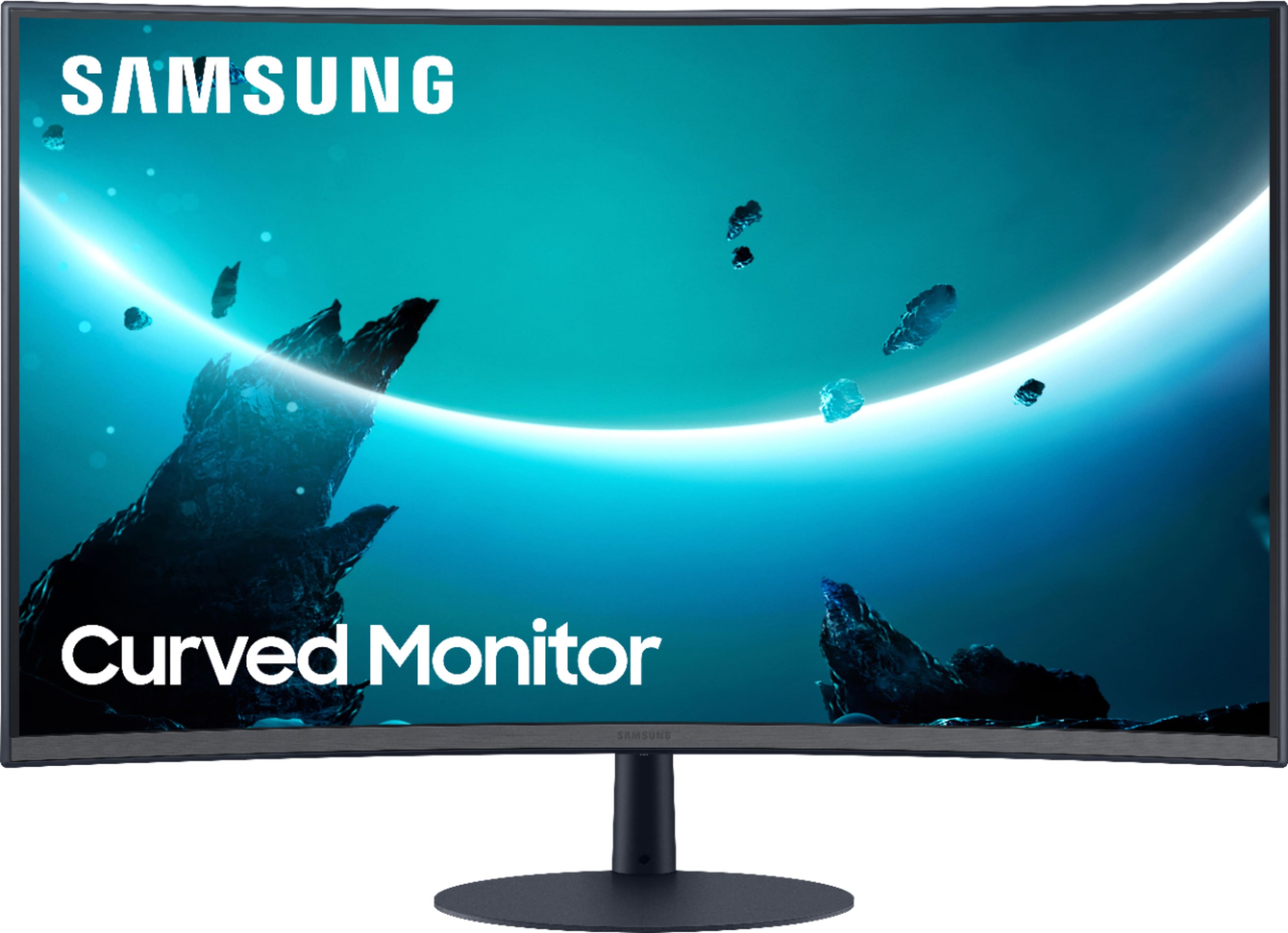
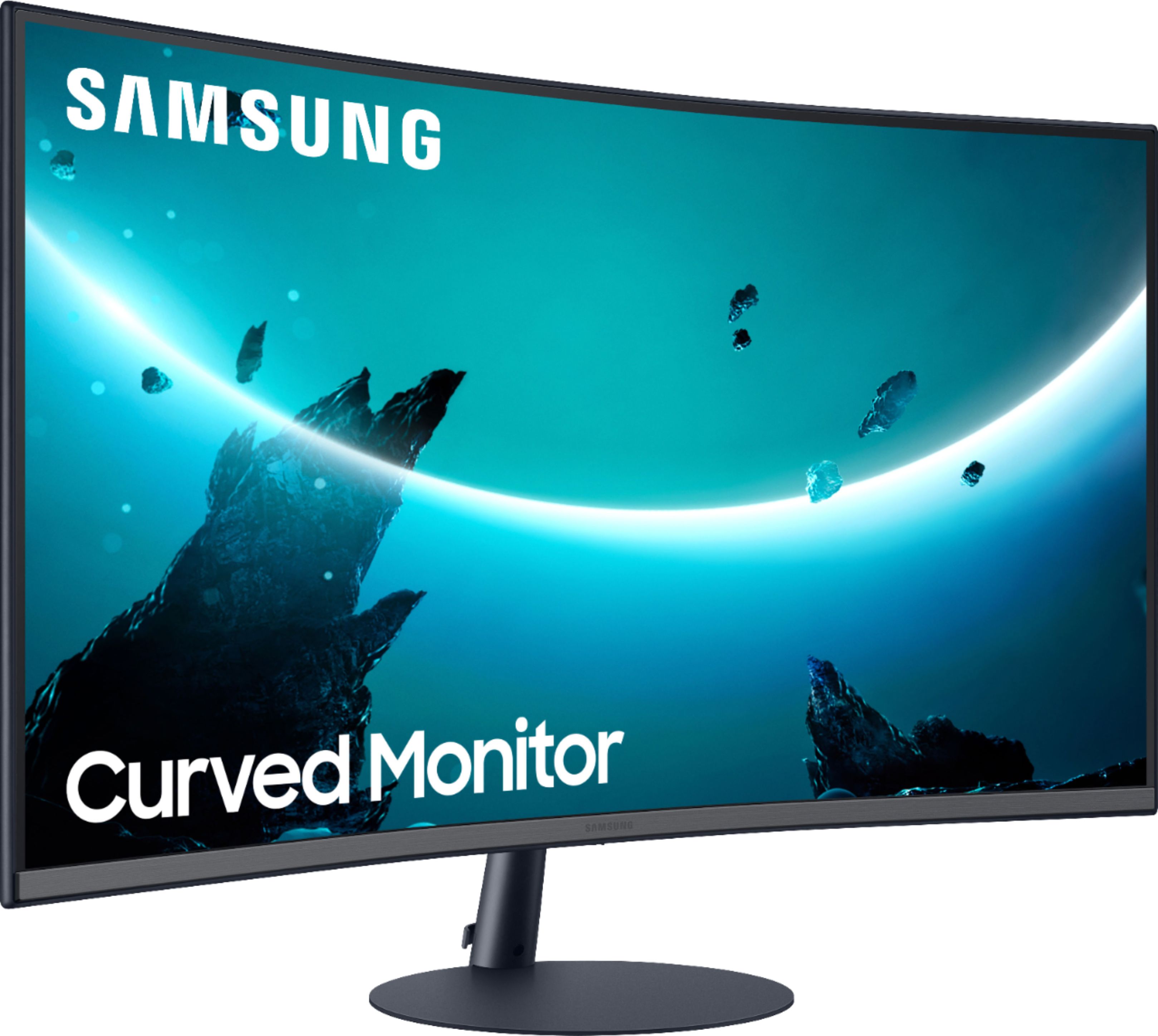
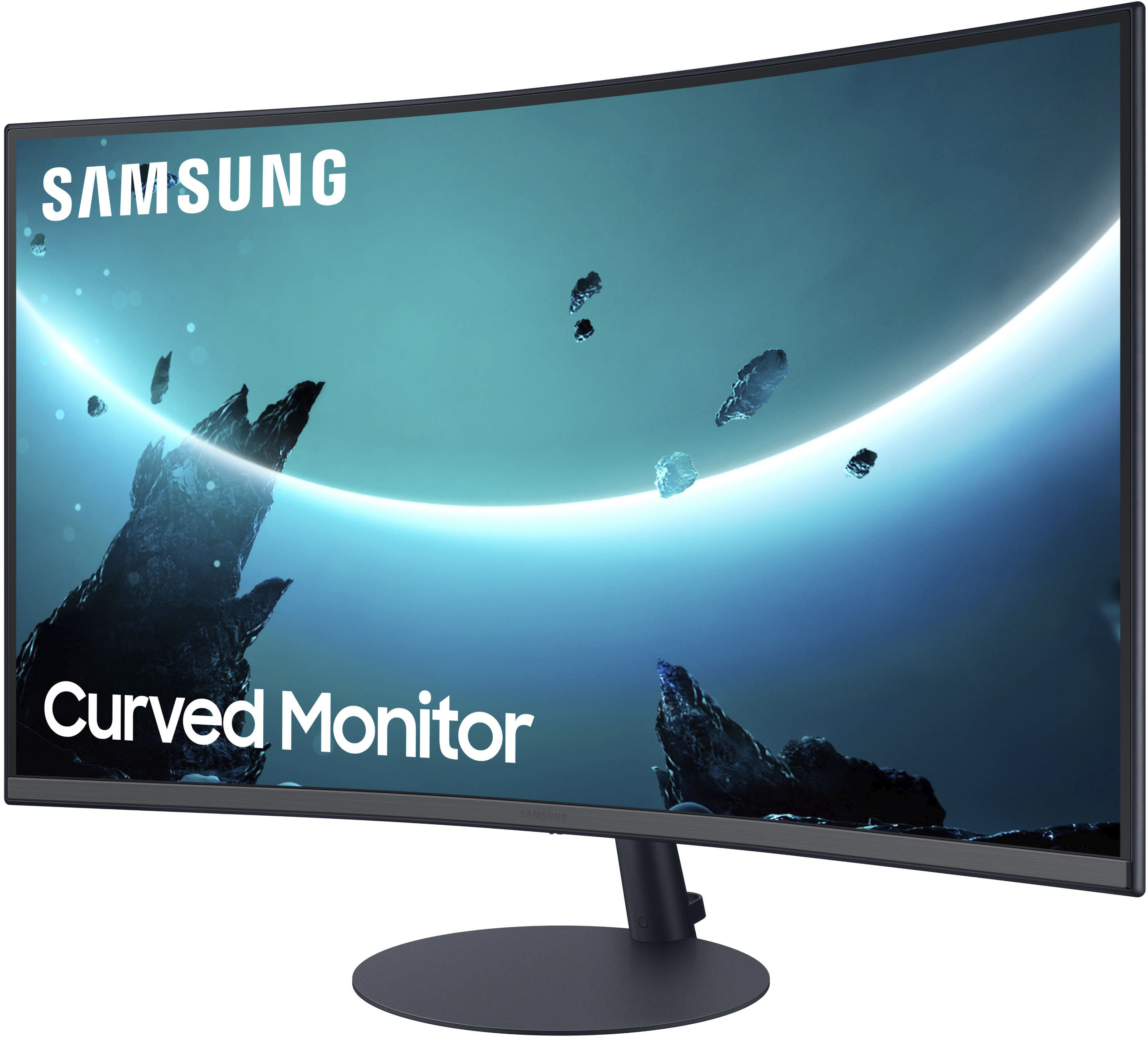
A:AnswerUnder the center part of the monitor (where the Samsung logo is) is the Menu/Power button. You can either press it once and then select the Power Off option or hold down the button until the monitor turns off.