A:AnswerI have a PC, so to download songs from my iTunes library, you 1st need to plug in the player. Next, a separate window appears showing the device and what's on it. Next, create a playlist within iTunes with the music you want to transfer. Then, copy that list to the player and it should transfer. 8Gb worth is the total capacity for this product, but that is a lot of songs.
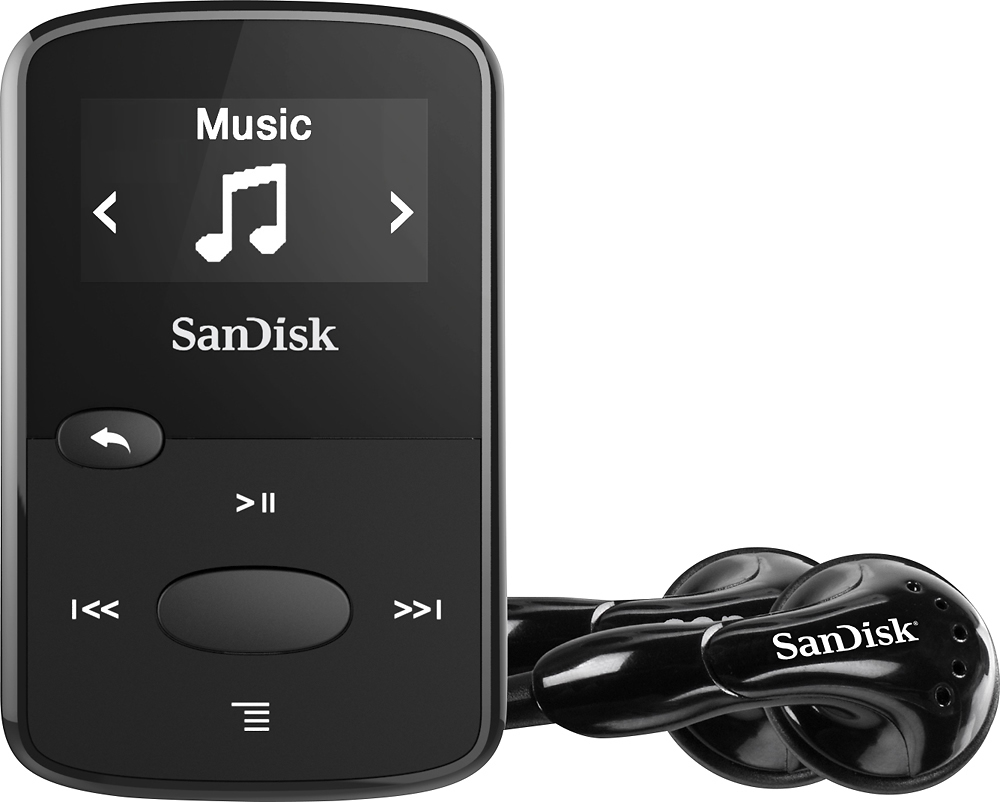
A:AnswerI bought both the red and blue models of this MP3 player. They both act and function exactly the same. In regards to your question about price difference based on color, my thinking is that it depends on "popularity" of one color vs the other. Just my opinion. FWIW, I have been very happy with my 2 sanDisk clip MP3 players. I use them for cyling, skiing, etc.
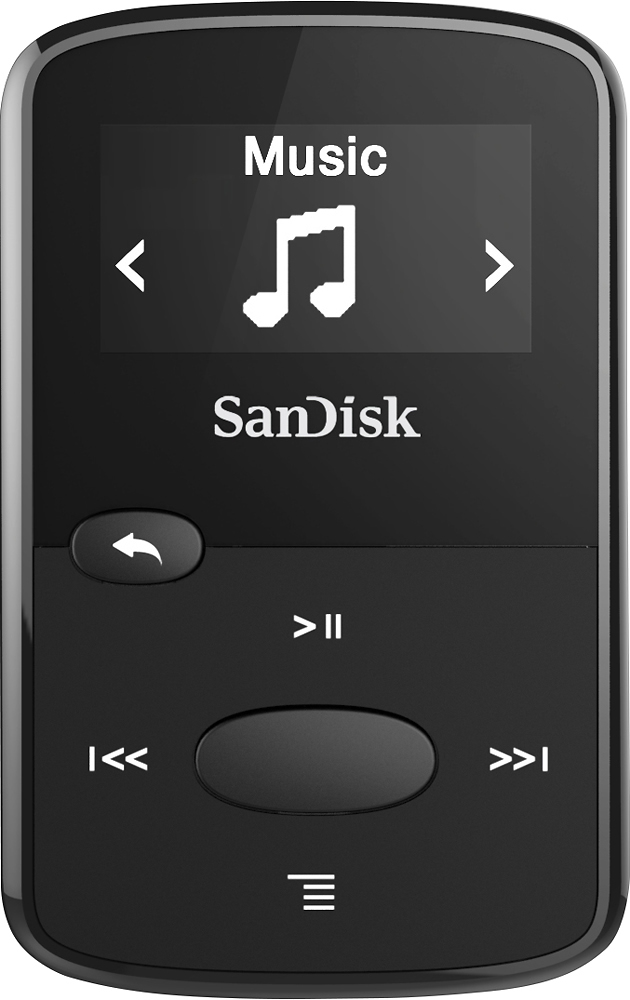
A:AnswerYou can switch from playing all songs in your music folder, to playing songs from an artist folder, or songs from an album folder. Or you can play songs from 3 different lists that you’ve sorted them to (go list 1, 2, 3)
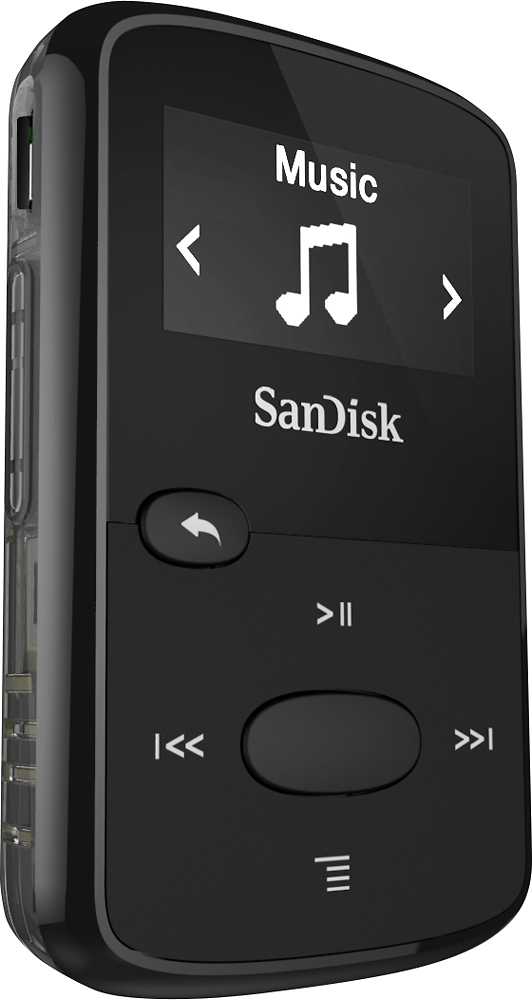
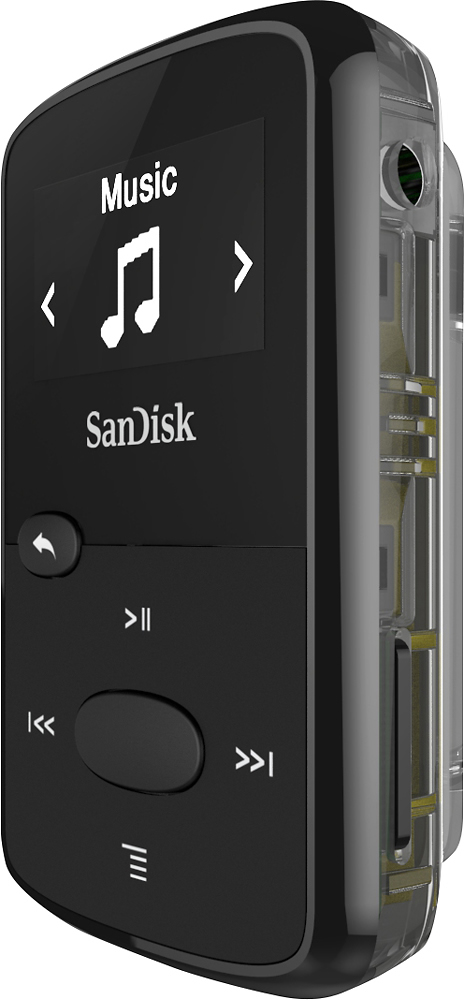
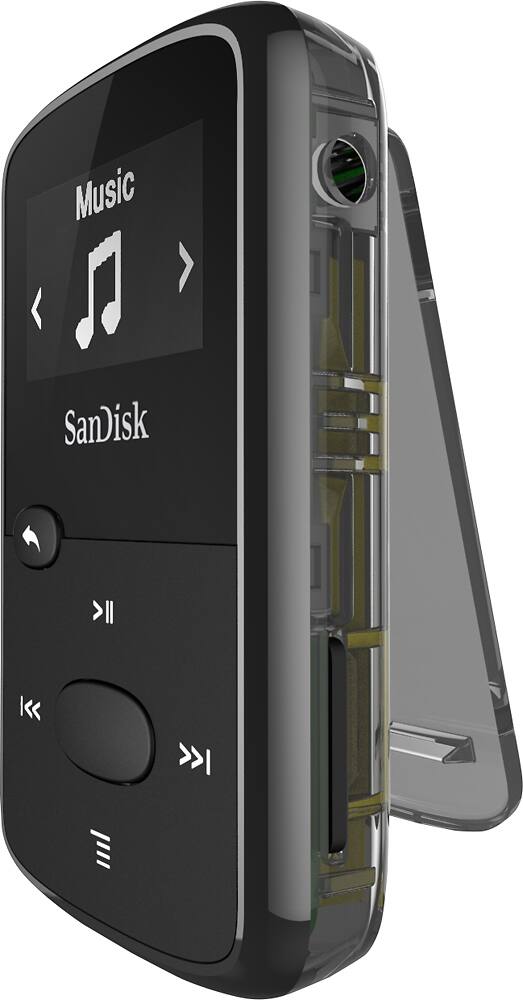
A:AnswerThe USB sticks that I am familiar with use a full size USB connecter; the connector on the SanDisk Clip is small, similar but not the same as an i-phone. Even if you could find some way to connect a flash drive, it wouldn't make any sense to do so. The SanDisk Clip is very small and light; not much bigger than a flash drive. The Clip is so small and light that it can easily clip on your collar while you move about unencumbered. If you added a flash drive the whole thing would bounce around and might fall off. It would make more sense to just down load the music to the Clip memory. The standard 8GB memory will hold lots of music, plus you can plug in a micro SD card to expand the memory even more. I use mine mainly to listen to audio books that I down load from our local library for free. It hold many hours of recordings. It works great for listening to audio books.
A:AnswerIn order to use mp3 files from iTunes, you need to download them onto your device or laptop, and load them onto the Clip Jam. It shows up as a remote drive when you connect it by USB - You select the files you want and the folder on the Clip Jam, then copy and paste or drag and drop. If you put a micro SD card into the slot (up to 32gb) it shows up as a separate drive.
A:AnswerYes, you need to create a playlist within iTunes with what you wish to download, then copy it to the player. The sandisk player won't show within iTunes like an iPad or iPhone does, but it will work with this extra step.