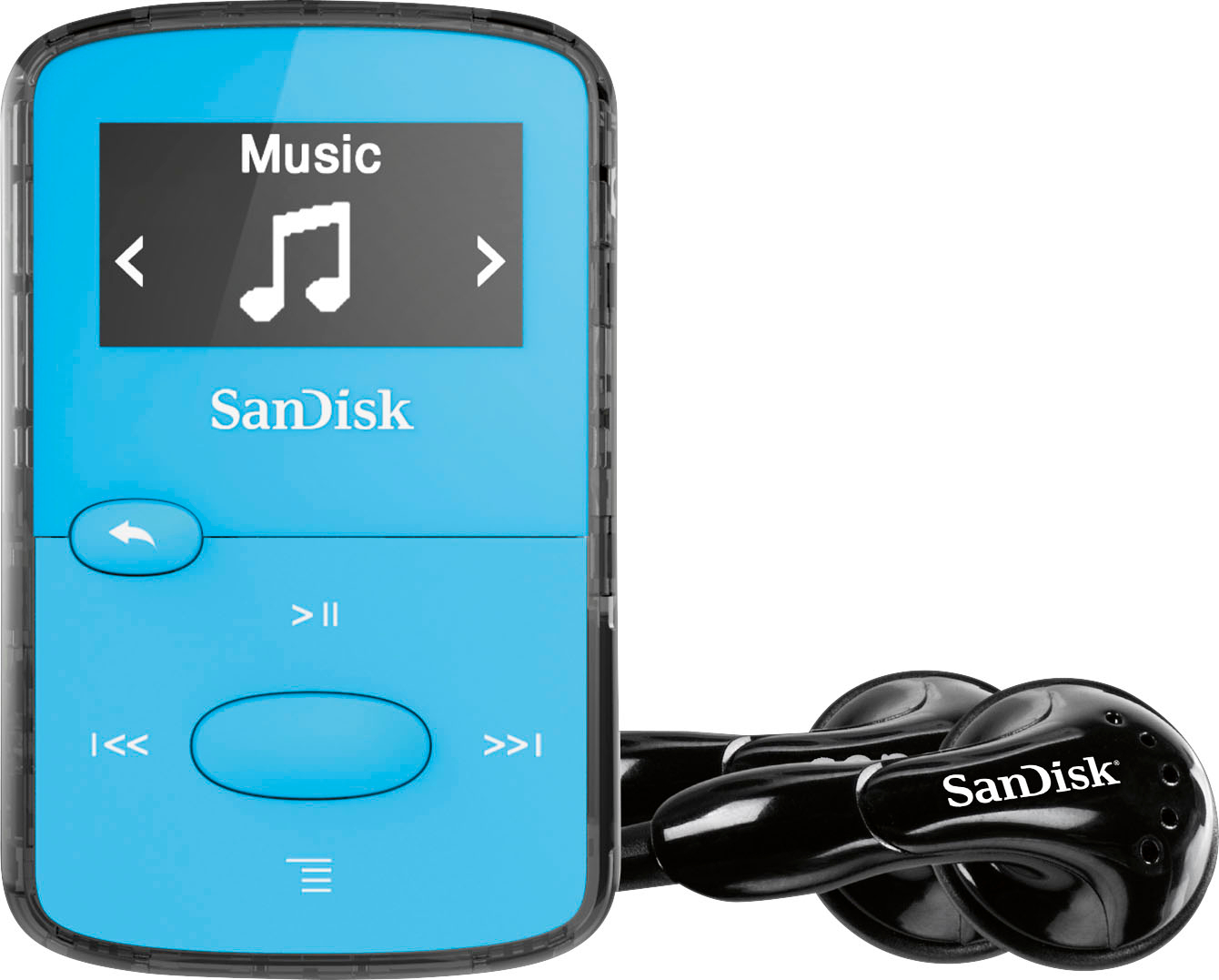
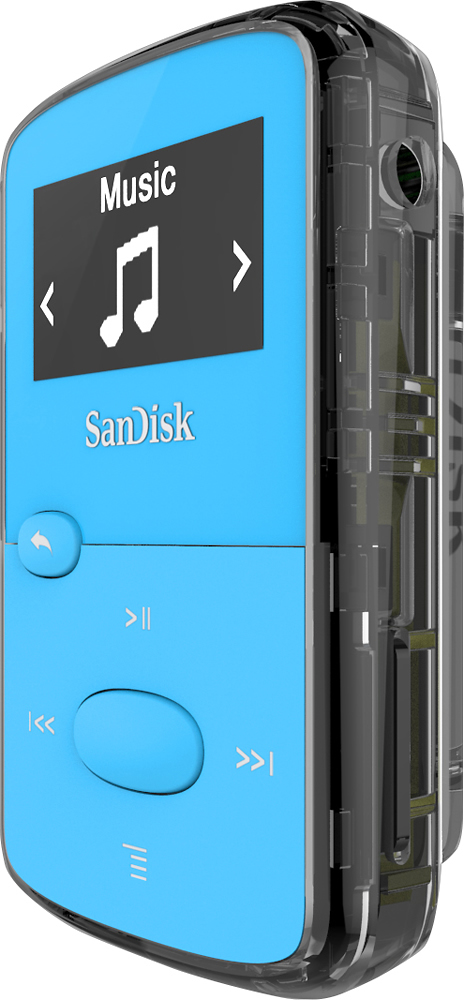
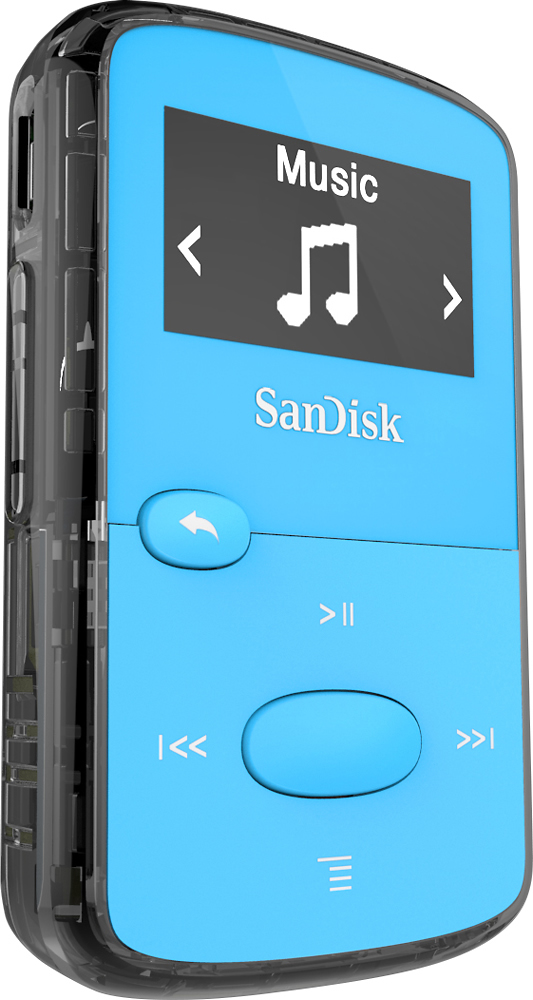
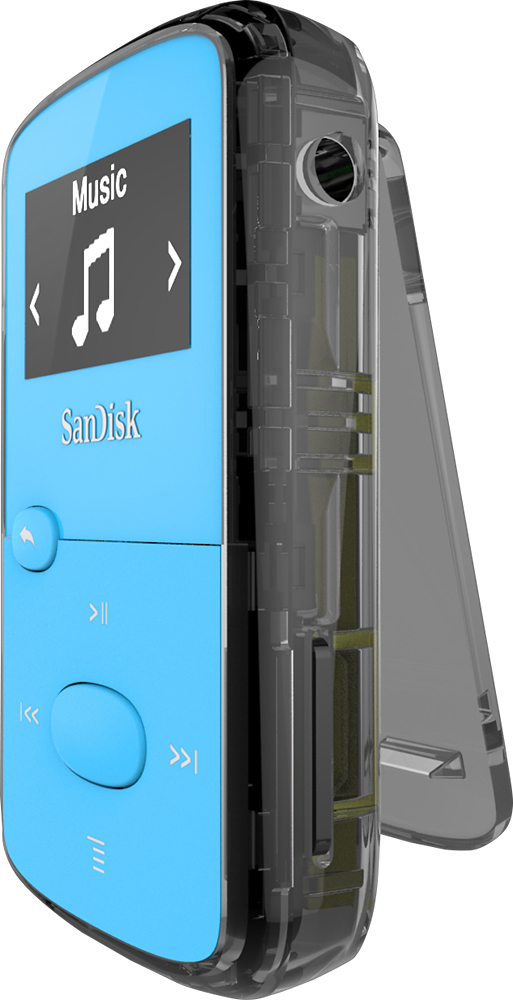
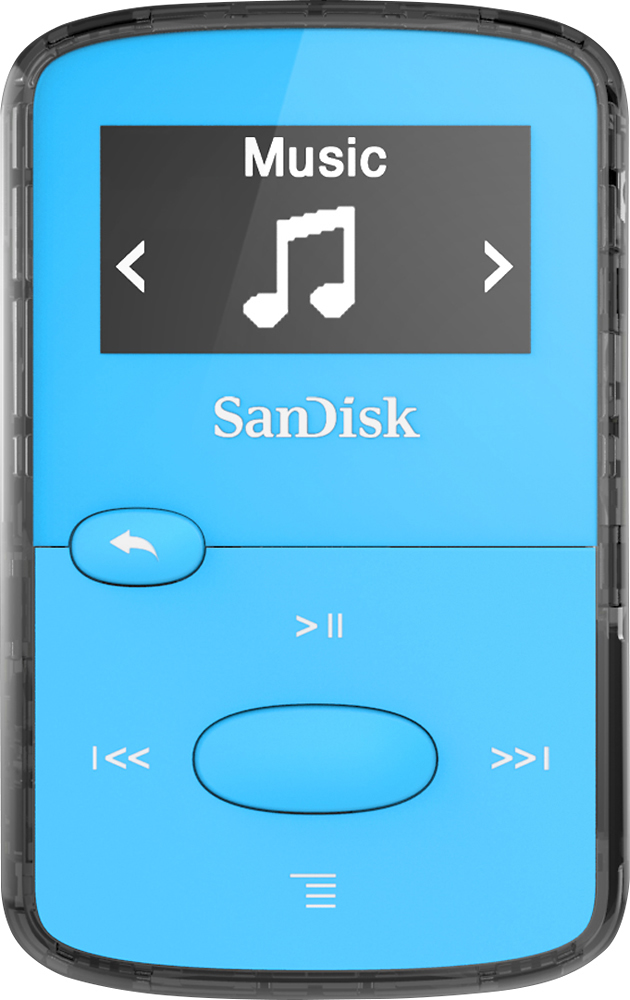
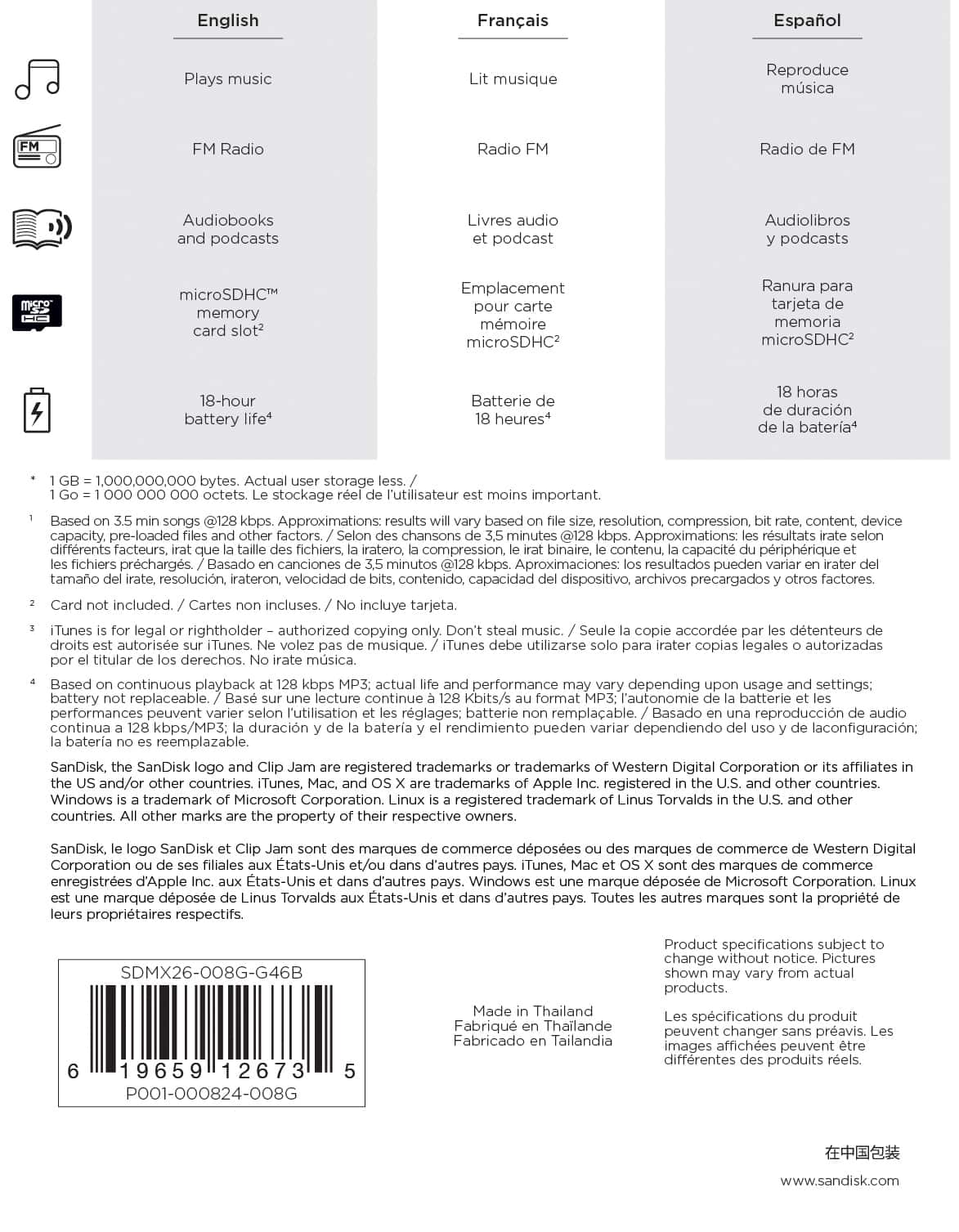
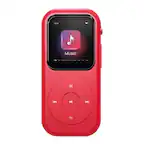
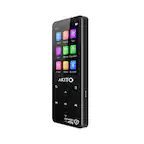
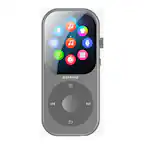
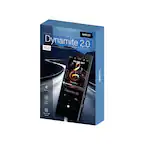
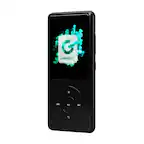
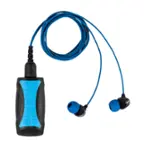
A:Answer I download library audiobooks onto the Sansa Clip Jam all the time. Check the HELP section of your download library system for OVERDRIVE APP & choose the appropriate version for your OS. I use Overdrive for Windows on my PC to download the books, which I then transfer to my Sansa Clips. That said, when choosing *where* to transfer the audiobook, always choose ADVANCED OPTIONS, then in "player folder" area Browse to Audiobooks folder and then type: \author\title . This is important to remember because this Sansa Clip version does not understand that each book needs its own folder.
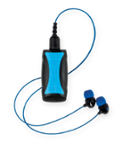
The clips come with their own earbuds, which are good.