A:AnswerYour computer will see it as a USB 2 Flash Drive. There should be no problems copying or moving files to it. Treat it as you would any other USB Flash Drive.
A:AnswerYes, you can create multiple playlists for different songs on your SanDisk Clip Jam 8GB MP3 player. For further assistance please submit a support ticket at https://support-en.wd.com/app/askweb.
A:AnswerAre you able to download from Spotify to your computer? If so, then once the music is on your PC, then your computer will see it as a USB 2 Flash Drive. There should be no problems copying or moving files to it. Treat it as you would any other USB Flash Drive.
A:AnswerPlease allow us to inform you that the SanDisk Clip jam8GB MP3 Player does not support the Bluetooth feature. You would have to connect a wired headphone on the MP3 player to listen to the music.
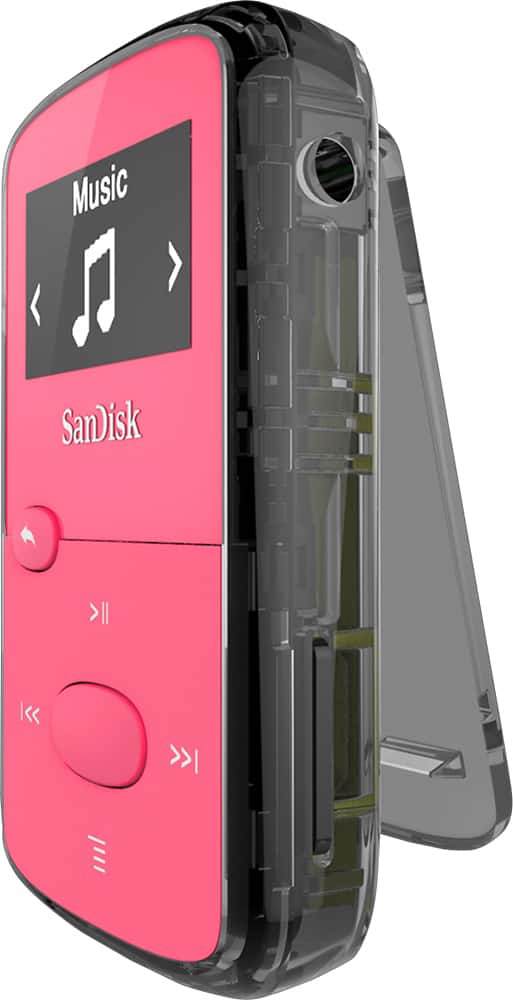
A:AnswerThe brand name of the memory card doesn't matter. I have used a 128 GB SDXC Micro SD memory card in mine without issue. I am planning a test to see if it is agnostic to the capacity of the card used in it. My next test will be with a 512 GB Micro SD memory card.
A:AnswerPlease allow us to inform you that SanDisk Clip Jam Mp3 Player comes with a user guide in the packaging. For further assistance please reach out to our support team available at: https://www.westerndigital.com/support/international-phone-numbers.
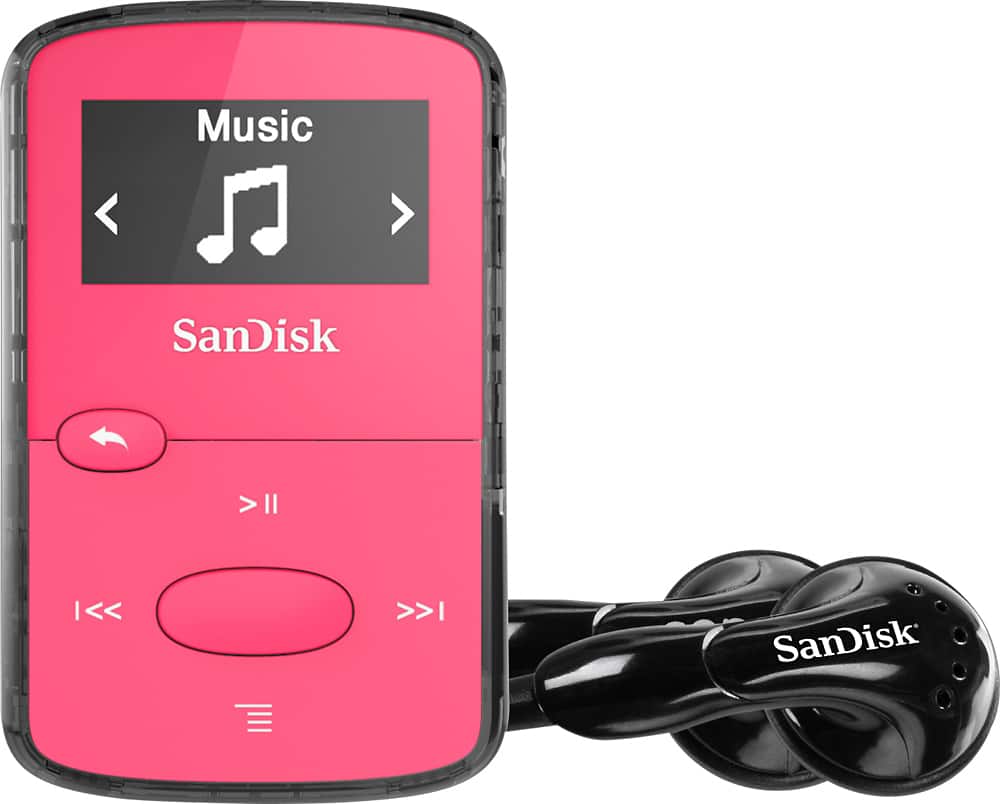
A:AnswerPlease allow us to inform you that SanDisk provides the wired earphones with all the SanDisk MP3 Players. For further assistance please contact our support team available at: https://www.westerndigital.com/support/international-phone-numbers.
A:AnswerIf the audio files from the Apple Music service are already on your PC, then you should be able to copy them to the player. I don't use Apple's music service. Your best source of music will be from CDs. Because from them, you can RIP to the highest quality audio files. If so, then once the music is on your PC, then your computer will see it as a USB 2 Flash Drive. There should be no problems copying or moving files to it. Treat it as you would any other USB Flash Drive.
A:AnswerThat would depend on the features of the cellphone. Cellphones these days are basically computers. Find compatible USB cables for your phone that can connect to Micro USB 2. Or what you might have to do is connect your phone to your computer to make the initial file transfer. Then copy the files from your PC to the .MP3 player.
Your computer will see it as a USB 2 Flash Drive. There should be no problems copying or moving files to it. Treat it as you would any other USB Flash Drive.
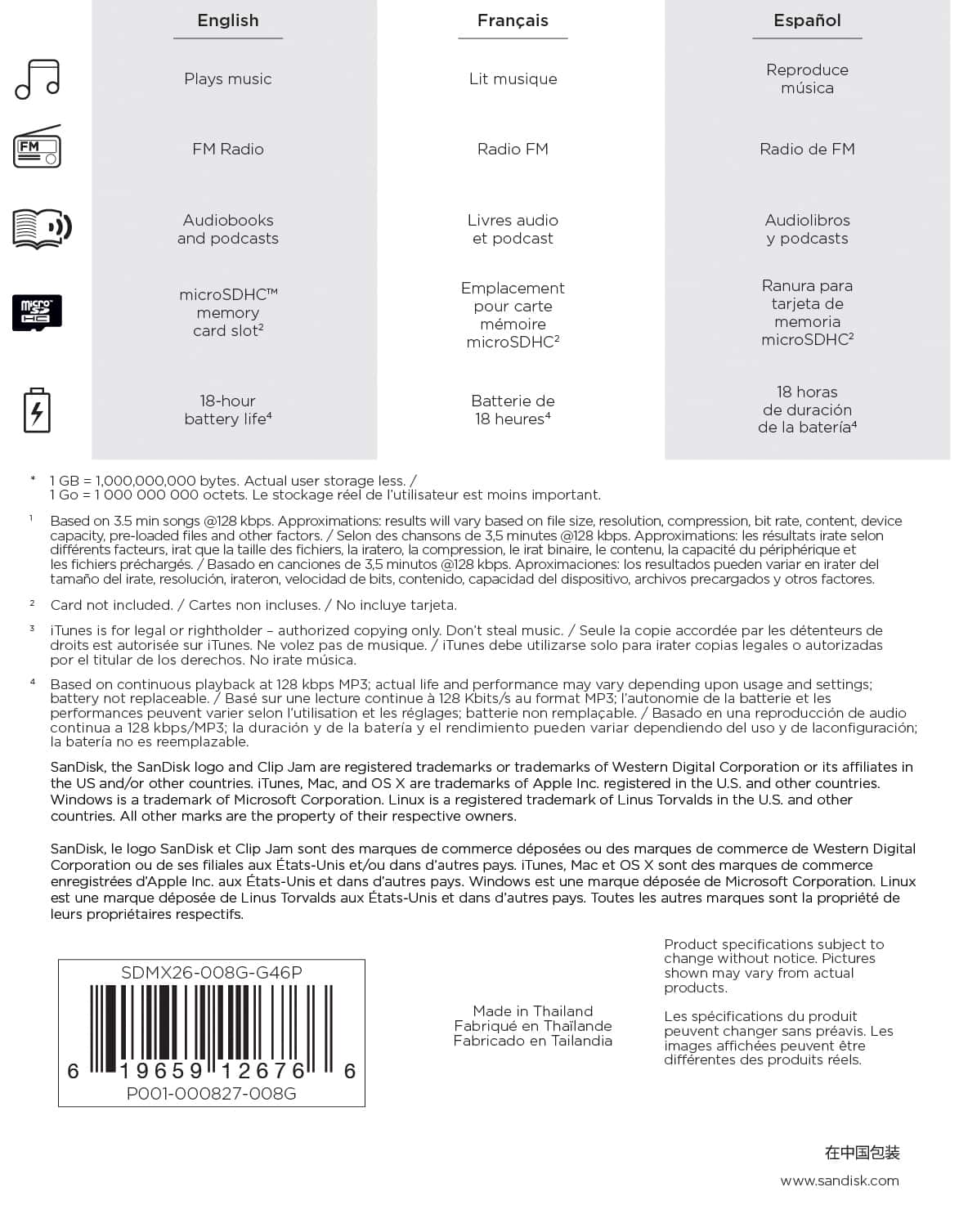
A:AnswerIf you already have music on your computer that is saved in the supported file types then you can copy it to the .MP3 player. You can use free software to RIP the music from your CDs to save them as high quality 320 Kbps .MP3s. Then you can copy those over any form of storage that your computer supports. Since this .MP3 player has 8 GBs of internal storage with the option to add another 128 GBs of external storage via Micro SD memory card, then it will be seen as a standard USB 2 Flash Drive.
One way to RIP music from your CD to your computer is to use Audiograbber for Windows, then sync it with the online CDDB so that the name of the artists, songs, albums, genres, dates, and other information can be automatically filled in for you.
If nobody else has entered the data from your CD, then you have the option of manually entering it so that it can be shared with the CD database. After that, you can copy and move your .MP3s to any storage device that your computer supports. The next time you insert the CD into your optical disc drive on the same computer that you made the RIP, it should automatically recognize that data without an Internet connection. This is a handy way to remind yourself what has or has not already been converted to .MP3 format.
Your computer will treat the .MP3 player as a standard USB 2 Flash Drive. If you add a memory card to the player, then the computer will likely see it as two different USB 2 Flash Drives. One for the internal storage. The second for the add-on storage of the memory card.
There are ample methods of how to RIP music from a CD to your computer on YouTube. Go check them out for other options.
A:AnswerIf you can download the audio files from Prime to your PC and listen to it without an Internet connection or special software, then you can do as you like with the files.