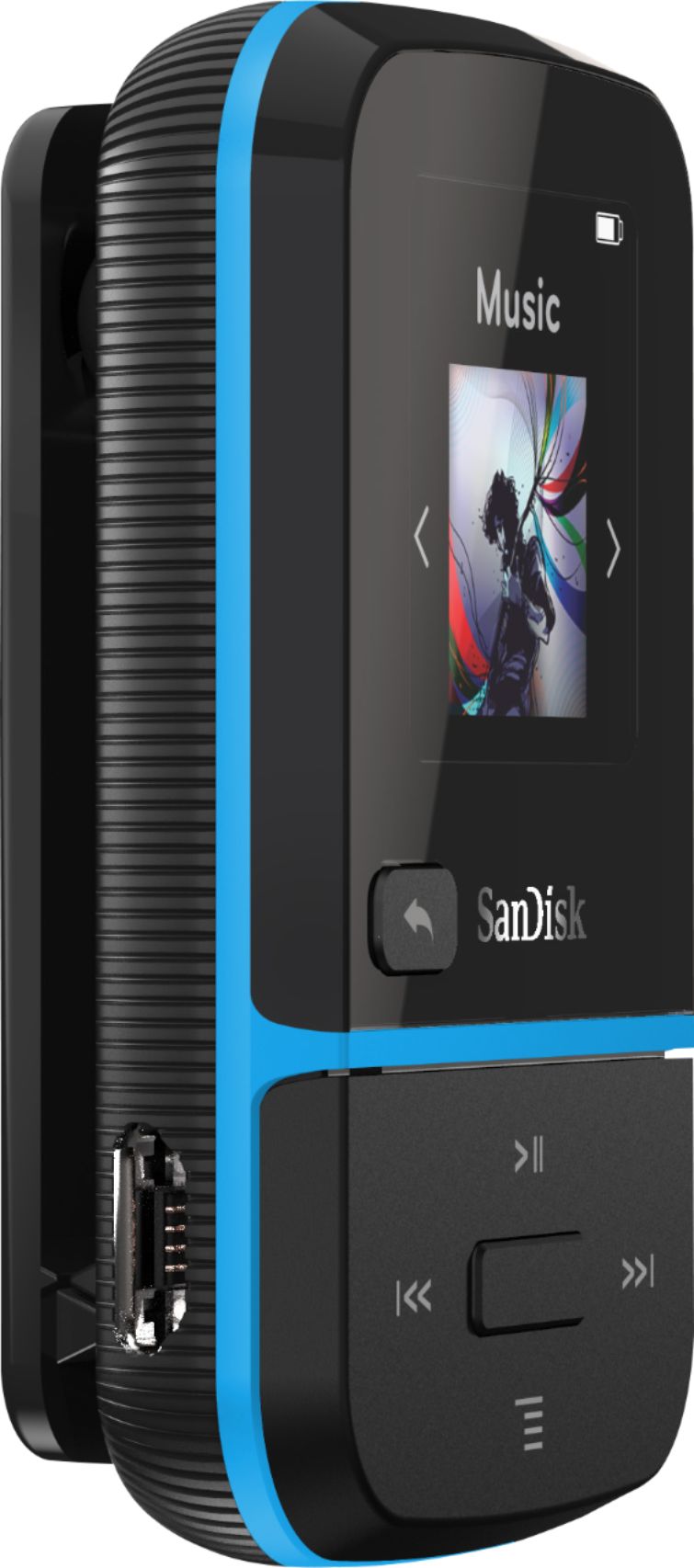
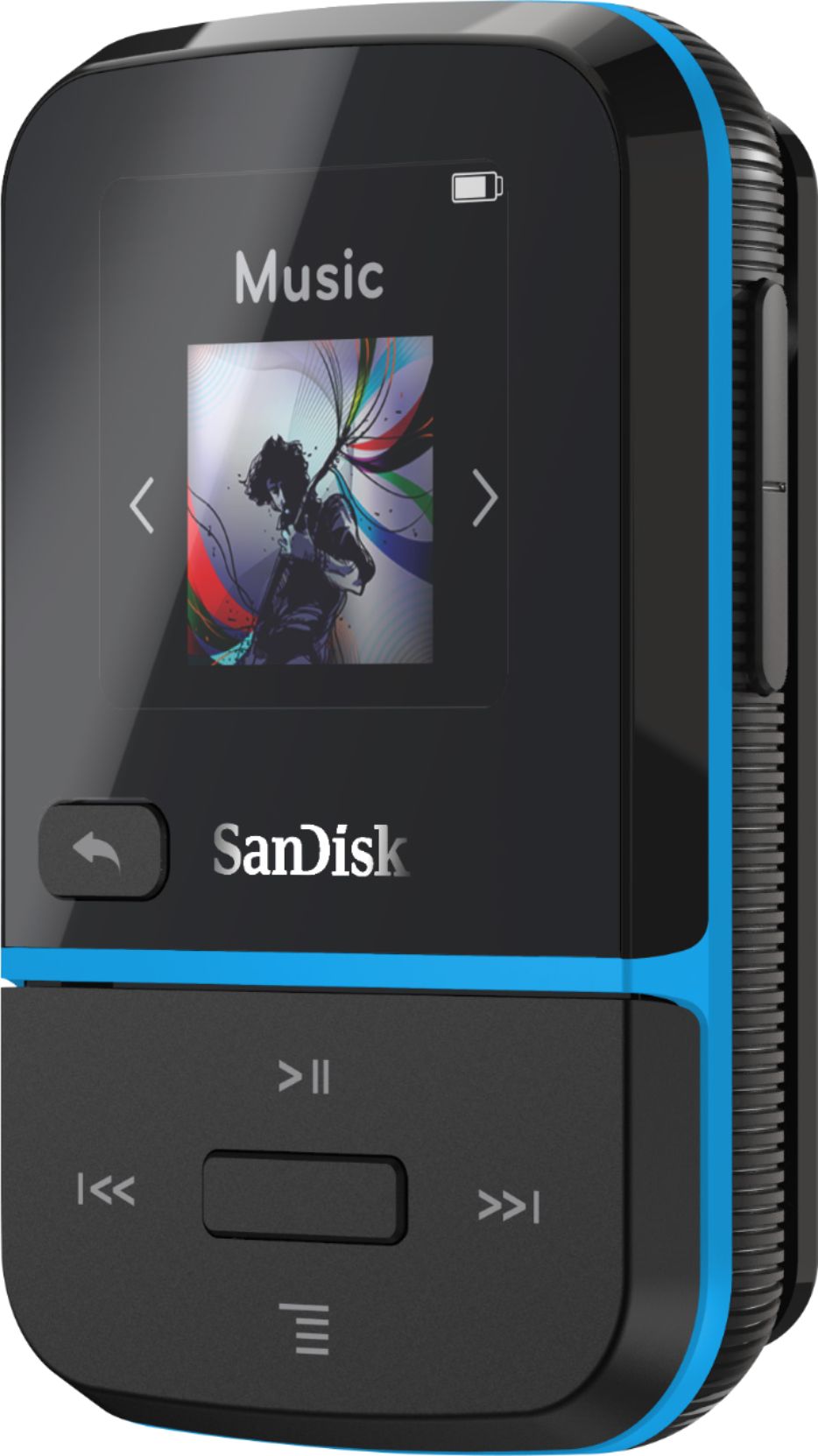
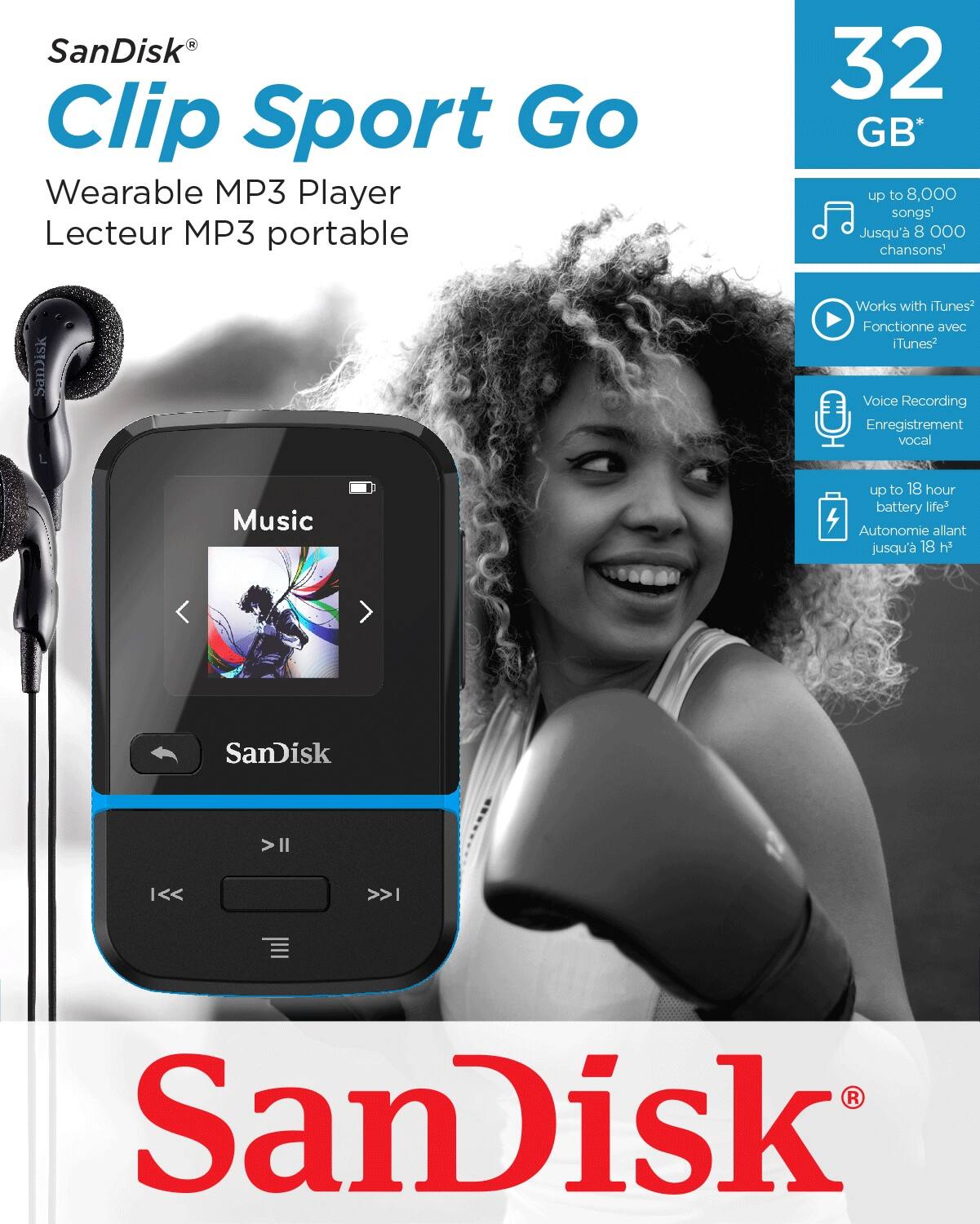
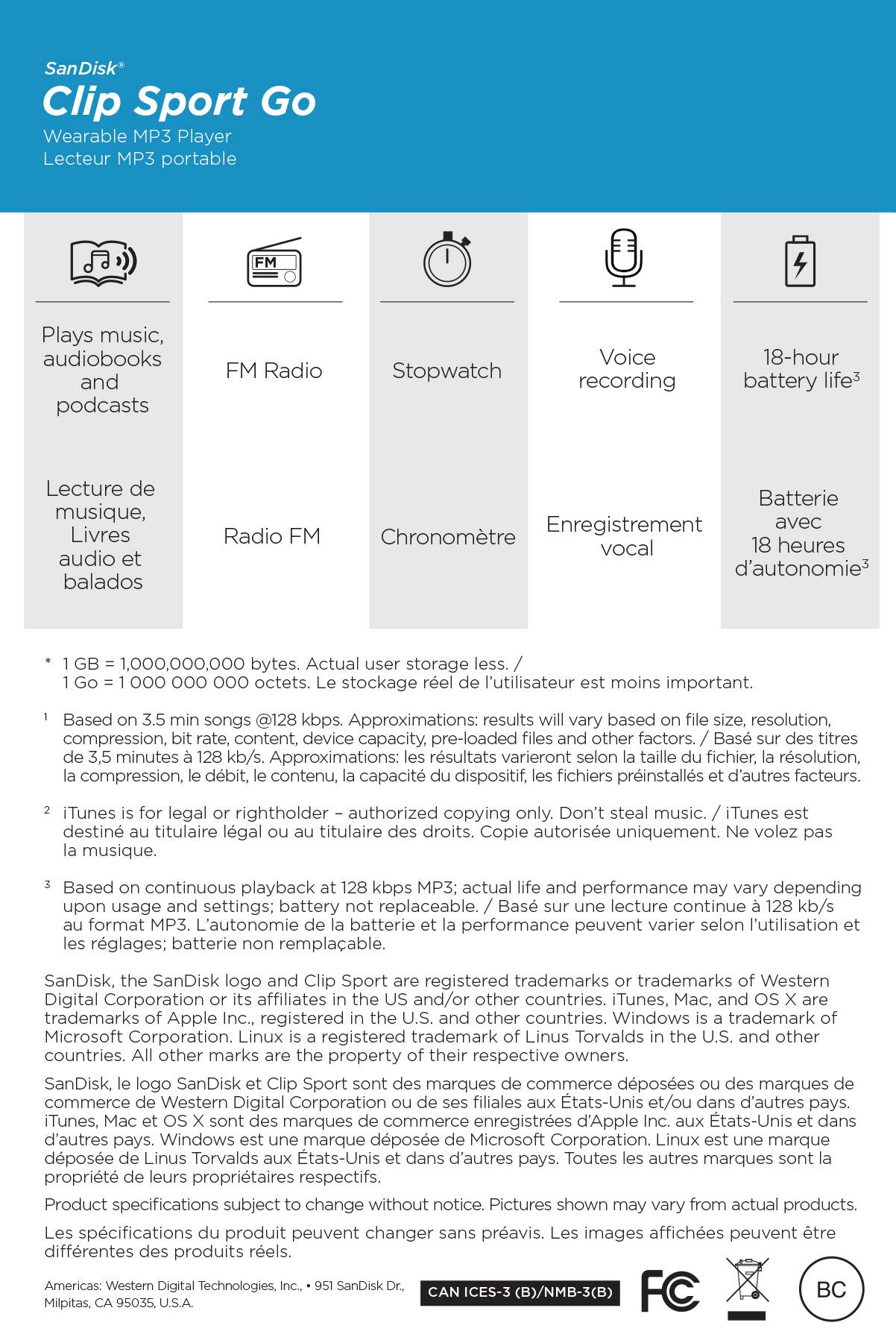
A:AnswerNo, the SanDisk® Clip Sport Go MP3 player does not support MP4 files. You may also refer to the user manual using the below mentioned link :
-- https://downloads.sandisk.com/downloads/um/clipsportgo-um.pdf
A:AnswerNo, the SanDisk® Clip Sport Go does not record FM radio. However, you can create a voice record. You may also refer to the user manual using the provided link :
-- https://downloads.sandisk.com/downloads/um/clipsportgo-um.pdf
A:AnswerYes, the SanDisk® Clip Sport Go MP3 Player supports Audiobooks. You may also refer to the user manual using the below mentioned link :
-- https://downloads.sandisk.com/downloads/um/clipsportgo-um.pdf
A:AnswerYes, the SanDisk® MP3 Players come with volume button. You may also refer to the user manual of this MP3 Player using the below mentioned link :
-- https://downloads.sandisk.com/downloads/um/clipsportgo-um.pdf
A:AnswerPlease allow us to inform you that this MP3 player come with 3.5mm audio jack and you can connect any earphone which come with 3.5mm jack. However, we also provide an earphone's inside the packaging of this MP3 player.
A:AnswerPlease allow us to inform you that the SanDisk® Clip Sport Go MP3 player does not come with Bluetooth functionality. However, we manufacture Clip Sport Plus MP3 player with Bluetooth functionality and you will require to use a earphone with 3.5mm connector to use FM radio.
A:AnswerPlease allow us to inform you that this MP3 player works as plug and play when connected to a computer. we apologize for the inconvenience this has caused you. This matter can be best addressed through our technical support team. Please visit our support site where you can find our customer technical support phone numbers, open a ticket, chat live or check the status of an open ticket https://www.sandisk.com/about/contact/customer-care.
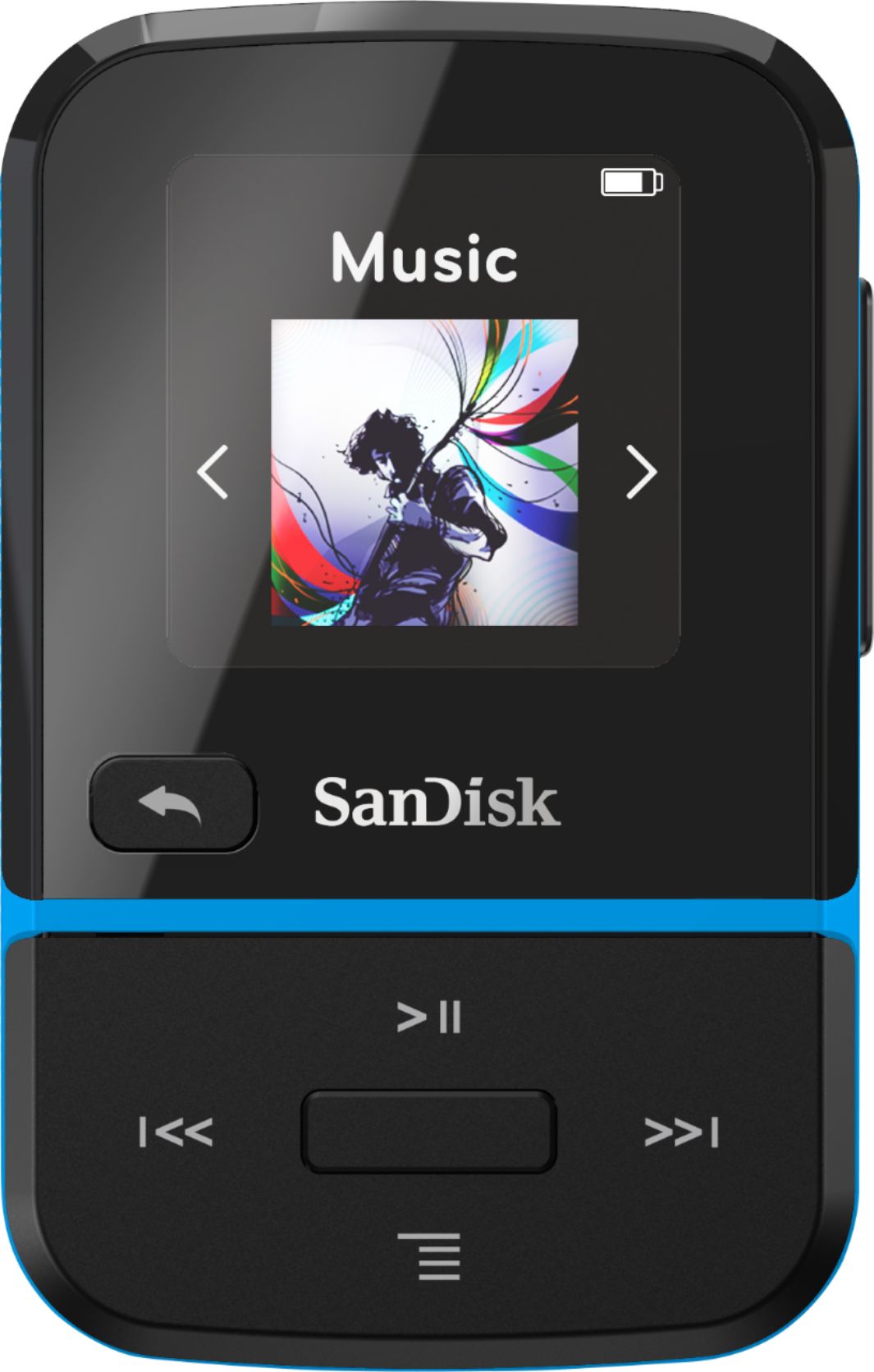
A:AnswerYes, you can press-and-hold the forward button to fast forward the audio file. You may also refer to the user manual of this MP3 player using the below mentioned link :
-- https://downloads.sandisk.com/downloads/um/clipsportgo-um.pdf
A:AnswerPlease allow us to inform you that the SanDisk® MP3 player supports DRM-free file and in order to know more, please refer to the below mentioned link :
-- https://kb.sandisk.com/app/answers/detail/a_id/159
However, in order to know how to transfer music file from CD please refer to the below mentioned link :
-- https://kb.sandisk.com/app/answers/detail/a_id/946
A:AnswerPlease allow us to inform you that the SanDisk® Clip Sport Plus MP3 player can be connected to a Bluetooth audio devices. However, we would recommend to check with the host device manufacturer for compatibility. You may also refer to the user manual of this MP3 player using the below mentioned link :
-- https://kb.sandisk.com/app/answers/detail/a_id/20075
A:AnswerPlease allow us to inform you that you can listen to the selected music files and if you wish you can also listen to the random files. Please refer to the user manual of this MP3 Player using the below mentioned link :
-- https://downloads.sandisk.com/downloads/um/clipsportgo-um.pdf
A:AnswerNo, the SanDisk® Clip Sport Go does not supports Pandora, Sportify or Napster. Our MP3 players only supports DRM-free music files. You may also refer to the below mentioned link :
-- https://kb.sandisk.com/app/answers/detail/a_id/159
A:AnswerYes, you can lock screen of the SanDisk® Clip Sport Go MP3 Player by pressing the back button for 2-3 seconds. Please refer to the user manual of this MP3 Player using the below mentioned link:
-- https://downloads.sandisk.com/downloads/um/clipsportgo-um.pdf