A:AnswerHi Yank, we would be happy to help, but it would be best to contact us directly so that we can investigate further and provide you with an appropriate resolution. You can use the Ask form at https://kb-eu.sandisk.com/app/ask/ and there is also a phone number you can call available at https://www.sandisk.com/about/contact/customer-care.
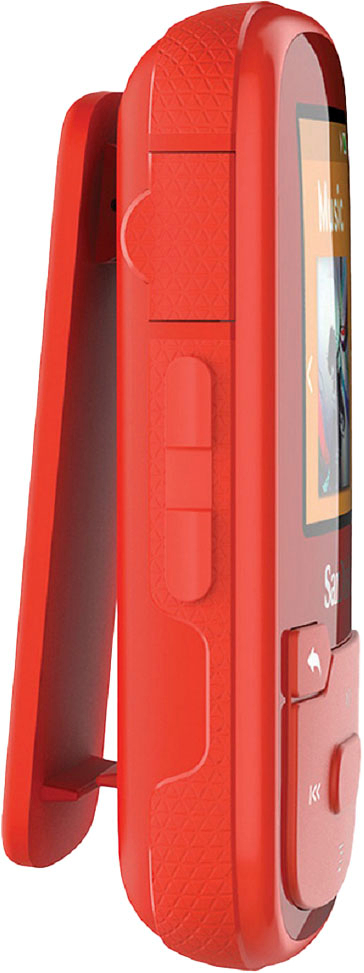
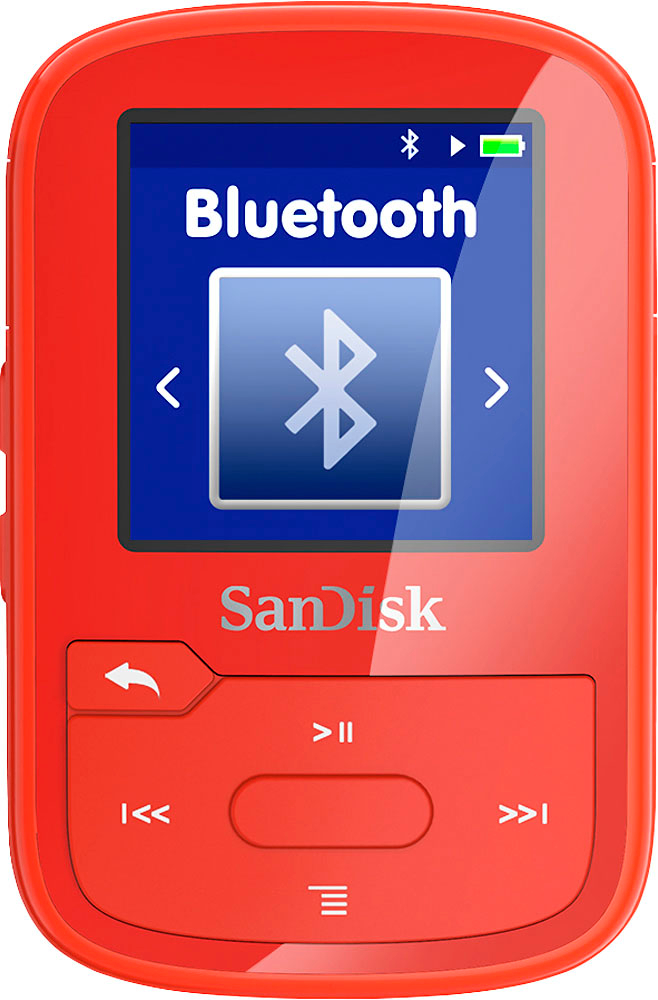
A:AnswerHi, please be informed that there is no volume lock in this MP3 Player but the MP3 player's screen can be locked for accidental/ unintentional button-clicks by long pressing the back button. However, please note that this screen lock would not be a password protected lock.
A:AnswerNo, you cannot download iTunes to the SanDisk® Clip Sport Plus 16GB MP3 Player. However, you can transfer music files from iTunes to this MP3 Player. I would suggest you to contact Apple Customer support to know how to transfer songs from iTunes to MP3 Player.
A:AnswerHi Kenny, you can connect an Auxiliary cable into the headphone jack of this MP3 Player and connect the other end to your stereo's Audio-in port to play audio from this MP3 player on your stereo's speaker.
A:AnswerYes, you can download music files from iTunes to the SanDisk® Clip Sport Plus MP3 Player. However, I would suggest you to contact Apple Customer Support to know how to transfer music files from iTunes to MP3 player.
A:AnswerPlease allow me to inform you that in order to play multiple song on this player, you need to create a playlist first. If the issue still persists, please feel free to contact SanDisk®️ Support at 1-866-SANDISK and we would be glad to assist you.
A:AnswerPlease allow me to inform you that you cannot connect this MP3 player directly to a Flash Drive. In order to transfer files on this MP3 player, you will have to connect it to a computer.