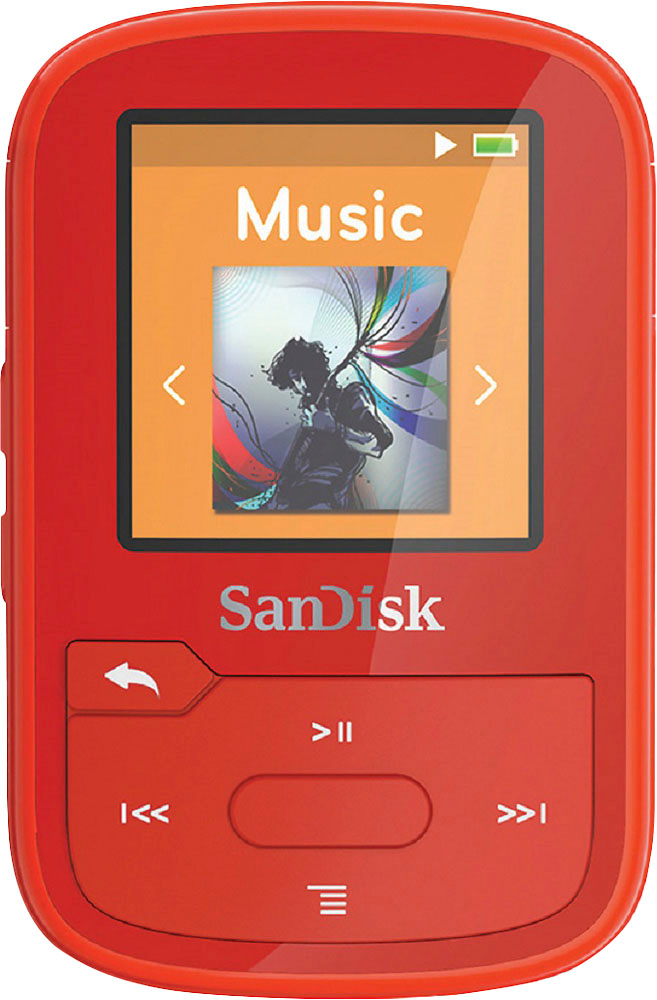
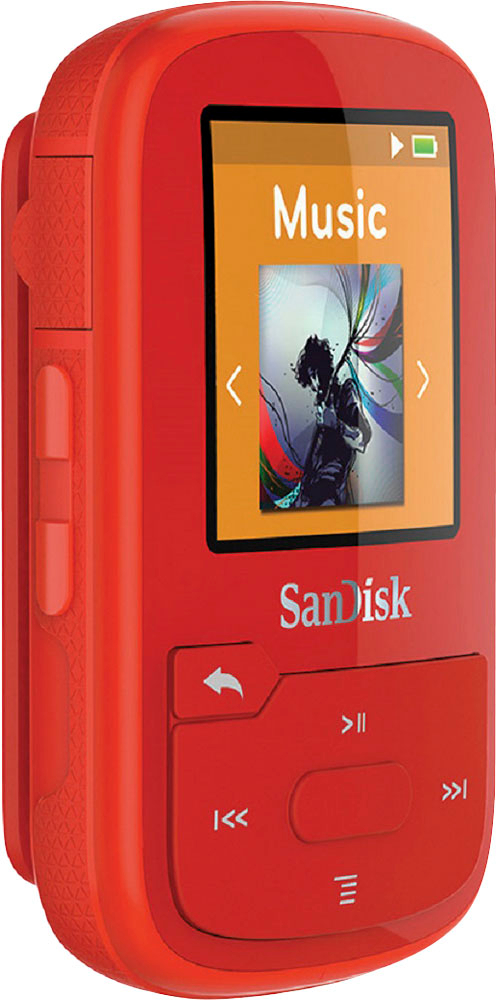
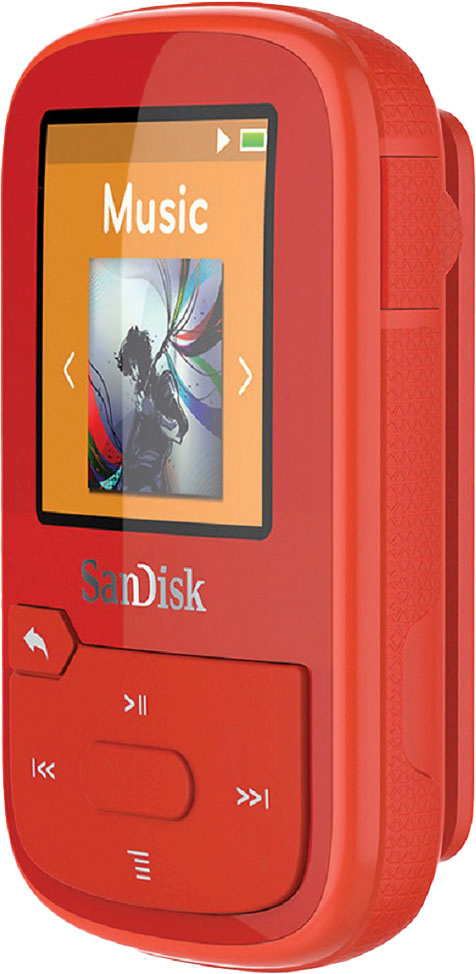
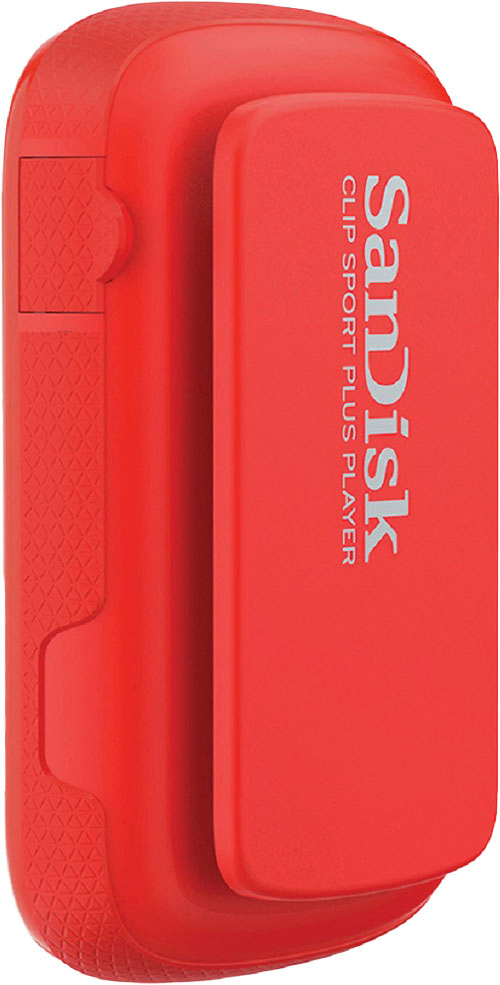
A:AnswerPlease allow us to inform you that all of our products are manufactured on strong hardware platform to sustain daily usage and if you face any issue while using our products, please reach out to our support available at https://www.sandisk.com/about/contact/customer-care.
A:AnswerPlease allow us to inform you that the SanDisk® Clip Sport Plus MP3 Player comes with 3.5mm Audio jack. You may refer to the below mentioned link to know more about this MP3 Player :
-- https://www.westerndigital.com/products/mp3-players/sandisk-clip-sport-plus#SDMX28-016G-G46B
A:AnswerYes, the SanDisk® Clip Sport Plus can be used globally since we provide global SanDisk® warranty. For further assistance, please reach out to our support available at https://www.sandisk.com/about/contact/customer-care.
A:AnswerNo, the SanDisk® Clip Sport Plus MP3 Player does not download music from Youtube. However, you may refer to the below mentioned link to know the supported file types on the SanDisk® Mp3 players :
-- https://kb.sandisk.com/app/answers/detail/a_id/14130
A:AnswerPlease be informed that the this MP3 player uses an older chipset version of BT which is v2.1 + EDR as it may not be compatible with BT version 4.0 and above. However, below mentioned headphones are tested by ENGG department :
- Apple AirPods (1st Generation)
- Beats Solo3 Wireless
- Beats Powerbeats3 Wireless
- Bose QuietComfort 35
- Bose SoundSport Wireless
- Bose Quietcontrol 30 Wireless
A:AnswerYes, the SanDisk® Clip Sport Plus MP3 Player comes with functionality to shuffle music and you can connect this MP3 to a car stereo using Bluetooth or an Auxiliary cable.
A:AnswerHi, we would be happy to help, but it would be best to contact us directly so that we can investigate further and provide you with an appropriate resolution. You can use the Ask form at https://kb-eu.sandisk.com/app/ask/ and there is also a phone number you can call available at https://www.sandisk.com/about/contact/customer-care.
A:AnswerHi, we would be happy to help, but it would be best to contact us directly so that we can investigate further and provide you with an appropriate resolution. You can use the Ask form at https://kb-eu.sandisk.com/app/ask/ and there is also a phone number you can call available at https://www.sandisk.com/about/contact/customer-care.
A:AnswerYes, you can transfer MP3 music files stored in one SanDisk® MP3 Player to another SanDisk® MP3 Player using a computer provided that the music files are not DRM-protected. If you wish to get help from our support staff for the same, please feel free to contact SanDisk® Support at 1-866-SANDISK and we would be glad to assist you.
A:AnswerHi, we would be happy to help, but it would be best to contact us directly so that we can investigate further and provide you with an appropriate resolution. You can use the Ask form at https://kb-eu.sandisk.com/app/ask/ and there is also a phone number you can call available at https://www.sandisk.com/about/contact/customer-care.
A:AnswerHi, we would be happy to help, but it would be best to contact us directly so that we can investigate further and provide you with an appropriate resolution. You can use the Ask form at https://kb-eu.sandisk.com/app/ask/ and there is also a phone number you can call available at https://www.sandisk.com/about/contact/customer-care.
A:AnswerHi, we would be happy to help, but it would be best to contact us directly so that we can investigate further and provide you with an appropriate resolution. You can use the Ask form at https://kb-eu.sandisk.com/app/ask/ and there is also a phone number you can call available at https://www.sandisk.com/about/contact/customer-care.
A:AnswerHi, please be informed that the SanDisk Clip Sport Plus 16GB MP3 Player has Bluetooth version 2.1 and you can connect bluetooth earphones/ headphones with the Bluetooth version 2.1 and above.
A:AnswerHi, we would be happy to help, but it would be best to contact us directly so that we can investigate further and provide you with an appropriate resolution. You can use the Ask form at https://kb-eu.sandisk.com/app/ask/ and there is also a phone number you can call available at https://www.sandisk.com/about/contact/customer-care.
A:AnswerHi, we would be happy to help, but it would be best to contact us directly so that we can investigate further and provide you with an appropriate resolution. You can use the Ask form at https://kb-eu.sandisk.com/app/ask/ and there is also a phone number you can call available at https://www.sandisk.com/about/contact/customer-care.
A:AnswerHi, we would be happy to help but it would be best to contact us directly so that we can investigate further and provide you with an appropriate resolution. You can use the Ask form at https://kb-eu.sandisk.com/app/ask/ and there is also a phone number you can call available at https://www.sandisk.com/about/contact/customer-care.
A:AnswerHi, we would be happy to help, but it would be best to contact us directly so that we can investigate further and provide you with an appropriate resolution. You can use the Ask form at https://kb-eu.sandisk.com/app/ask/ and there is also a phone number you can call available at https://www.sandisk.com/about/contact/customer-care.