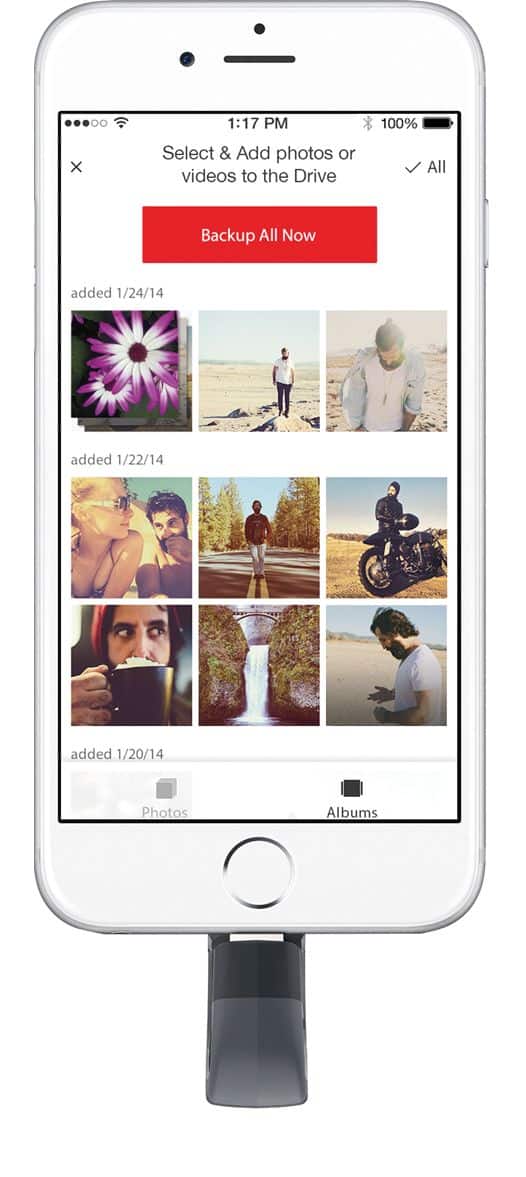
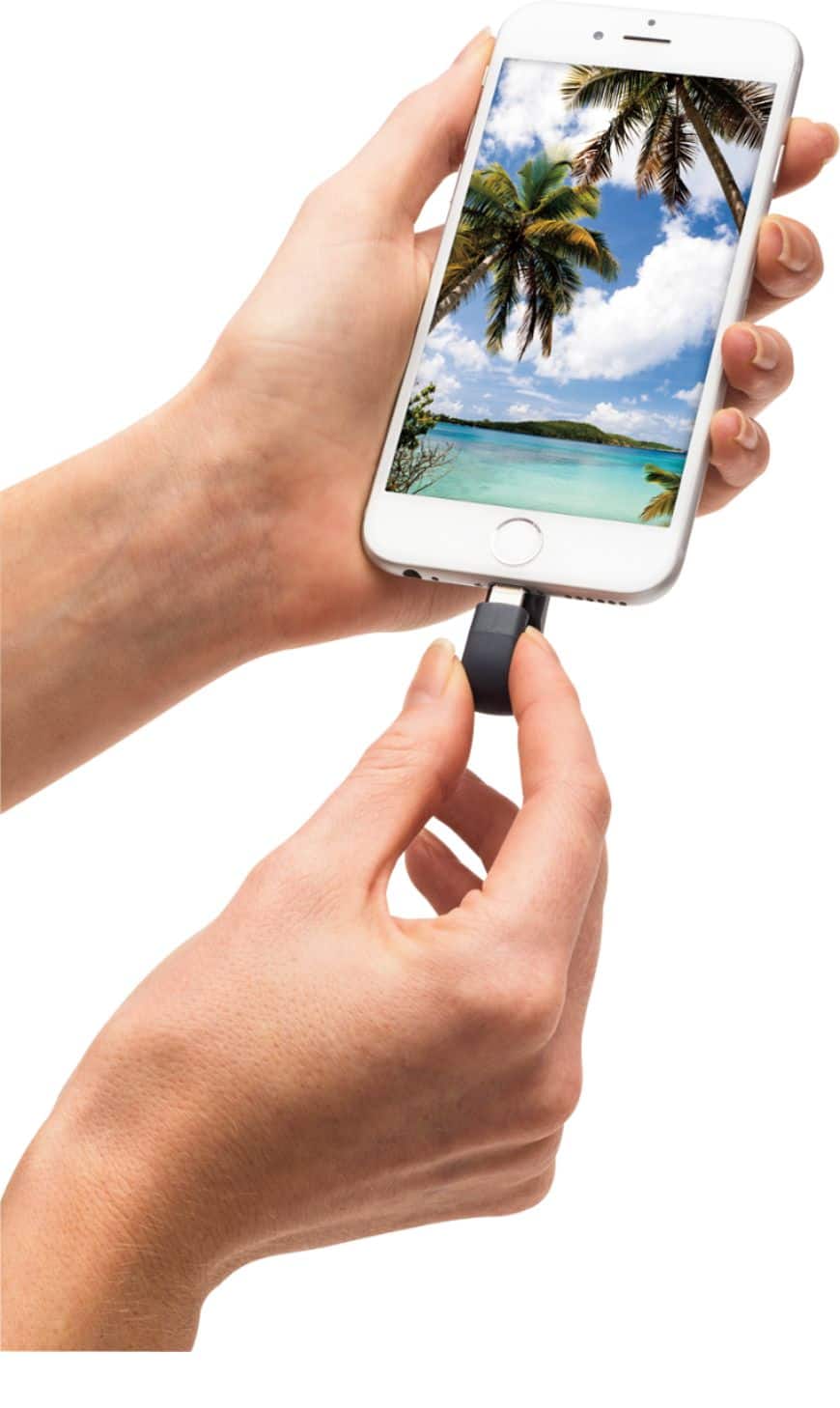
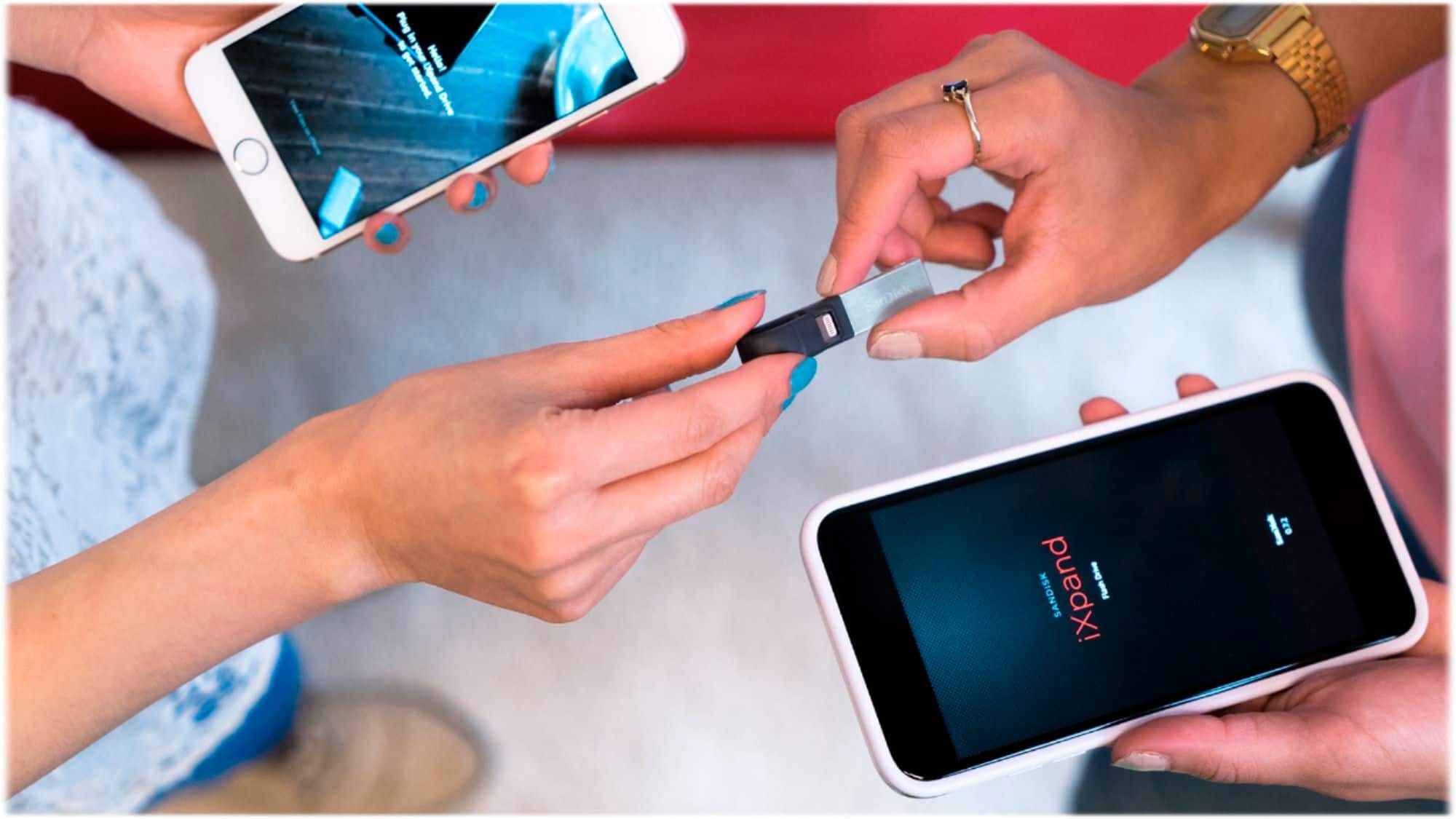
A:AnswerYou need to download the app to transfer on each device. You’ll also need the app to open your photos and videos on other devices. All your devices will need to app.
A:AnswerThe iConnect is treated as any USB Flashdrive by Windows devices, Smart TV;s etc and you should be able to view images and videos just as with any regular Flashdrive.
A:AnswerIt works on those Apple products. If you're asking does it allow iTune music files to be transferred to it, it does. But it does not allow DRM protected files. Suggest checking details by visiting the SanDisk support website for how to transfer music files to the iXpand flash drive.
A:AnswerThis item is designed and advertised to do so, however, we recently purchased to transfer movies to our iPad air 2 for a road trip. With this type of device u have to download the app to use it. The app for this product is horrible and did not work. U can read the reviews for it in your app store prior to purchasing this and or any other similar device. We immediately returned and purchased the ixpand SanDisk which worked instantly out of the box.
A:AnswerI was wondering if this device could handle music files as well but don't see that it does in the item description as it describes mainly that photos and videos are supported while the 2.0 usb ixpand stick with lightning connector states that it supports music files.
However,according to the review on the web site 9-5 Mac at [ https://9to5mac.com/2016/04/27/review-sandisk-iphone-lightning-drive-usb-3/ ] music files were accessible by downloading the app from apple. I do believe that you must use the app to play the files.