A:AnswerHello NICK,
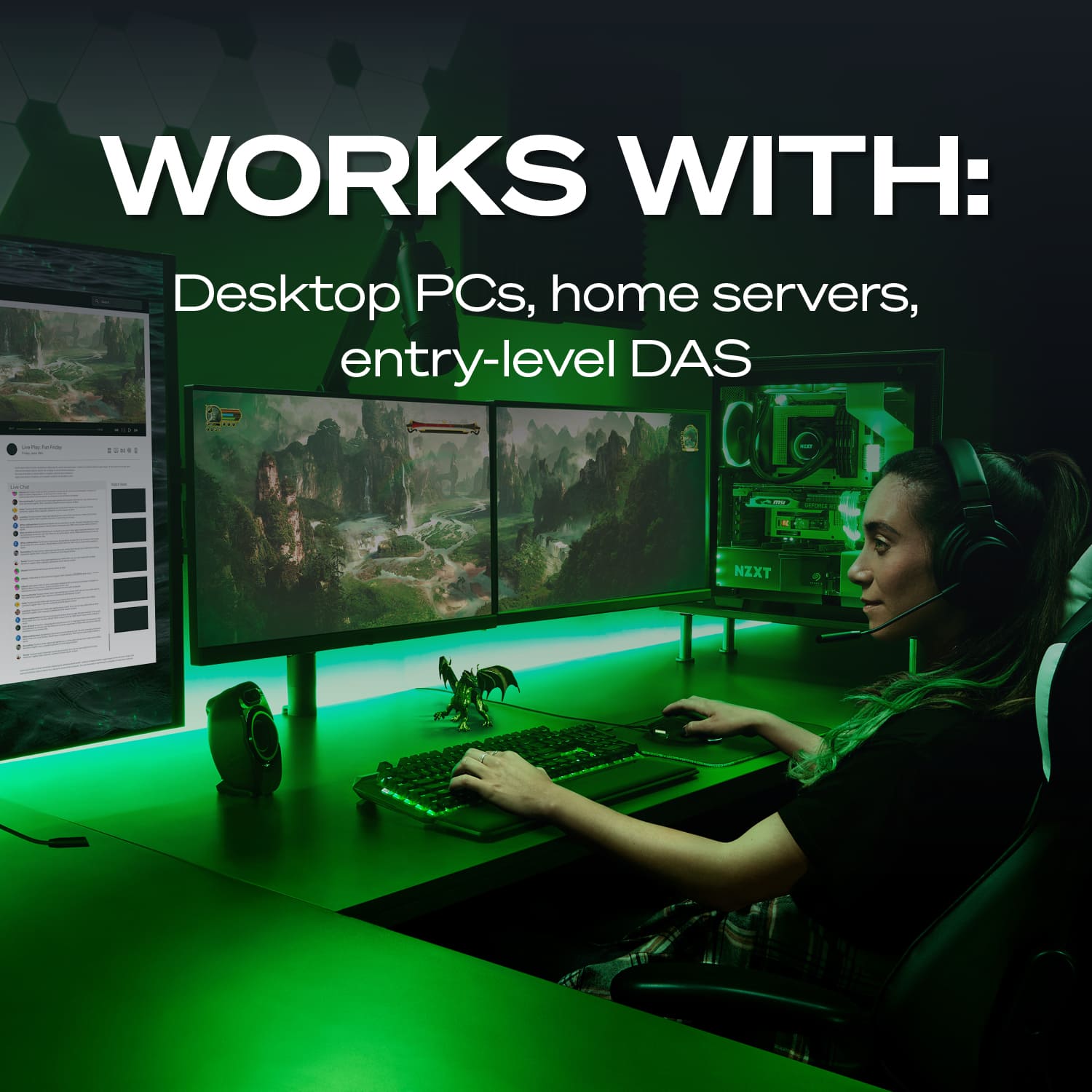
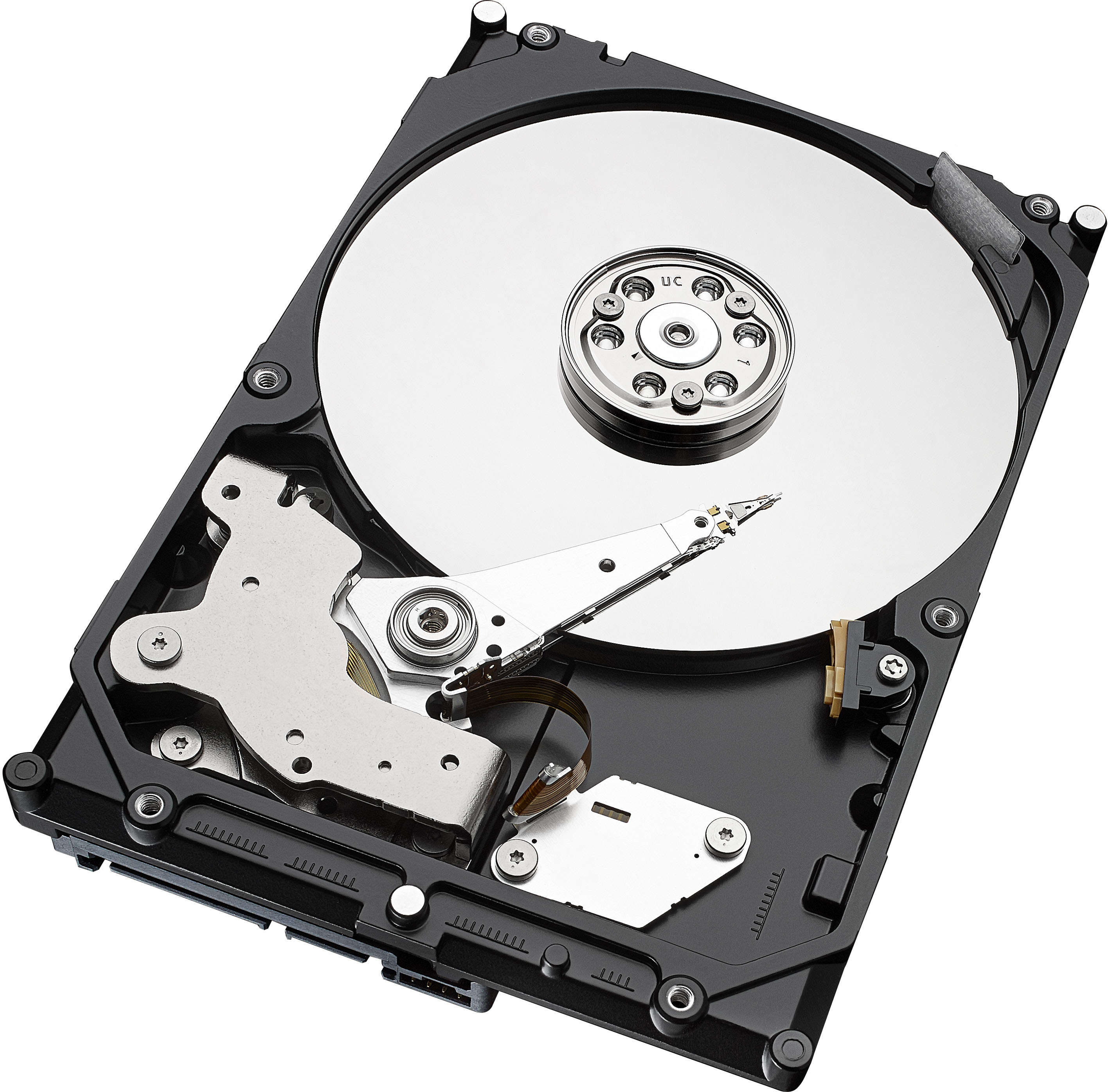
The Barracuda 2TB for Desktops is a 3,5" drive that fits best on:
- Desktop or all-in-one PCs
- Home servers
- Entry-level direct-attached storage devices (DAS)
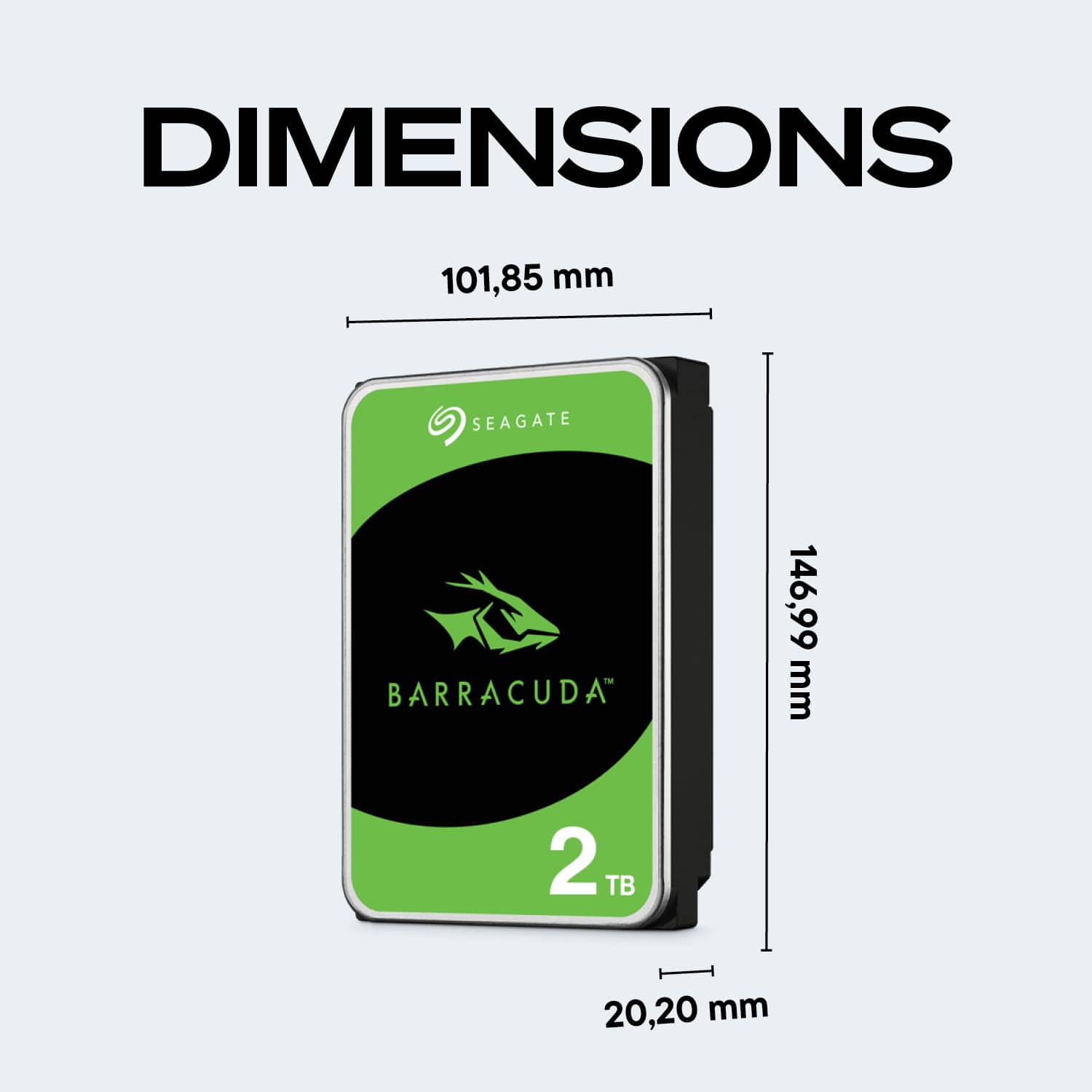
Detailed information about its measures and tech specs can be found on the data sheet:
https://www.seagate.com/www-content/datasheets/pdfs/3-5-barracudaDS1900-14-2007US-en_US.pdf
For compatibility with Mac Desktops however, please contact the desktop manufacturer.
Regards,
Zac
Seagate Support
A:AnswerHello RANDOM342,
Seagate drives work out of the box with Windows and Mac operating systems, however for accurate information about compatibility please contact ACER.
The tech specs for the Barracuda Drives can be found on our support site: https://www.seagate.com/internal-hard-drives/hdd/barracuda/#specs-2-5
Regards,
Zac
Seagate Support
A:AnswerWould need an operating system if it will be your boot drive.
Is it going to be your boot drive? If it is a boot drive the process ia more complicated. Consider seeking professional installation.
Just a storage disk no operating system needed.
A:AnswerYes, it’ll work with any computer that has the right connection. As long as it’s a esata cable which is the small black or blue cable with a L shape connector, not the one for wide flat cable.
A:AnswerHello KhaBeleth,
Seagate hard drives work with Mac and Windows out of the box, however for compatibility with a third party device we recommend to contact the manufacturer, in this case HP.
For more information about the Barracuda ST2000DM008, we provide the data sheet in the link below:
https://www.seagate.com/www-content/datasheets/pdfs/3-5-barracudaDS1900-14-2007DE-de_DE.pdf
Regards,
Zac Seagate
Support
A:AnswerHello Ray80,
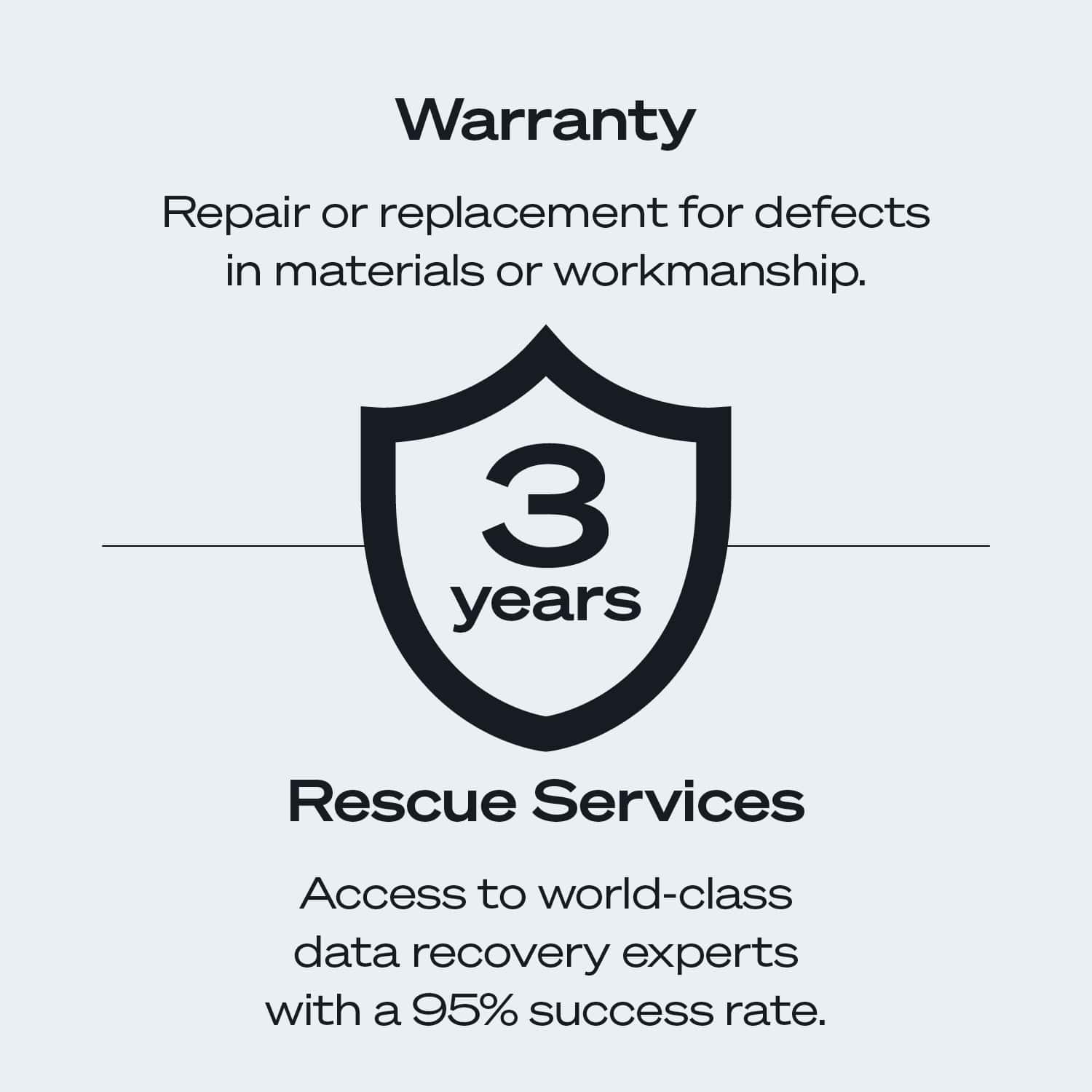
The Seagate Barracuda Drive ST2000DM008 comes with 2 years manufacturer's warranty from Seagate, counting from the dare of purchase.
After buying the drive you can check its warranty on our website using its serial number:
https://www.seagate.com/support/warranty-and-replacements/
To validate the warranty with the proof of purchase you'll need to contact us through our support site and provide a proof of purchase:
https://www.seagate.com/contacts/
Regards,
Zac
Seagate Support
A:AnswerHello Shadowfluff,
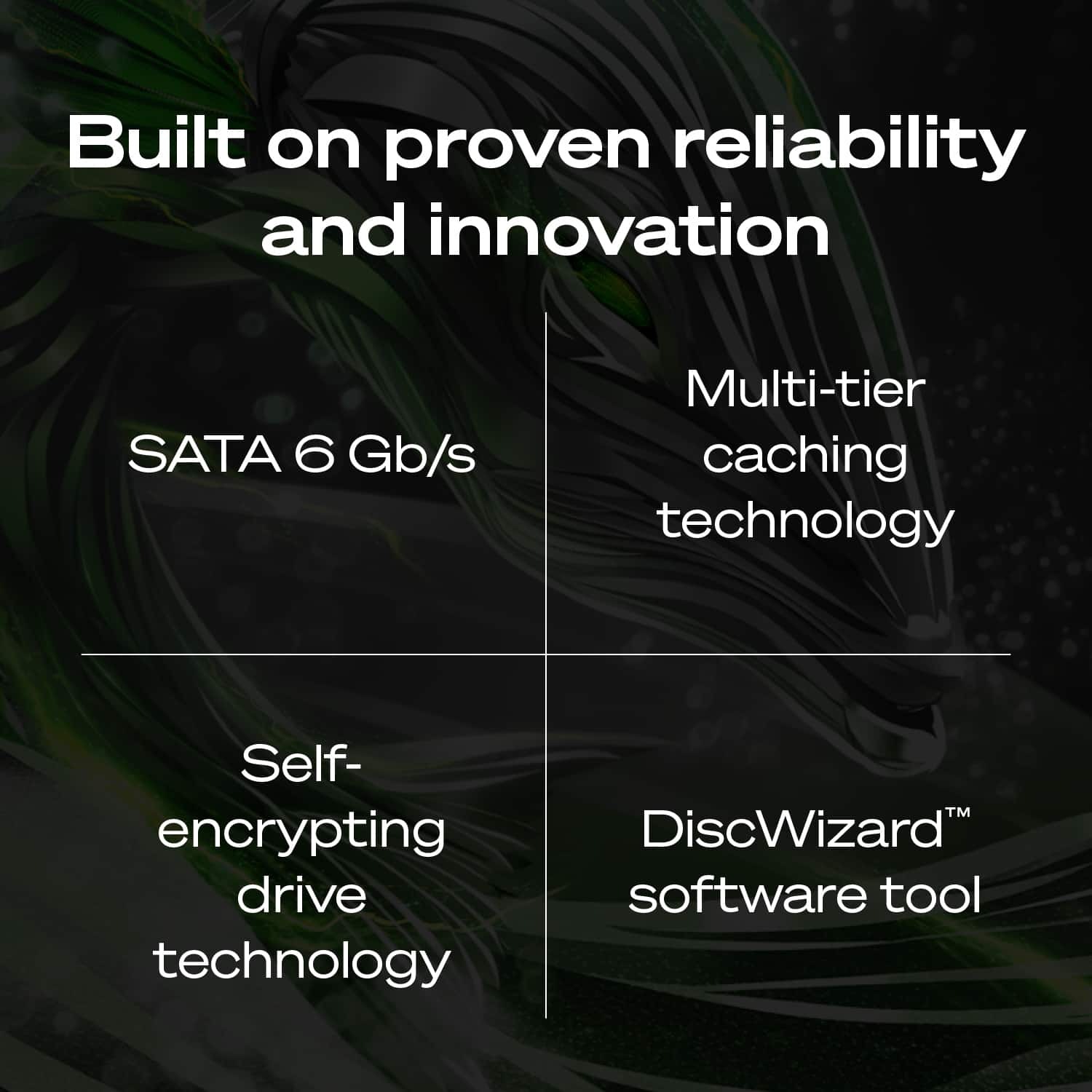
The Barracuda Drives have SATA 6Gb/s interfaces, it means you'll need a SATA cable to connect this hard drive to your motherboard. One end of the SATA cable will plug into your new hard drive, and the other needs to go to a SATA port on your motherboard.
Regards,
Zac
Seagate Support
A:AnswerHello --,
Seagate hard drives work with Mac and Windows out of the box, however for compatibility with a third party device we recommend to contact the manufacturer, in this case DELL.
For more information about the Barracuda ST2000DM008, we provide the data sheet in the link below:
https://www.seagate.com/www-content/datasheets/pdfs/3-5-barracudaDS1900-14-2007DE-de_DE.pdf
Regards,
Zac
Seagate Support
A:AnswerYes, this is it’s main use as an internal hard drive for a custom PC. Your computer will need a location to mount it and a SATA data cable coming from the computer motherboard and a sata power cable coming from the power supply. If your power supply does not have a sata power connector there is usually unused molex power connectors that can be converted to a sata power connector with a jumper cable
A:AnswerI believe that system is a bit small but open the case and look or look up your drive specs on line to see the actual physical dimensions.
This drive is a full size and may not fit smaller cases.