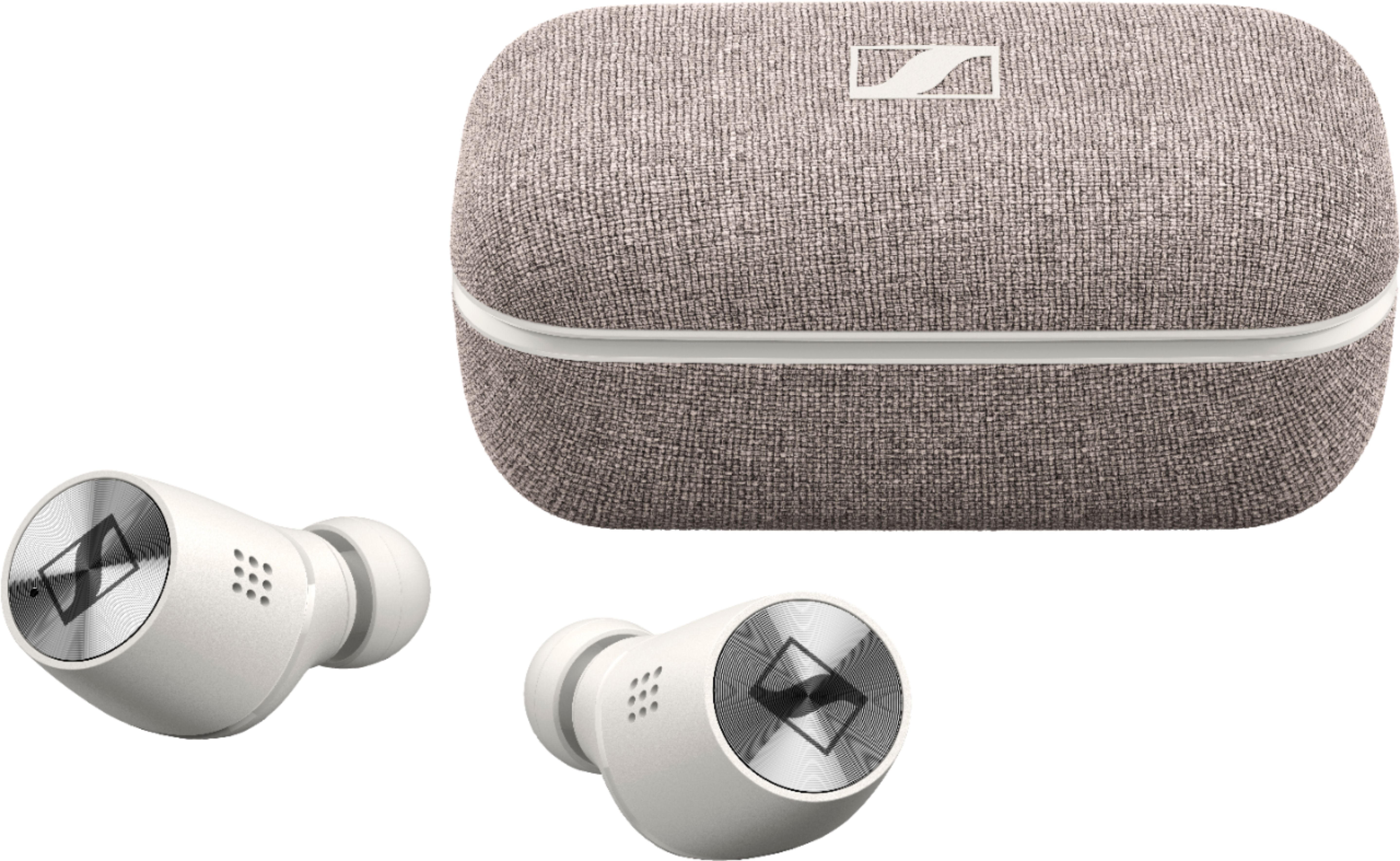
A:Answer If your laptop has Bluetooth, more specifically 5.0 or 5.1, they should work great. I use it for Zoom quite a bit since I purchased them and go between these and a nice pair of wired headphones. If you plan to use the microphone on them, set your default listening device to Momentum TW2 (Headset). If you are using the built-in mic on your computer, or a separate mic, you might want to set your default device to Momentum TW2 (Stereo) for Zoom to hear everyone in better audio quality. I noticed the latter was only feasible when you use a different mic than the ones in the earbuds because when you use the earbuds mic, it forces your audio to the headset channel. It's not a bad quality, but it's definitely not as good as the stereo channel quality.
PS. If your laptop doesn't have BT 5.0 or 5.1, I recommend the ASUS USB-BT500 Bluetooth adapter. I picked one of those up for my desktop and the Sennheiser earbuds work perfectly through that.