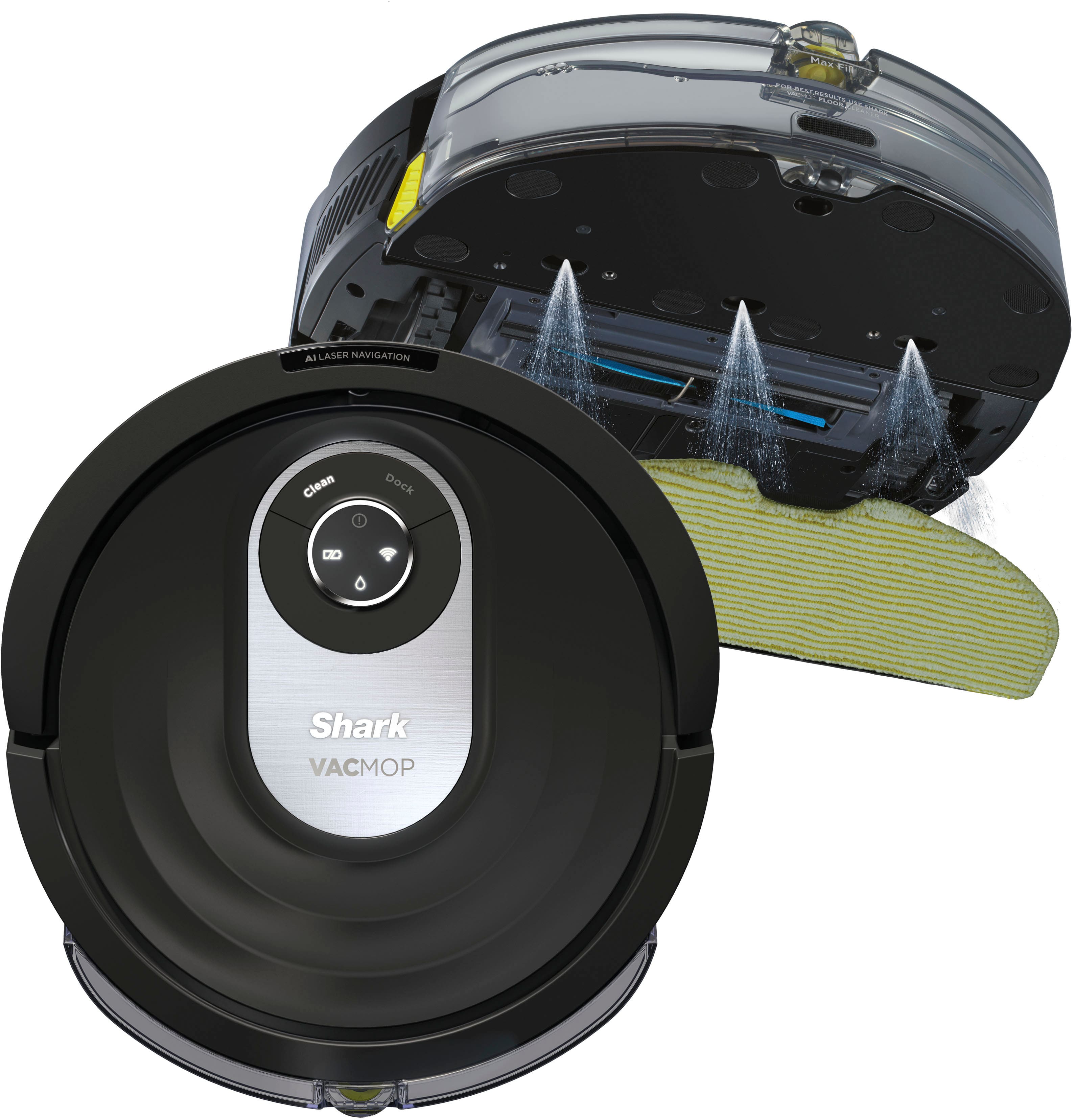
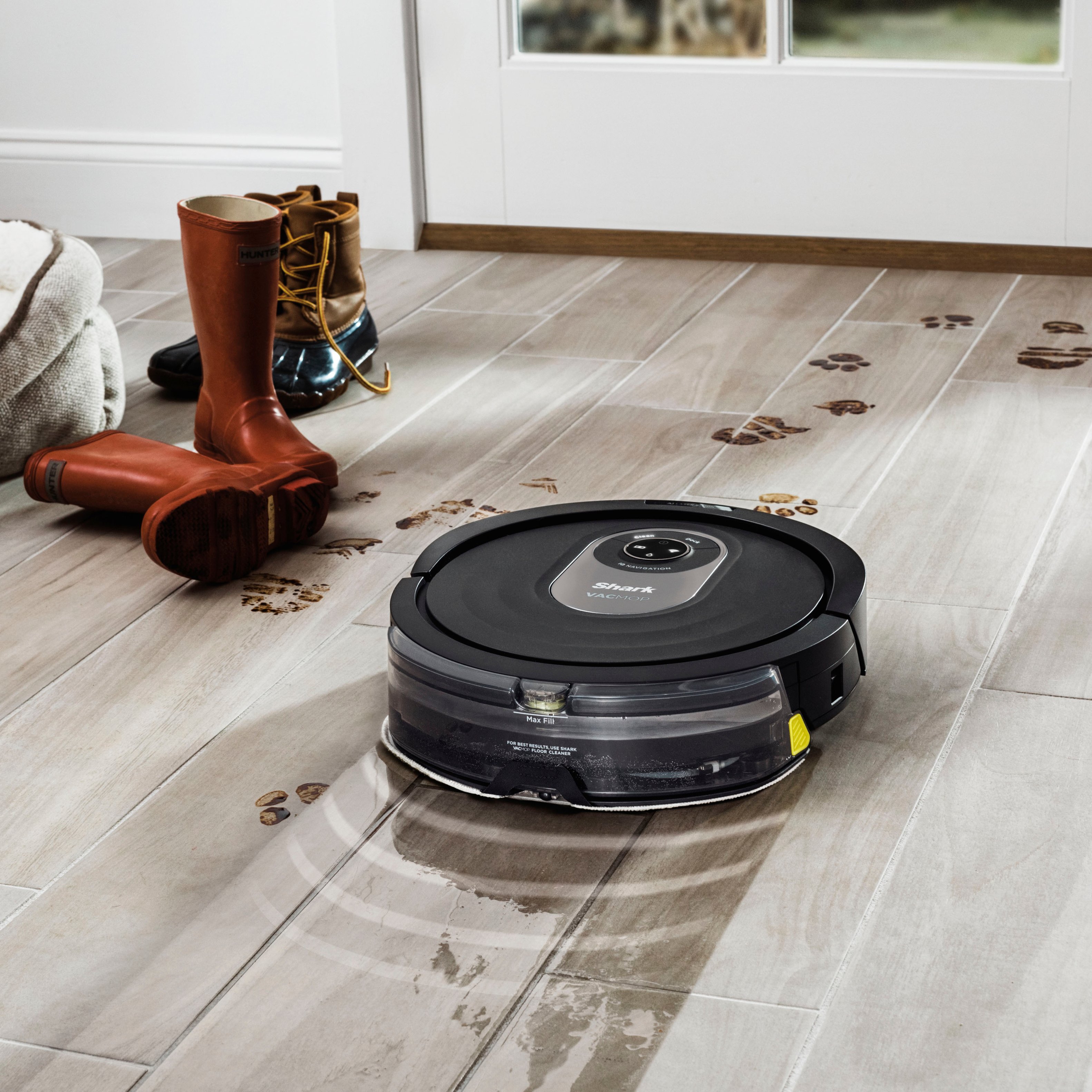
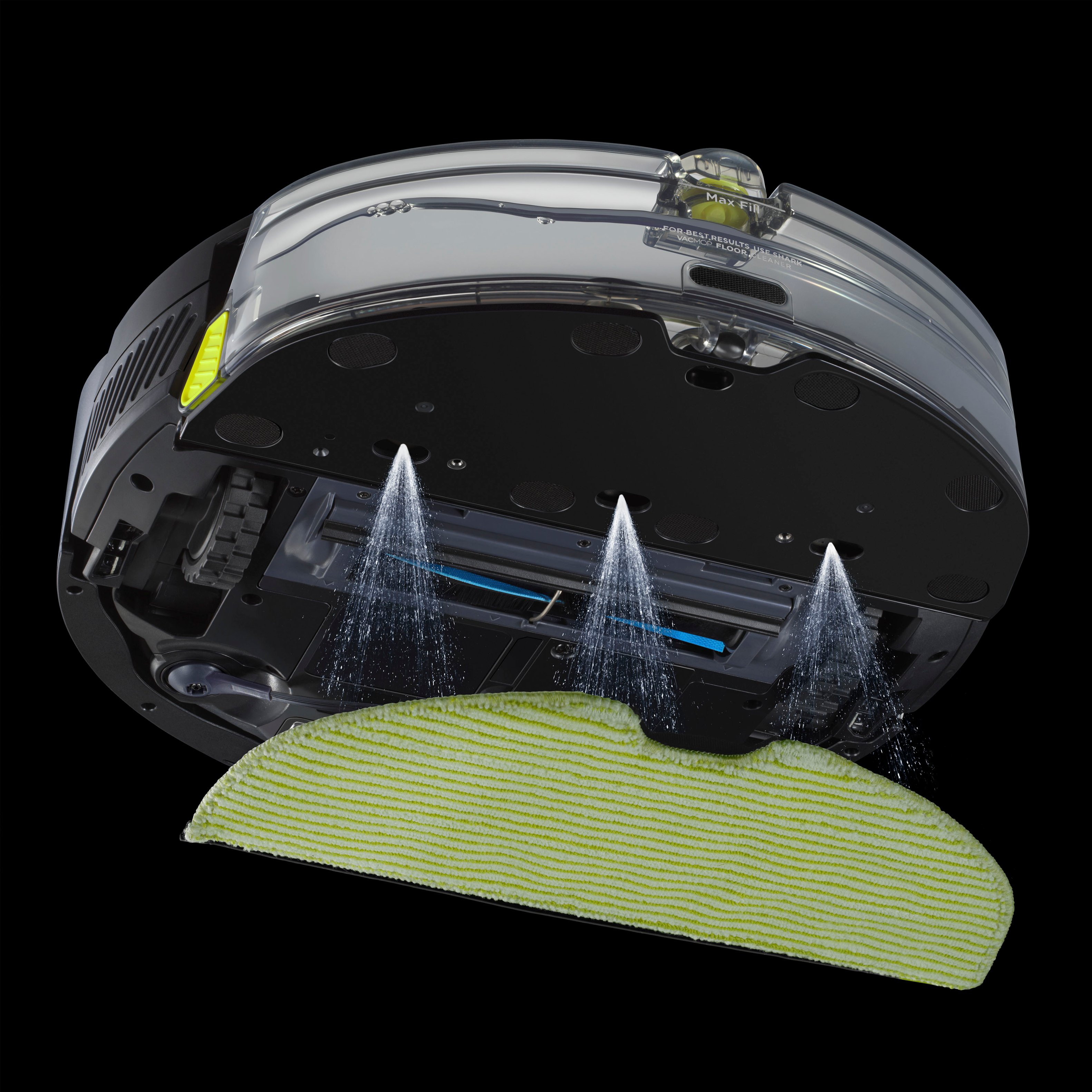
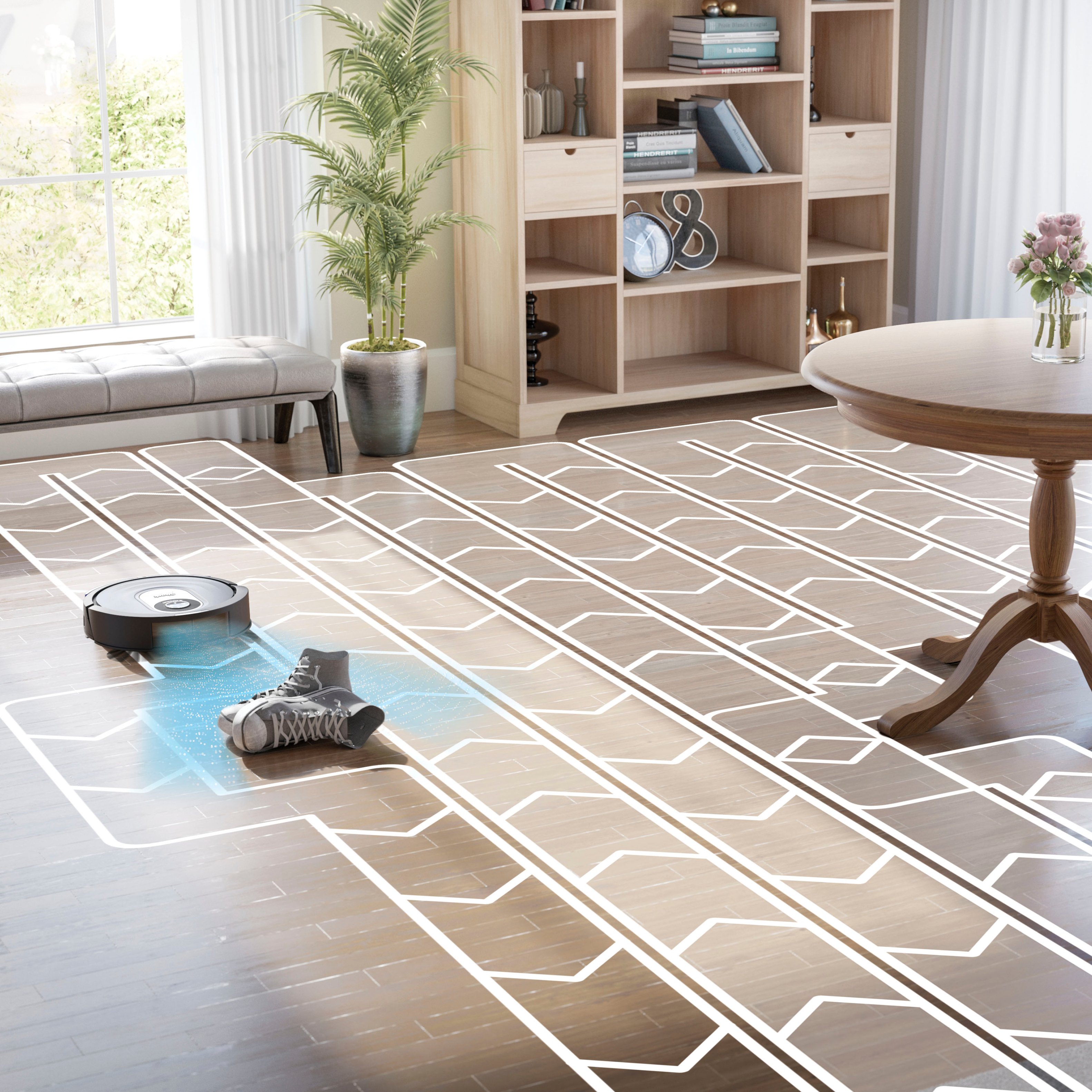
A:AnswerWe would like to let you know that both of these units are part of the same series. The differences is where the unit is sold, also accessories may vary as well.
A:AnswerWe would like to let you know that the Robot can only map one level. You can manually put the robot on another level to clean then once it is finished you would need to manually put the robot back on the dock.
A:AnswerI don’t see why it couldn’t, vinyl floors are normally waterproof and the mop feature doesn’t leave the floor wet really at all and I love that it vacuums and mops at the same time
A:AnswerWe would like to inform you that this robot can work without Wi-Fi. You would need to press the buttons located on the robot to get it to run, however you would not be able to use the app or any features of the unit that would require Wi-Fi. We recommend connecting it to Wi-Fi and pairing it with the Shark App to receive regular updates to the robot and the app. This will ensure that the robot is maintaining optimal performance. You will also be able to set up a cleaning schedule with the app. Also this unit is not bluetooth compatible.
A:AnswerWe are sorry to hear that you are having this issue with your Shark Robot. To better assist you with this we recommend reaching out to our Robot Customer Care Team at 1-888-228-5531 Monday to Friday, 9:00 am - 9:00 pm EST, as well as Saturday from 9:00 am to 6:00 pm EST
A:AnswerVacuum on normal suction seems to run about 850 sq ft. before going back to recharge then finishing a couple hours later.
Mopping tank will run about 700 sq ft on low flow before needing refilled.
(My house is tight quarters so it does a lot of little moves to get around furniture and things. A more open floorplan would probably allow it to clean more sq ft per run)