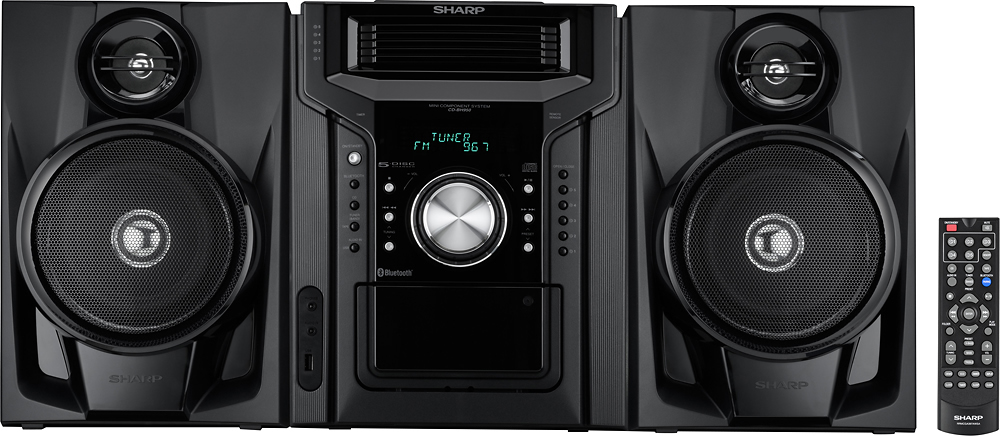
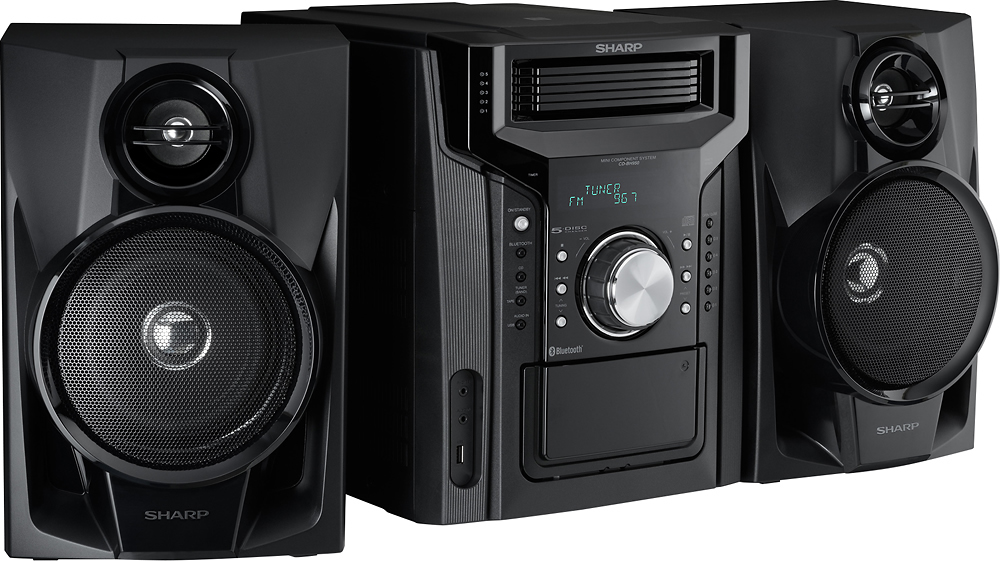
A:Answer Thank you for allowing us the opportunity to assist you. You will need an external Bluetooth transmitter to use wireless headphones, but the system does include a built-in jack for regular wired headphones. The built-in Bluetooth feature on the Sharp CD-BH950 is designed strictly as a receiver, which allows you to stream music from your phone to the stereo, but it cannot broadcast audio out to wireless accessories on its own. For regular private listening, you can plug standard headphones directly into the 3.5mm headphone jack located on the front panel, or you can plug a small, inexpensive Bluetooth transmitter into that same jack to easily pair and use your favorite wireless headphones.
Feel free to contact us at 1-800-237-4277 or through email if you have any other questions or concerns regarding this unit. We are open Monday through Friday from 9AM to 7PM CST and on the weekends 10AM to 3PM CST.