A:AnswerWe are very sorry to hear that you are having this issue with your unit. We would love to look into this matter for you and help. You may reach out to us at [email protected] and reference case number 9446111 so we can help.
A:AnswerHello, please accept our sincere apologies for the inconvenience caused. We would love to look into this matter for you to see how best we can assist. Please email us at [email protected] and provide reference to case number 9445654 so that we can help. Please include the serial number for the CD player along with your name.
A:AnswerThe wires are too short to adequately separate these speakers for best sound quality. The connections for the wires are not standardized for simply adding an extension. Maybe the store has a solution for how to extend.
A:AnswerHello, we apologize for any inconvenience this may be causing you. If there is no response when the buttons on the remote are pressed, you may reach out to us via email at [email protected] so we may troubleshoot with you. Please reference case number 9438590.
A:AnswerHello, we are sorry you are going through this and we are happy to assist you. Kindly email us at [email protected] with reference to case number 9431387 so that we may look into this for you.
A:AnswerHello, this unit is still being manufactured and should be available as soon as possible. However, you can check with other local stores or an online store for this model unit.
A:AnswerWe are very sorry to hear that you are having this issue with your unit. We would love to look into this matter for you and help. Please email us at [email protected] and refer to the case number 9429049.
A:AnswerHello, please email us at [email protected] and provide reference to case number 9427973 so that we can look into your issue. Please include the model and serial number.
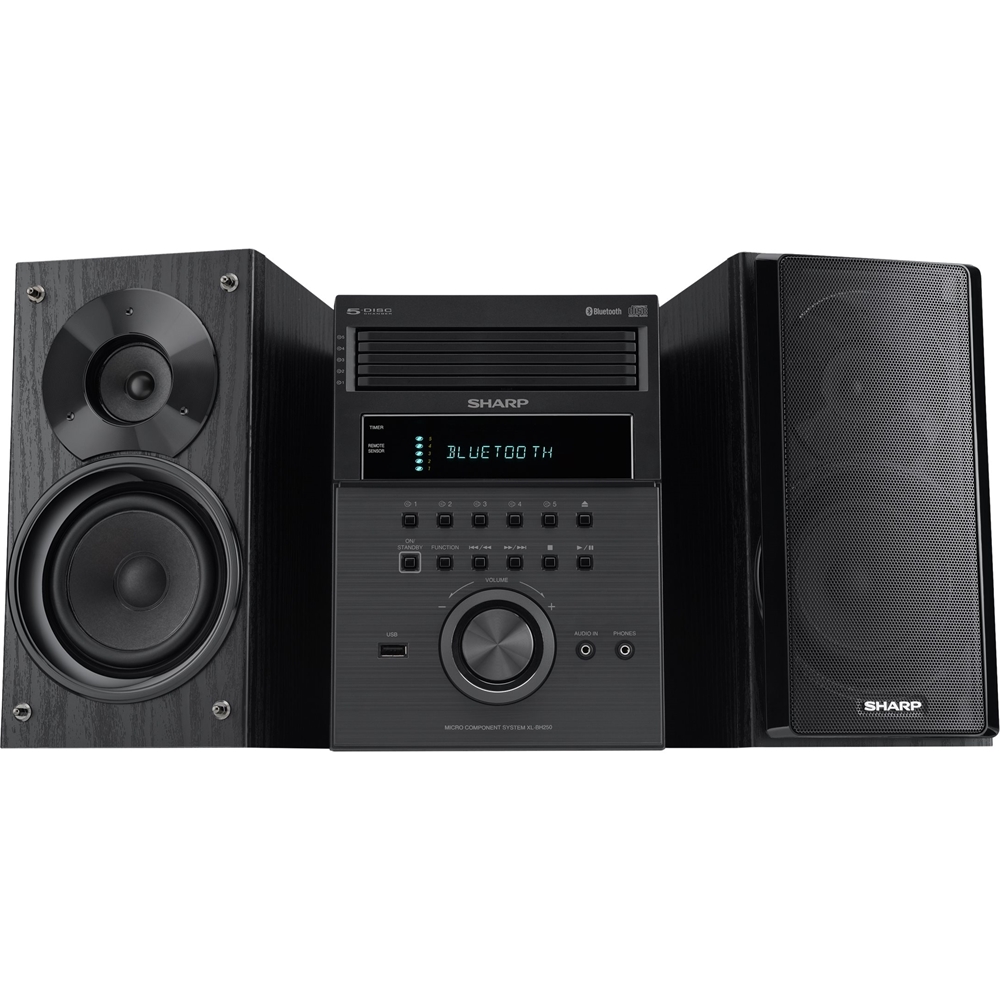
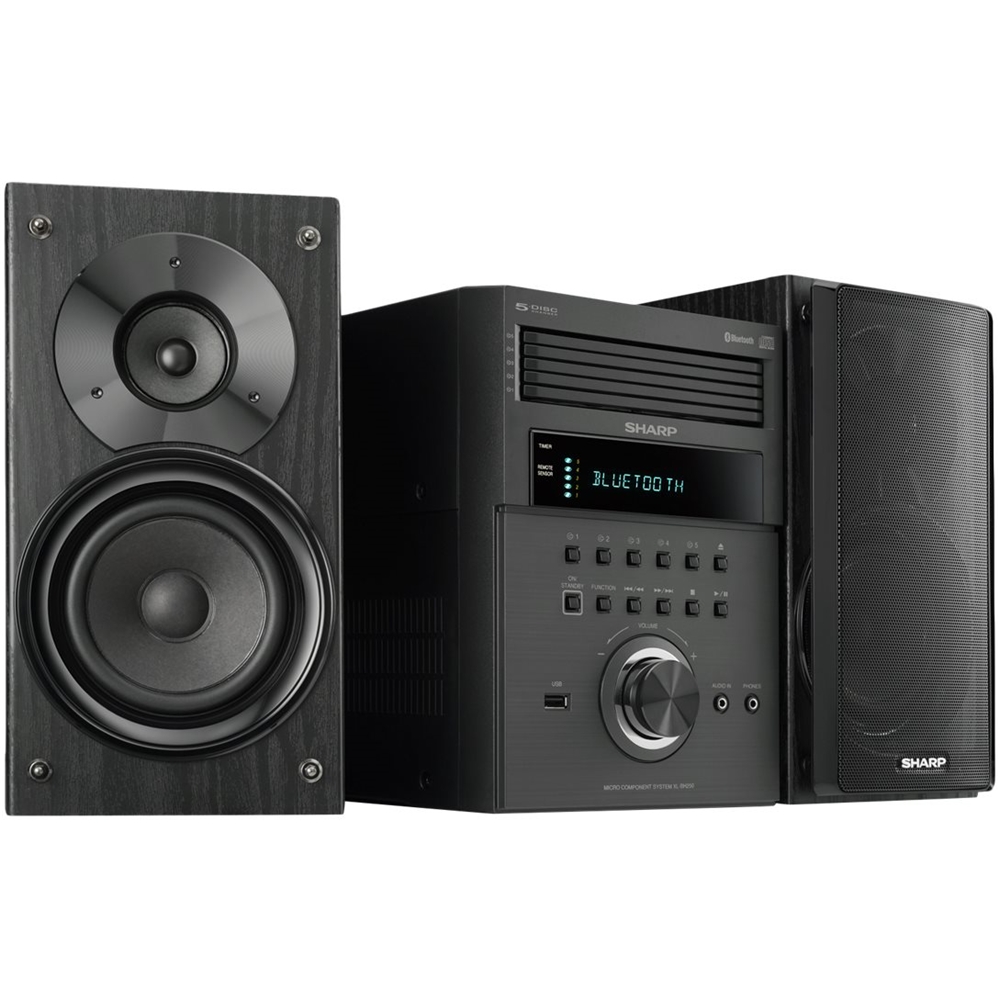
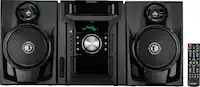
A:AnswerHello, you are able to connect an external device to the (audio in) 3.5 mini jack aux port at the front of the unit. When this is done the sound will output through the speakers of this unit. This unit does not support an optical connection.
A:AnswerThe speakers are connected on the bottom right side of the rear panel. The left is connected on the top with the red wire in the slot which you open by pushing the red tab on this connection point. The black wire goes into the opposite black tabed connector on the top right side. Repeat the same to connect the right side speaker below the left speaker connections. There is an L above an R on the left side of the connection square and the tabs that you push to open the wire connector are color coded.
A:AnswerHello, the CD has to be loaded before the unit starts playing. Meaning, if you would like to play another disc, you would be required to stop the unit, load the other CD, then press play for that CD in that tray to play.