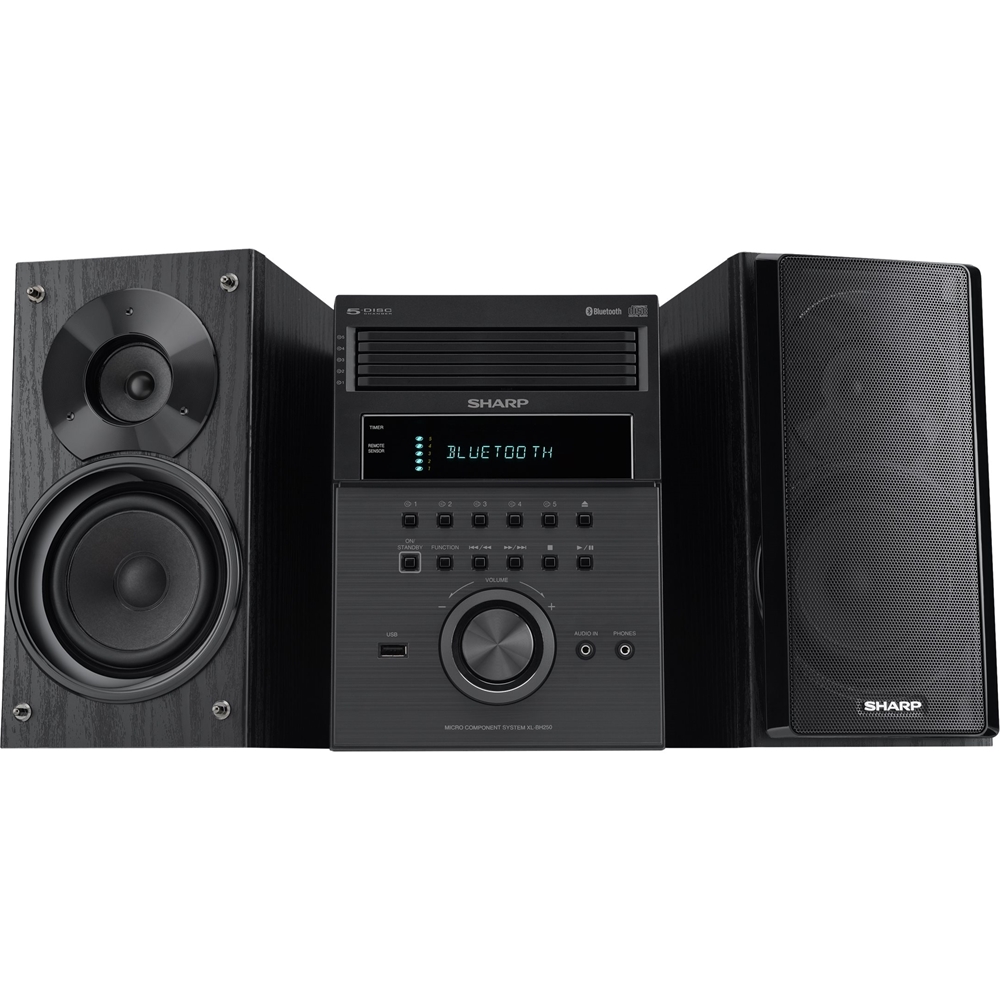
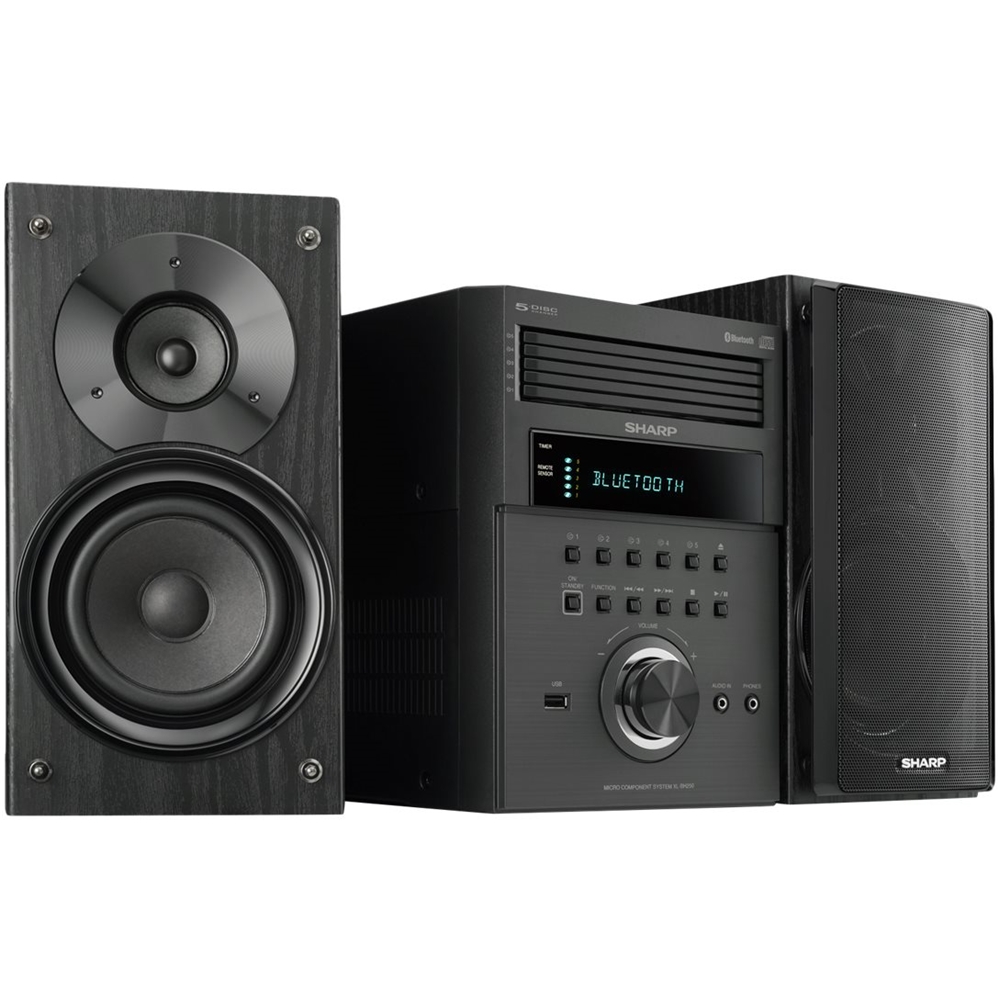
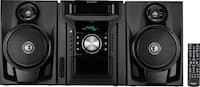
A:AnswerI have this system connected to my Denon AV surround sound receiver. I used the headphone jack on the front of this system and used RCA red/white connectors on the back of the AV receiver. Music plays through the left and right speakers connected to my AVR.
A:AnswerHello, all adjustment has to be made using the buttons on the unit or remote control. For any further assistance, please feel free to email us at onlinesupport@sharpsec.com.
A:AnswerHello, we are very sorry to hear of this inconvenience. If you are using the radio feature and the unit is not receiving enough signal from the antenna it will automatically shut off as a signal for the need of a better signal. If you are not using the radio feature when this happens, please feel free to email us at onlinesupport@sharpsec.com so we can further advise.
A:AnswerHello, this unit can only connect to a phone or a tablet using the Bluetooth technology. Your device must be within 32 feet (10 meters) from the unit. I am very sorry for the inconvenience caused.
A:AnswerHello, this unit can only connect to a phone or tablet by Bluetooth, the sound will then output through the Component speakers. This means, if the speakers are not connected you will not be able to get sound.
A:AnswerWe apologize for any inconvenience this may be causing you. You may email us at onlinesupport@sharpsec.com so we may look into this further and help.