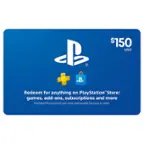
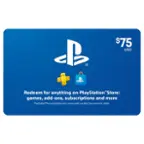
A:Answer PlayStation 4 is the newest system, don’t buy an old system, they become out of date and obsolete. You can either buy games at the store to play on it, or you can buy a PlayStation card to go online with which is how you can connect it to play with friends through the internet. You also can get a PlayStation store card and use that to buy games and a lot of the times games are cheaper to buy from the online store than the physical disk. Plus with a physical disk you have to download the game to the systems hard drive before you can play it anyways - getting a card and buying the game that way saves a ton of time. If you are an adult you can just connect it to your credit card and not need to go pick up a physical card to buy the game, but if you don’t want your kid having your credit card on file with his game system then the card is a great option.