A:AnswerHi, Rajg!
The MIC button on the remote can be found between the power and the input button at the top. To set up the google assistant on this TV, please refer to this link for the guidelines and complete instruction:
https://www.sony.com/electronics/support/articles/00186878 -Sam
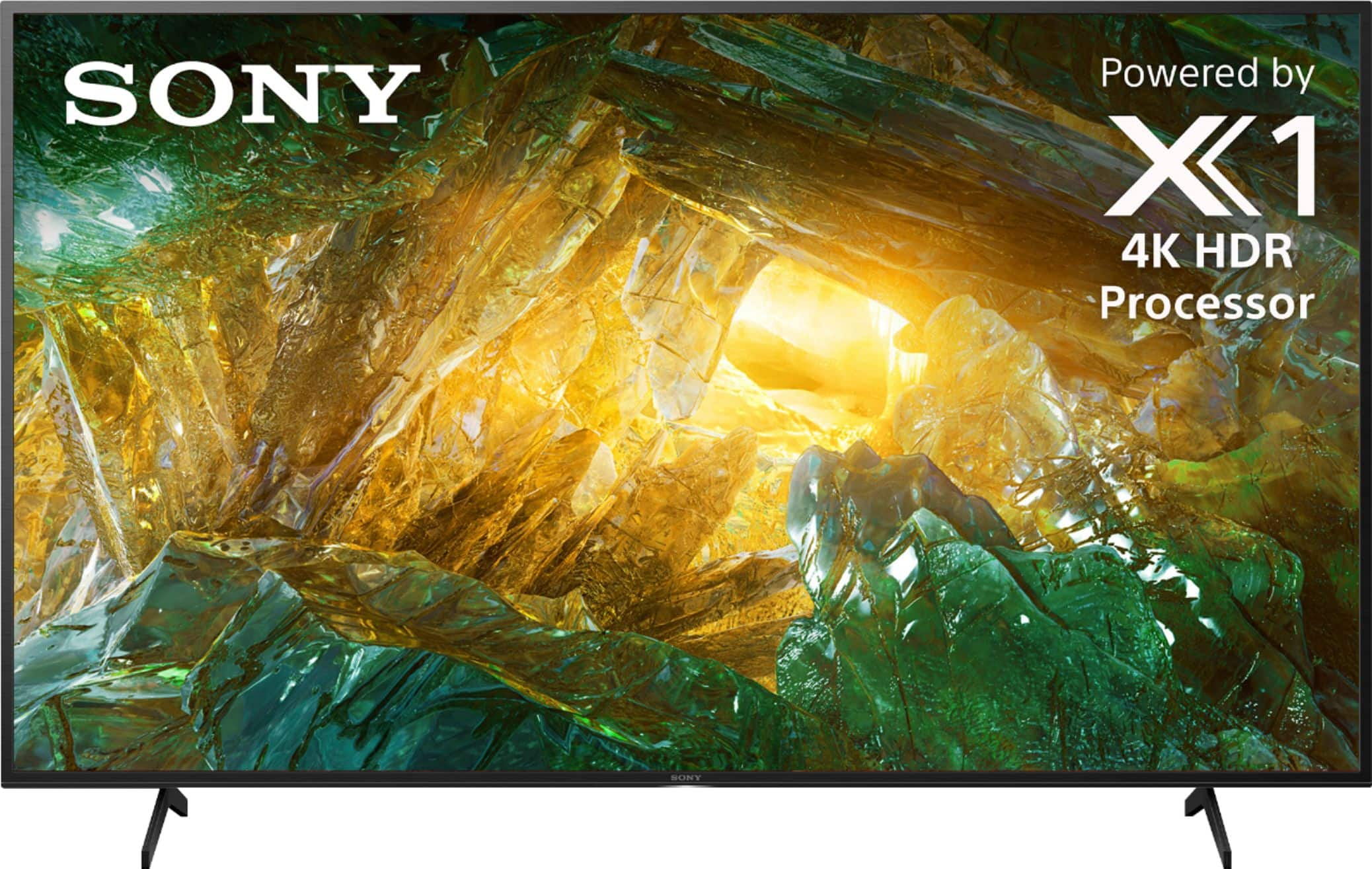
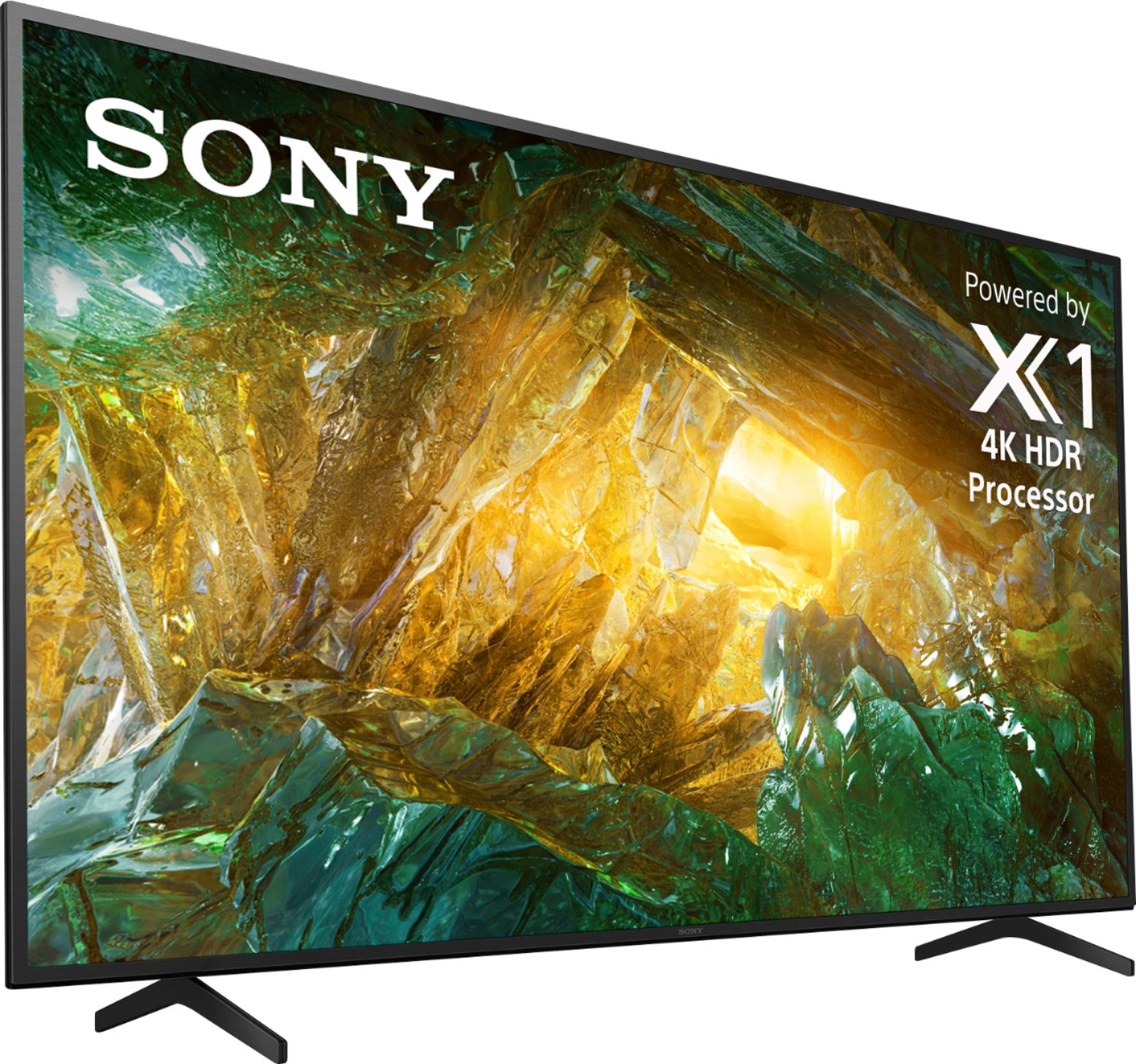
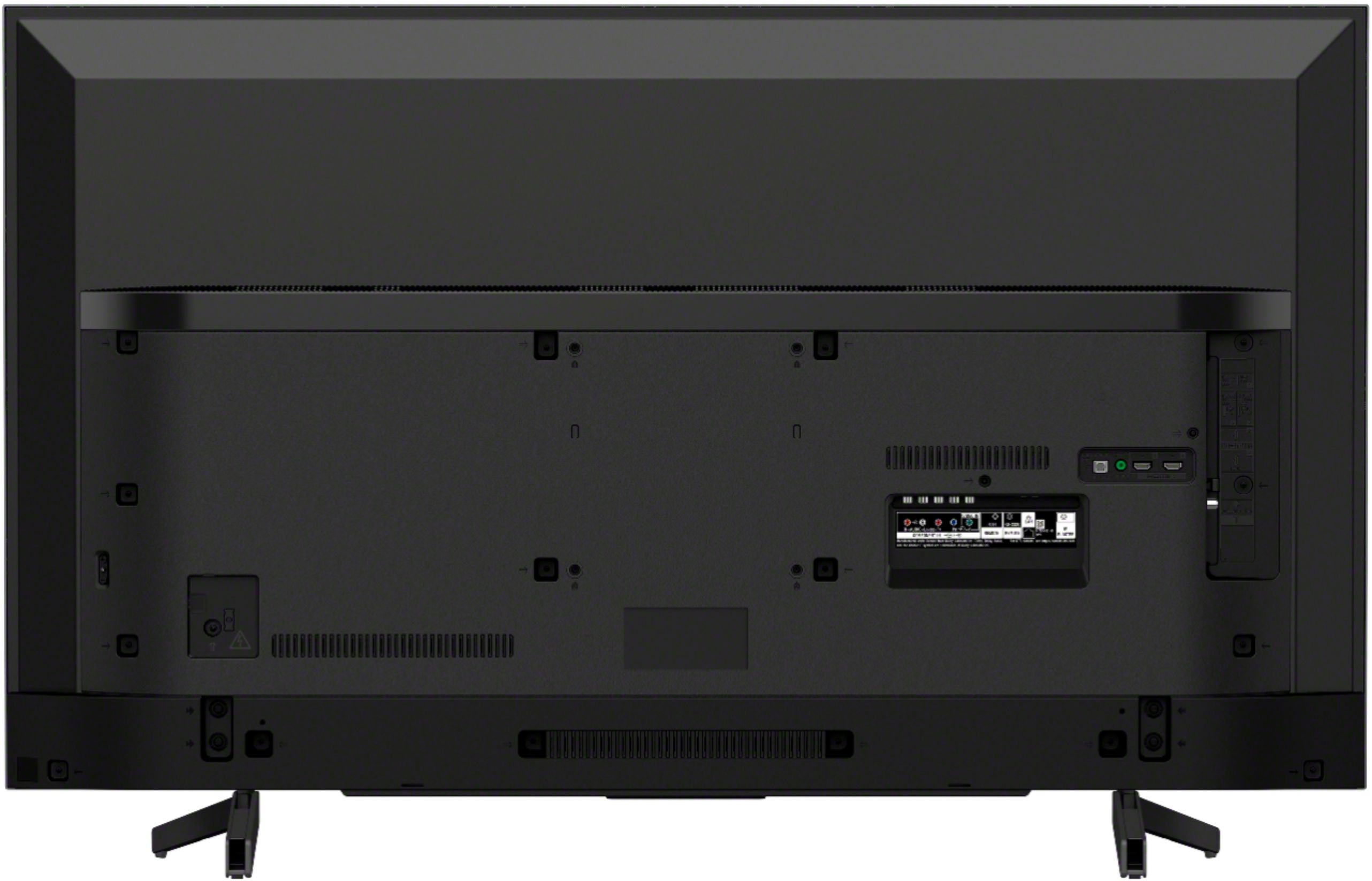
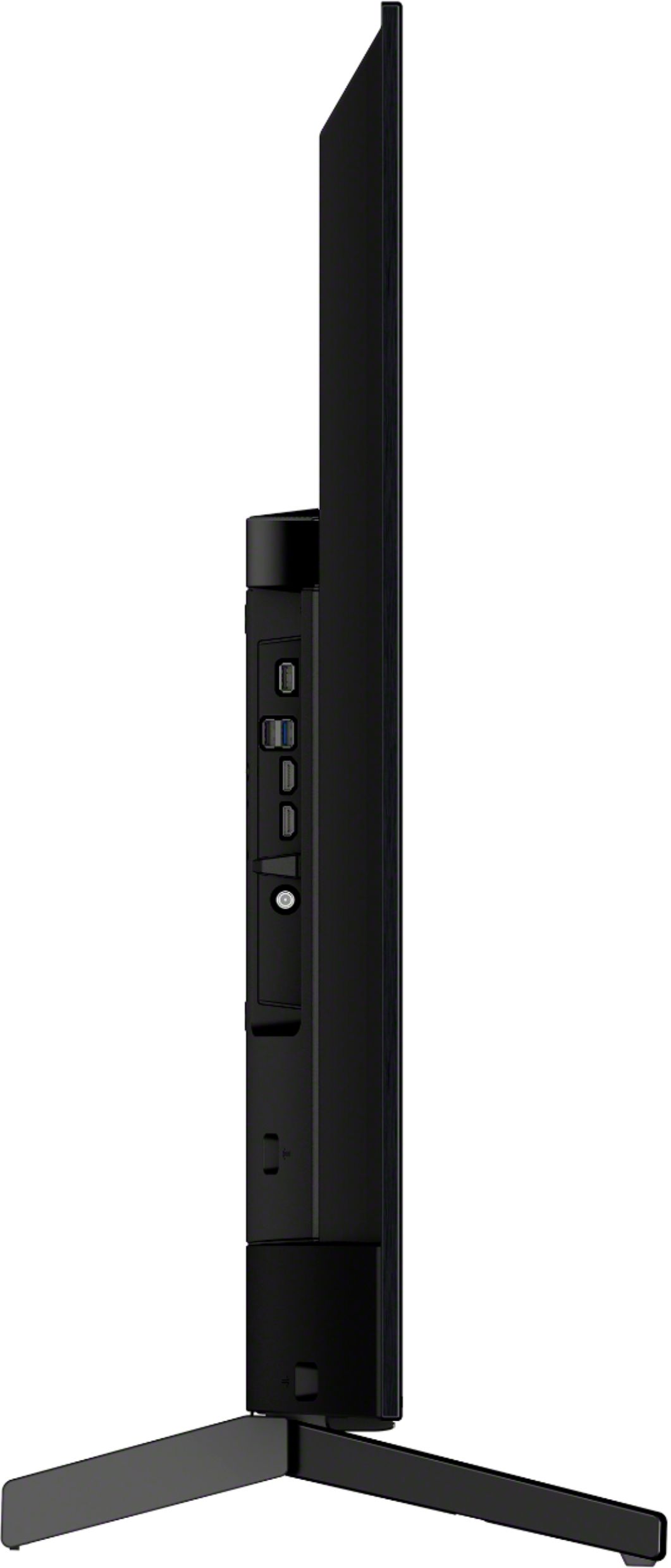
A:AnswerThe dimensions are Product Height With Stand 31 inches, Product Width 48.9 inches. Product Height Without Stand is 28.5 inches. The Product Depth Without Stand is 3.13 inches.
A:AnswerHello, Bob883!
Great news! Yes, you can set the aspect ratio of this TV from the settings to eliminate the black bars on the screen. Happy to help!
~Zac
A:AnswerHi, Vobs!
Below are the approximate dimensions of this TV:
TV without stand: 48 7/8 x 28 1/2 x 3 1/8(7/16) inch (1241x721x79(10.7)
mm)
TV with stand: 48 7/8 x 31 x 13 1/4 inch (1241 x 785 x 336 mm)
Regards,
Vincent
A:AnswerHello, Unfortunately, all of our new TVs are Smart TV and Android TV. You may check our website from time to time for the latest product updates and information https://www.sony.com/electronics/tv/t/televisions. Thank you! - Romeo
A:AnswerHi AVGUy,
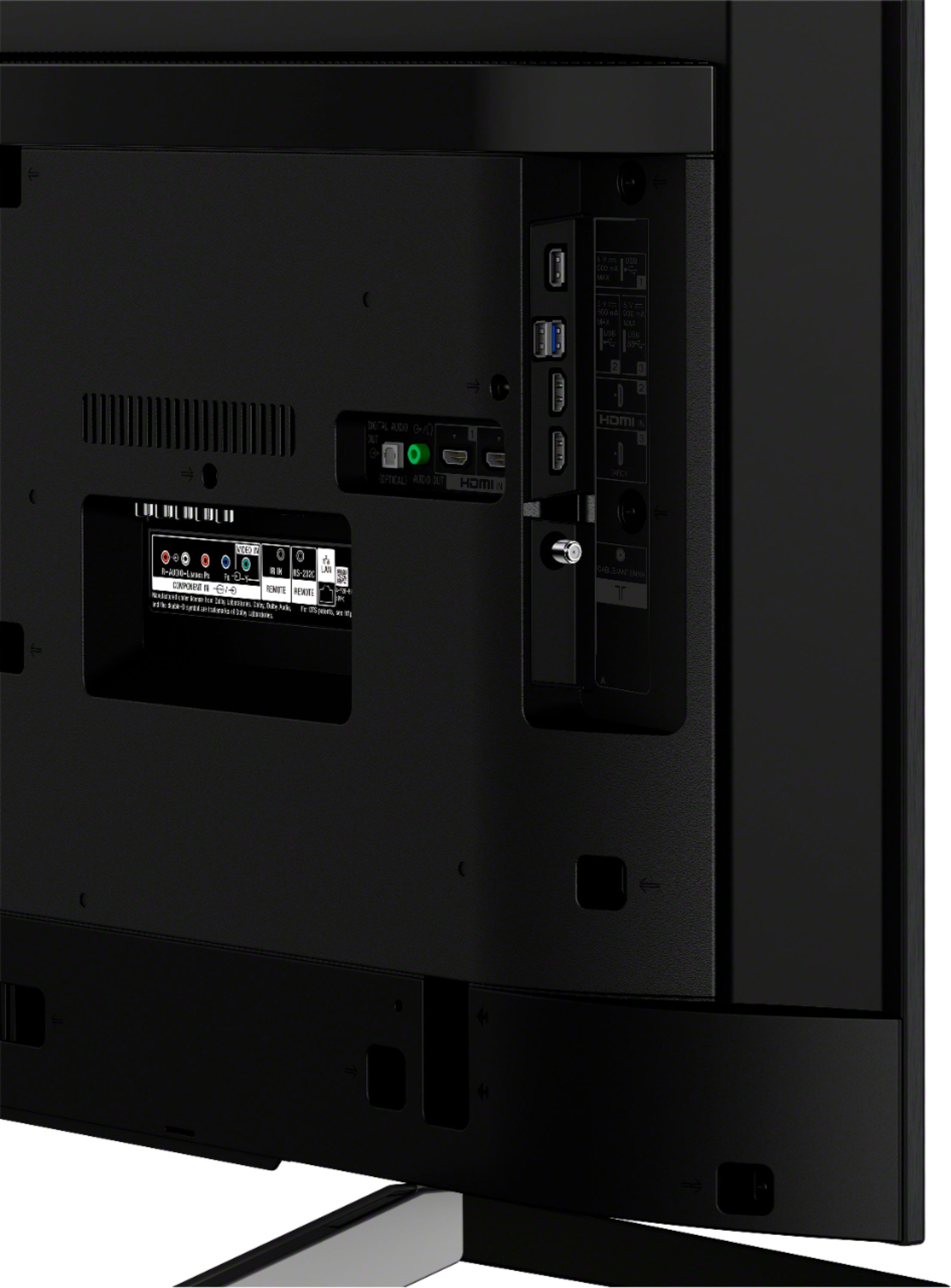
It depends on your Bluetooth speaker if it supports A2DP Bluetooth profile which is required to connect to this TV x800G. Please check the specification of your Bluetooth speakers. You may check the link below for more information:
https://www.sony.com/electronics/support/televisions-projectors-lcd-tvs-android-/xbr-65x800g/articles/00159290
~Earl
A:AnswerHi TeresaA, Below are the approximate dimensions of this TV:
TV without stand: 48 7/8 x 28 1/2 x 3 1/8(7/16) inch (1241x721x79(10.7) mm)
TV with stand: 48 7/8 x 31 x 13 1/4 inch (1241 x 785 x 336 mm)
Check this link for more details: https://docs.sony.com/release//SPECS/XBR55X800G_mksp.pdf
Regards,
Vincent