A:Answer Hi Toniok,
Thank you for your inquiry! The X90K Google TV includes Basic TV mode. You can setup this TV without creating or logging into your Google Account. You can choose the "set up BASIC TV" option at the start of the initial setup if you want to skip the Google TV set up. However, this setup does remove some functionality like installing apps, services and features that require signing into your Google Account, and Google Assistant.
(2)
If you are referring about the power consumption of this TV, please check the following below:
In use: 244 W
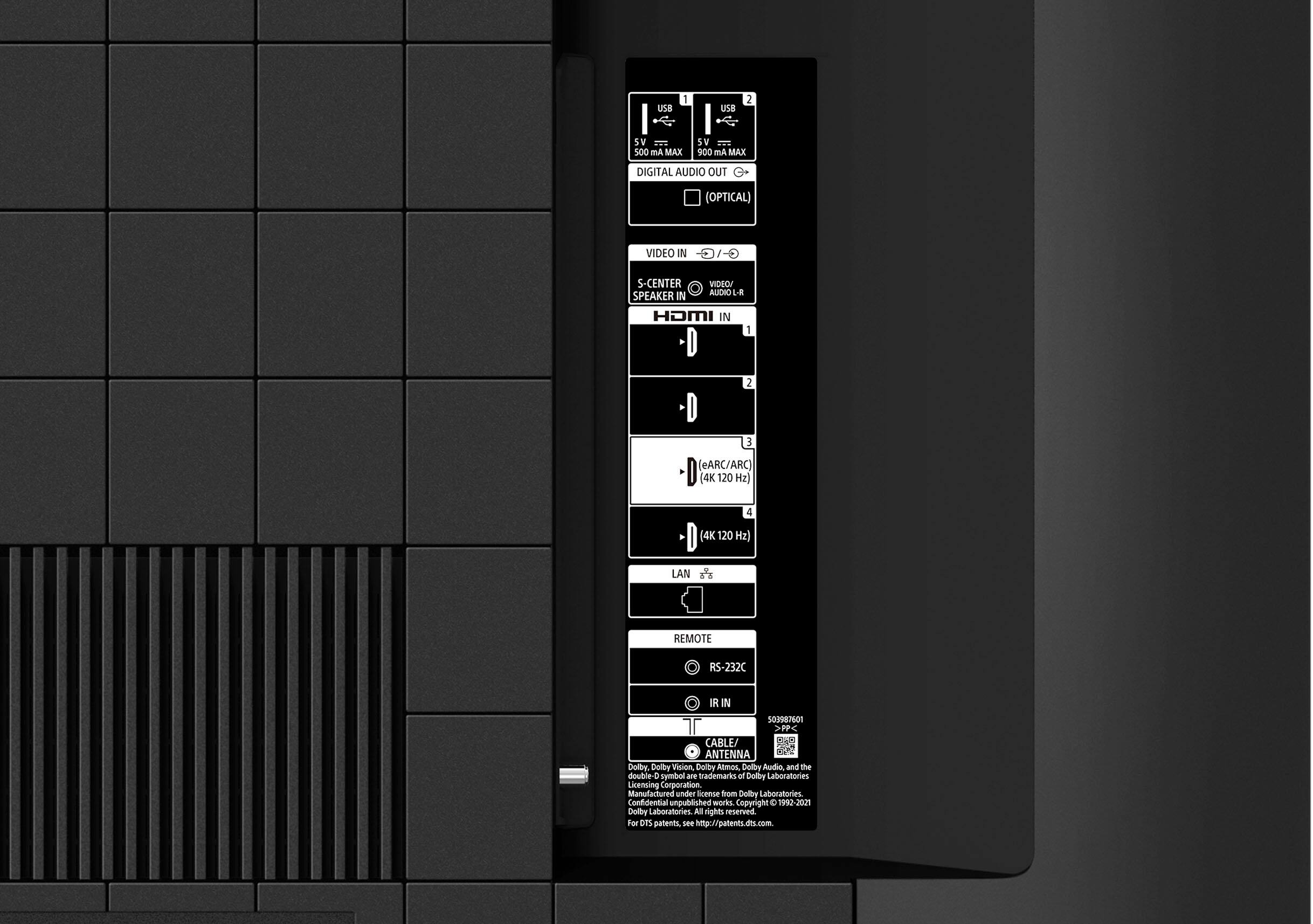
In standby: Less than 0.5 W with 120 V AC and less than 0.5 W with 240 V AC. You may check page 11 of the operating instructions for further information.
(3)
Yes, the X90K TV supports ATSC/NEXTGEN TV(ATSC 3.0).
(4)
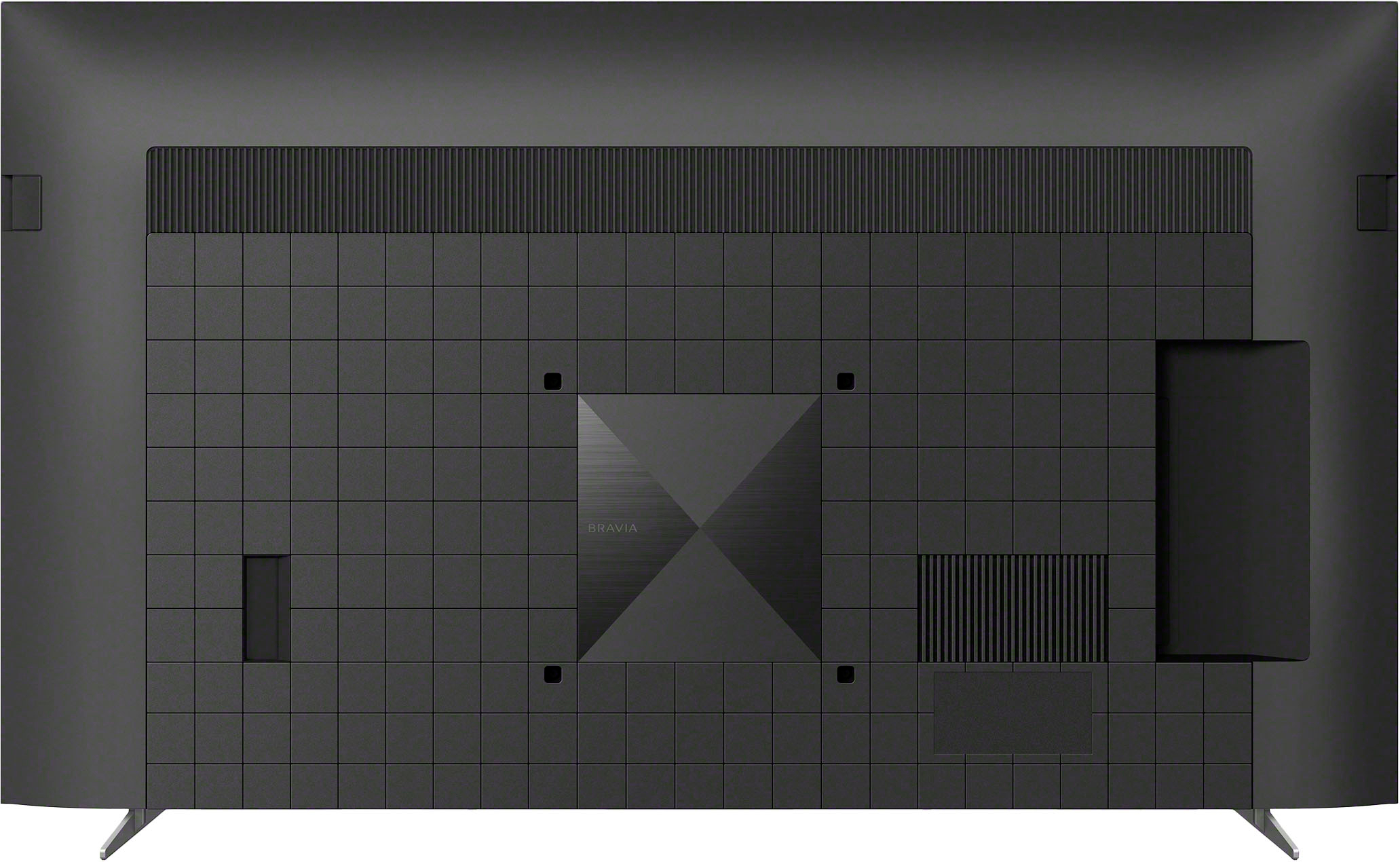
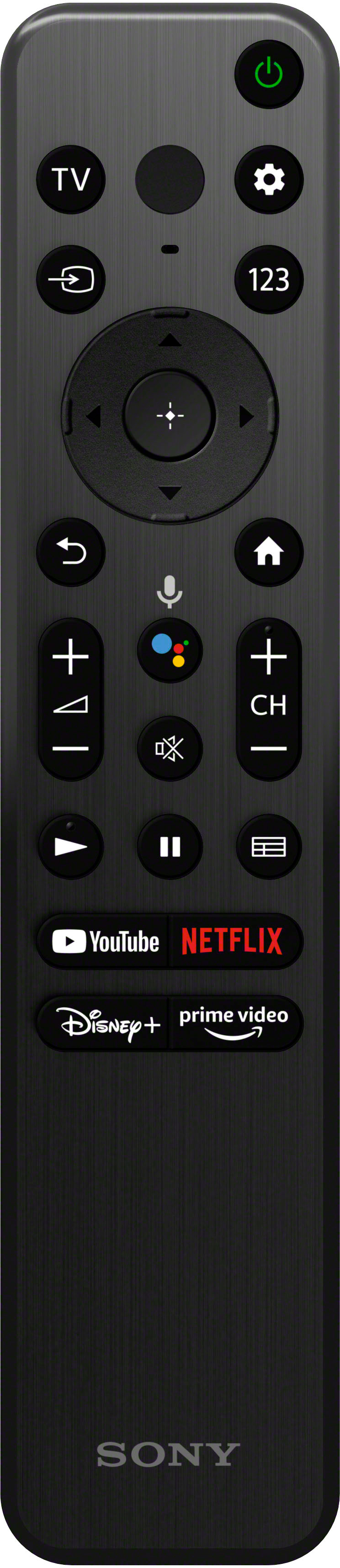
If you will leave the TV unused for a long period of time, we suggest to remove the power cord entirely. The TV will automatically turn on once it is plugged in to the power and turn it on using the remote and power button on the unit itself. This TV also has parental lock settings for restricting usage of items such as [Channels & External inputs], [Apps] and [Screen time].
Additional information:
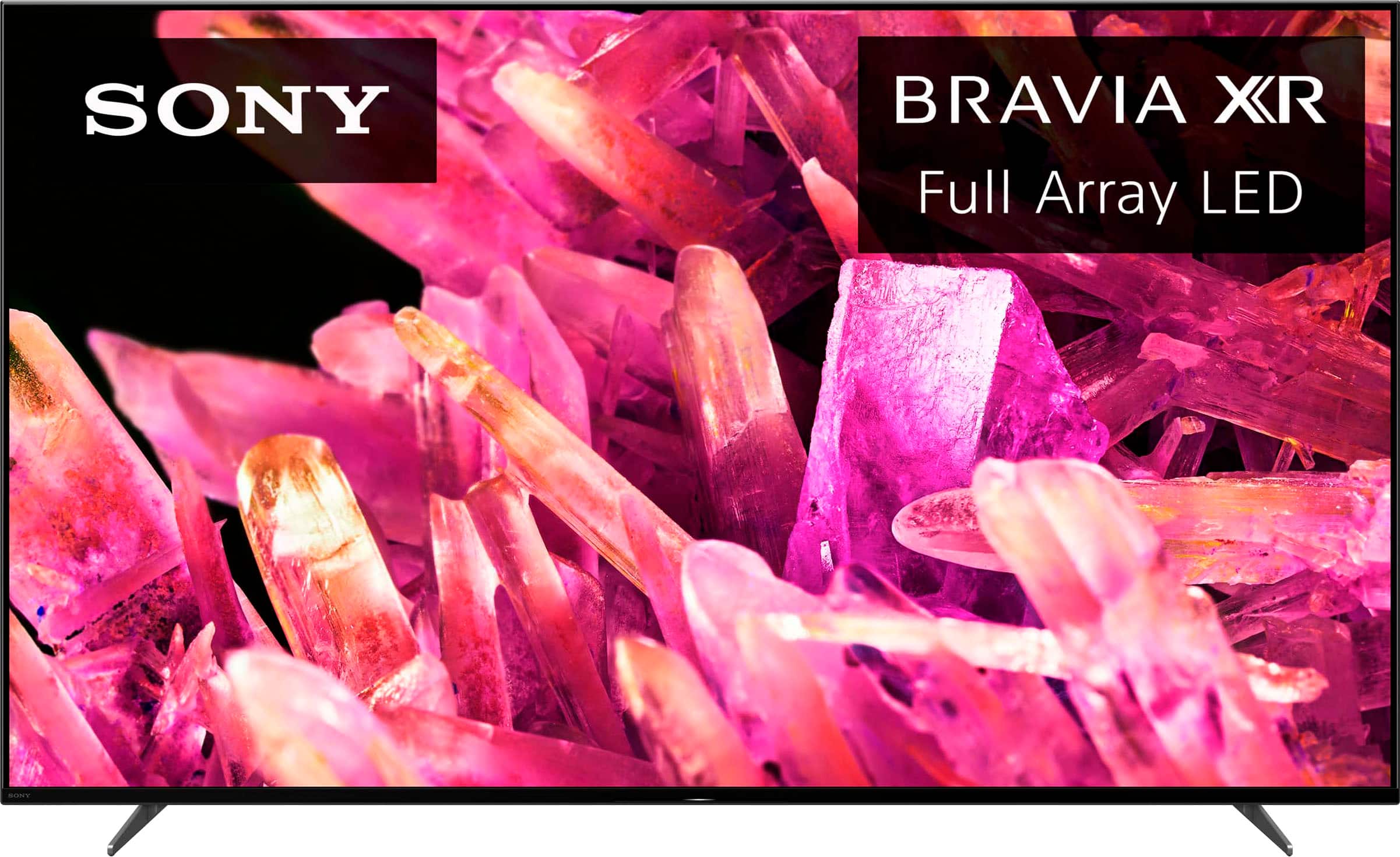
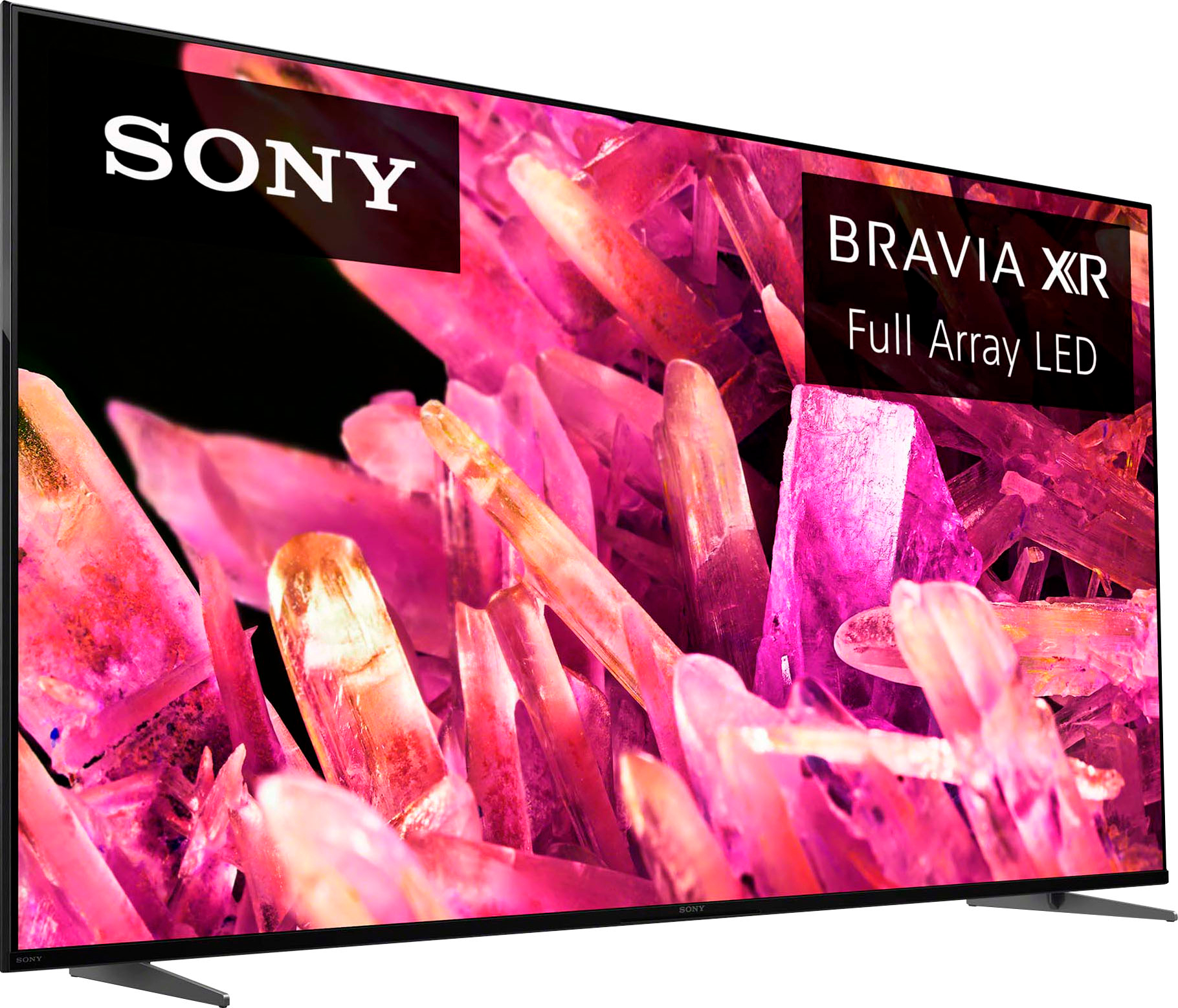
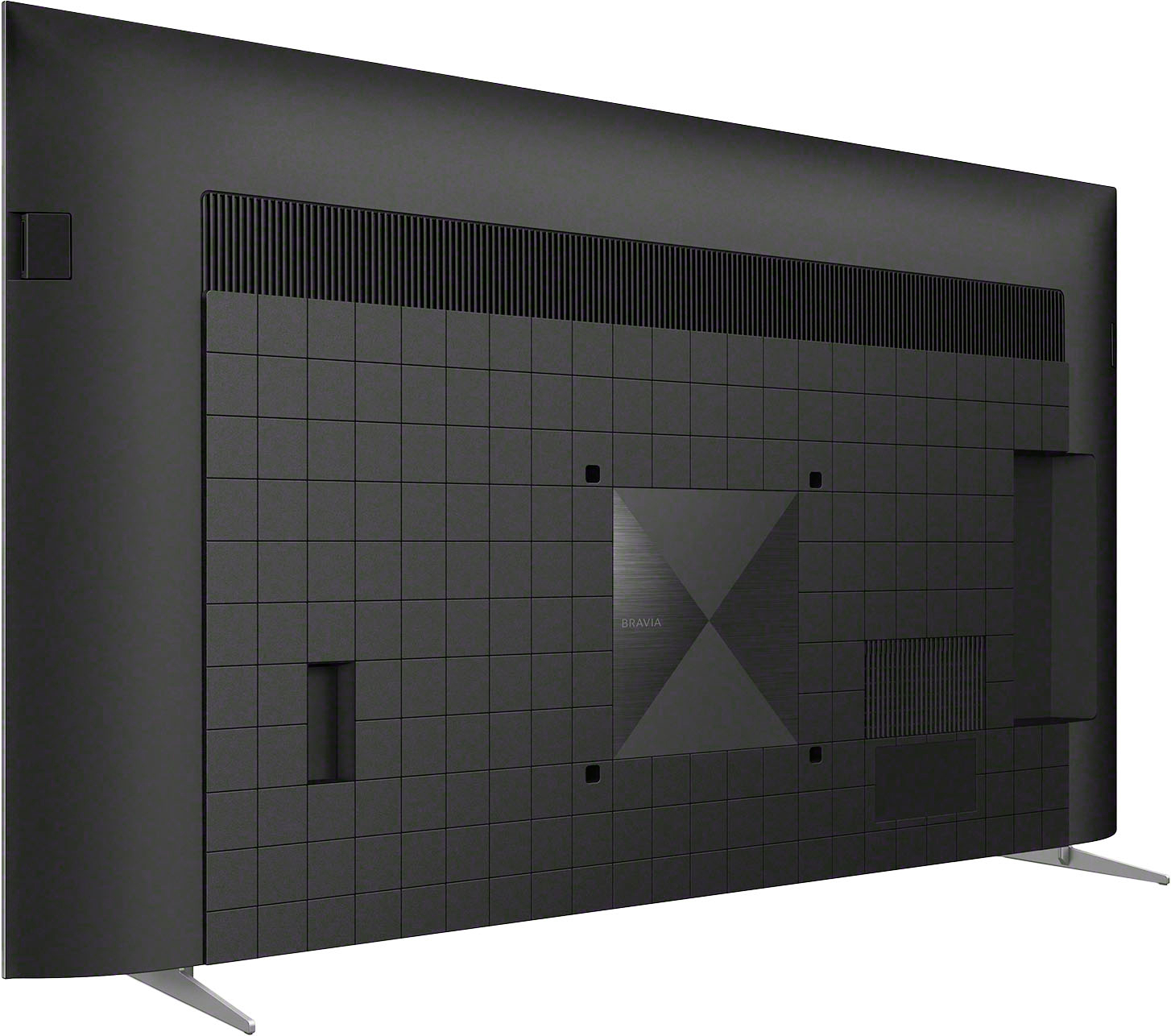
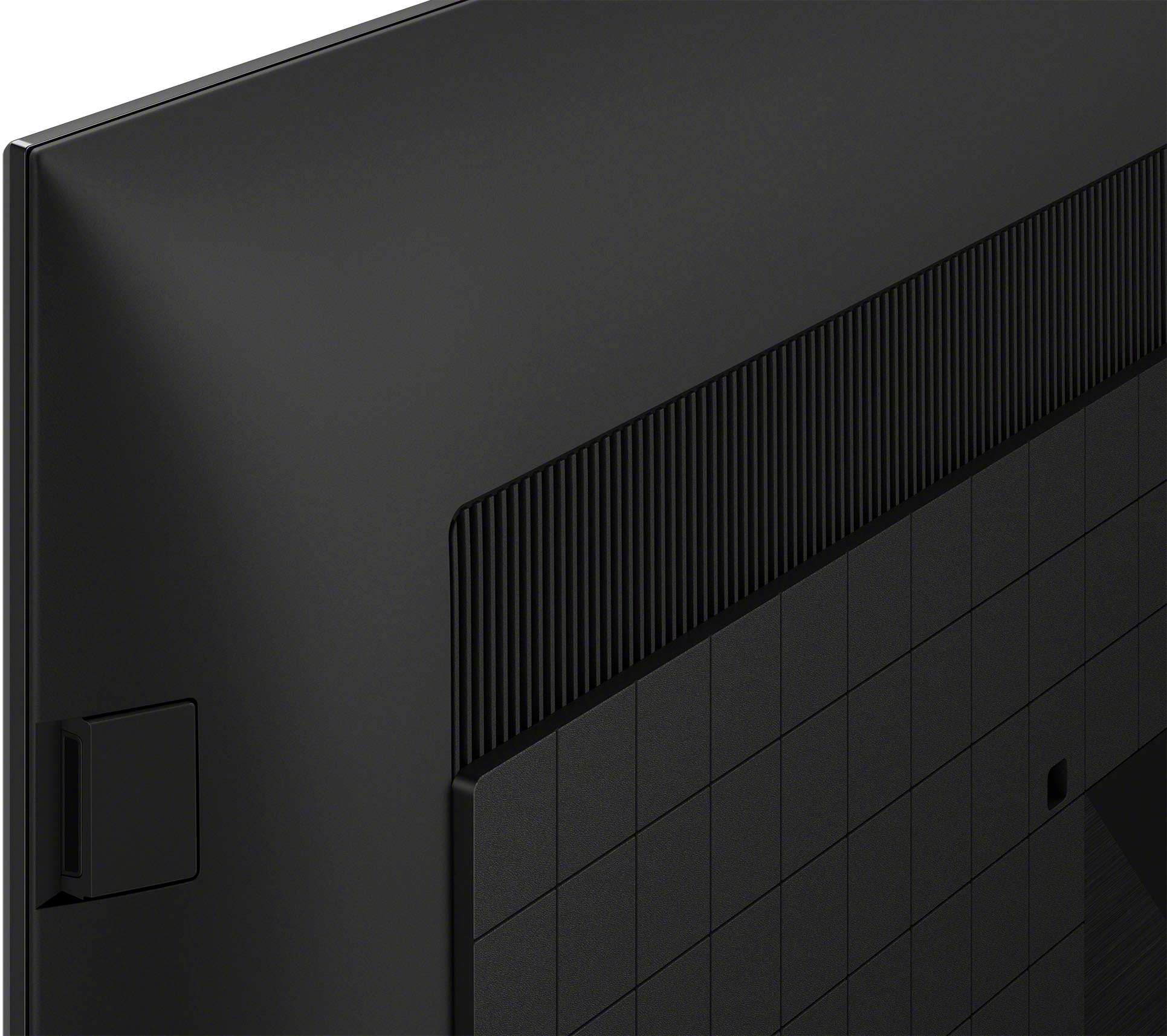
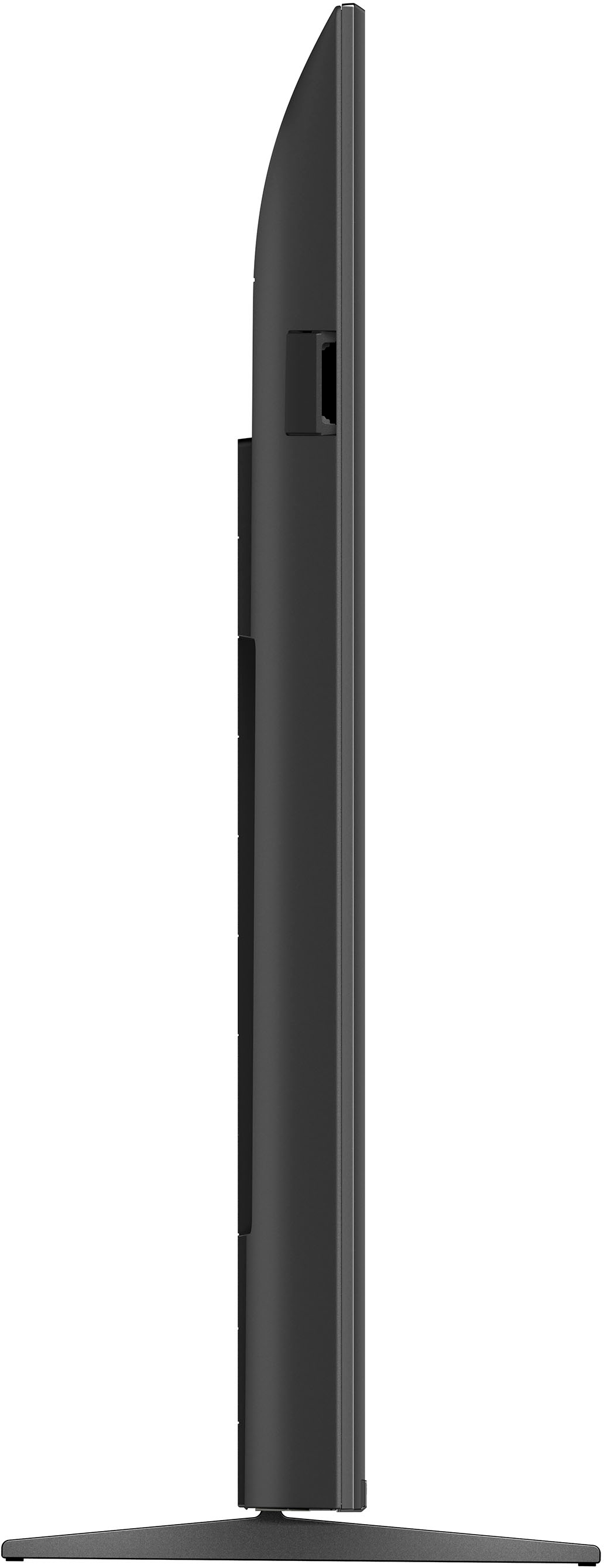
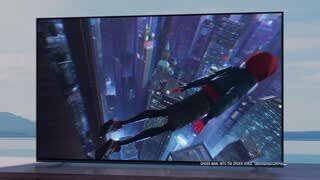
With the BRAVIA XR X90K Full Array LED TV everything you watch becomes more detailed and immersive with true-to-life 4K picture, powered by the Cognitive Processor XR™️. With immersive picture and sound, and sleek flush bezel design, be prepared to level up your favorite movies, TV shows, and games. Hope this helps! - Kris