A:AnswerHi, Billy!
We regret that the sound is not very loud. To best assist you, please email us at socialsupport@am.sony.com with the following details:
Name:
Best Buy Username:
Model Number:
Issue:
Telephone Number:
Erin
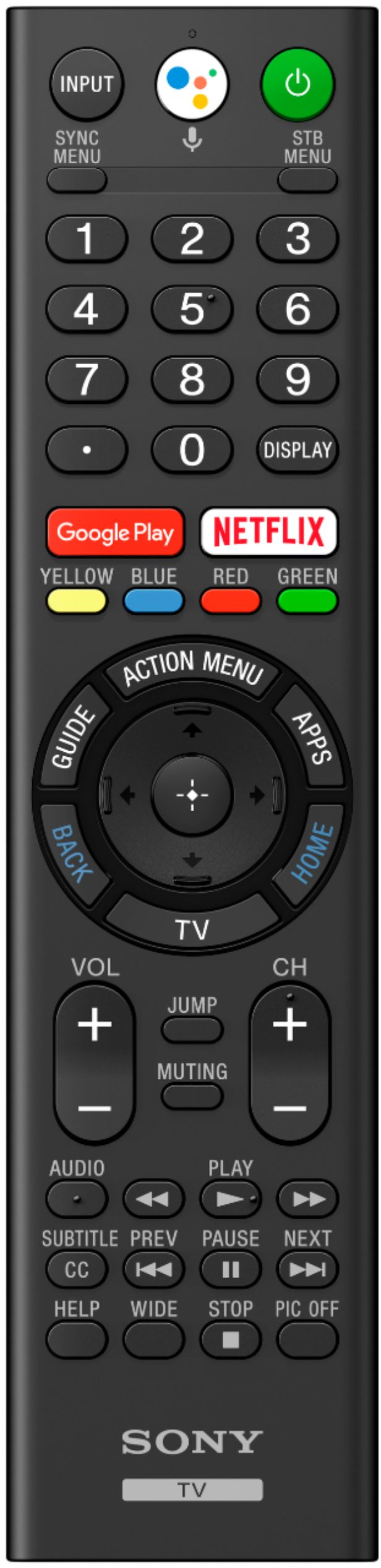
A:AnswerIf you stream TV then you can use whatever Apps you want to download via the Playstore. It's a Google based platform with Google assistant built in. The remote is very user friendly.
A:AnswerHello there!
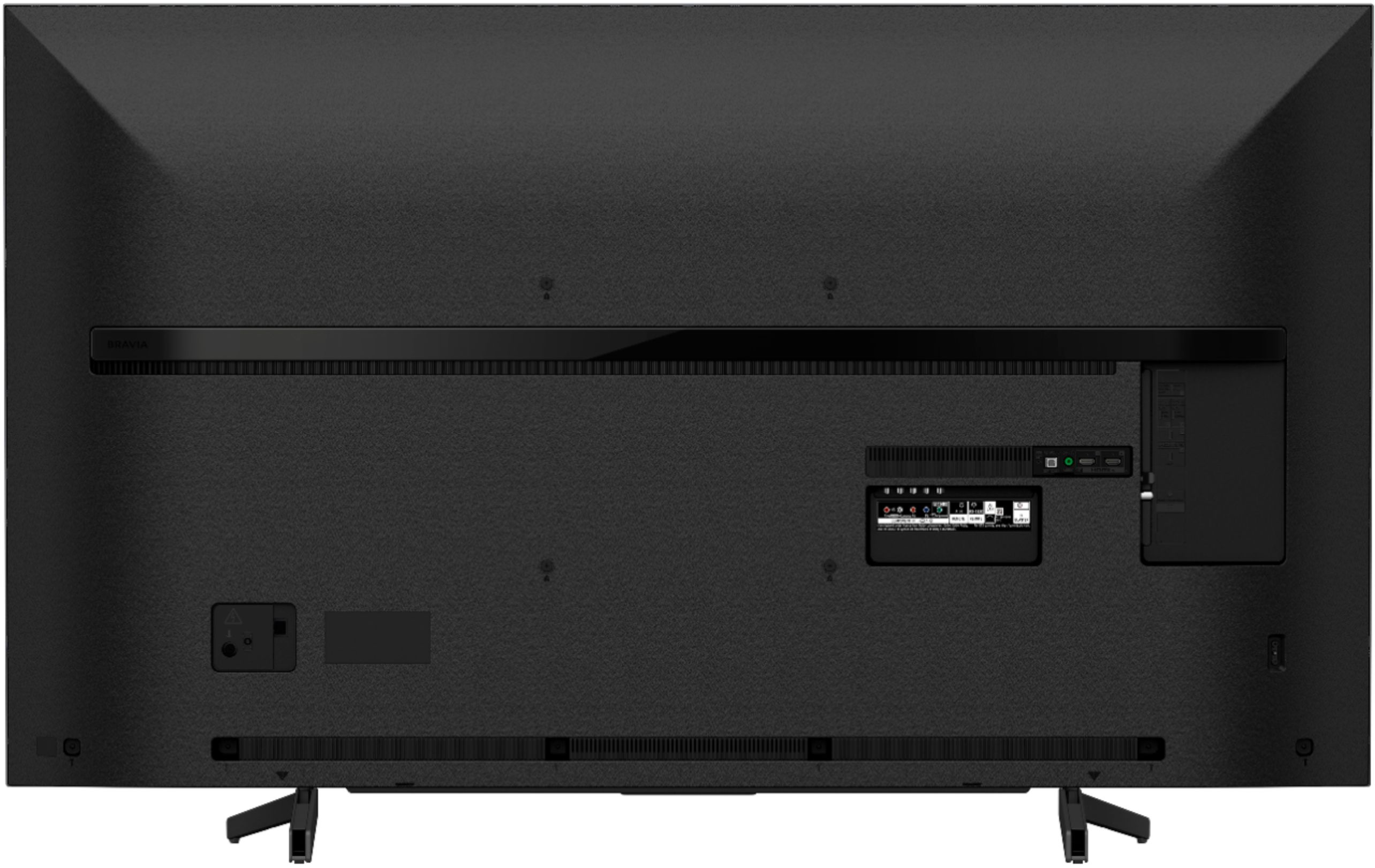
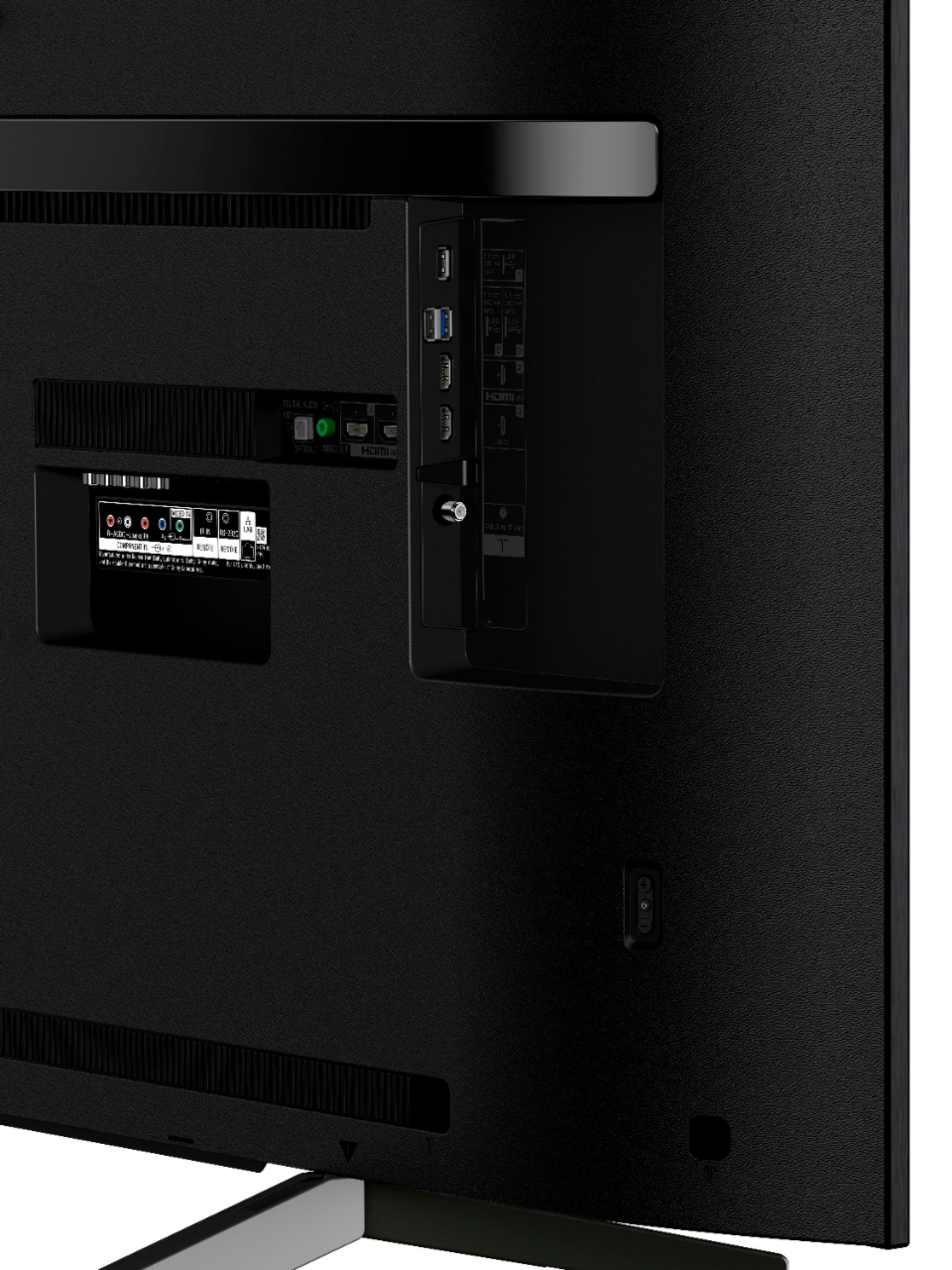
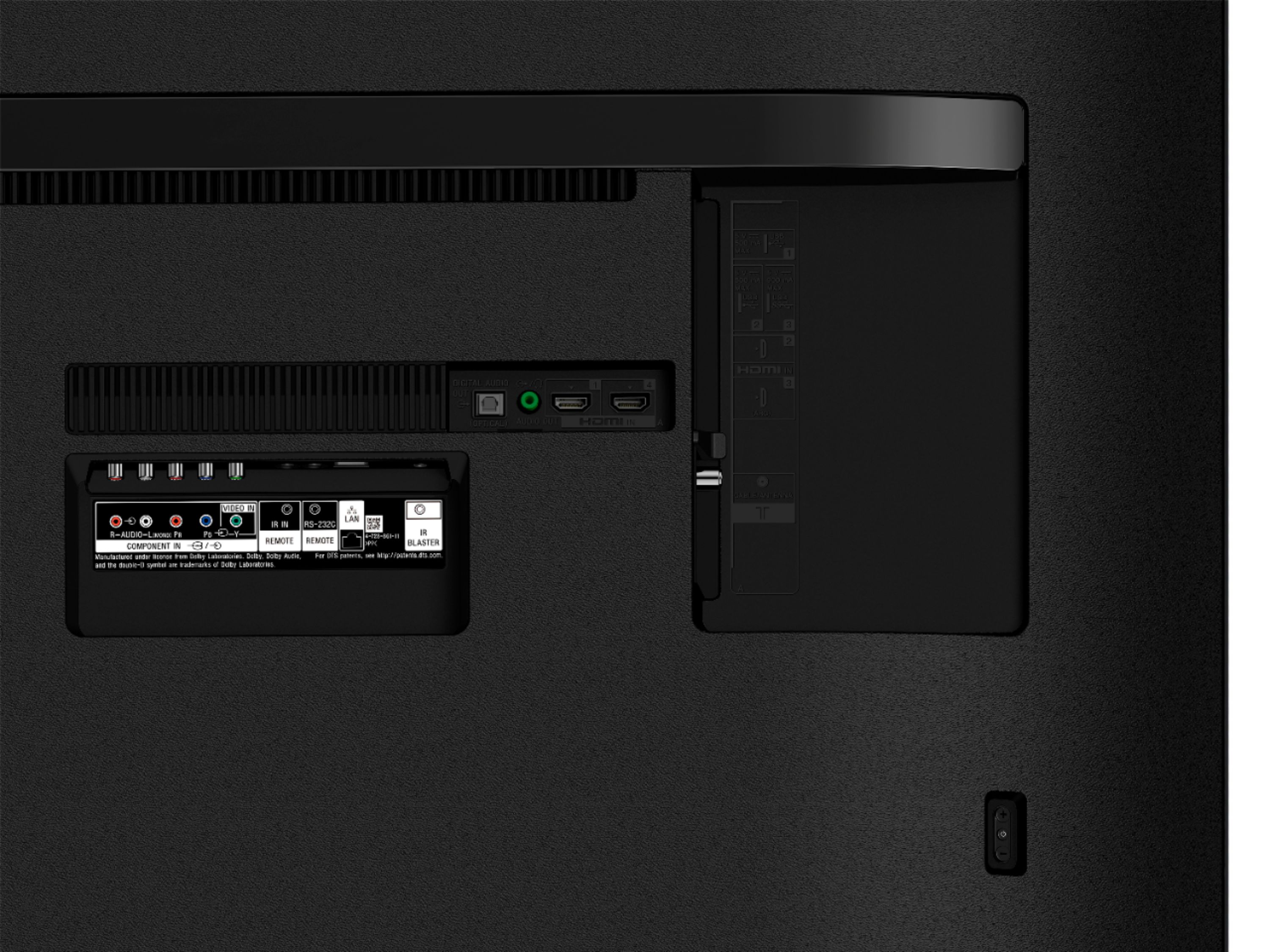
Yes, this television will work great on any external sound device as long as it supports the connection, you can connect it through HDMI, optical, bluetooth and Headphone out (3.5mm). Happy to help!
~Zac
A:AnswerHi, stellica!
Yes, you can use the Video & TV SideView app for your mobile phone to function as a remote control for your TV. Please refer to this link for more info: https://www.sony.com/electronics/support/televisions-projectors/articles/00153876 -Sam
A:AnswerNo need for a firestick or Roku. The built in smart menu is very rich with content and you can download any App you want that's available on the Playstore. I ditched my Roku because the App suite is that good "for me anyway". It's a Google based system with Google assistant built in.
A:AnswerHi, Jim
This unit has 16 GB for downloaded apps. You may check the link below for more details:
https://www.sony.com/electronics/support/televisions-projectors-lcd-tvs-android-/xbr-65x800g/specifications
~Earl
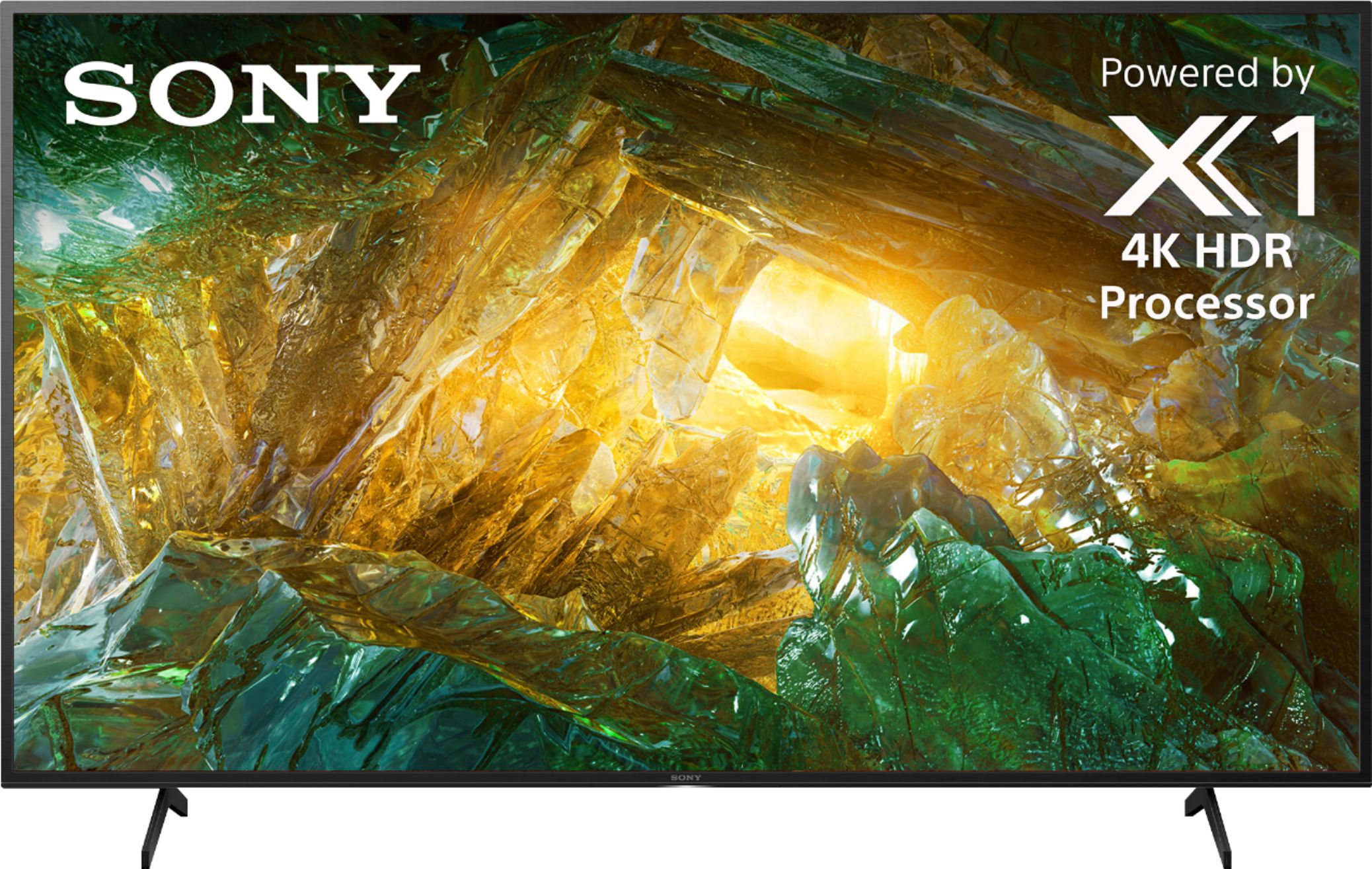
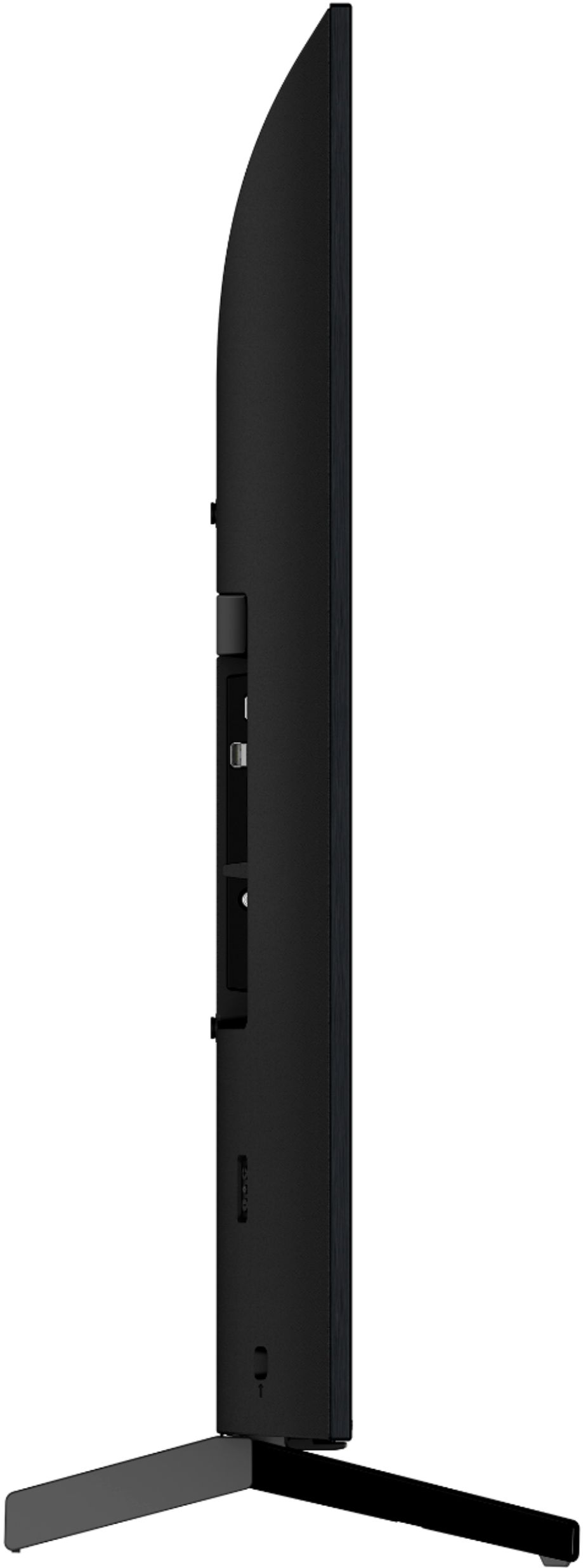
A:AnswerHi, billbiltmore! Here are the dimensions of the TV:
-Without stand - 57 5/8 x 33 3/8 x 3 1/4” / 1,463 x 845 x 80 mm (WxHxD)
-With stand - 57 5/8 x 35 7/8 x 13 1/4" (1463 x 909 x 336 mm) (WxHxD)
~Ralph