A:AnswerYou can open the settings using the gear button on the remote, and the settings quick menu will show you what picture mode is being used. It'll say Dolby Vision if it's being played in that format.
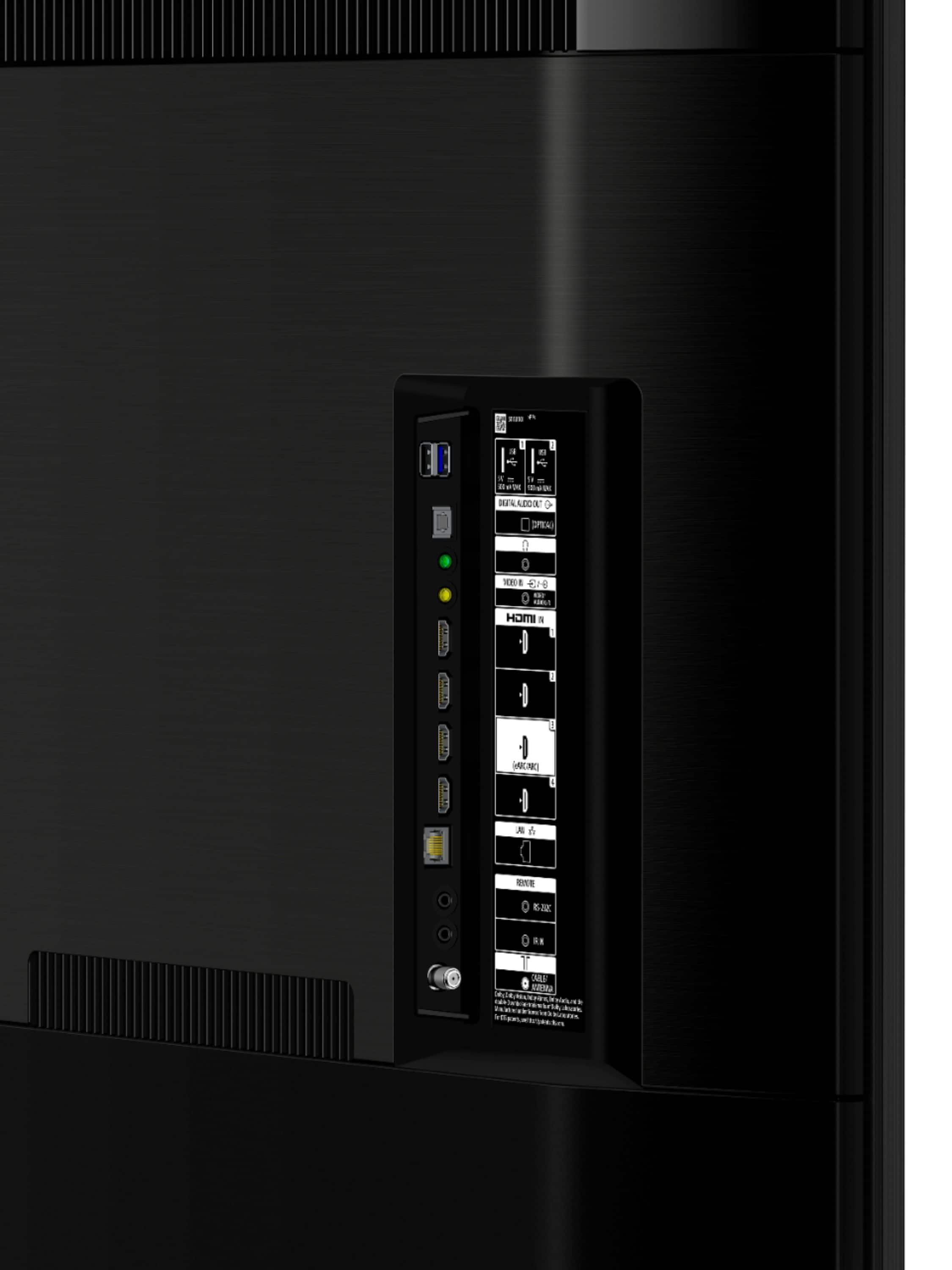
A:AnswerI will guess at this one, go to the device the hdmi arc cable is plugged into and plug your digital optical cable into that device not the TV ,
A:AnswerMy daughter bought the 75 inch 900. It looks very good, but I opted for the 75 inch 950 and I have no regrets. To me it just appears crisper and clearer. $400? It's a lot, but I would go for the 950 again if I did it over.
A:AnswerHi POD84, thank you for choosing Sony! The TV can be paired with multiple A2DP Bluetooth devices however, it can only connect to one device on a single instance. I hope this helps! -Carl
A:AnswerHi joejoe,
Open-box meaning the product whose condition can range from used to new but may have been opened or unwrapped. If you need further assistance, please contact the dealer/seller of the TV as they're best equipped to respond to your inquiry.
Happy shopping & thanks for your interest in Sony!
Regards,
David
A:AnswerHi Customer,
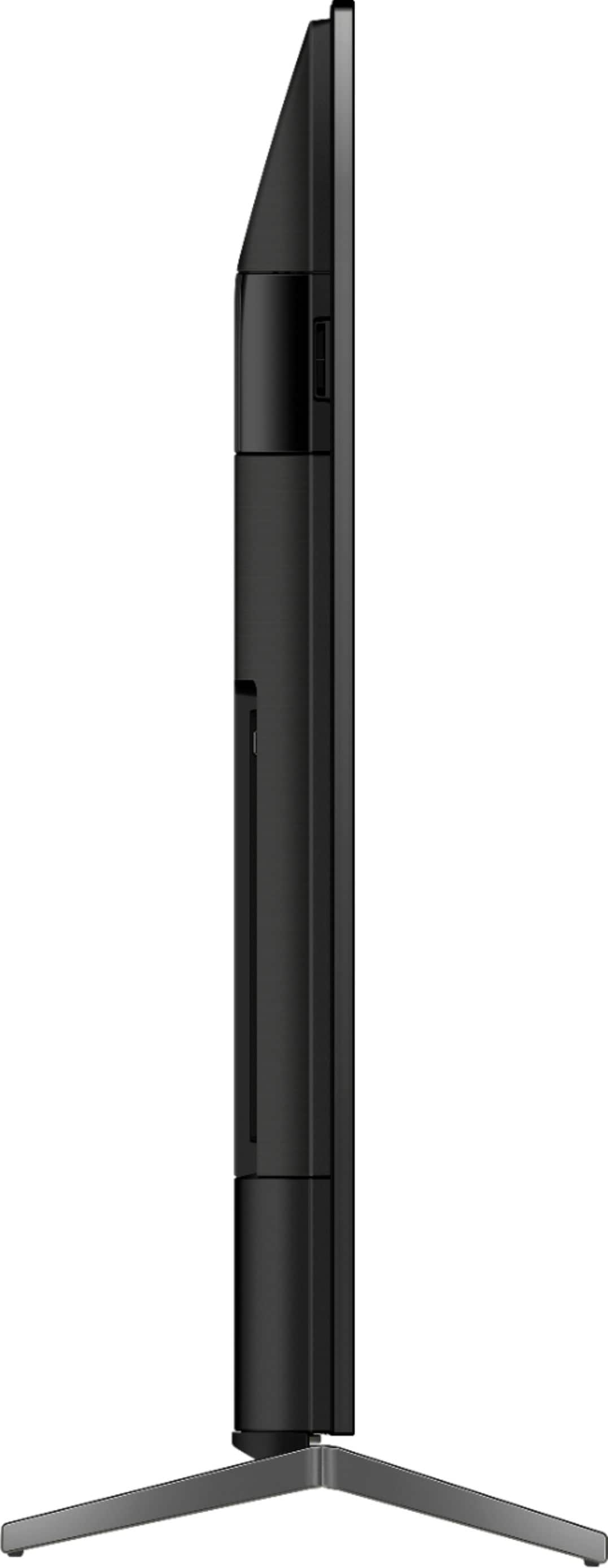
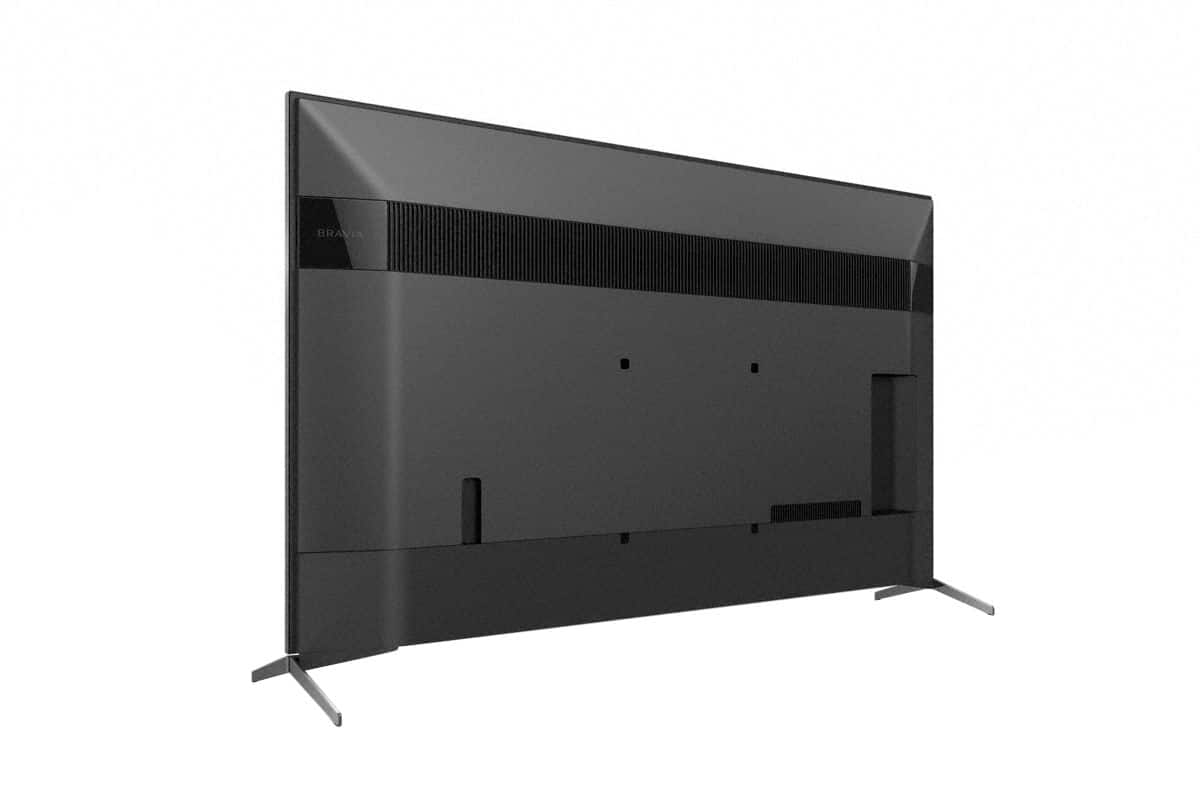
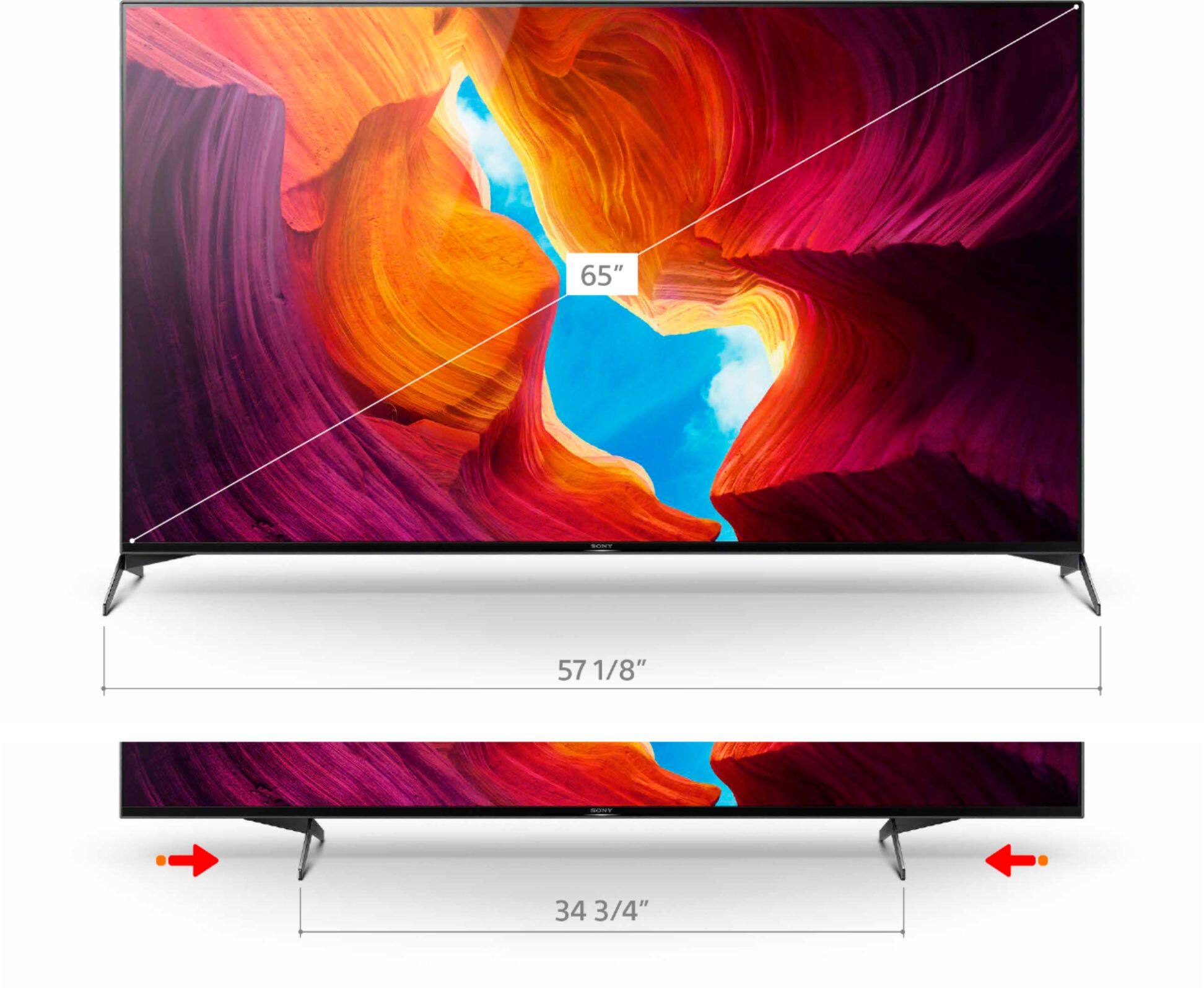
The approximate dimension of the XBR75X950H without Stand is (W x H x D) 1672x960x71 mm / 65 7/8 x 37 7/8 x 2 7/8 inch. For the 65'' dimension of TV without Stand (W x H x D) 1448x833x70 mm / 57 1/8 x 32 7/8 x 2 7/8 inch'.
Happy to help,
David
A:AnswerHi Lastplace,
The X950H supports ATSC 1.0. The ATSC/NEXTGEN TV (ATSC 3.0) will be added to the XBR X900H series TVs through a future software update
Happy to help,
David
A:AnswerHi CuriousConsumer, Thank you for your interest in XBR75X950H TV! Support for the Apple TV app is available to selected TV models series through a software update. As of now, the confirmed TV model that will be updated to have the Apple TV app is the XBR X900H series. However, the TV supports the Apple AirPlay / Apple HomeKit & you can add an apple tv external device thru HDMI if needed. Please refer to this link for the full details on the Apple TV app for our android TV series, https://www.sony.com/electronics/support/articles/00226446. -Carl
A:AnswerHi ChadJohansson,
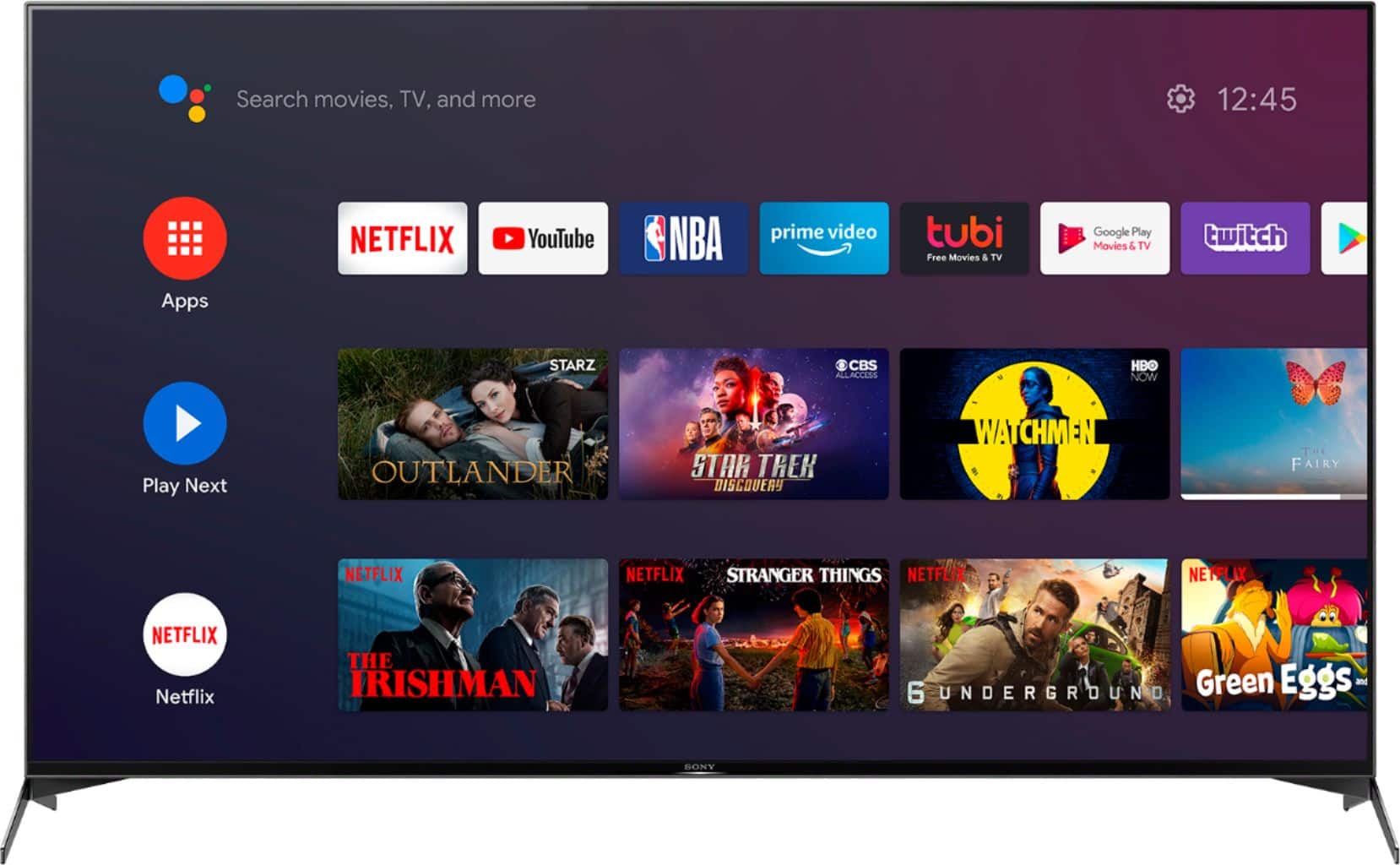
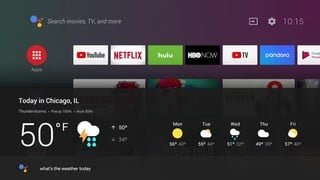
Yes, the XBR75X950H is an android TV and you can get all those apps and more via Google play store.
Happy shopping & thanks for your interest in Sony!
Regards,
David
A:AnswerHello Bingbong, The XBR75X950H has a screen mirroring function (Miracast) and also Apple AirPlay and HomeKit will be available via a future firmware update. Happy shopping & thanks for your interest in Sony! Regards, David Thank you, David
A:AnswerHello LotsofTVs,
Unfortunately, the BRAVIA TV remote control is designed to play one television at a time. However, because of Bravia sync technology, you can use the same Bravia remote on a different Sony TV model (Android TV only). With that being said you cannot set a different remote code to be used separately,
Regards,
David
A:AnswerHi Customer,
Thank you for reaching out to us!
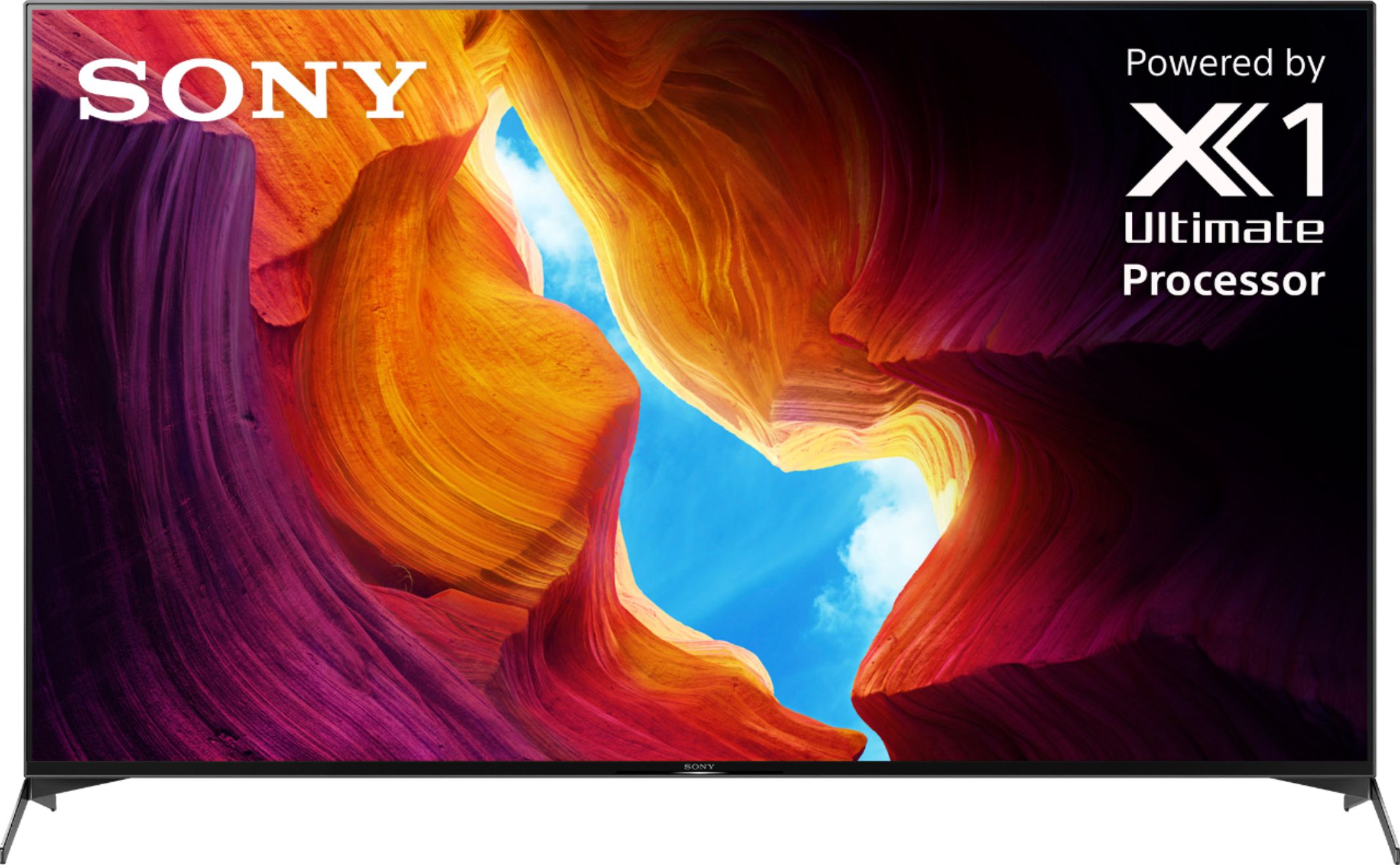
Dimension of TV without Stand (W x H x D) 1672x960x71 mm / 65 7/8 x 37 7/8 x 2 7/8 inch
Dimension of TV with Stand (W x H x D) 1675x1048x415 mm / 66 x 41 3/8 x 16 3/8 inch
Happy shopping & thanks for your interest in Sony!
Regards,
David
A:AnswerHi GBOGH4, We're sorry to hear that you are having an issue with your remote. For more details, here is the support page, https://us.esupport.sony.com/support/s/support-contact?language=en_US&category=tv
Regards,
Jay
A:AnswerHi MikeC, thank you for inquiring about the XBR75X950H. The distance from the bottom mounting holes to the bottom of the TV is 5.59 inches (141.9 mm). Regards, Erin
A:AnswerGo to home open the settings menu and go to device preferences then go to date & time and click on the use 24 hour format and the light goes away, anytime that the light appears do the same thing.