A:AnswerShutterfly is where you can create photo books, print photos, cards, etc online. The free thing from Best Buy let's you create a photo book using your own pictures, for free on Shutterfly.com.
A:AnswerSony uses the same software for all of its digital cameras. You should be able to get it from the Sony Support store or honestly you can just Google it and find it
A:AnswerMost lenses adapt well to the Sony E-mount, but most adapters will turn your lenses into manual only lenses unless you invest in an expensive electronic adapter.
A:AnswerIf you are looking to take a camera underwater, even with a case, this is not the camera. Underwater photos look a lot different and there’s a little more stuff to take into consideration. Adjustments are hard to make underwater on the go. So go w a more user friendly camera.
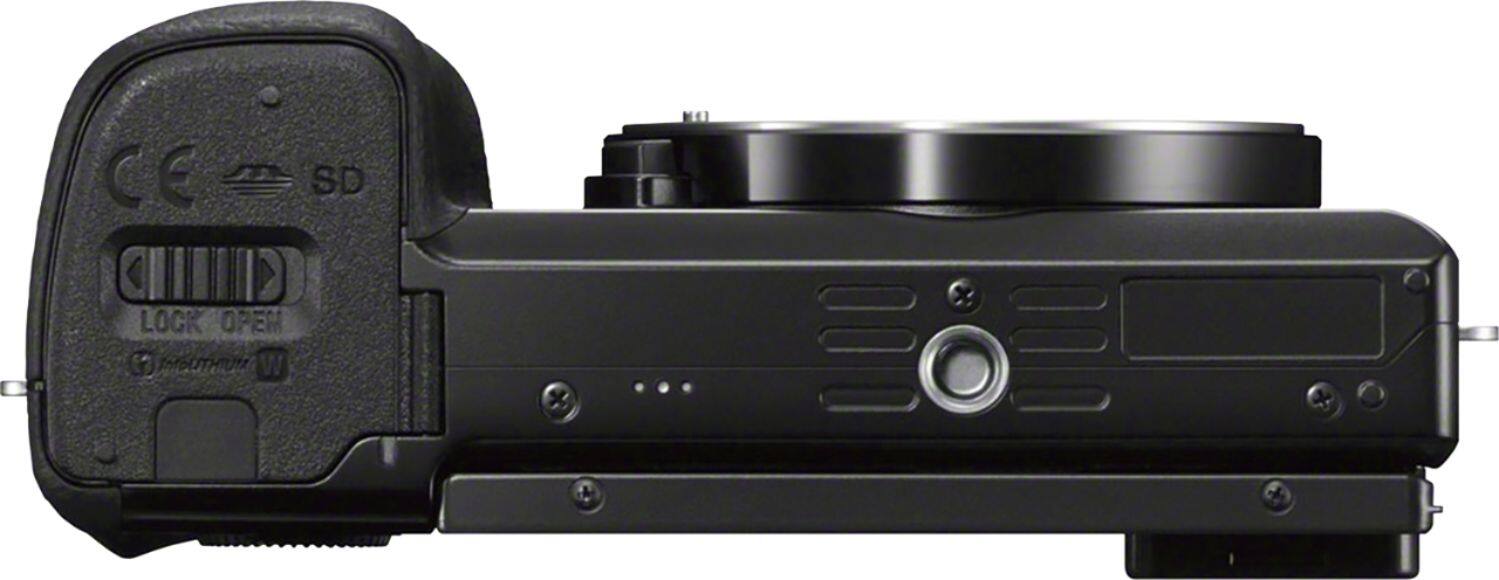
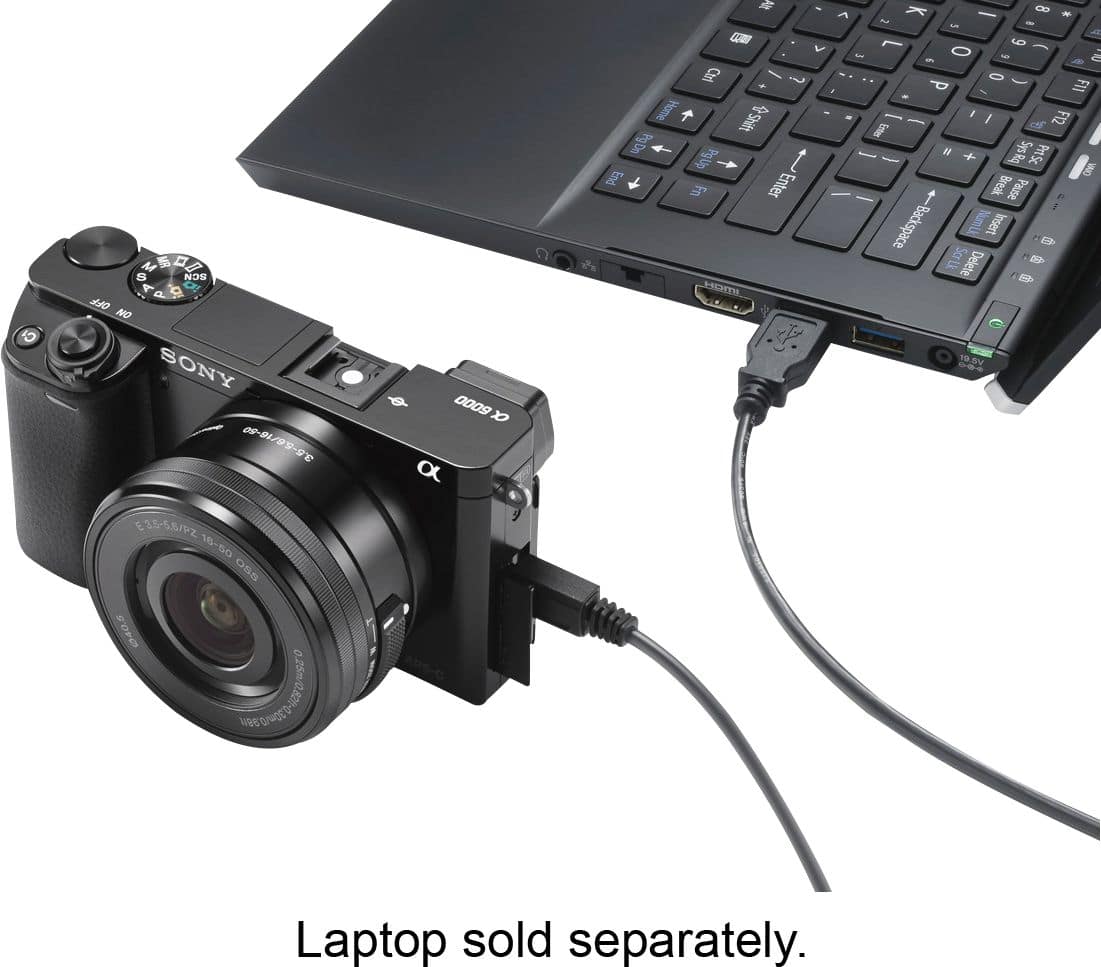
A:AnswerI have charged my camera with the micro USB for my cell phone (I have a samsung phone) and it charged just fine. It may have taken a little longer to charge, but I have had no issues since charging it with my phone charger.
A:AnswerHi there! You may send us an email at socialsupport@am.sony.com and kindly include the models of the lens and camera and brief details of your concern. We'll do our best to help you out.
Regards,
Vincent
A:AnswerIf you are talking about photo shoot self-timer, yes it does (2 sec or 10 sec) and also you can use the app through your cell phone or a remote control (sold separately) to take photos.
A:AnswerThe camera comes with an included Limited 1-year warranty by Sony. This only applies to the US and Canada. Best Buy will also offer you with a Protection Plan of their own.