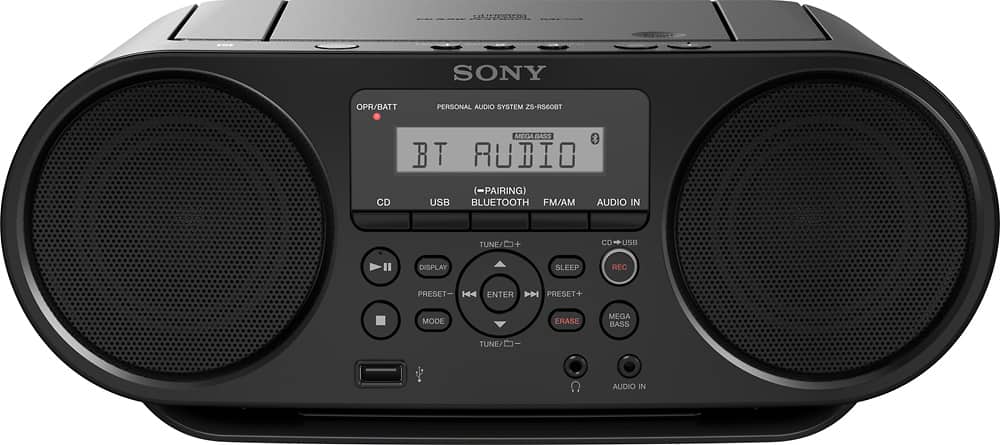
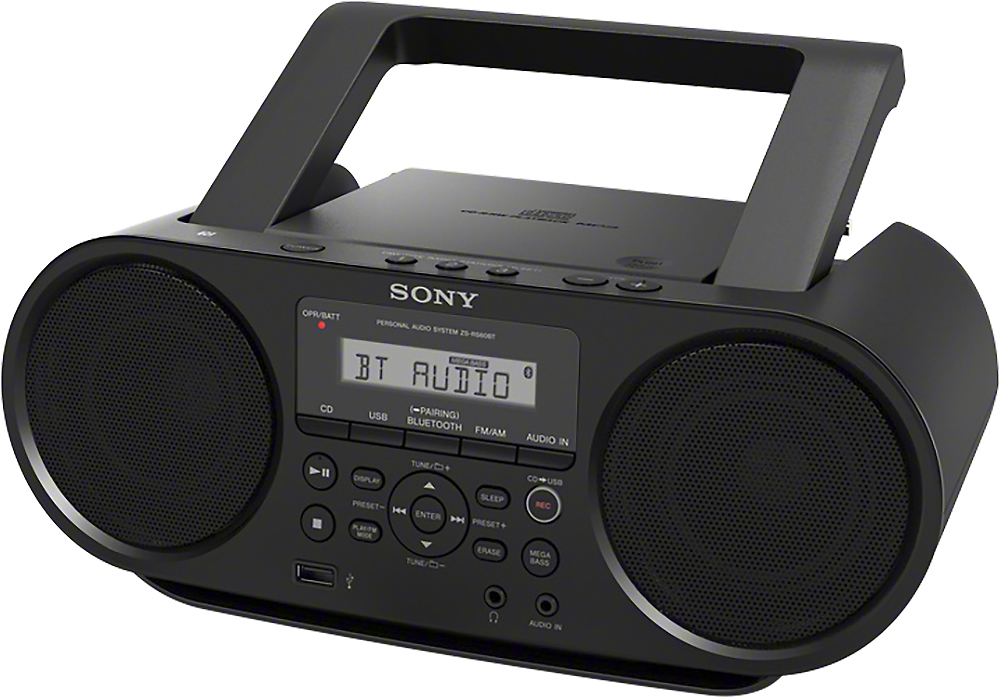
A:AnswerHi Micky, Yes, it does have a repeat function for CD playback. You may refer to this link for more information (Selecting play mode):
https://www.sony.com/electronics/support/res/manuals/4559/575c7930996efbe421c6f14c5e316164/45599011M.pdf
~Ralph
A:AnswerHi USBguy,
The playing order of the folders and files is as follows. However, the playing order may differ from the original order on the USB device, depending on the recording method used. Check this link for more information.
www.sony.com/electronics/support/res/manuals/4559/575c7930996efbe421c6f14c5e316164/45599011M.pdf (page 1 - Example of folder structure and playing order)
Regards,
David
A:AnswerHi Dave, you can connect an audio device to this Boombox using Bluetooth. Below are the supported Bluetooth profiles. Thanks! ^Ron
- A2DP (Advanced Audio Distribution Profile)
- AVRCP (Audio/Video Remote Control Profile)
A:AnswerHi Dixiebelle, no, the Bluetooth function of this Boombox is for pairing Bluetooth media devices only (MP3 players, mobile phones, tablets, etc..). Thanks, -Mark
A:AnswerHi Kevin,
Yes, this CD Boombox has a repeat function. You can select the play mode for different types of repeat function. You can check this link for more information.
https://docs.sony.com/release//ZSRS60BT.pdf (Selecting play mode)
Regards,
-David
A:AnswerHi Dave, Yes, just connect your devices via Bluetooth. For more information about this product, you may visit this link: https://docs.sony.com/release//ZSRS60BT.pdf Regards, Zac
A:AnswerHi Philliy, We regret to hear that you're having issues with this Boombox. Let's try to isolate the issue by following some troubleshooting steps included on this link under Troubleshooting "Bluetooth": https://docs.sony.com/release//ZSRS60BT.pdf Regards, Zac
A:AnswerHi flounder76, Kindly check on this link for steps on how to do it (Presetting radio stations):
https://docs.sony.com/release//ZSRS60BT.pdf
~Ralph
A:AnswerHi flounder76, you have to set the radio to scan stations first. This procedure is performed only once, the radio automatically scans and saves all stations available in your location. Regards, -Mark