A:AnswerHi, the types of memory card you can use with your camcorder are the following:
- microSDXC memory card // Class 10 or faster // Up to 64 GB
- microSD memory card microSDHC memory card/ microSDXC memory card // Class 4 or faster // Up to 64 GB
- Memory Stick Micro (Mark2) media // Class 4 or faster // Up to 16 GB
I hope this helps, Dave
A:AnswerSo far I have only been able to stop and start. This creates individual files for each recording. I am not sure on being able to pause and begin recording on the same file. The Sony program downloaded on my desktop for editing is great at splicing the recordings together, though.
A:AnswerHi Tommysole, you can upload the videos to any sharing site after importing them to your computer. We recommend enabling the Dual Record setting to shoot in both AVCHD and Mp4 format at the same time. Upload the Mp4 file without needing to convert it. Thanks_Mitch
A:AnswerHi Mike, you can transfer the video from your camera/camcorder using the Apple iMovie® software. For more information, you can visit this link: https://us.en.kb.sony.com/app/answers/detail/a_id/34494/p/36919,37505,37553,95219/c/65,66/kw/Apple%20Transfer Dave
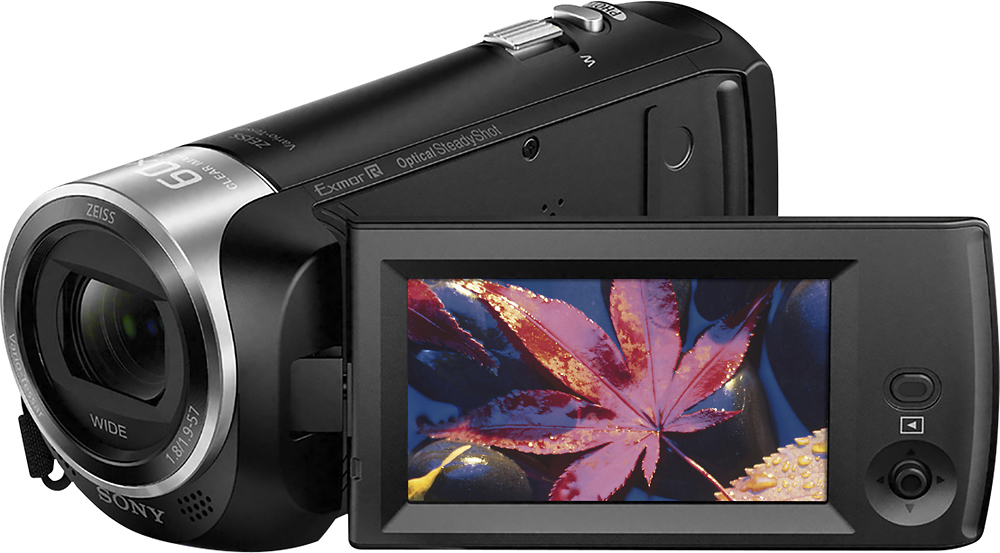
A:AnswerCamera video quality is better than iPhone for filming sports. For me, am still getting use to my new iPhone 8’s. I was record.g grand daughter’s b-ball game-found it difficult to make adjustments like closeups wide angles etc. With the Sony HandyCam, I found it easy to do all that w/o jittery & out focus videos. I highly recommend. I got decent deal Cyber Monday deal from Best Buy, too. I recommend wait one their sales.
A:AnswerHi LSMom, yes, you may connect this camcorder to your TV to watch videos. You may refer to page 18 of this link for more information: https://docs.sony.com/release//Manual_4564744131.pdf Thanks, -Mark