Deals Worth GiftingShop now

Skip to content
Gift Ideas
Main Content

Questions & Answers

Your price for this item is $398.00
The comparable value price is $549.99
Page Showing 21-40 of 133 questions
  • Question....can this speaker connect to our TV, via wireless or cords?

    Asked by RyanC.

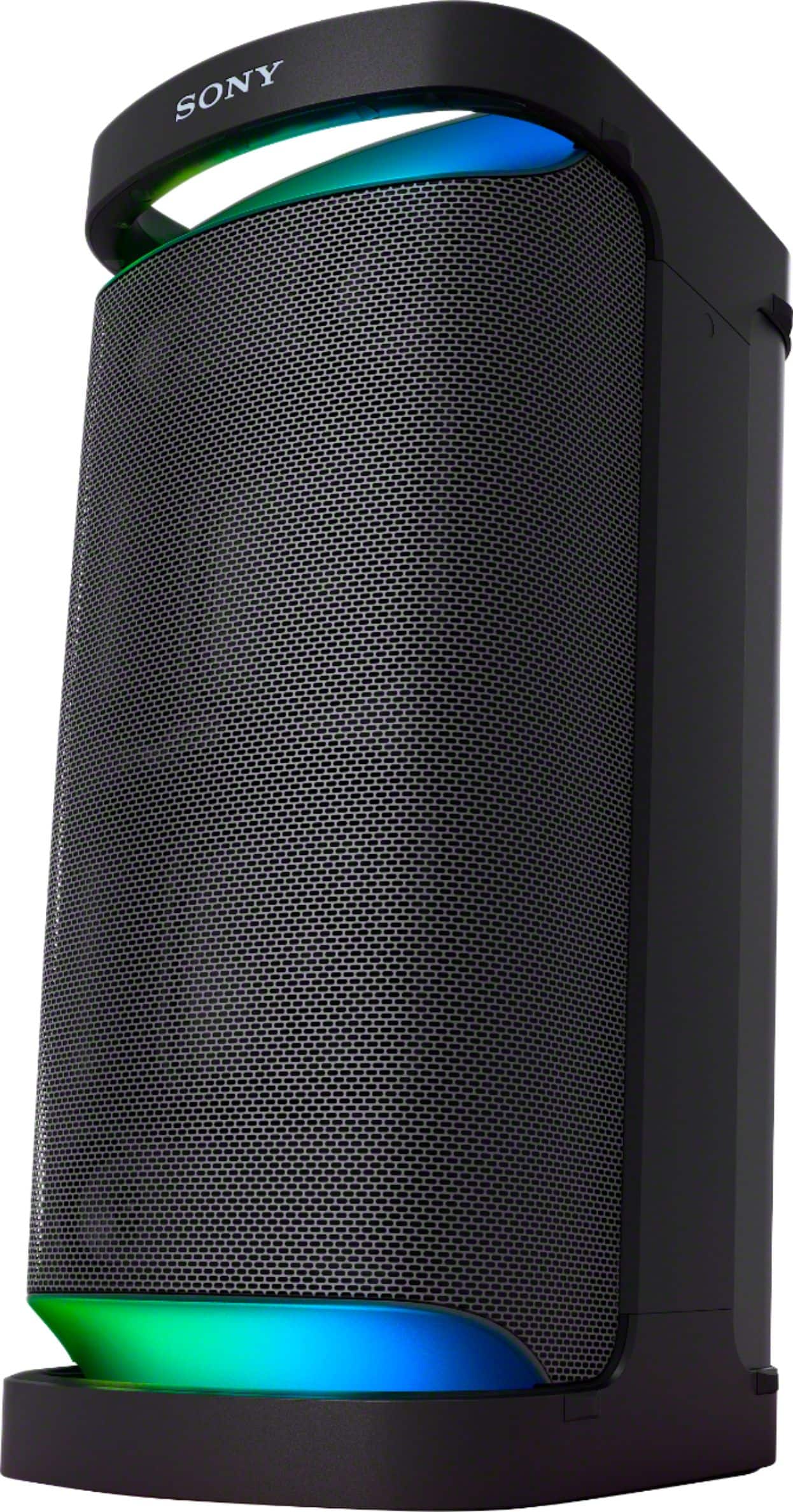
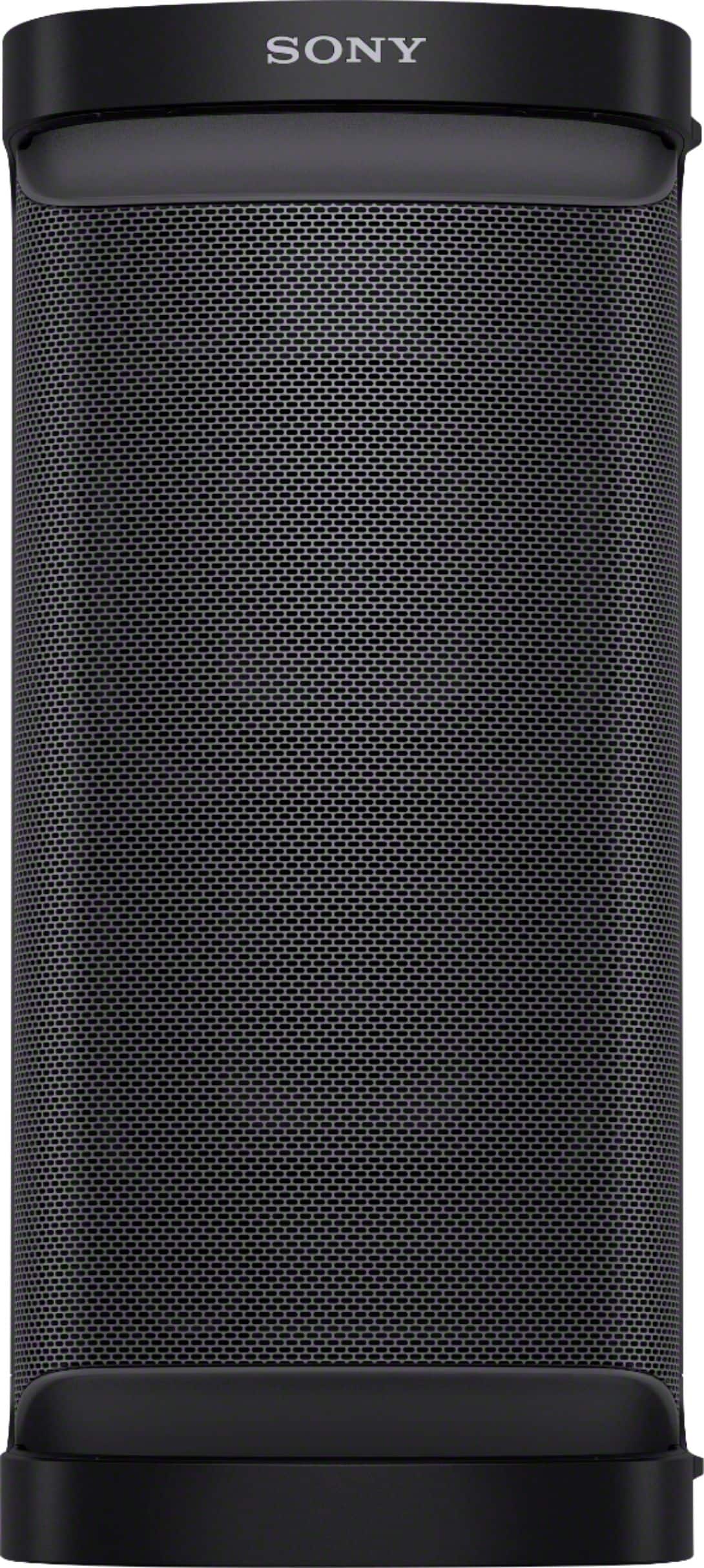
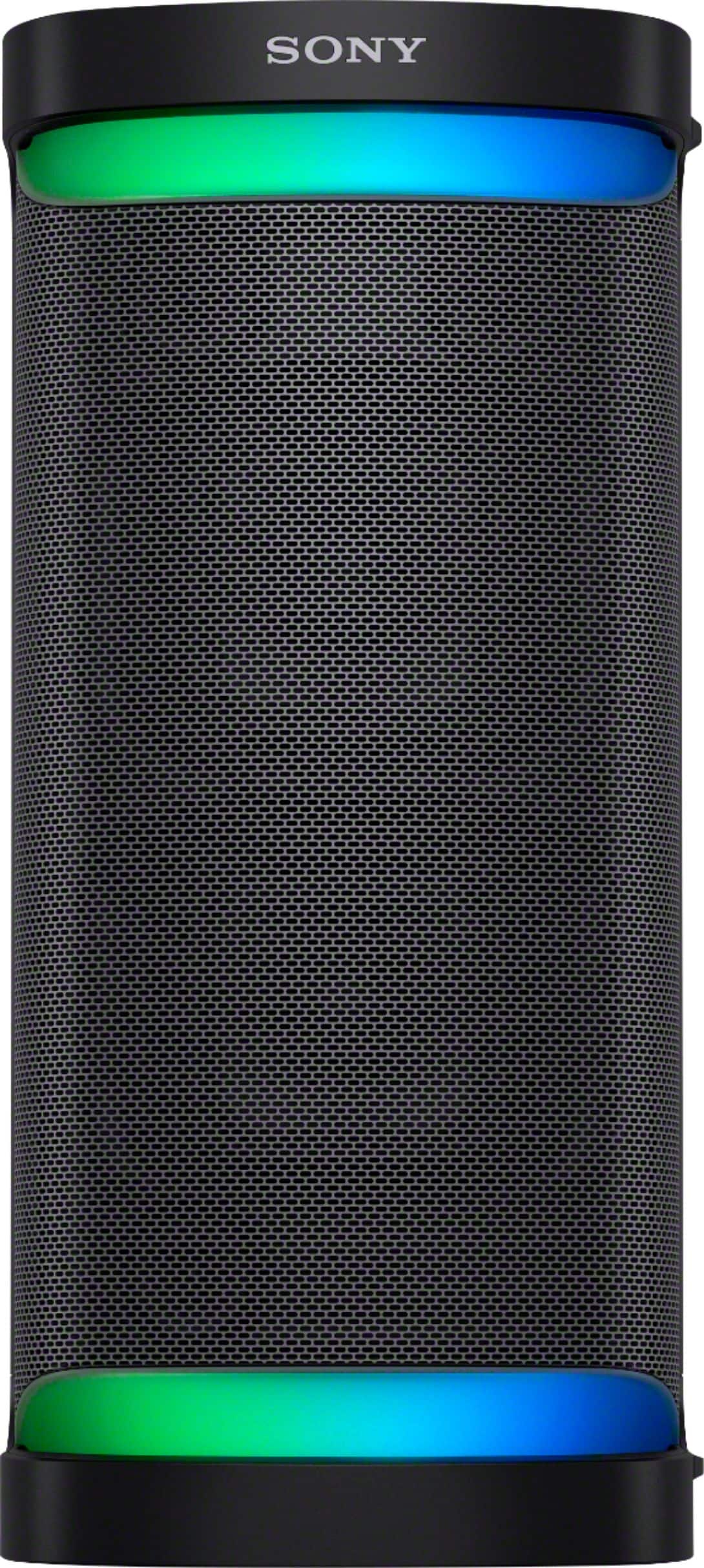
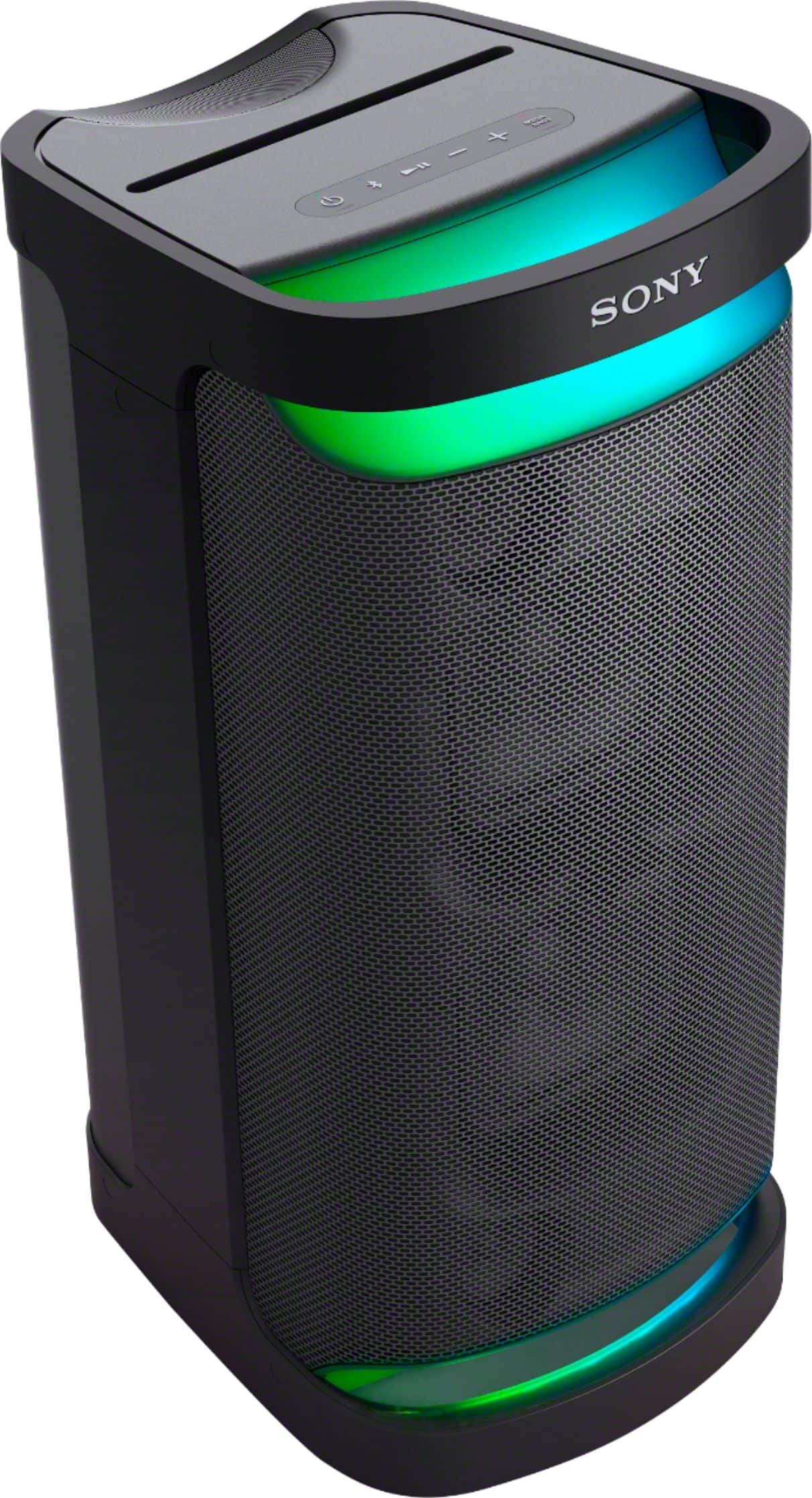
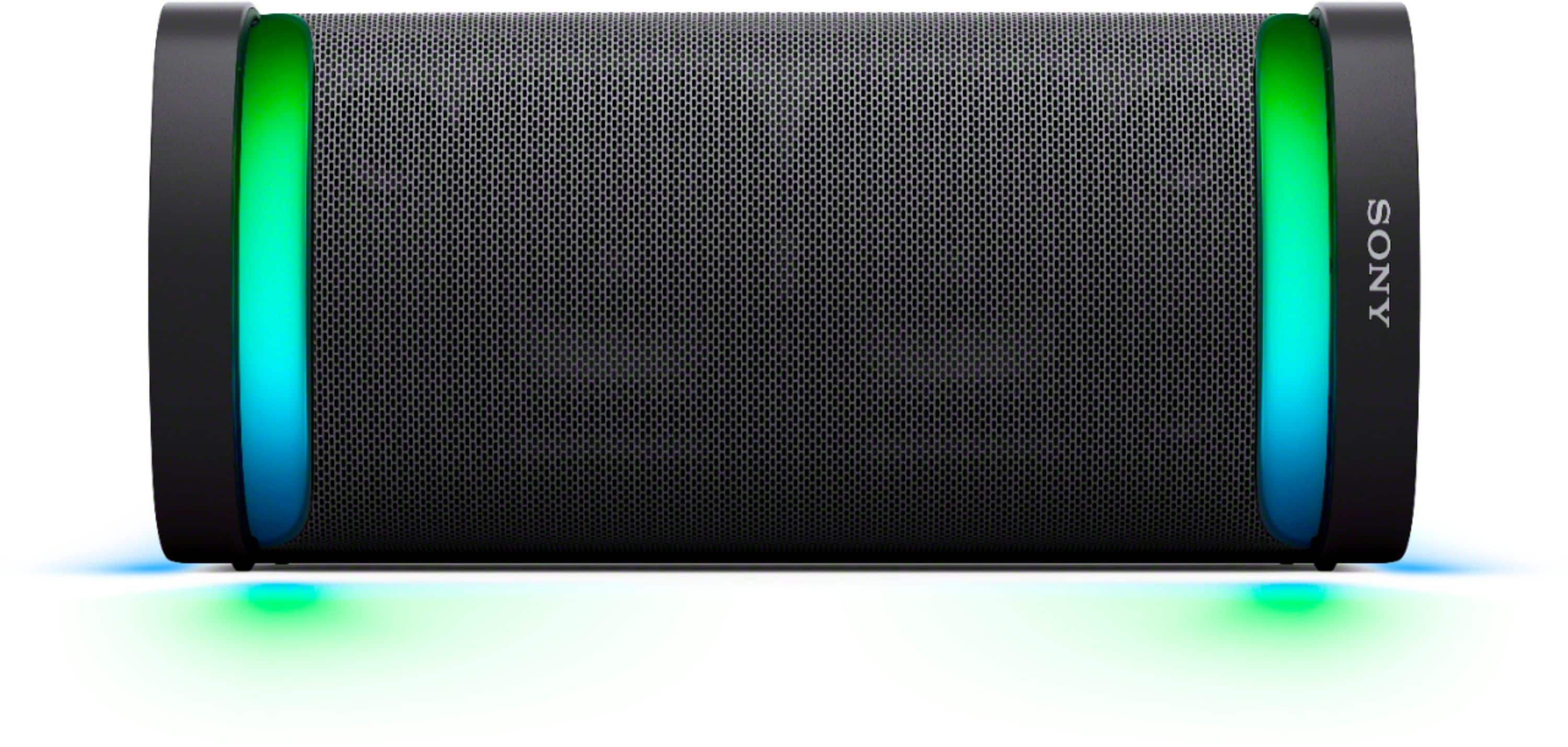
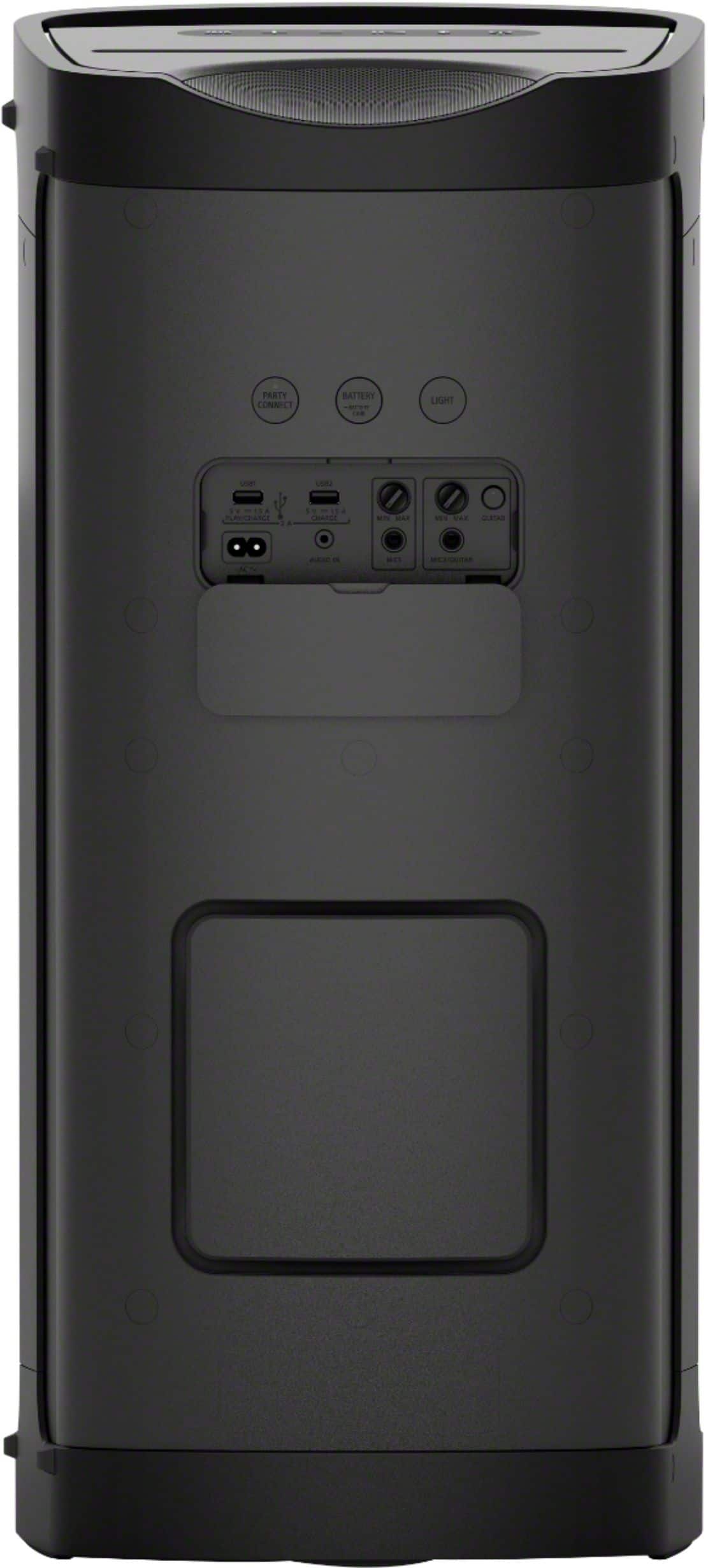
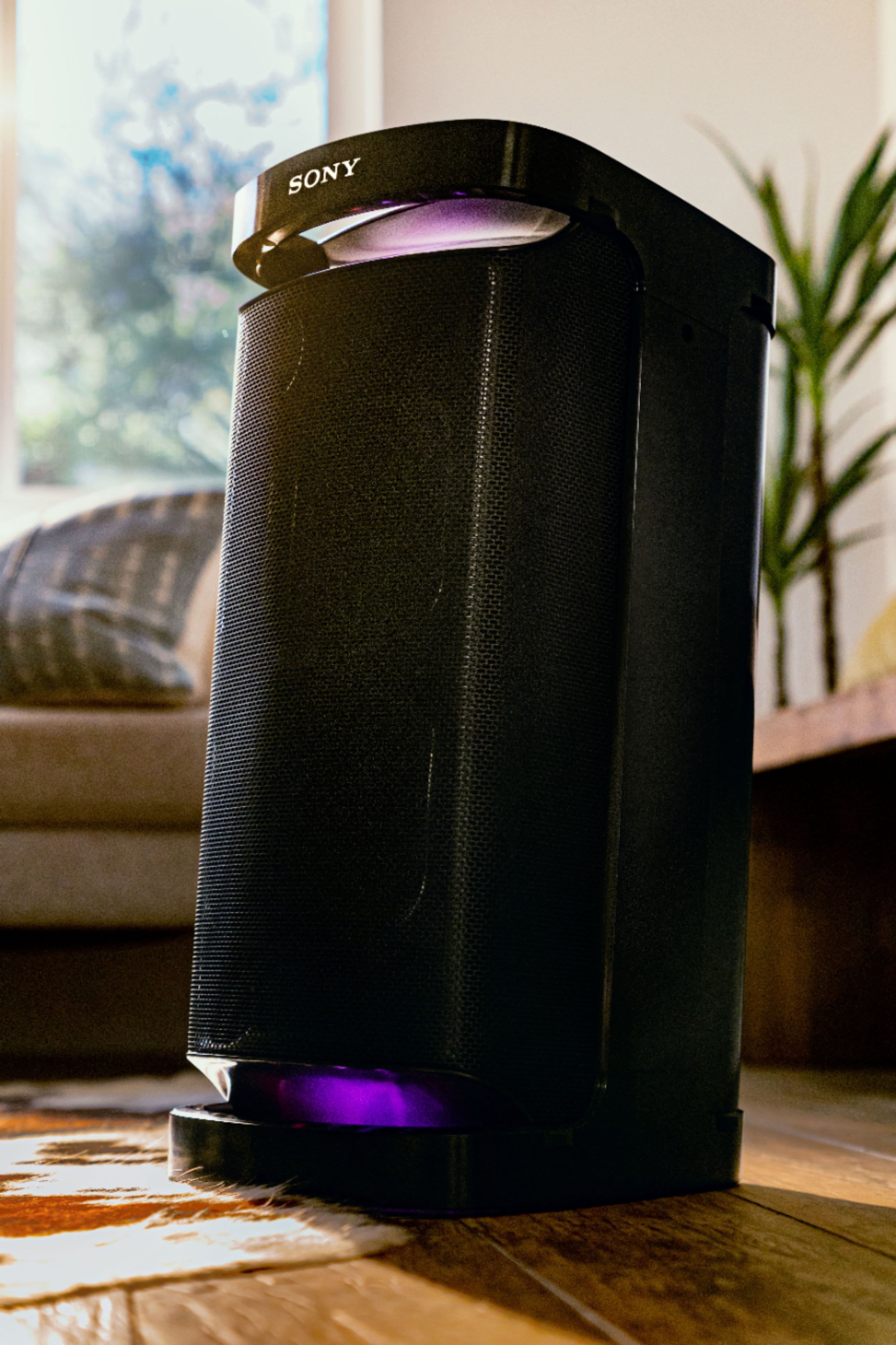
    • Answer Hi RyanC, thanks for your question. Yes, this XP700 requires the A2DP Bluetooth Profile for Bluetooth audio playback. You need to check the specs of your TV if it supports the said profile for compatibility. For a wired connection, you can use an audio cable to connect the speaker to the TV. The XP700 has an AUX input that can be used for this purpose. Hope this helps. With Omnidirectional Party Sound provided by the X-Balanced Speaker Unit and the front and rear high-efficiency tweeter, it sends out rich, clear sound in all directions. It’s perfect for parties, inside or outside the home, and has plenty of battery life, is IPX4 Splash resistant and has an easy-to-use handle for moving from one party to the next. You can also optimize audio settings, control music, choose lighting patterns and manage your devices right from your phone using the Sony | Music Center and You can also access fun features like making party playlists, karaoke, and so much more with the Fiestable app. ~Earl

      Answered by SonyListens

  • QuestionDoes Sony offer a cover for this speaker?

    Asked by Philip.

    • Answer Hi Philip, thank you for your inquiry. There is no cover available for this speaker from Sony.For a cover option, please contact a third-party manufacturer. Hope this helps! -Sam
      Answered by SonyListens

  • QuestionDoes the Sony srs xp700 come with a remote?

    Asked by April.

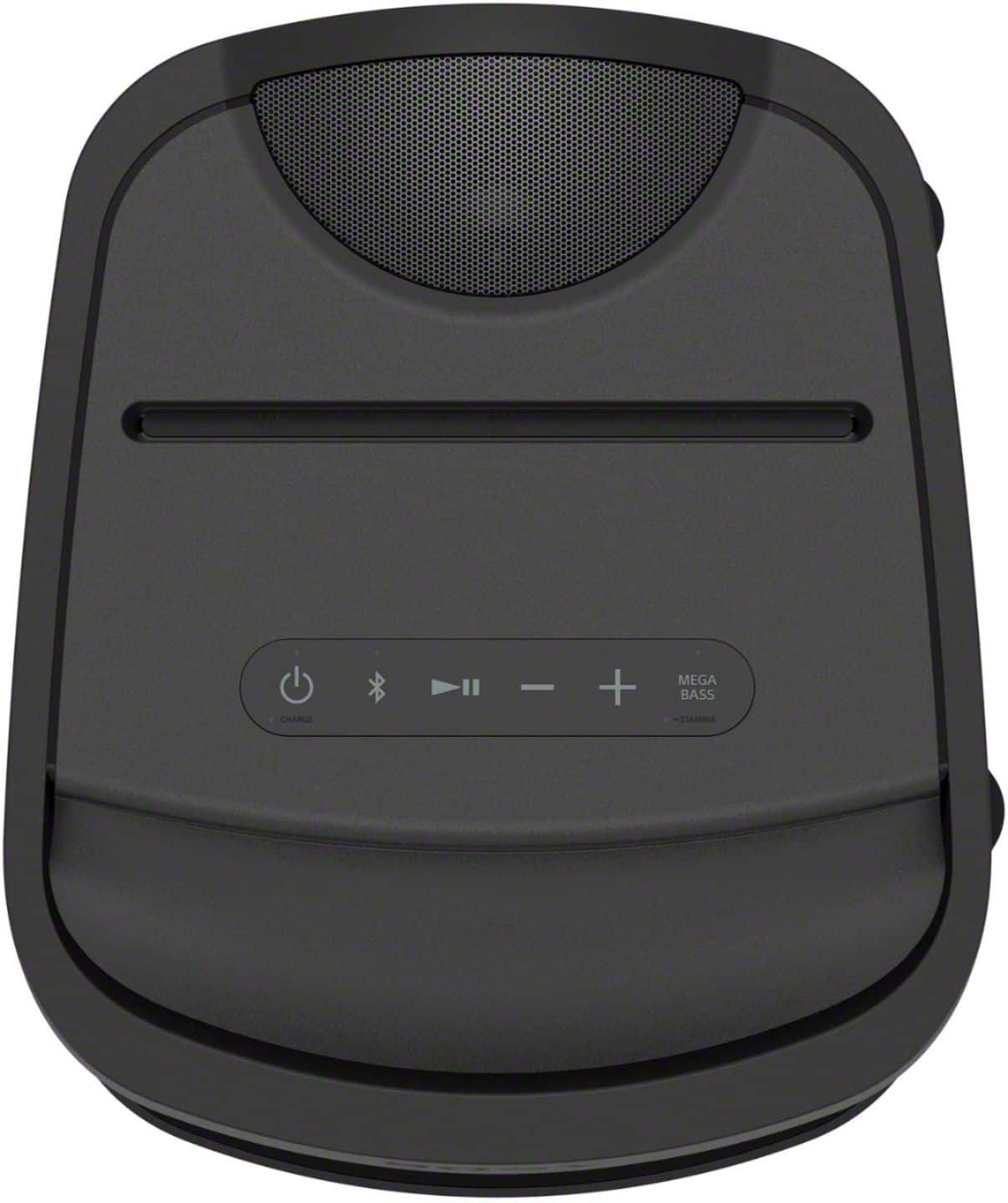
    • Answer Hi April, Thanks for your inquiry. Unfortunately, the SRSXP700 does not come with a remote control. Although this unit does not come with a remote control, you can connect your smartphone to this unit via Bluetooth and use it to control the music playback,adjust the volume, and you can also download the Fiestable app to control the lighting and turn it on/off. You can also use motion control gestures on your smartphone screen. Hope this helps! -Sam
      Answered by SonyListens

  • QuestionHow many watts is this speaker

    Asked by Val.

    • Answer 700 watts i.e. the XP700 I called Sony by the way to get this info as it is nowhere to be found be it manual or otherwise. You think best buy would have the courtesy to list that info.

      Answered by WWFCHAMPION

  • QuestionCan I use this speaker with Sony Bluetooth turntable? And will it sound good?

    Asked by Dogmaluna.

    • Answer Hello Dogmaluna, Thank you for considering Sony products! We appreciate your question and are here to assist you. Yes, you can connect the Sony PS-LX310BT turntable to the Sony SRS-XP700 speaker, and it should deliver excellent sound quality. Below are the steps to set up the connection via Bluetooth: 1. Enable Bluetooth on Both Devices: On the PS-LX310BT turntable, press the BLUETOOTH/PAIRING button to enter pairing mode. For detailed instructions, please refer to page 14 of the PS-LX310BT manual: https://www.sony.com/electronics/support/res/manuals/4748/2a8f06044efec02b753eff3df707fb93/47487551M.pdf On the SRS-XP700 speaker, press the BLUETOOTH button to activate pairing mode. More details about pairing can be found here: https://helpguide.sony.net/speaker/srs-xp500/v1/en/contents/TP1000243076.html 2. Pair the Devices: Once both devices are in pairing mode, they should automatically detect each other. Confirm the pairing on both devices if prompted. 3. Adjust Volume Levels: Set the volume on both the turntable and the speaker to a comfortable level. The SRS-XP700 speaker is designed to deliver high-quality audio with advanced features such as Clear Audio+, DSEE, and Omnidirectional Party Sound, which will enhance your listening experience. Best regards, -Fred

      Answered by SonyListens

  • QuestionHello, Does this speaker work well for karaoke? If I buy 2 speakers and want to connect together and also get 2 microphones, please let me know: How I can sing from the TV and connect both microphones to both speakers so the voice will come from both

    Asked by Jen.

    • Answer Hi Jen, Yes, the Sony XP700 is excellent for karaoke and supports connecting two microphones simultaneously using the dedicated inputs on the back of the speaker. To use two speakers and have the music from the TV play across both, you can use the Party Connect function to link them wirelessly. However, please be aware that when using Party Connect, the microphone sound will only output from the single speaker that the microphones are physically plugged into, while the music will play from both speakers. Thanks for choosing Sony. Best regards, Eliab

      Answered by SonyListens

  • QuestionDo I have to use the Sony Music App or can I just connect via Bluetooth to my phone and use my Spotify playlist?

    Asked by Mama.

    • Answer Hello Mama, Thank you for your interest in Sony products! We’re happy to assist you. You can connect your phone directly to the SRS-XP700 speaker via Bluetooth to stream Spotify without needing the Sony Music Center app. While the app is optional, it provides enhanced features such as sound customization, lighting controls, playback management, and Party Connect, which allows you to link up to 100 compatible speakers for a richer audio experience. For more details, please visit: https://www.sony.com/electronics/support/product/srs-xp700/manuals Best regards, -Fred

      Answered by SonyListens

  • QuestionHow power handling watts

    Asked by David.

  • QuestionWhat's the total watts for this speaker?

    Asked by DarrellJ.

  • QuestionIs there a remote control compatible with this dpeaker

    Asked by Wendae.

    • Answer Hello Wendae, Thank you for choosing Sony! We appreciate your question and are here to assist you. The SRS-XP700 speaker is not compatible with any Sony remote control. However, you can easily manage and control the speaker using the Sony | Music Center App. This app allows you to handle music playback, select playlists, adjust audio settings, and control lighting patterns conveniently from your smartphone. For more details about the app, please visit: https://www.sony.com/electronics/support/articles/MC000001 Best regards, -Fred

      Answered by SonyListens

  • QuestionCan this conect to a tv

    Asked by Frizz.

    • Answer Hello Frizz, Thank you for choosing Sony! We appreciate your question and are here to assist you. Yes, the SRS-XP700 speaker can be used with a TV. To connect it, your TV needs to be compatible with the A2DP Bluetooth protocol, which is required to transmit audio to the speaker. Please verify your TV supports this Bluetooth profile for proper connection. You can check the steps to put the unit in pairing mode to connect your TV or other devices at the following link: https://helpguide.sony.net/speaker/srs-xp500/v1/en/contents/TP1000243076.html?search=pairing Best regards, -Fred

      Answered by SonyListens

  • QuestionHow many watts is this speaker

    Asked by Anonymous.

    • Answer Hi there, Sony does not disclose a specific wattage number for the XP700. For our portable speakers, we focus on key features like the X-Balanced Speaker Unit and MEGA BASS technology, which more accurately represent the sound quality and performance. Thanks for choosing Sony. Best regards, Eliab

      Answered by SonyListens

  • QuestionThis is MONO, correct?!? STEREO sounds BETTER!!!!!!!!

    Asked by Charlie.

    • Answer Hello charlie33, Thank you for choosing Sony! We appreciate your question and are here to assist you. The SRS-XP700 is not mono – it’s a stereo speaker with multiple tweeters and woofers that deliver powerful, immersive sound. It’s designed to fill any space with a much wider sound experience, perfect for parties or gatherings. If you're looking for an even more expansive stereo effect, you can pair two SRS-XP700 speakers together. This creates a dedicated left and right channel, giving you a truly impressive and wide soundstage. You can find instructions on how to set this up here: https://helpguide.sony.net/speaker/srs-xp500/v1/en/contents/TP1000243088.html?search=stereo Best regards, -Fred

      Answered by SonyListens

  • QuestionDoes this speaker come with an owners manual

    Asked by Weezie.

    • Answer Hi Weezie, Yes, the Sony XP700 Portable Bluetooth Party Speaker does come with an owner's manual. You can find a digital version, including the "Operating Instructions" and a "Help Guide" with detailed information here: https://www.sony.com/electronics/support/product/srs-xp700/manuals. We highly recommend reviewing it to get the most out of your speaker's many features. Thanks for considering Sony products. Best regards, Eliab

      Answered by SonyListens

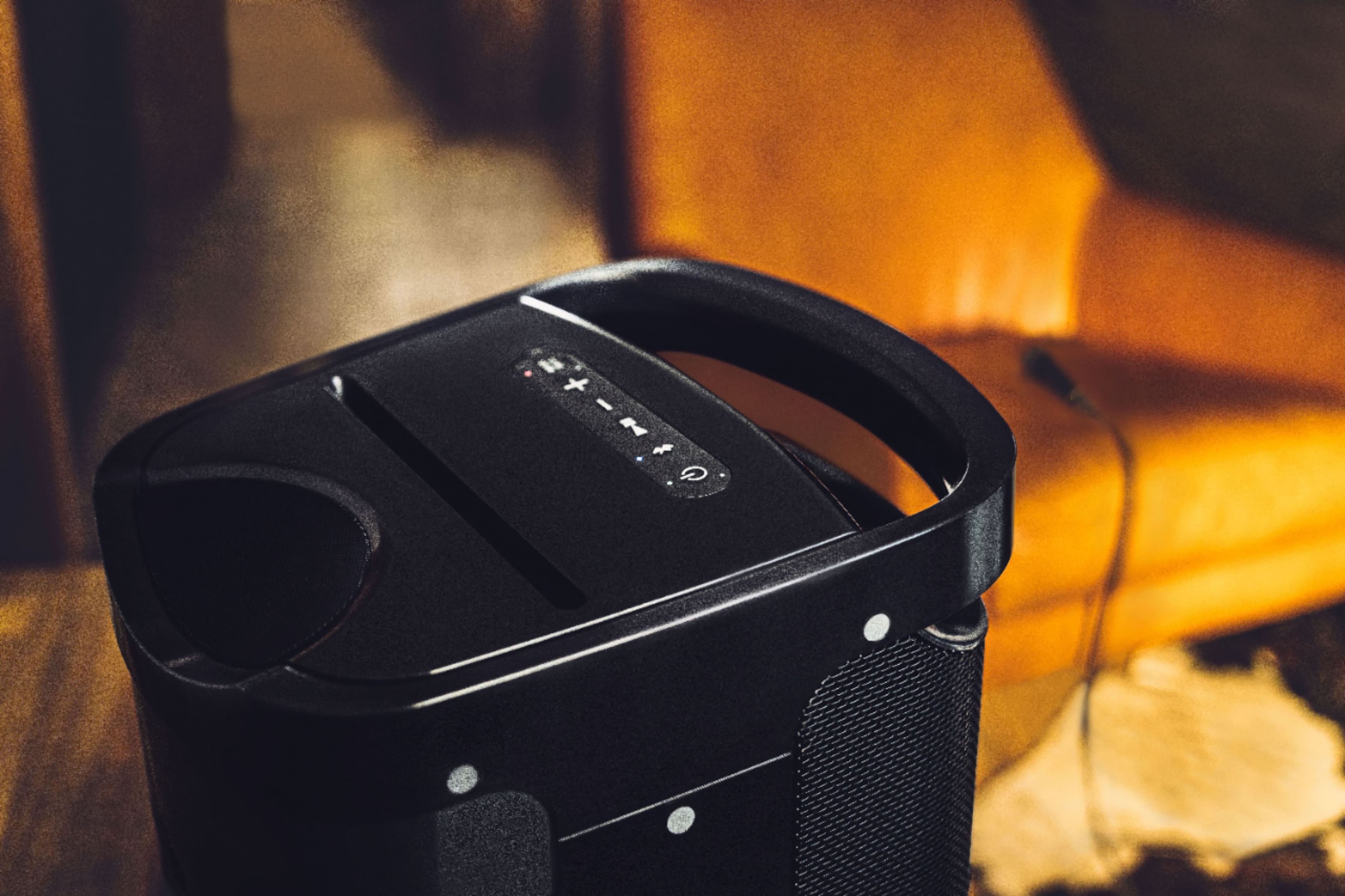
  • QuestionIs it a touch control volume or do you need to push down on the button?

    Asked by susan.

    • Answer I love my speaker. The sound is outstanding. Yea it is push down volume, meaning you have to touch the speaker for the volume to go up and down. You can control with your Bluetooth device. I wish I would have bought the bigger version. You will not regret buying this speaker.

      Answered by Purchase

  • QuestionHow many watts this speaker

    Asked by Salam.

    • Answer Hello Salam, Thank you for getting in touch with Sony! We're excited to assist you with your inquiry regarding the Sony SRS-XP700. This remarkable speaker boasts a maximum output power of 110 watts, making it a robust enhancement to any audio system. For more information on its specifications, please visit: https://www.sony.com/electronics/support/speakers-wireless-speakers/srs-xp700/specifications We hope this helps! Best regards, -Fred

      Answered by SonyListens

  • Question2 questions. # 1 can u purchase warranty on open box ? # 2. Do you only offer 4 year plans?

    Asked by Pepe.

    • Answer Hi, Pepe, Thanks for the questions! In regard to any warranty concerns, we highly recommend reaching our Warranty Support Team via email at [email protected]. They will gladly answer any questions and will definitely help you further. Also, you might want to take a look into the Frequently Asked Questions website at: https://protect.electronics.sony.com/care_faq. We hope this information comes in handy! Thanks for the understanding, have a nice day! -DiegoV

      Answered by SonyListens

  • QuestionHow many wats can handle it?

    Asked by Gil61.