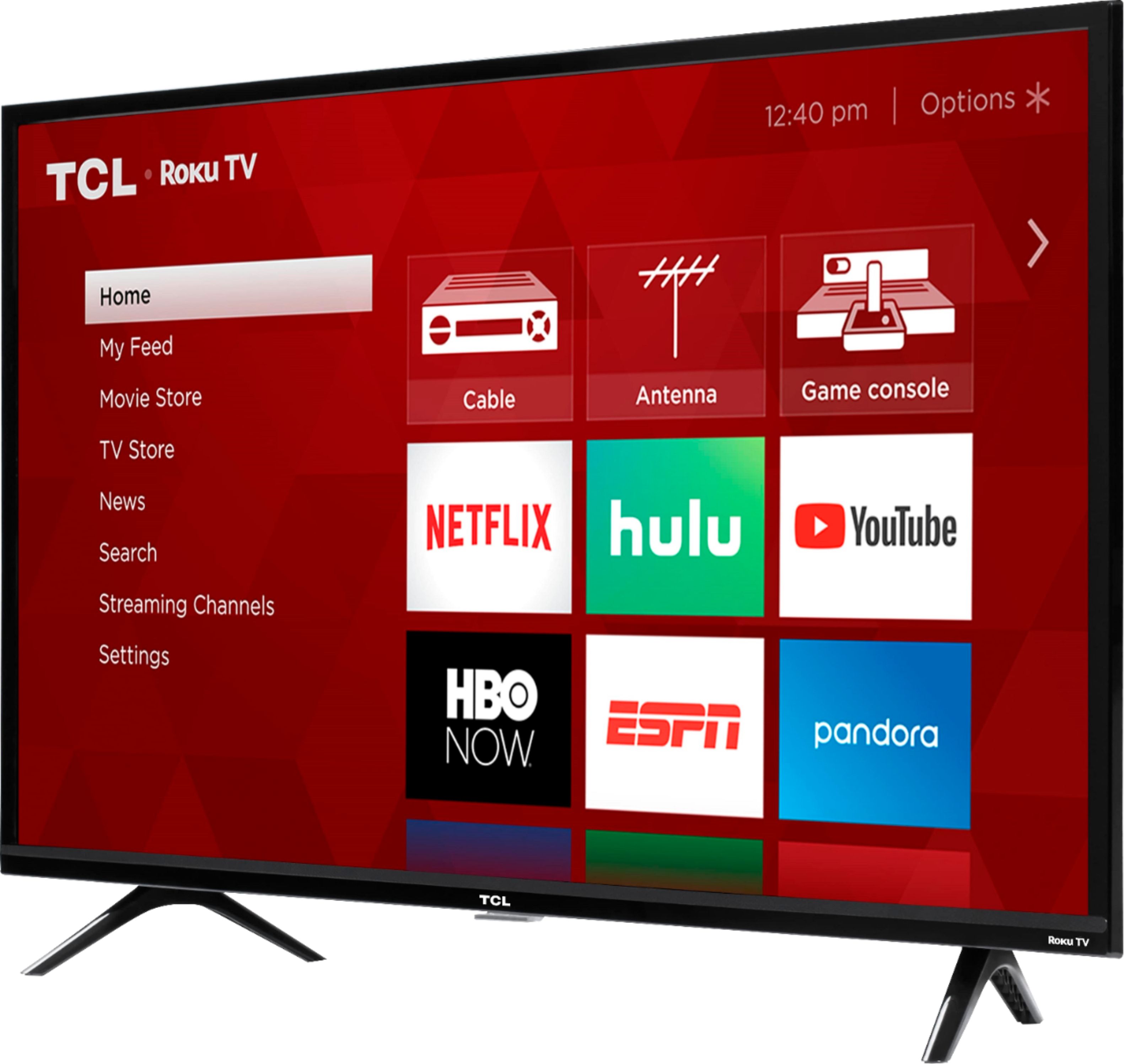
A:AnswerIn order to use the smart features of this TCL Roku TV, you would need to complete the guided setup. This includes connecting to the Internet via WiFi, creating a Roku account (completely free), and activating the TV (completely free). Hope this helps! Thank you, TCL Customer Support
A:AnswerYes, just download the app. We watch ours in our camper. We don't receive all of the channels (mostly local one) when we are out of state. Works great.
A:AnswerIn order for us to better assist, please reach out to us at [email protected] with your contact information and a description of what you need help with. Thank you, TCL Customer Support
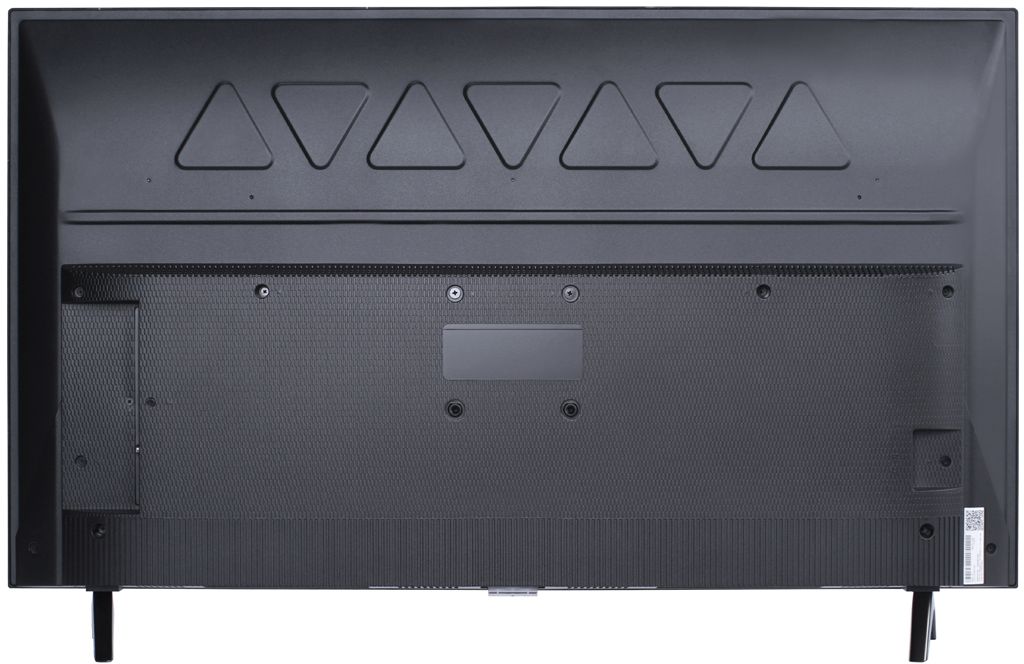
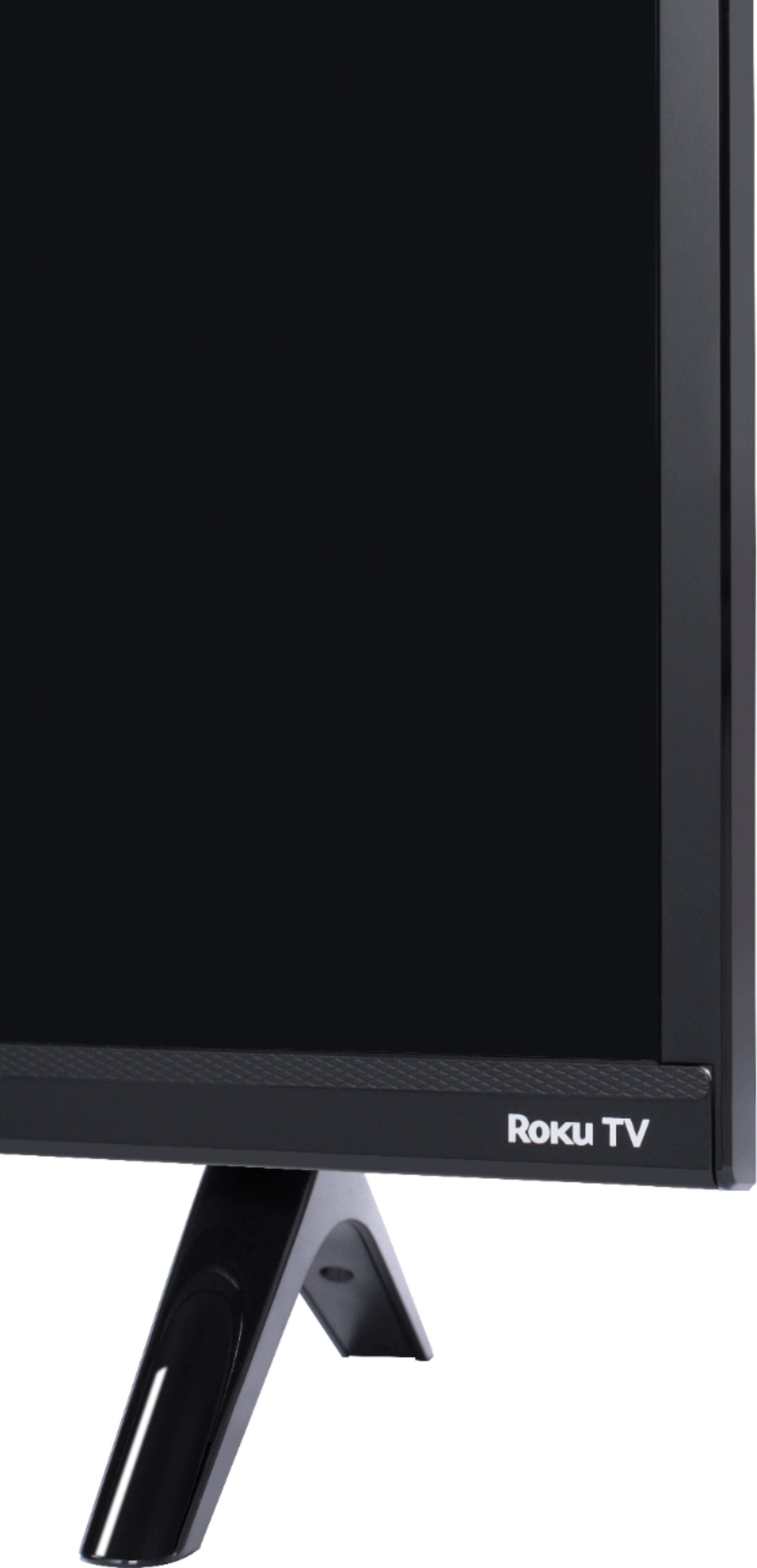
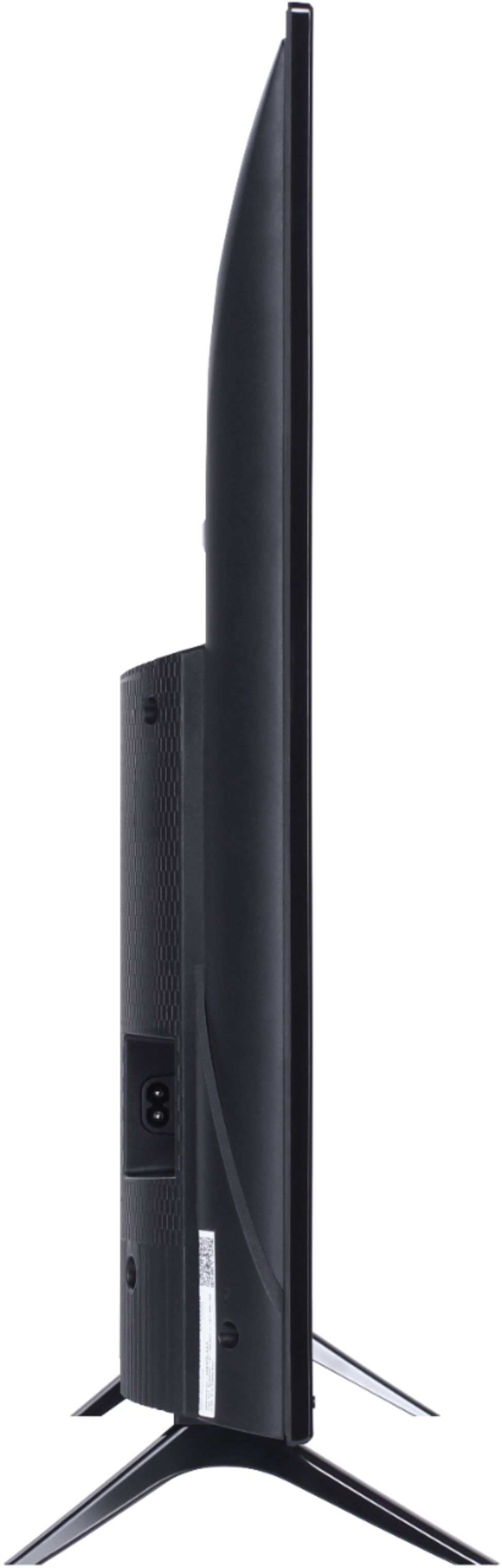
A:AnswerWith the feet attached, the dimensions of this TV are as follows: (W x H x D) 35.6" x 22.7" x 7.2". Hope this helps! Thank you, TCL Customer Support
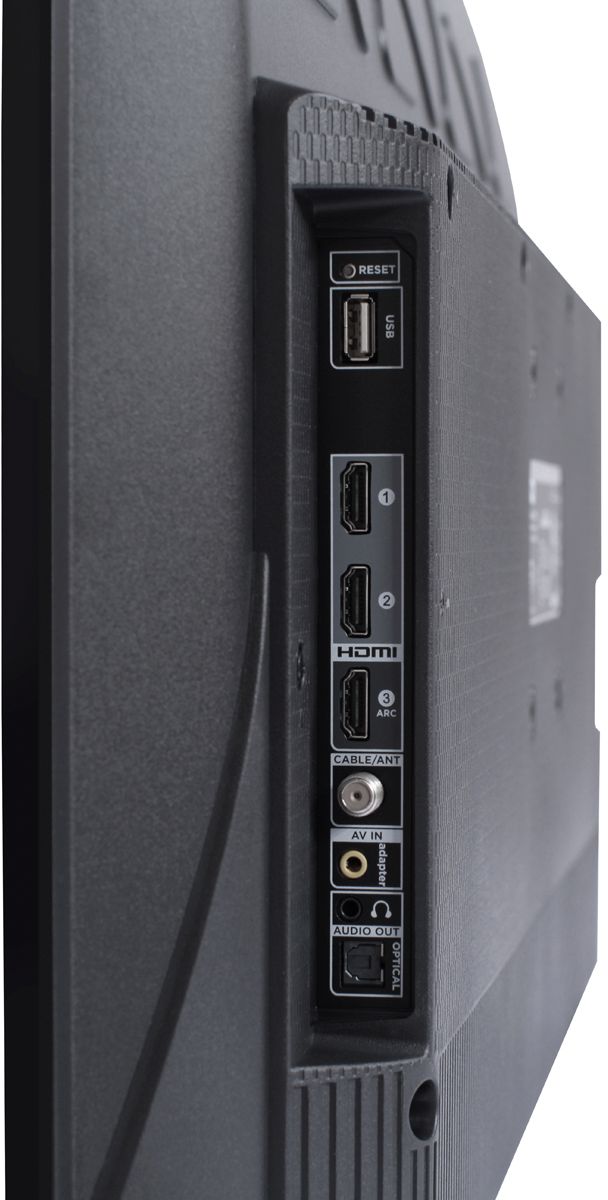
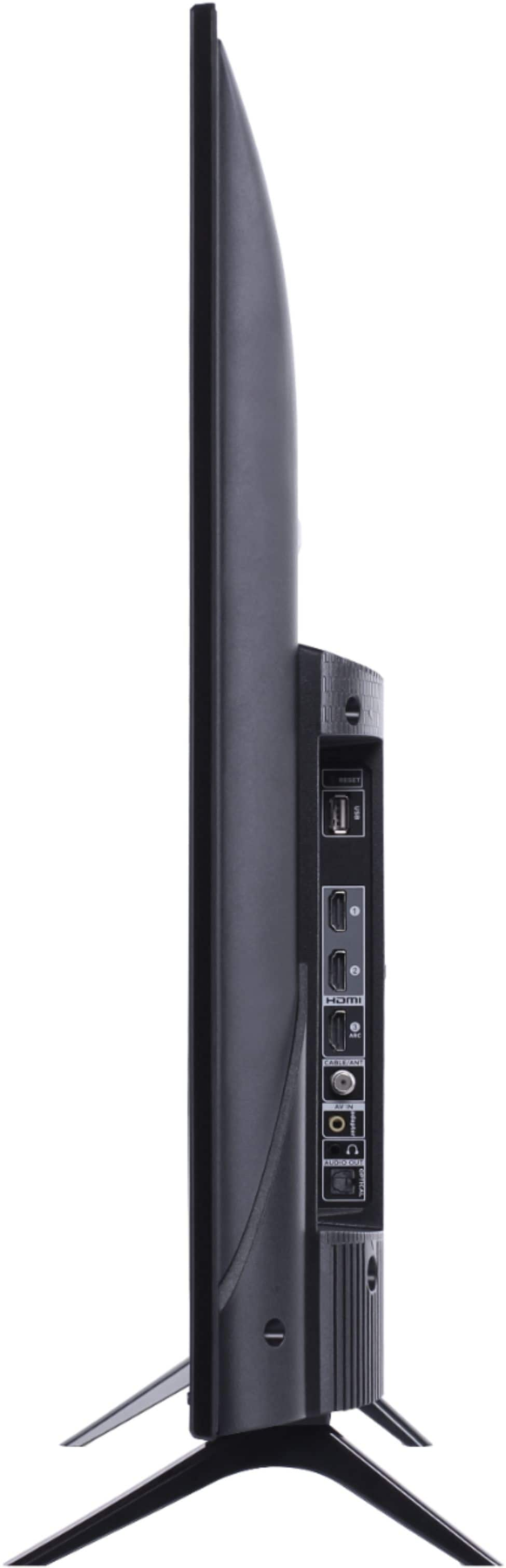
A:AnswerThis TCL Roku TV features various inputs that can be used to connect an external device like a VCR. Hope this helps! Thank you, TCL Customer Support
A:AnswerIn order for us to better assist, please reach out to us at [email protected] with your contact information and a description of what you need help with. Thank you, TCL Customer Support
A:AnswerThe headphone jack is the standard plug. I am using my headphones and earphones I already use with my Android phone and laptop. I hope I answered your question.
A:AnswerThis TCL Roku TV has the ability to connect to the Internet via WiFi. It does not feature an Ethernet port. Hope this helps! Thank you, TCL Customer Support
A:AnswerCurrently, our Roku based TVs do not support Bluetooth. If you are trying to connect a sound bar or speakers you can use the Optical port, or the HDMI ARC port. For Headphones, there is a Headphone jack on the back of the TV, or you can download the Free Roku app for private listening. Hope this helps! Thank you, TCL Customer Support
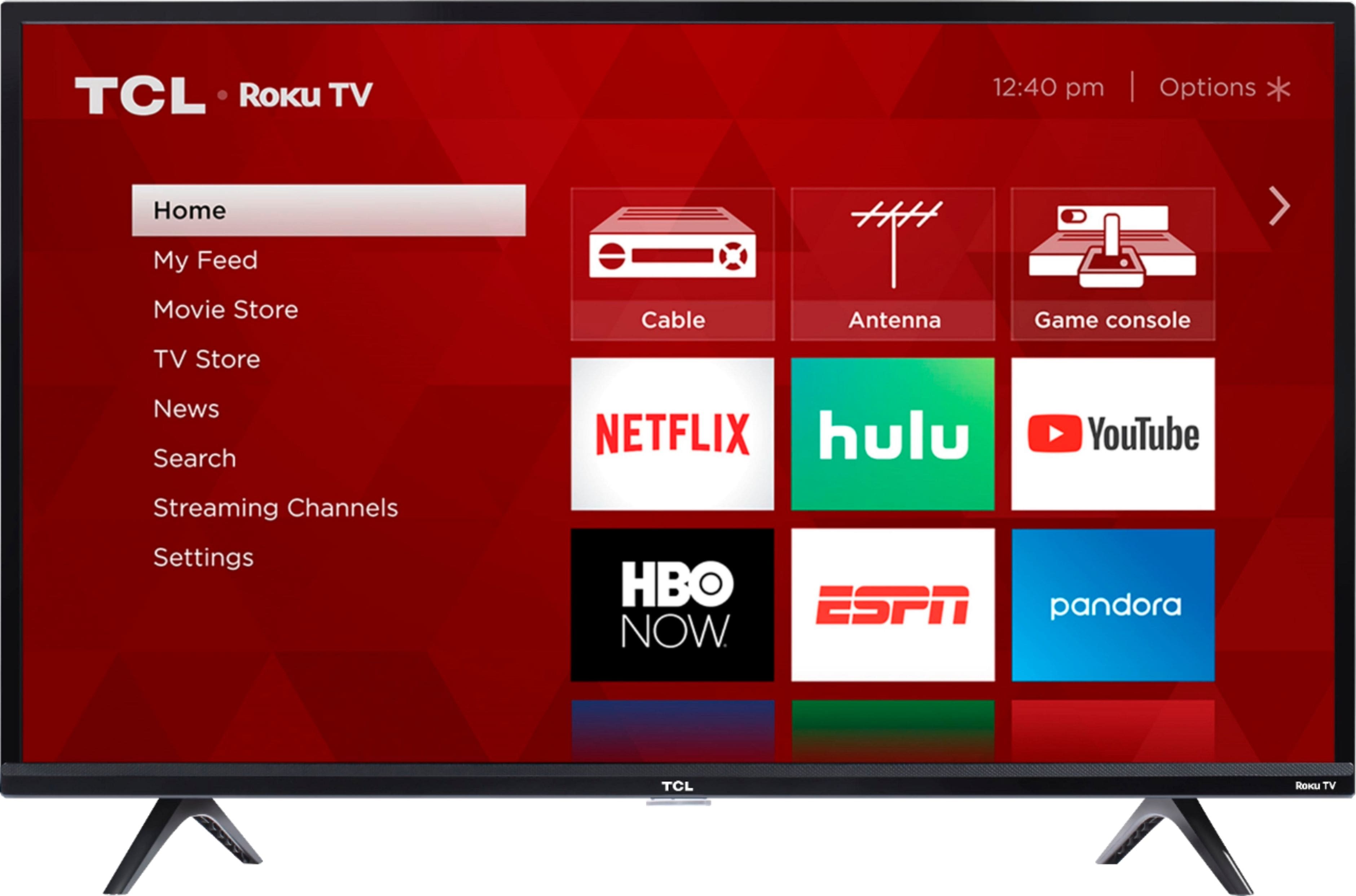
A:AnswerThe YouTube TV streaming channel is one of the thousands of streaming channels offered through the Roku Channel Store. You can also visit www.roku.com/whats-on to see other streaming channels Roku offers. Hope this helps! Thank you, TCL Customer Support
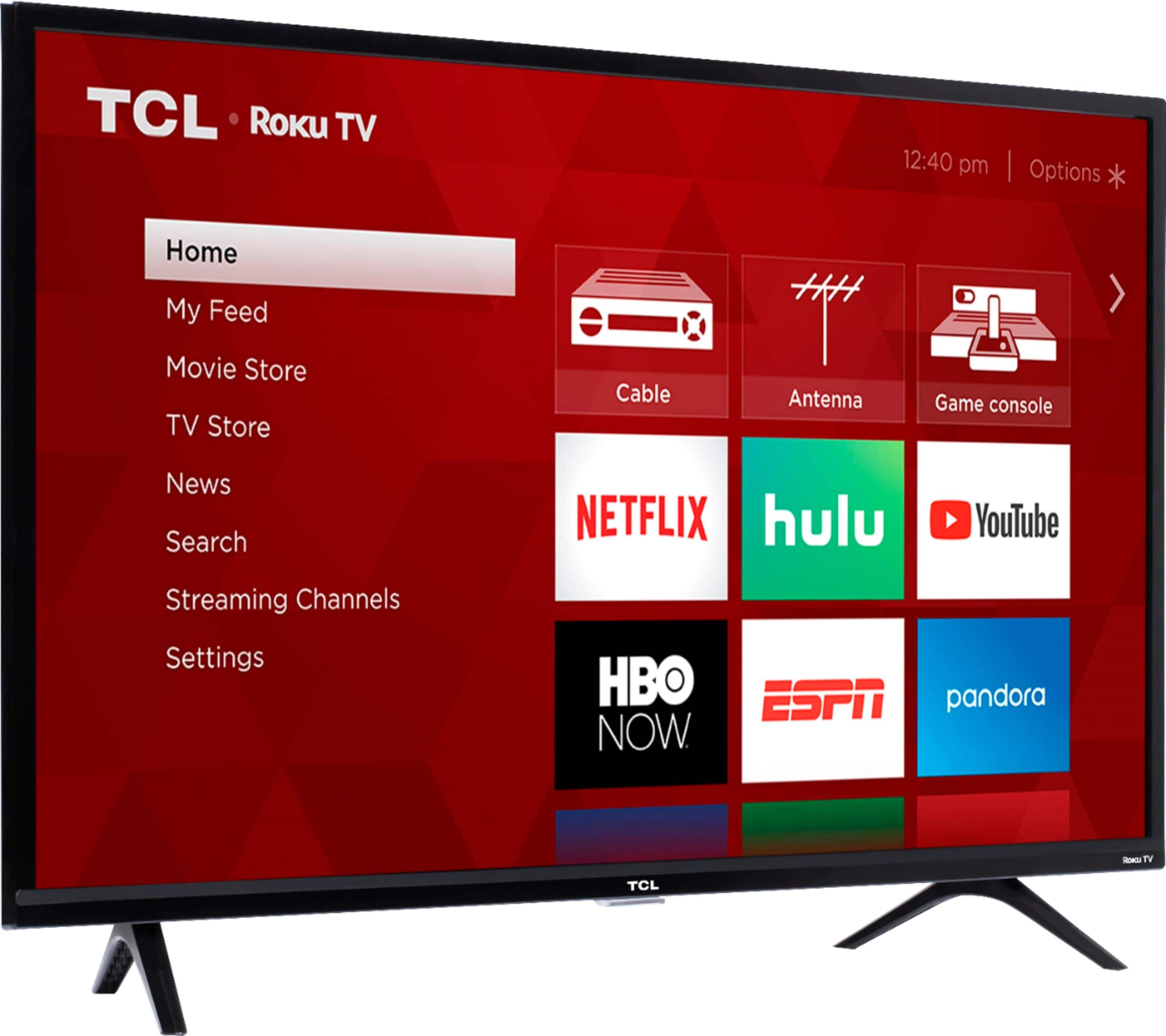
A:AnswerMovienut-
Apple TV is supported. You can find the details from the following link:
https://channelstore.roku.com/details/551012/apple-tv
-TCL US Support