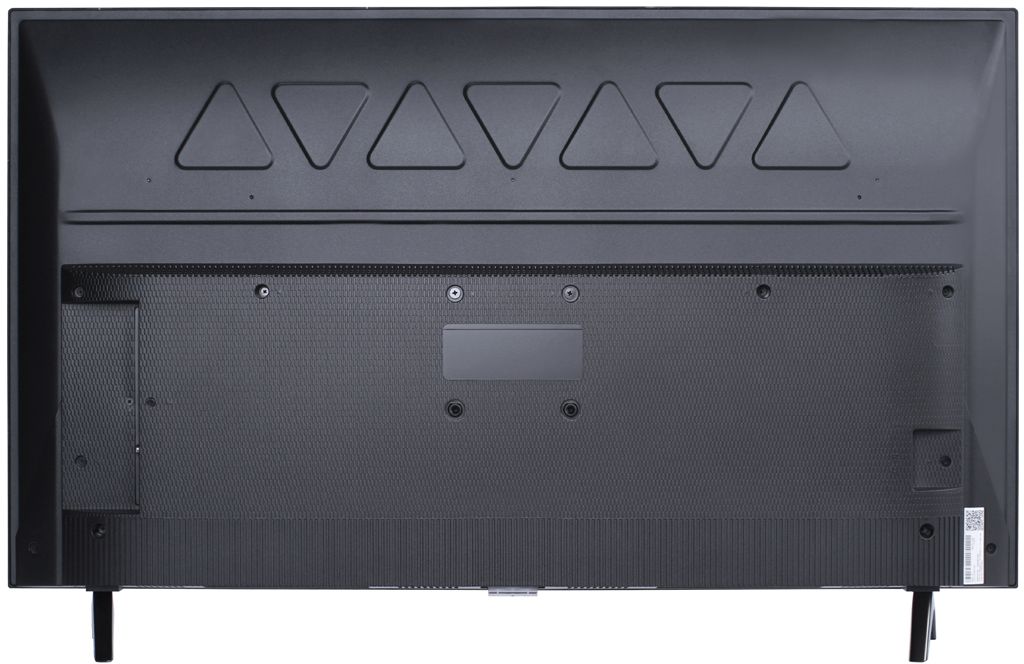
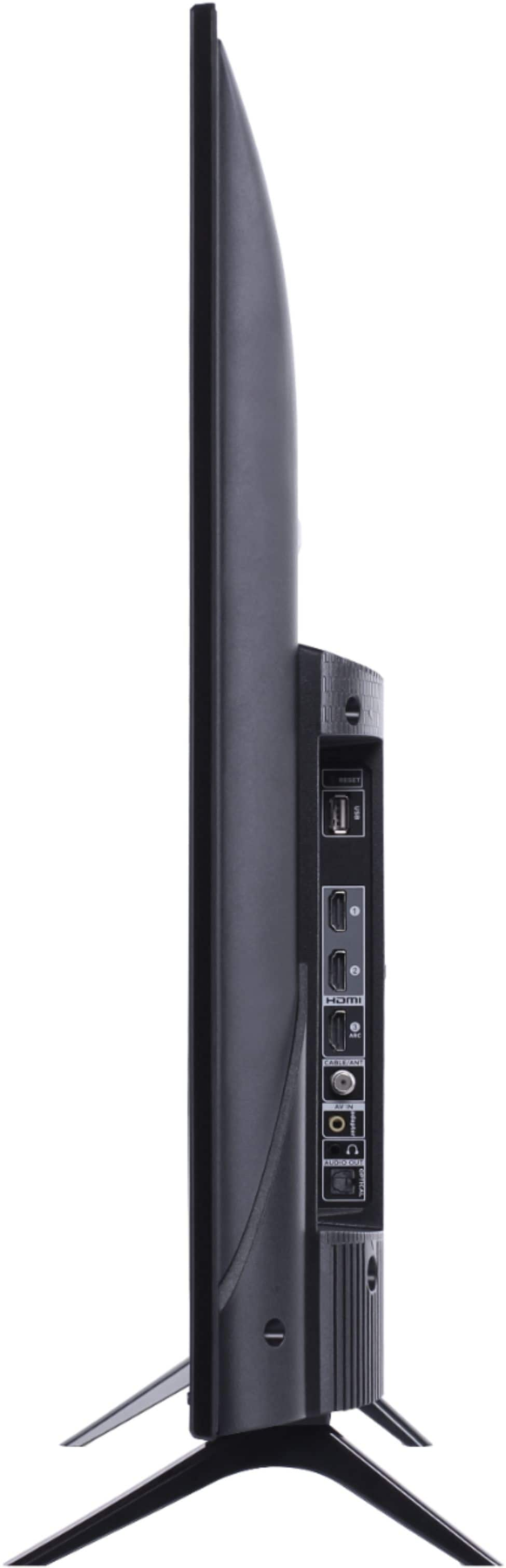
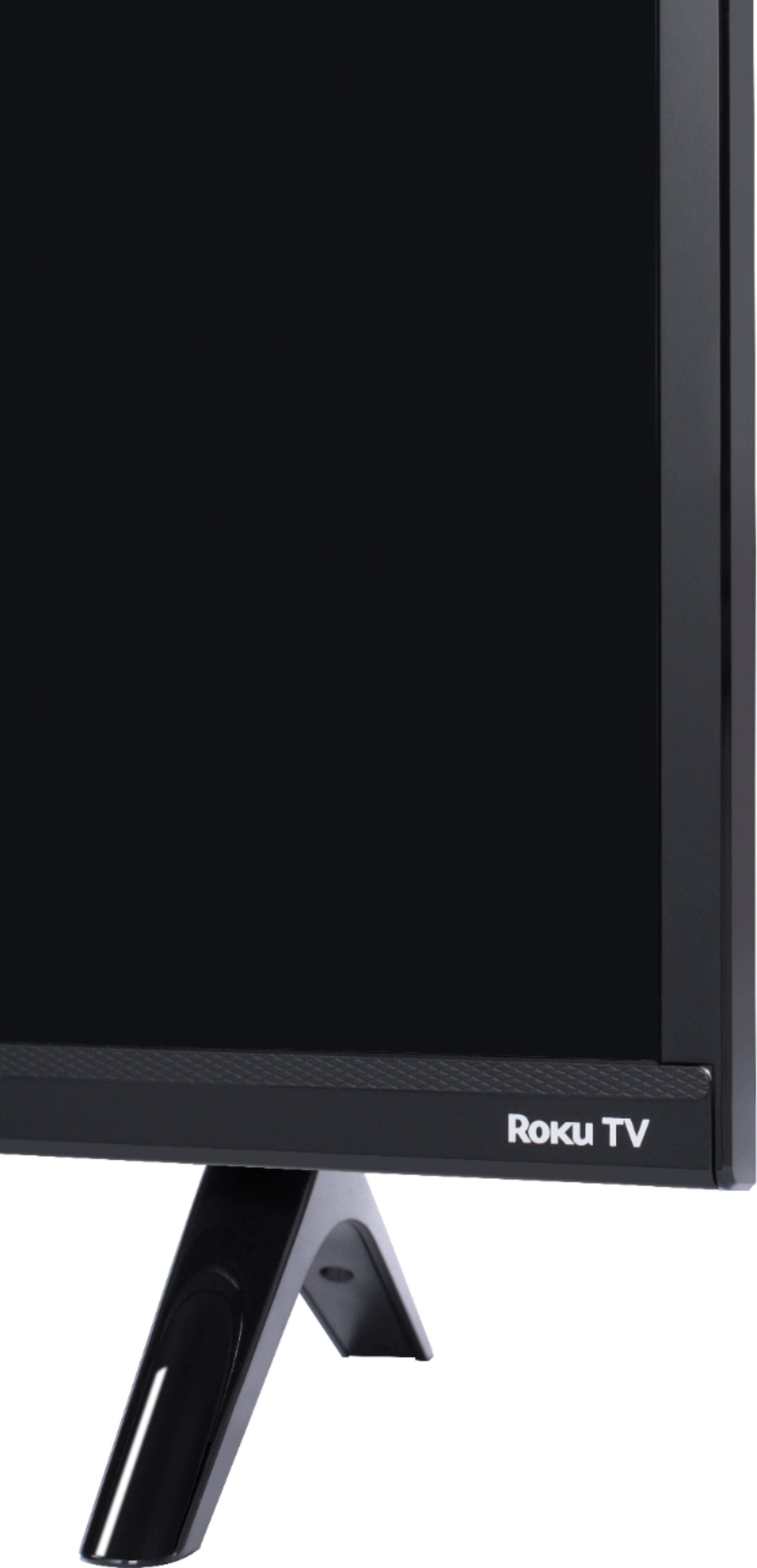
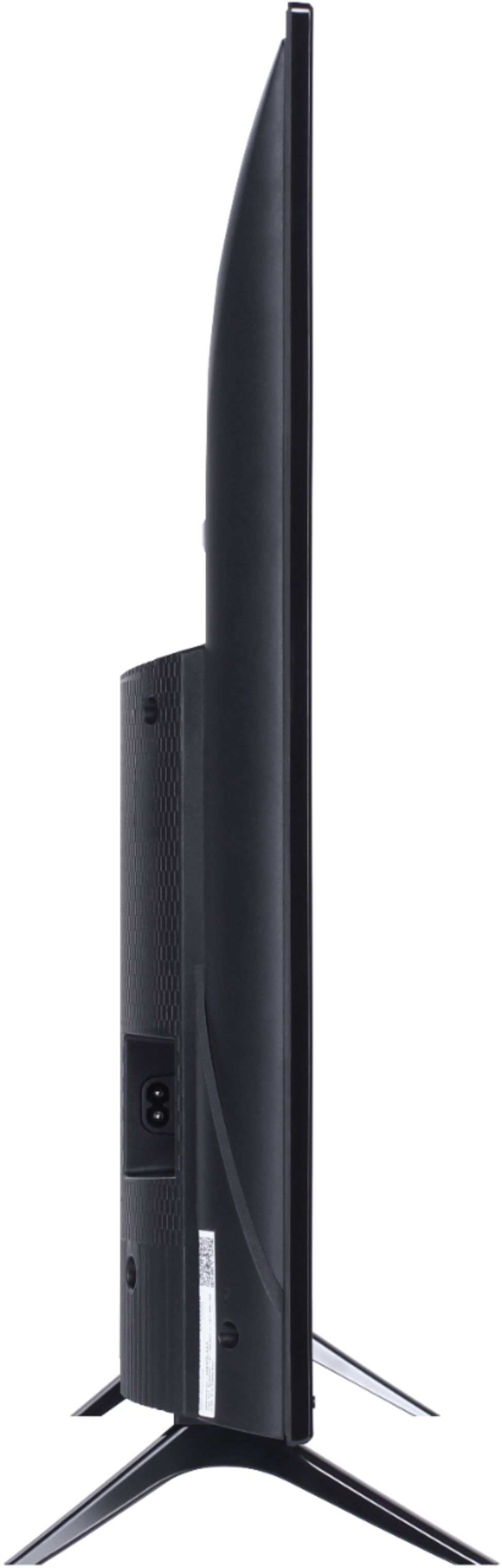
A:AnswerAbsolutely! This TCL Roku TV is compatible with most stands and mounts that support a 100mm x 100mm VESA mounting pattern. Hope this helps! Thank you, TCL Customer Support
A:AnswerTCL Roku TVs support screen mirroring with compatible Android and Windows devices. Here is a great article with more details on how: https://support.roku.com/article/208754928-how-to-use-screen-mirroring-with-your-android-or-windows-device. Hope this helps! Thank you, TCL Customer Support
A:AnswerWithout the feet attached, the dimensions of this TV are as follows: (W x H x D) 35.6" x 20.5" x 2.9". Hope this helps! Thank you, TCL Customer Support
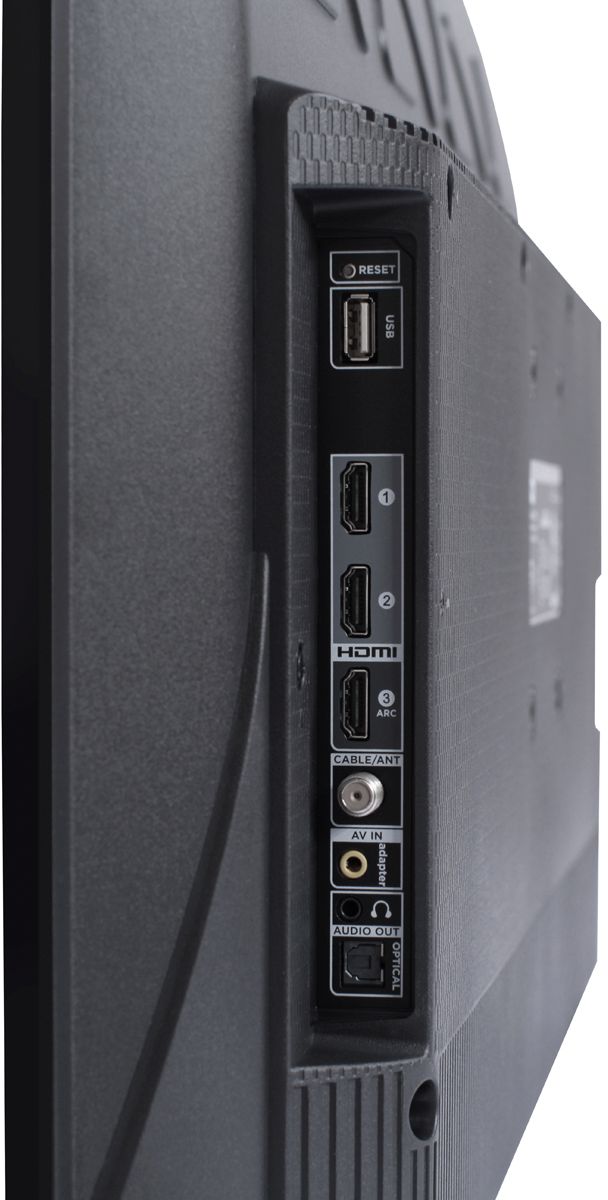
A:AnswerThis TCL Roku TV has the ability to connect to the Internet via WiFi. It does not feature an Ethernet port. Hope this helps! Thank you, TCL Customer Support
A:AnswerAbsolutely! This TCL Roku TV is compatible with most mounts that support a 100mm x 100mm VESA mounting pattern. Hope this helps! Thank you, TCL Customer Support
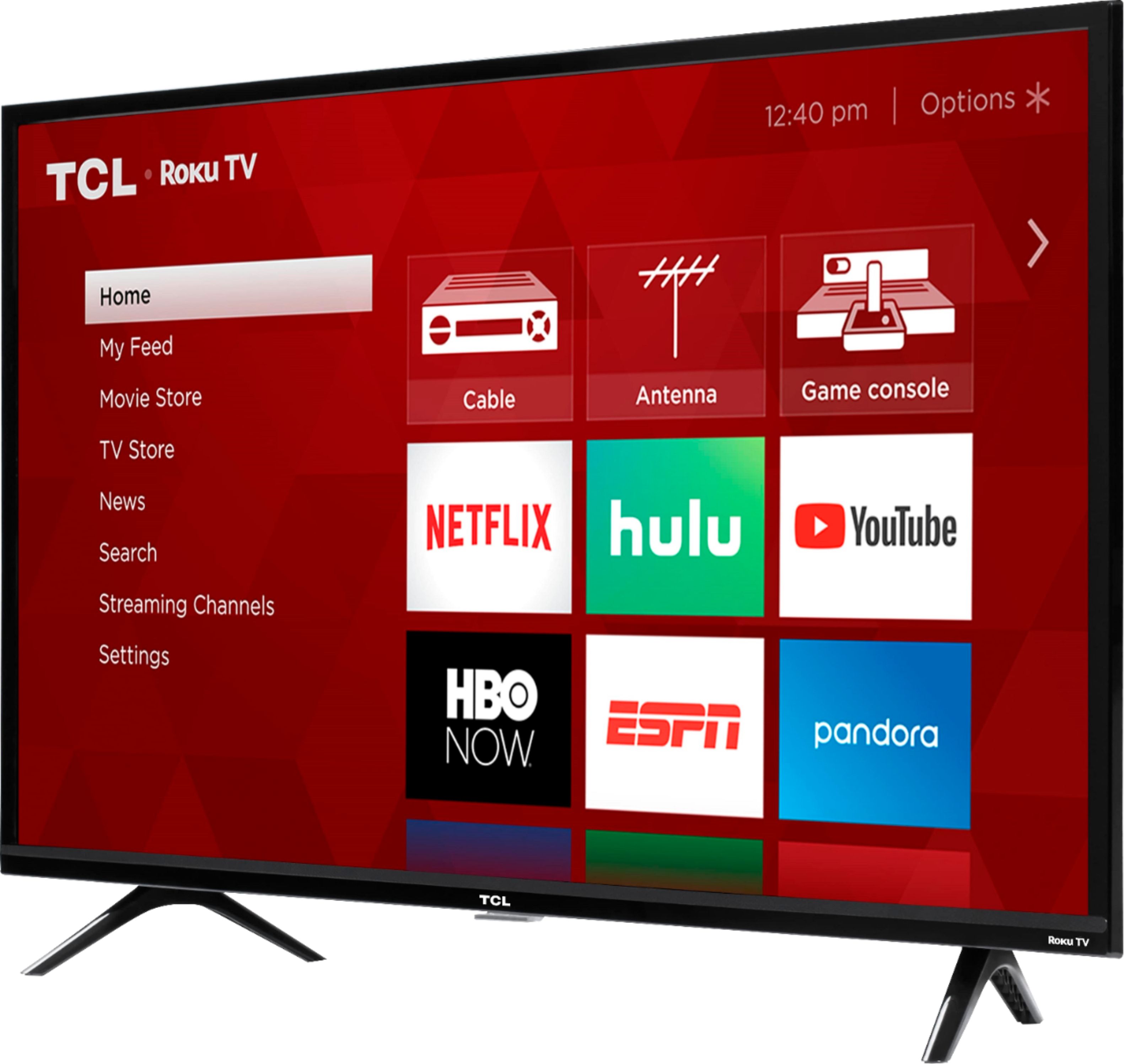
A:AnswerThe Disney Plus and ESPN streaming channels are just some of the thousands of streaming channels offered through the Roku Channel Store. You can also visit www.roku.com/whats-on to see other streaming channels Roku offers. Hope this helps! Thank you, TCL Customer Support
A:AnswerYes. You can't watch live without a subscription, at least I haven't figured that out yet, but since I cannot always be around to view a certain show when airing, no issues on my part. Watch when I have time.
A:AnswerThis TCL Roku TV has the ability to connect to the Internet via WiFi. We cannot guarantee that any sort of Ethernet adapter would work. Hope this helps! Thank you, TCL Customer Support
A:AnswerOur TCL Roku TVs are compatible with Alexa voice assistant. You can visit https://support.tclusa.com/televisions-setup-configurations/using-amazon-alexa-to-control-your-tcl-roku-tv for more information. Hope this helps! Thank you, TCL Customer Support
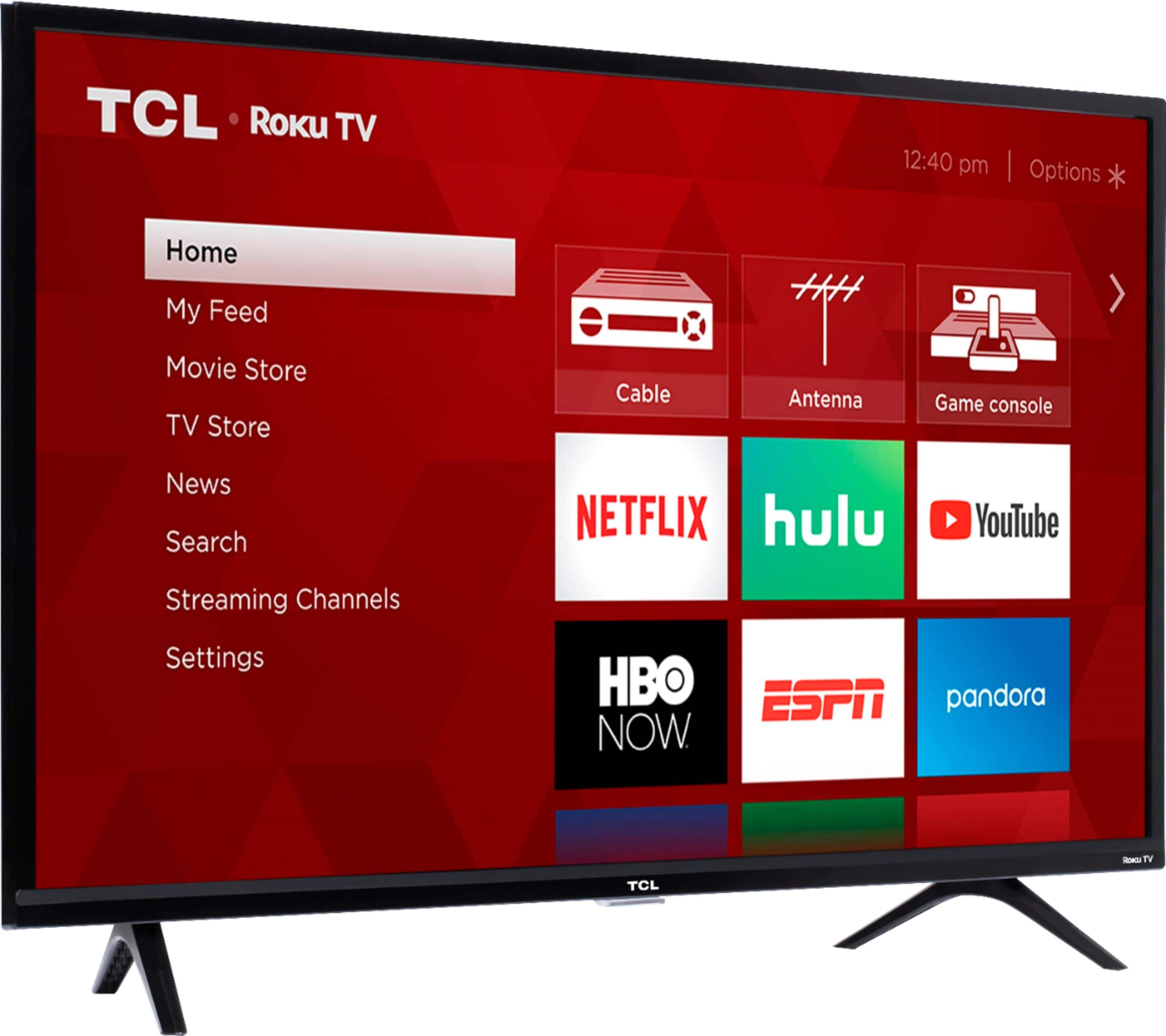
A:AnswerTCL Roku TVs have access to thousands of streaming channels, and over 500,000 movies and tv episodes to fulfill almost any streaming need. This TV also includes 3 HDMI ports to connect external devices, such as that of an AppleTV. Hope this helps! Thank you, TCL Customer Support
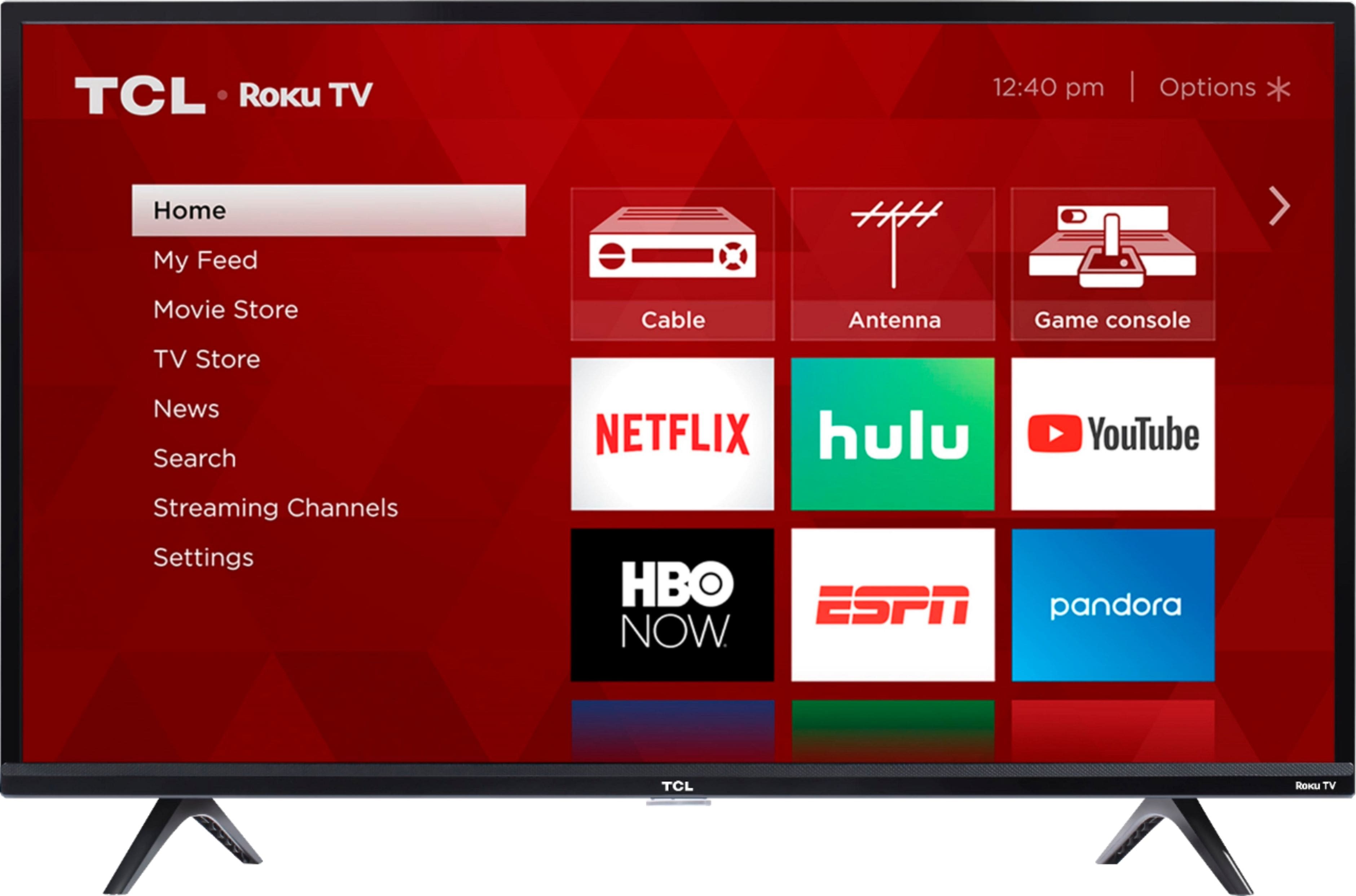
A:AnswerYou can go to www.Roku.com/whats-on to see what streaming channels and apps are offered through the Roku Channel Store. To search for a specific channel you would simply want to enter that information into the search section. Hope this helps! Thank you, TCL Customer Support