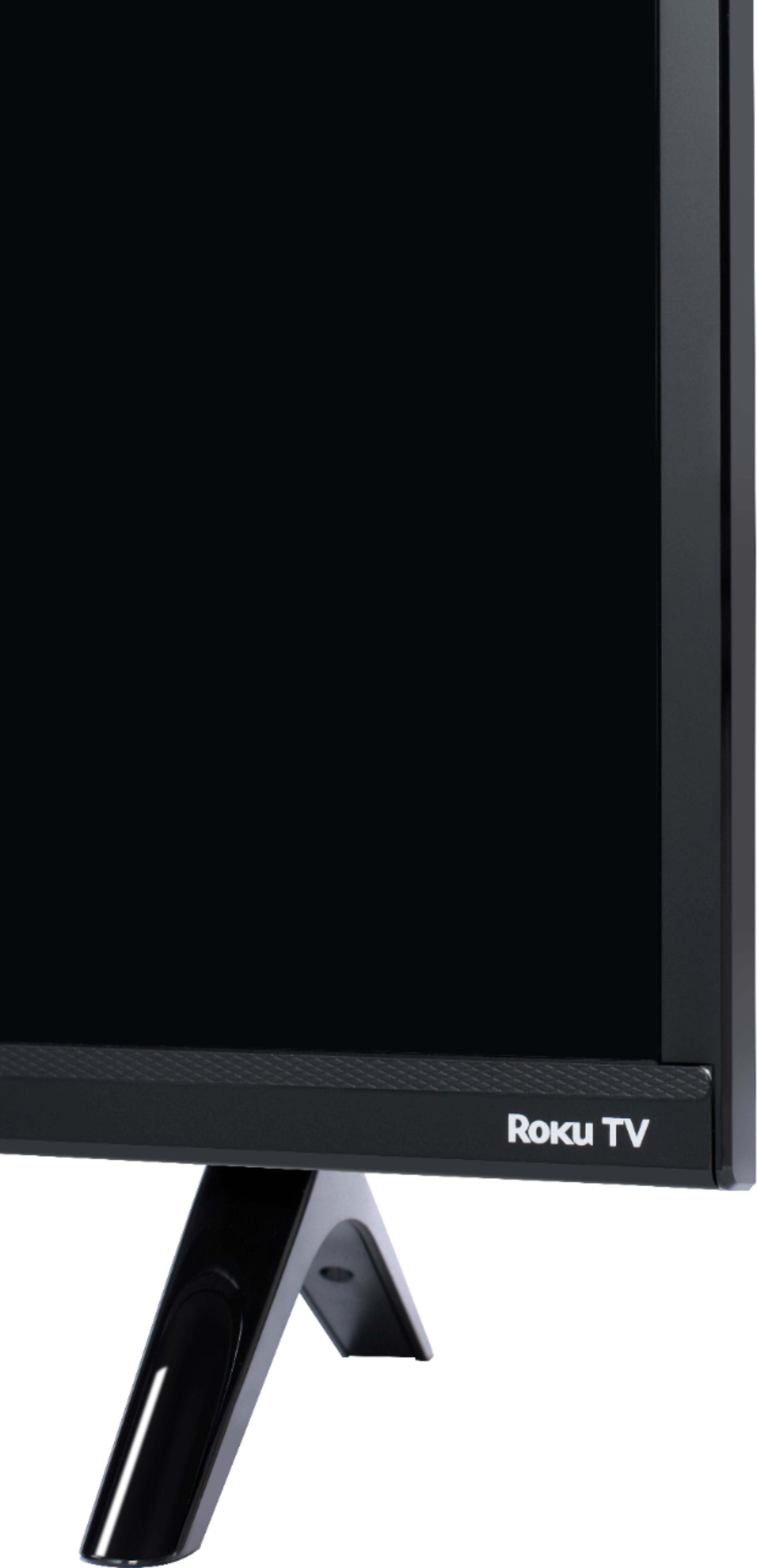
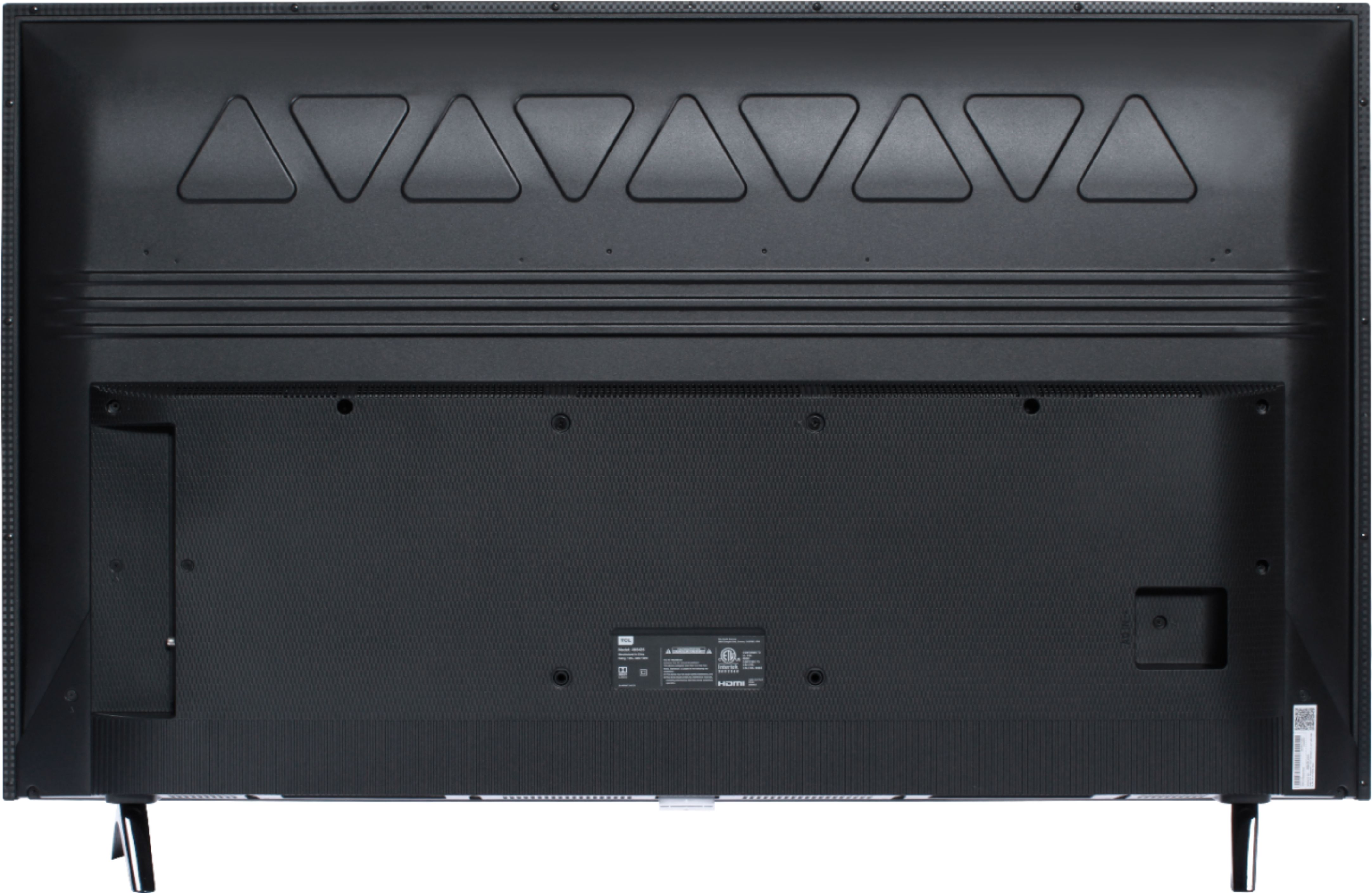
A:AnswerAbsolutely! This TCL Roku TV is compatible with most wall mounts that support a 200mm x 200mm VESA mounting pattern. Hope this helps! Thank you, TCL Customer Support
A:AnswerTCL Roku TVs support screen mirroring with compatible Android and Windows devices. Here is a great article with more details on how: https://support.roku.com/article/208754928-how-to-use-screen-mirroring-with-your-android-or-windows-device. Hope this helps! Thank you, TCL Customer Support
A:AnswerIf you are activating the TV at the same time you are creating a free Roku account, if you scroll to the bottom, it will give you the option to skip adding credit card information. If you need any further assistance, please reach out to us at [email protected] with your contact information and a description of what you need help with. Hope this helps! Thank you, TCL Customer Support
A:AnswerThere is limited Bluetooth basically for connecting other remote controls, speakers, or subwoofer. No other general Bluetooth connectivity.
The TV is WiFi capable however, so depending on what you are trying to do that may work for you instead.
A:AnswerThe built-in media player and USB port are design to use moderately sized thumb drives for playing back movies, pictures, and music. You can visit https://support.tclusa.com/283183-playing-video-or-music-from-usb-devices-using-roku-media-player for more information about the functionality and file types supported. Hope this helps! Thank you, TCL Customer Support
A:AnswerEach series builds on each other. Both of these series are have a 4K resolution, HDR10 support, and a Roku operating system. The 5-Series additionally have Dolby Vision Support as well as a wide color gamut. You can also visit www.tclusa.com/products/home-theater/5-series and scroll down to "Compare All Models" to see all models compared. Hope this helps! Thank you, TCL Customer Support
A:AnswerIn order to use the smart features of this TCL Roku TV, you would need to complete the guided setup. This includes connecting to the Internet via WiFi, creating a Roku account (completely free), and activating the TV (completely free). However, if you just want to use this TV as a traditional TV by connecting external devices through the various inputs and not use the smart features, you can elect to not connect this TV to the Internet at startup. You will still have access to all of the inputs and features of a traditional TV. Hope this helps! Thank you, TCL Customer Support
A:AnswerThe Locast streaming channel is one of the thousands of streaming channels offered through the Roku Channel Store. You can also visit www.roku.com/whats-on to see other streaming channels Roku offers. Hope this helps! Thank you, TCL Customer Support
A:AnswerFor this 50 inch TCL Roku TV, where this question is asked, the feet spacing to fit on a stand is 39.6 inches. Hope this helps! Thank you, TCL Customer Support
A:AnswerThe VUDU streaming channel is one of the thousands of streaming channels offered through the Roku Channel Store. You can also visit www.roku.com/whats-on to see other streaming channels Roku offers. TCL Roku TVs support screen mirroring with compatible Android and Windows devices. Here is a great article with more details on how: https://support.roku.com/article/208754928-how-to-use-screen-mirroring-with-your-android-or-windows-device. Hope this helps! Thank you, TCL Customer Support
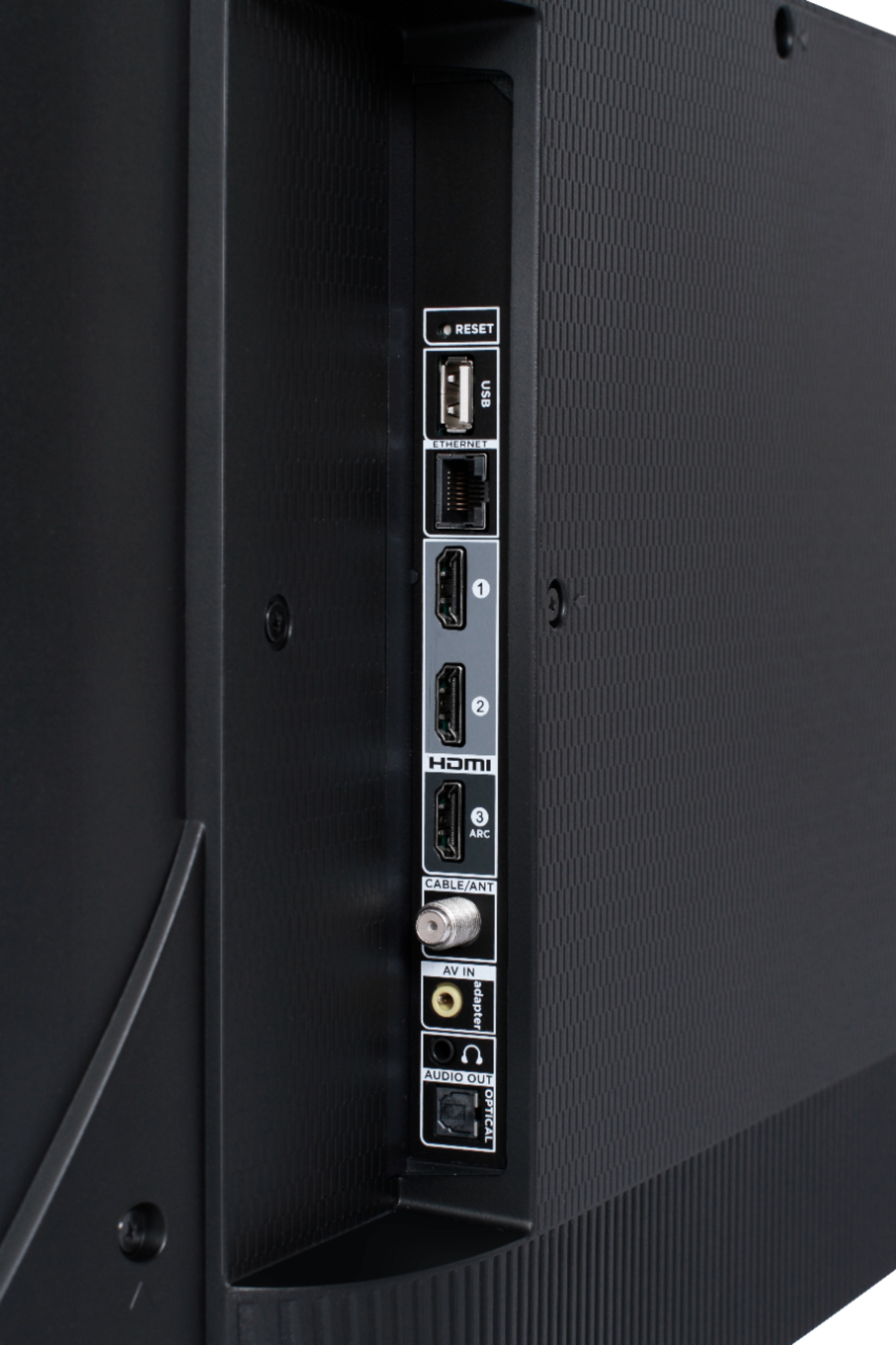
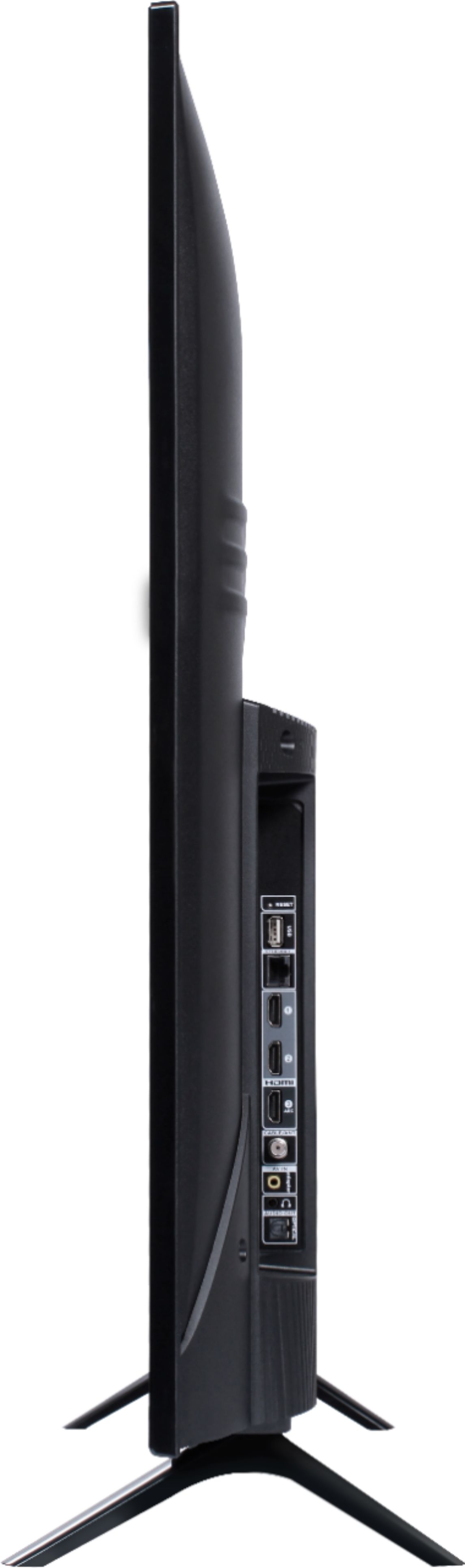
A:AnswerThis TCL Roku TV has the following Inputs: 3 HDMI (one with HDMI ARC), 1 USB (media player), Coaxial, Composite, Headphone Jack, Optical audio Out, and Ethernet. For best picture, it is recommended to update your cablebox, or use the SpectrumTV streaming channel. However, your currently should work. Hope this helps! Thank you, TCL Customer Support
A:AnswerThe TV will see your smartphone as a wireless network, and connect to it as you would any other (with your password protection, etc.) Please note that the strength of your cellular connection (LTE, 4G etc.) will impact the streaming performance of any device. Additionally, if you do not have unlimited data, using your phone as a hotspot may incur addition charged through your cellphone provider. Hope this helps! Thank you, TCL Customer Support
A:AnswerScreen mirroring with a Roku device is not supported with iOS® or Apple devices. However, you can download the free Roku mobile app on your smartphone to use as a remote, cast personal photos and videos to the TV, experience private listening, etc. You can also cast select channels (Such as YouTube) from your Apple device. You can visit https://support.roku.com/article/208754928-how-to-use-screen-mirroring-with-your-android-or-windows-device for more information. Thank you, TCL Customer Support
A:AnswerAbsolutely! This TCL Roku TV is compatible with most wall mounts that support a 200mm x 200mm VESA mounting pattern. Hope this helps! Thank you, TCL Customer Support
A:AnswerThis TCL Roku TV is compatible with most wall mounts that support a 200mm x 200mm VESA mounting pattern. Hope this helps! Thank you, TCL Customer Support