A:AnswerCurrently, our TVs do not support Bluetooth. If you are trying to connect a sound bar or speakers you can use the Optical port, or the HDMI ARC port. For Headphones, there is a Headphone jack on the back of the TV, or you can download the Free Roku app for private listening. Hope this helps! Thank you, TCL Customer Support
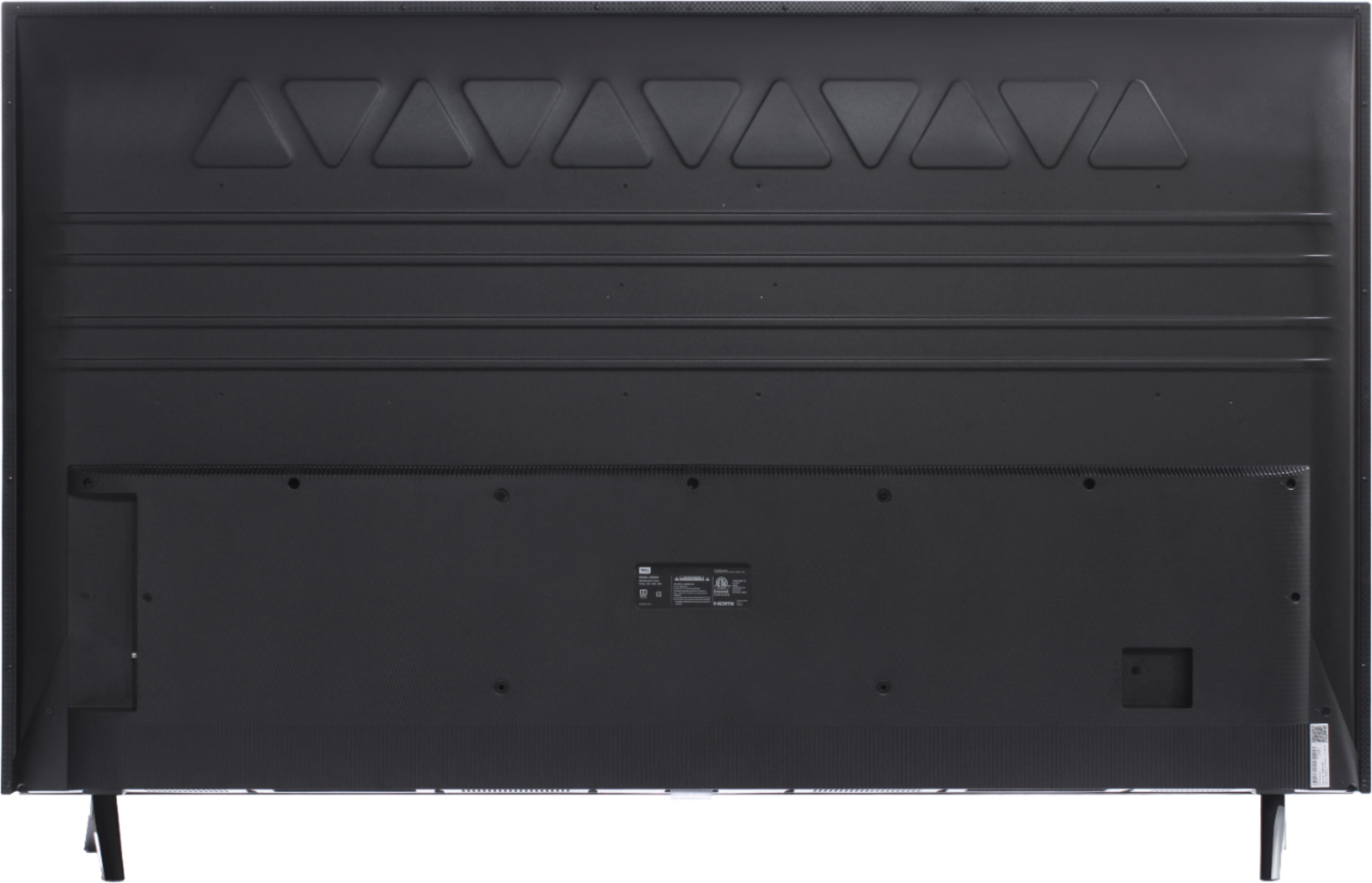
A:AnswerOur 4-Series TVs offer many incredible features including a 4K resolution, HDR support, an built-in Roku operating system, etc. You can also visit www.tclusa.com/products/home-theater/4-series and scroll down to "Compare All Models" to see all models compared. Hope this helps! Thank you, TCL Customer Support
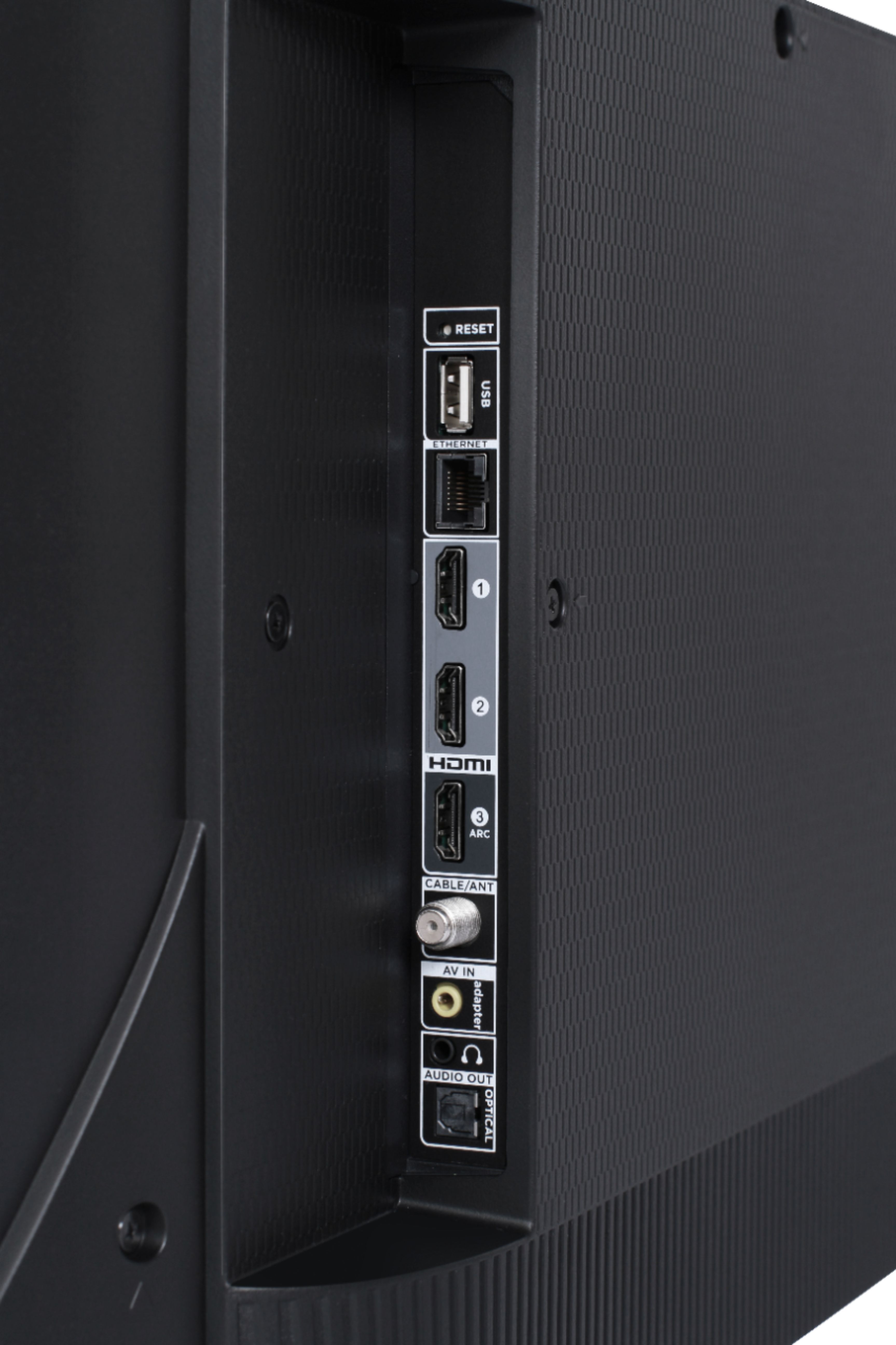
A:AnswerThe composite connection for this TCL Roku TV is a single input located between the coaxial input and the Headphone Jack. The TV comes with an adapter to connect the traditional red/white/yellow cables you are used to seeing. Hope this helps! Thank you, TCL Customer Support
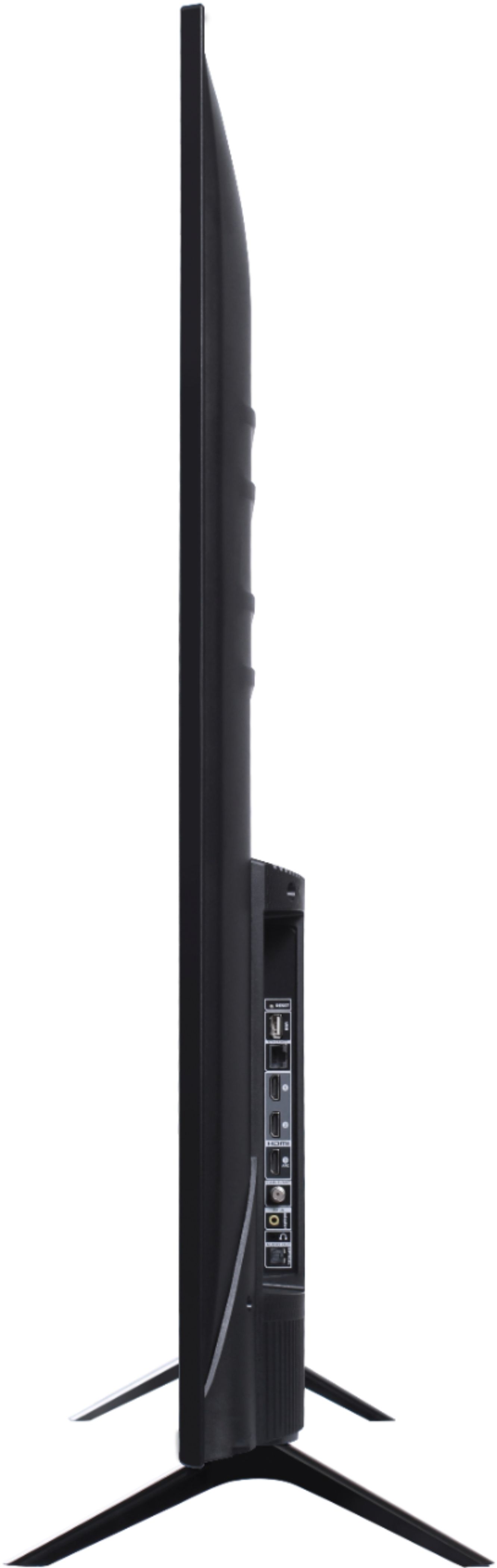
A:AnswerThis TCL Roku TV has the ability to connect to the Internet either via WiFi or through Ethernet. Hope this helps! Thank you, TCL Customer Support

A:AnswerThis TCL Roku TV does not currently feature a web browser. However, there are thousands of streaming channels and over 500,000 different movies and TV episodes available through the Roku streaming system. Additionally, you can screen mirror compatible Android and Windows phones to the TV. This way you can search on your phone, but view on the TV. Hope this helps! Thank you, TCL Customer Support

A:AnswerCurrently, this TCL Roku TV does not support playing audio simultaneously through the TV speakers and via private listening. When headphones are connected for private listening, it will automatically mute the TV speakers. Hope this helps! Thank you, TCL Customer Support

A:AnswerThis TCL Roku TV has a coaxial located on the back of the TV near the other inputs. By connecting an antenna you can receive over-the-air channels. However, the reception depends on the signal strength. Hope this helps! Thank you, TCL Customer Support

A:AnswerYes, the instructions for the TV give you the code needed for the Cable remotes. If you use Spectrum the TV has an app that you can use to stream so that you don’t need a cable box. If you have a DVR then you need the cable box.
A:AnswerAbsolutely! In order to do this you would go to Home>Settings>System>Power>Power on>Select the input that you would like the TV to power on to. Hope this helps! Thank you, TCL Customer Support

A:AnswerThis TCL Roku TV is compatible with most tabletop stands and wall mounts that support a 200mm x 200mm VESA mounting pattern. Hope this helps! Thank you, TCL Customer Support

A:AnswerYou can always order replacement accessories through our authorized reseller "encompass.com/brands/tcl". Hope this helps! Thank you, TCL Customer Support