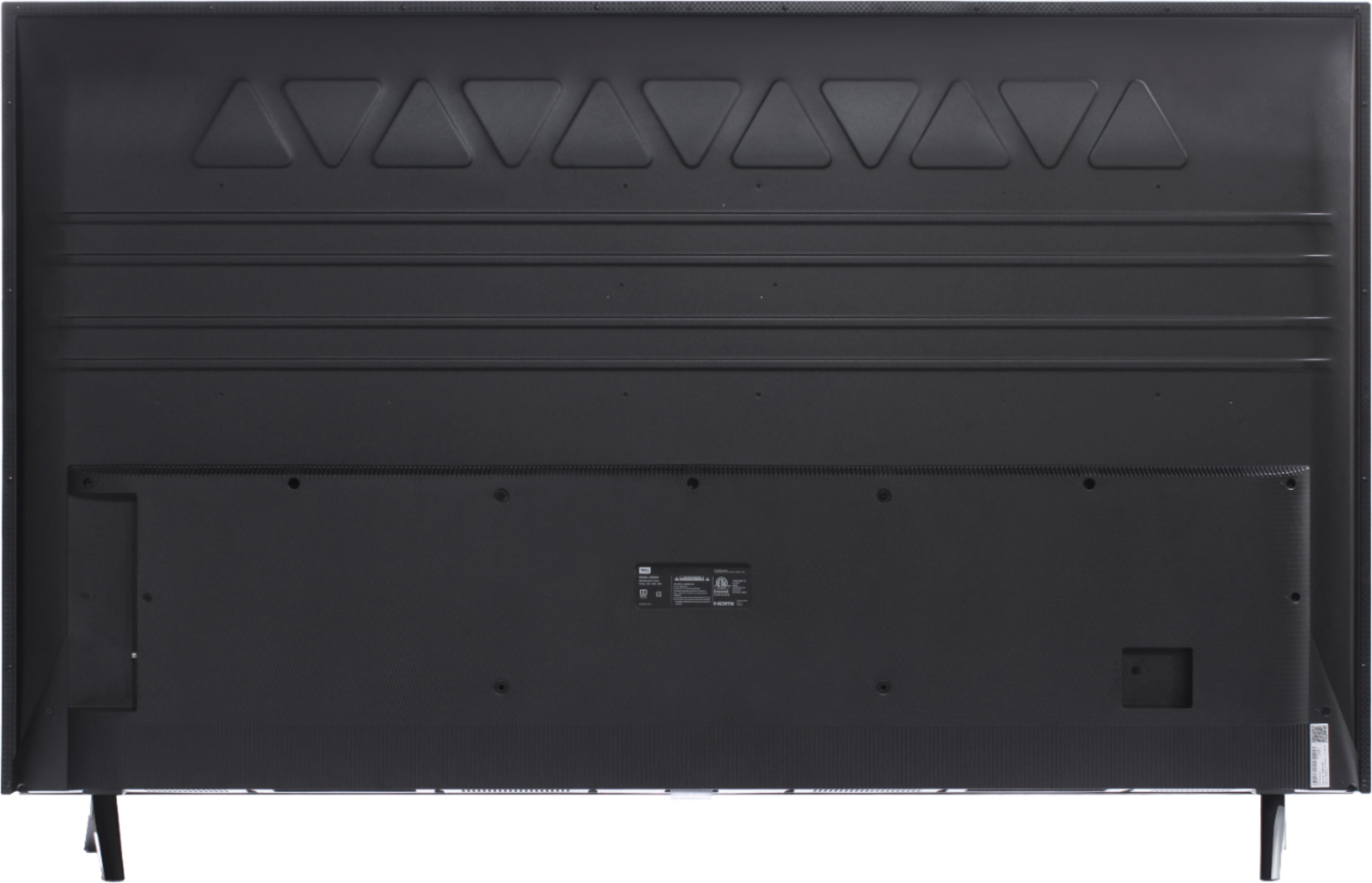
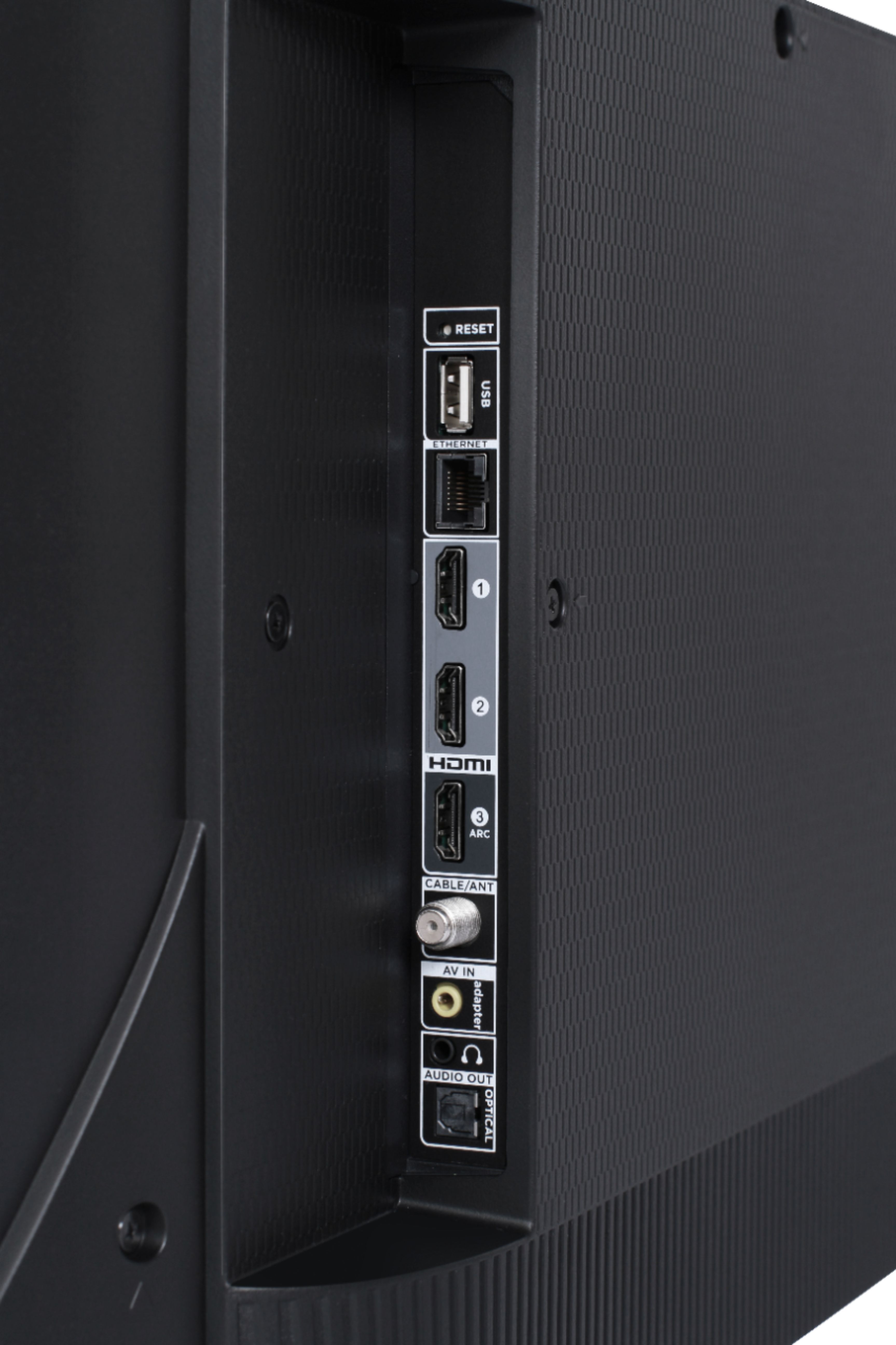
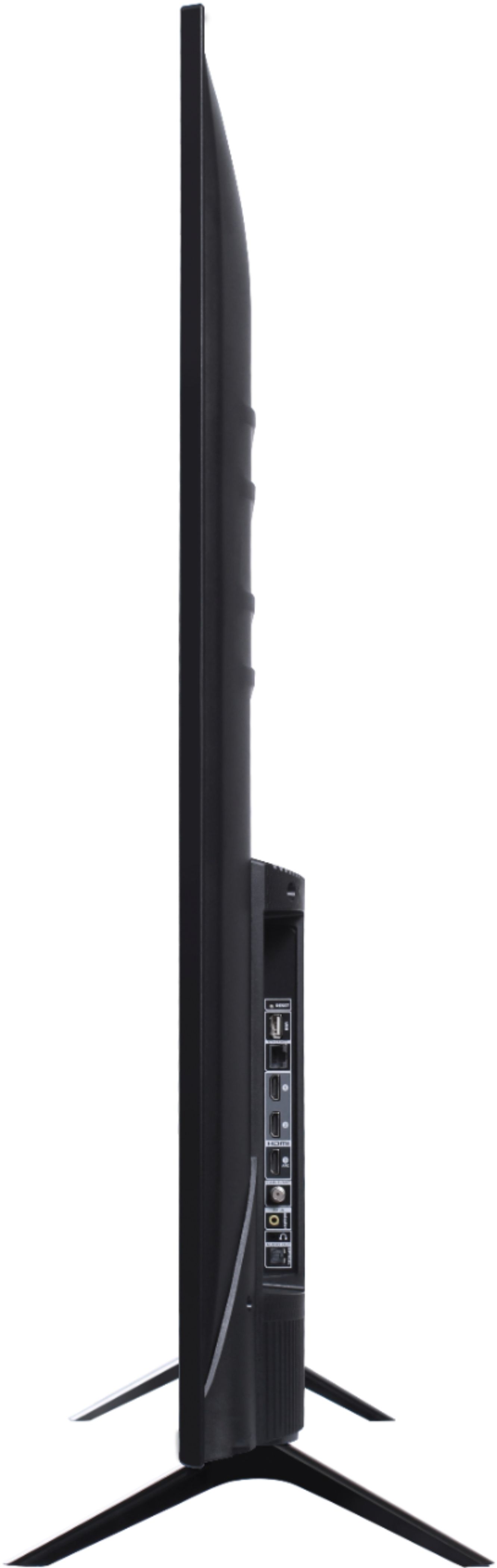
A:AnswerThis TCL Roku TV is compatible with most wall mounts that support a 200mm x 200mm VESA mounting pattern. Hope this helps! Thank you, TCL Customer Support
A:AnswerThis TCL Roku TV is designed and engineered to be used within the US. As such, it supports 120V. Hope this helps! Thank you, TCL Customer Support
A:AnswerFor this 55 inch TCL Roku TV, the feet spacing to fit on a stand is 42.3 inches. This TV is also compatible with most tabletop mounts that support a 200mm x 200mm VESA mounting pattern. Hope this helps! Thank you, TCL Customer Support
A:AnswerThey deliver almost everywhere so I'd assume so. However, TCL TVs give out right after warranty so I'd suggest a different manufacturer. TGF black friday!
A:AnswerTCL Roku TVs support screen mirroring with compatible Android and Windows devices. Here is a great article with more details on how: https://support.roku.com/article/208754928-how-to-use-screen-mirroring-with-your-android-or-windows-device. Hope this helps! Thank you, TCL Customer Support
A:AnswerSame problem after a year. Try calling their customer care and they go over a few things to do. But none worked for me and they said the TV is out
A:AnswerThis TCL Roku TV is compatible with most wall mounts that support a 200mm x 200mm VESA mounting pattern. Hope this helps! Thank you, TCL Customer Support
A:AnswerThis works amazingly well with sound bars. Mine turns my surround sound on when I turn it on and mutes itself while the surround sound is on. If the surround sound turns off the TV resumes volume. There is no duplication or echoes.
A:AnswerThis TCL Roku TV is designed and engineered to be used within the US. As such, it supports 120V. Hope this helps! Thank you, TCL Customer Support
A:AnswerIn order for us to better assist, please reach out to us at tclsocial@tcl.com with your contact information and a description of what you need help with. Thank you, TCL Customer Support
A:AnswerMy Mom has same problem. We have yet to figure out how to turn it off without messing up the programmed remote. We have convinced her to "live with it" but she's not totally happy about thst.
A:AnswerAbsolutely! All TCL Roku TVs have access to Hulu. You would simply want to log in with your subscription in order to access Hulu Live. Hope this helps! Thank you, TCL Customer Support