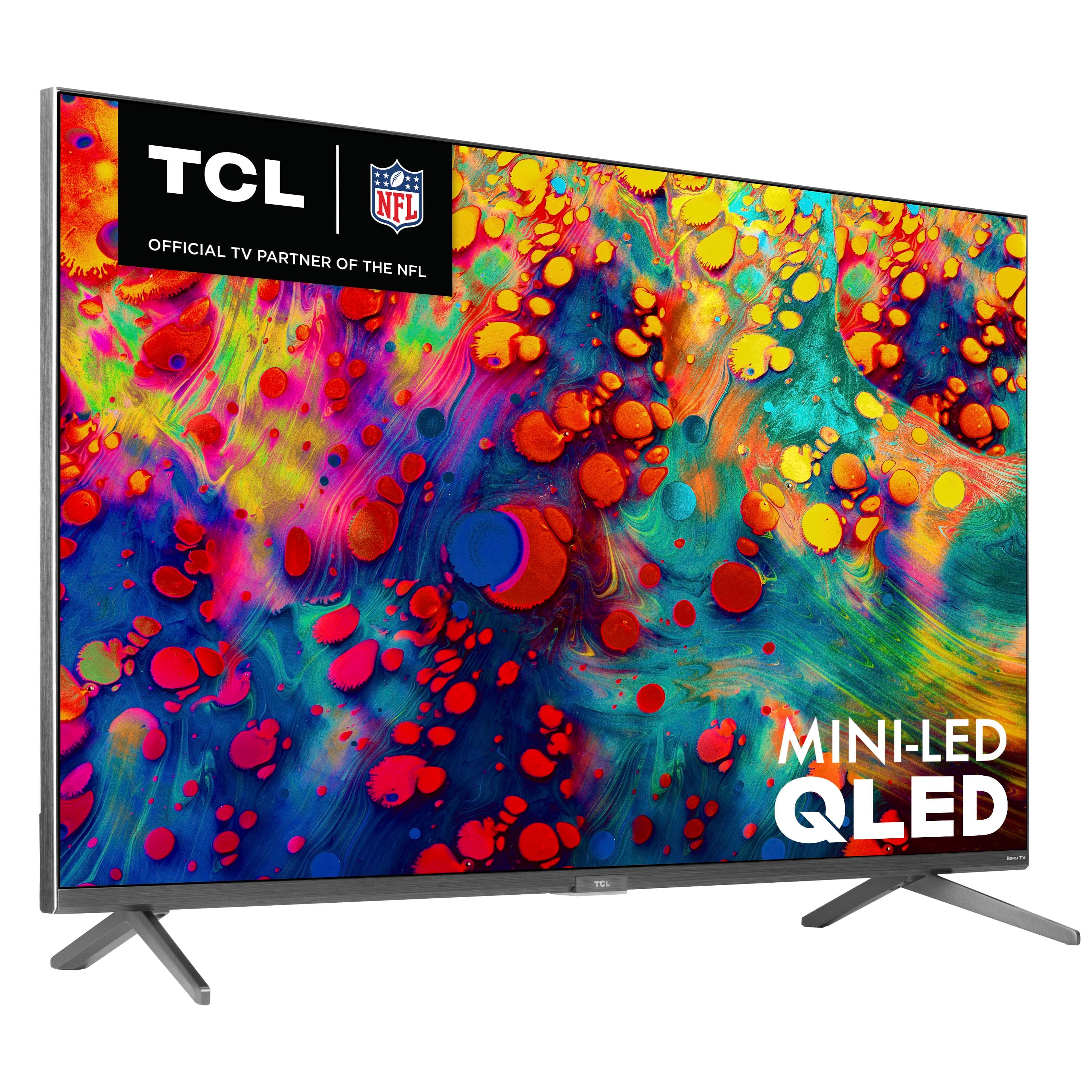
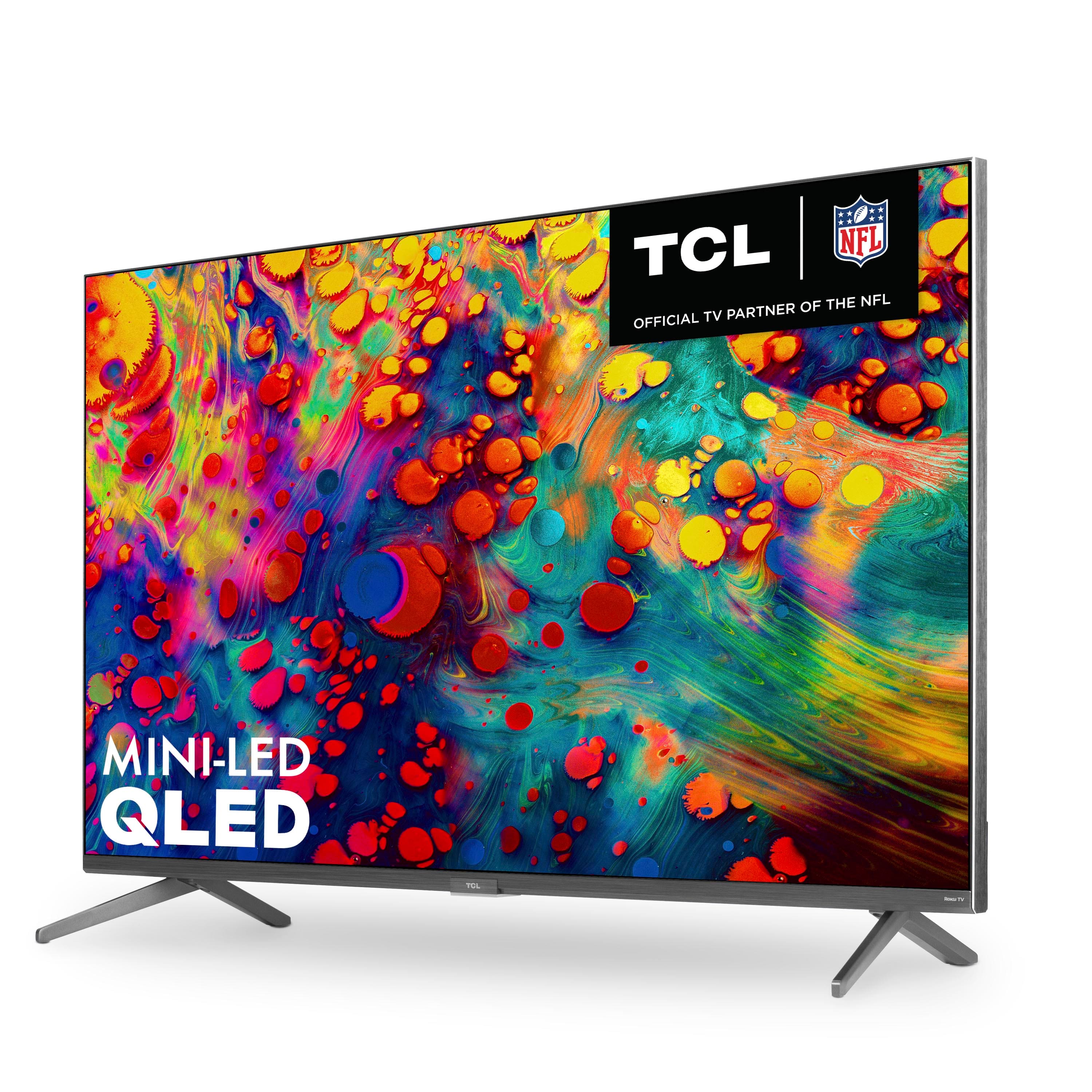
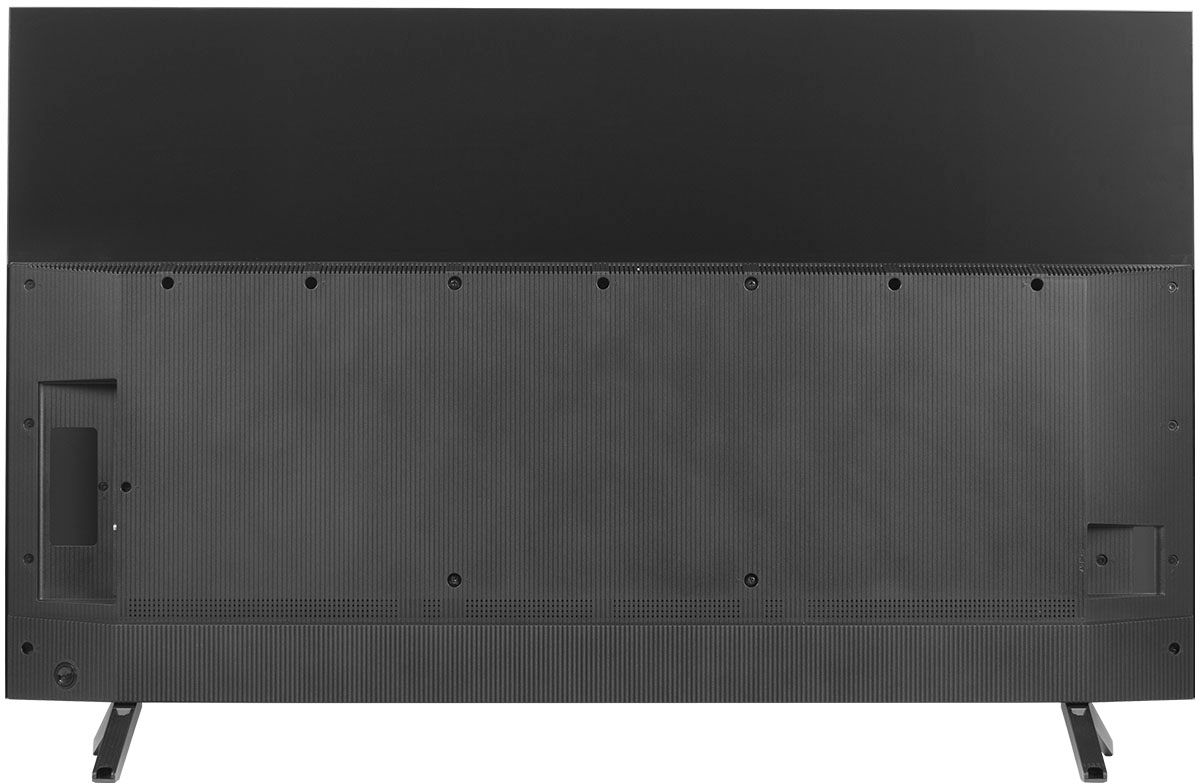
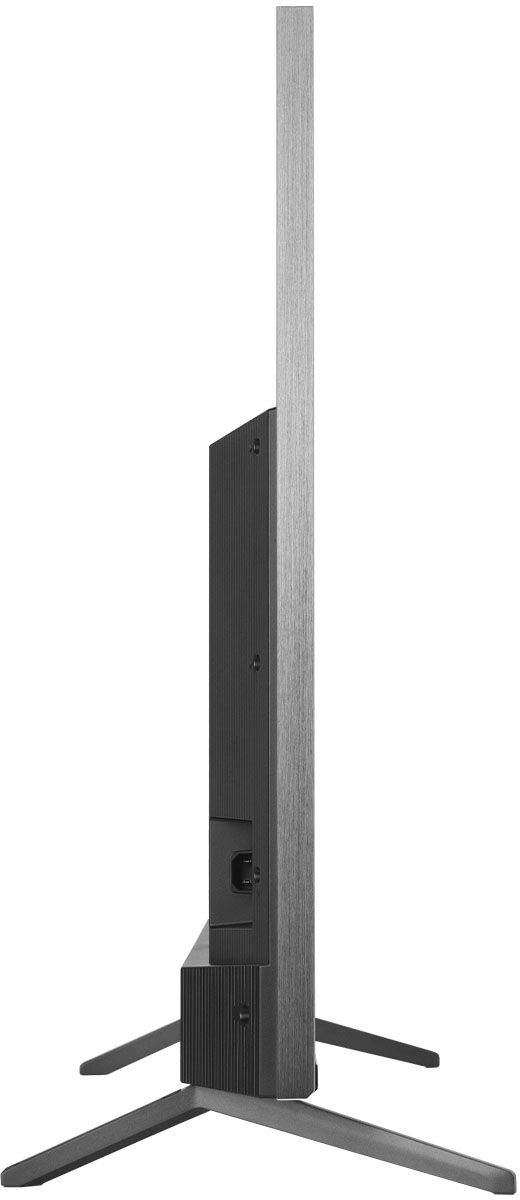
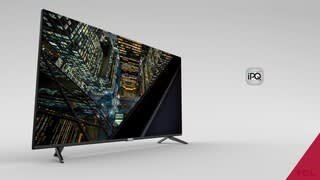
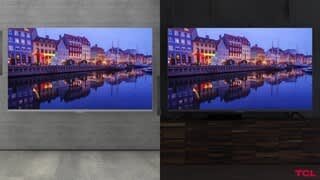
A:AnswerThe 6-Series delivers exceptional contrast and brightness within its class for dynamic performance in daytime or nighttime viewing. For detailed information, many TV review websites commonly publish performance measurements using their test methods. This provides exceptionally vivid and lifelike picture performance. You can also visit www.tcl.com/us/en/products/home-theater/6-series for more information about all of the amazing features our new 6-Series has to offer. Hope this helps! Thank you, TCL Customer Support
A:AnswerIn order to use the smart features of this TCL Roku TV, you would need to complete the guided setup. This includes connecting to the Internet via WiFi, creating a Roku account (completely free), and activating the TV (completely free). The TV will see your smartphone as a wireless network, and connect to it as you would any other (with your password protection, etc.) Please note that the strength of your cellular connection (LTE, 4G etc.) will impact the streaming performance of any device. Additionally, if you do not have unlimited data, using your phone as a hotspot may incur addition charged through your cellphone provider. Additionally, TCL Roku TVs support screen mirroring with compatible Android and Windows devices. Here is a great article with more details on how: https://support.roku.com/article/208754928-how-to-use-screen-mirroring-with-your-android-or-windows-device. Hope this helps! Thank you, TCL Customer Support
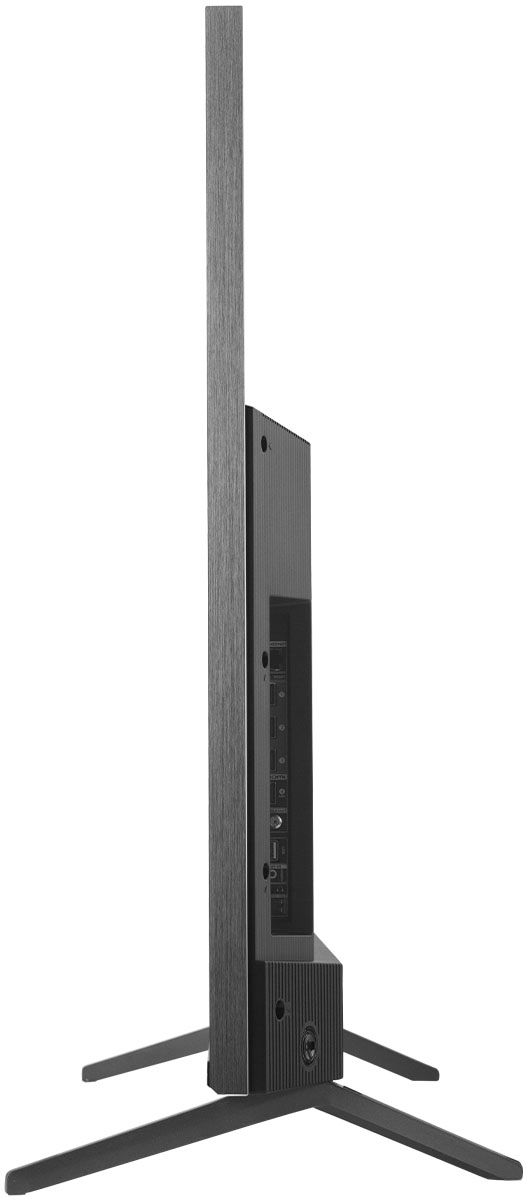
A:AnswerTCL Roku TVs have access to thousands of streaming channels, and over 500,000 movies and tv episodes to fulfill almost any streaming need. This TV also includes 4 HDMI ports to connect external devices, such as that of an AppleTV. Additionally, this TV is compatible with most soundbars and can connect via HDMI eARC, Optical, or the 3.5mm headphone jack. Hope this helps! Thank you, TCL Customer Support
A:AnswerThis TCL Roku TV does a great job handling motion! There are also various motion settings that can be adjusted to fit your personal preference. Hope this helps! Thank you, TCL Customer Support
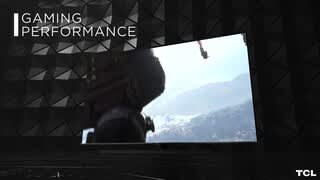
A:AnswerTCLs 6 Series supports powerful new HDMI features, including eARC, Variable Refresh Rate (up to 120Hz), an Auto Game Mode and 120Hz HDMI Input decoding and is the world’s first TV with a THX Certified Game Mode, ensuring not only amazingly fast gaming response, but also a great cinematic picture that gamers demand! Hope this helps! Thank you, TCL Customer Support
A:AnswerWith powerful gaming performance including THX Certified Game Mode for exceptional picture performance with uncompromised responsiveness, Auto Game Mode, Variable Refresh Rate upto 120Hz and 120Hz HDR HDMI input at up to 1440p, the 6-Series is a great choice for serious video gamers. Hope this helps! Thank you, TCL Customer Support
A:AnswerEach series builds on each other. Both of these series are 4K UHD, have HDR10, HLG, and Dolby Vision support, have a Roku operating system, wide color gamut, auto-game mode, CCZ technology, an edge-to-edge glass display, QLED technology, mini-LED technology, etc. The 6-Series also features THX Certified Game Mode and more. You can also visit www.tcl.com/us/en/products/home-theater/6-series and scroll down to "Compare All Models" to see all models compared. Hope this helps! Thank you, TCL Customer Support
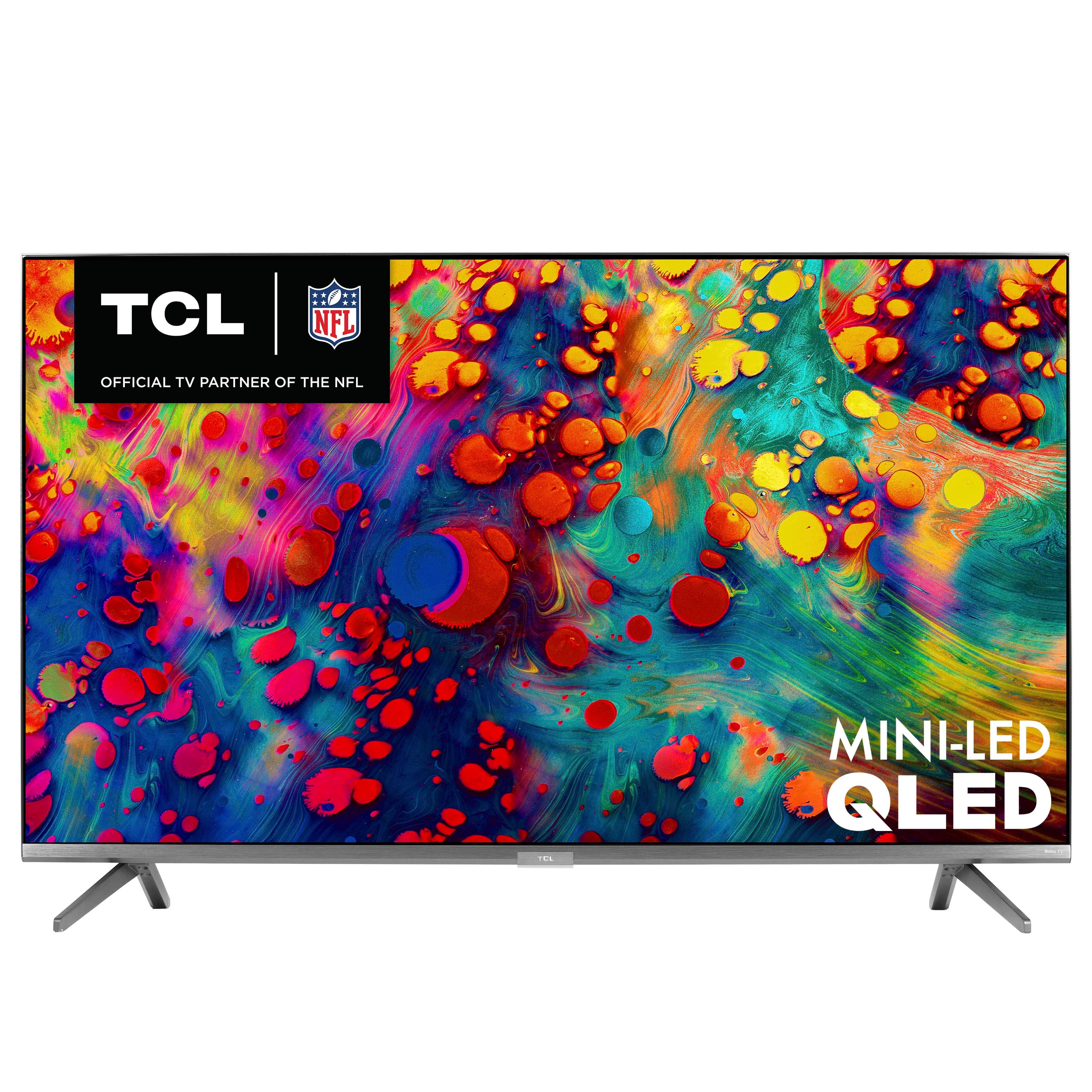
A:AnswerNo, this particular TV is designed to work in the US with 110v-135v.
You would need to purchase a step up/down transformer or a travel kit that steps down the 220volt 50hz European PAL territory voltages.
A:AnswerIt’s actually 2.0 60fps(hz) it also does and has VRR for gaming you have to turn it on the setting of the tv, it also does 1440p at 120 fps (hz) again you have to turn it on in the setting of the tv. Dolby vision needs to also be turned on the settings it’s easy to find if not just YouTube it there’s super easy steps to follow.
A:AnswerFor inquiries concerning stock and availability, you would want to contact your local Best Buy or Best Buy Customer Support as they would be best equipped to further assist you. Hope this helps! Thank you, TCL Customer Support