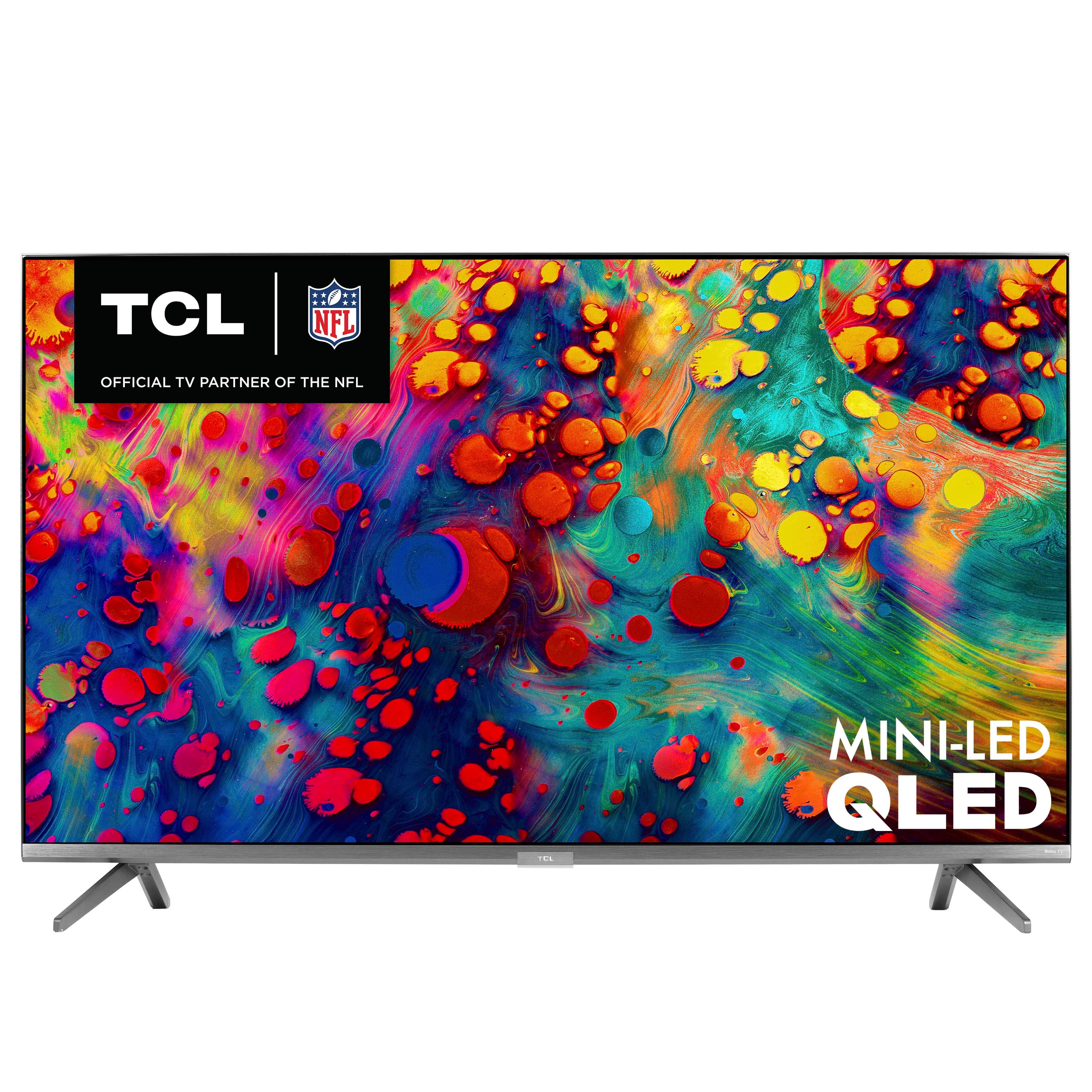
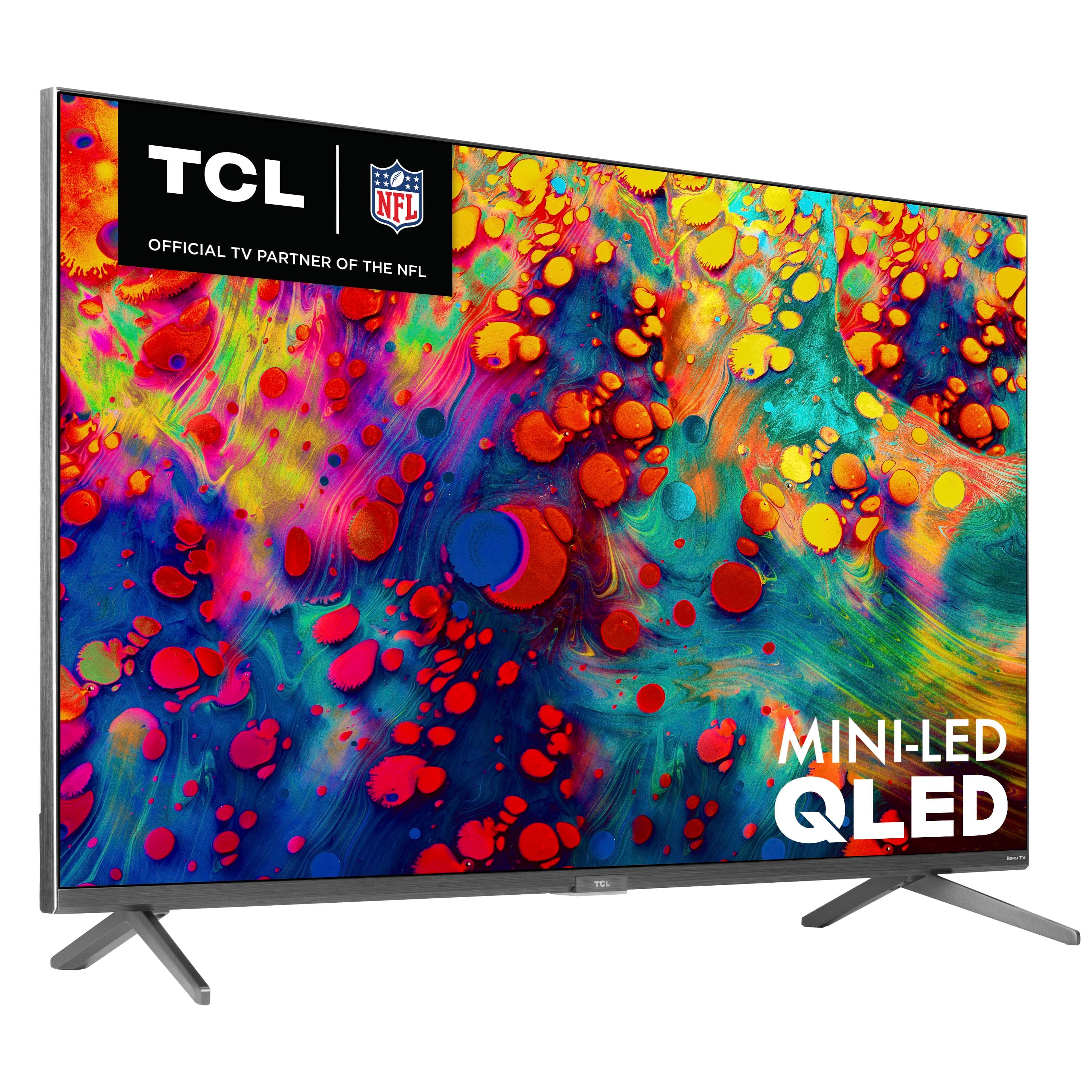
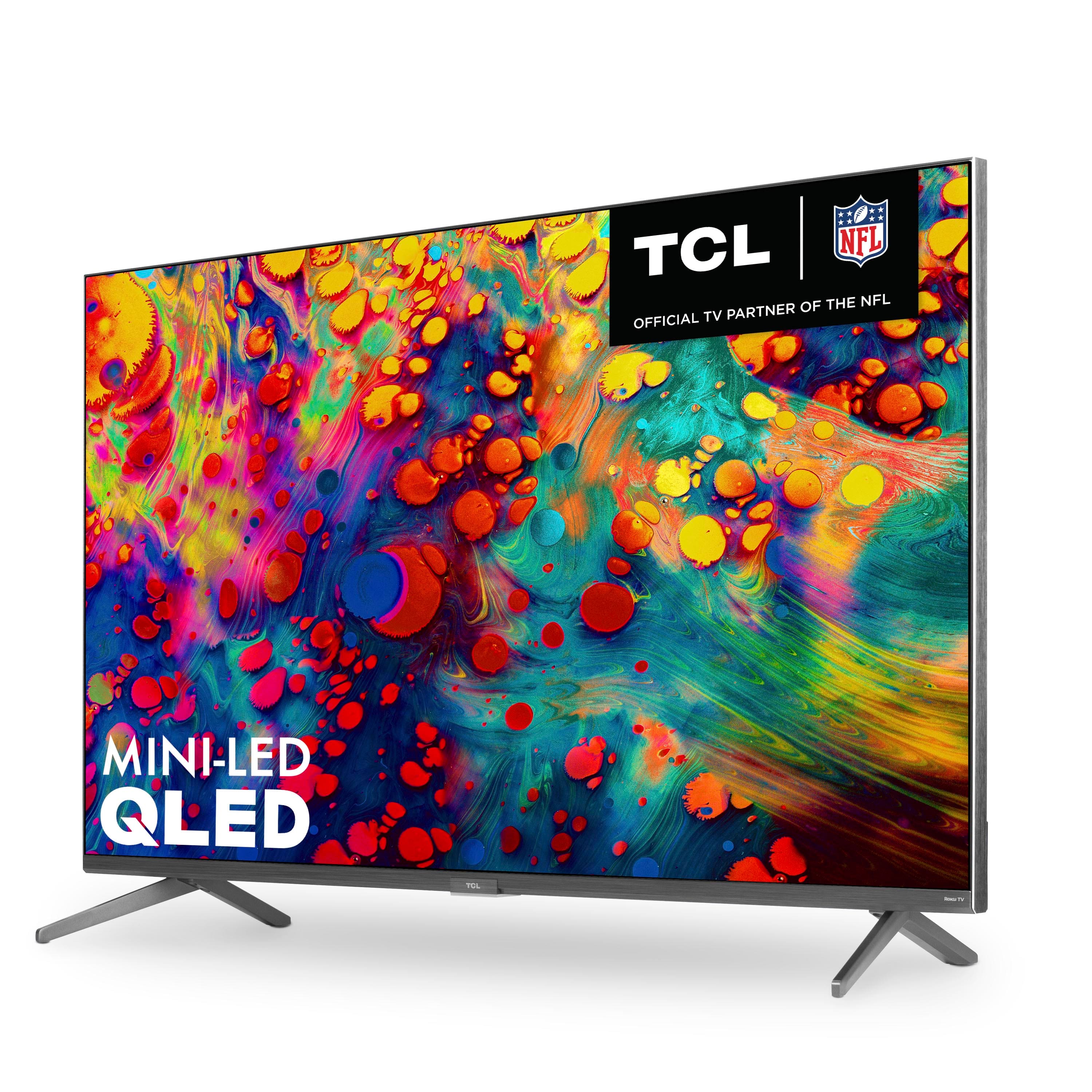
A:AnswerThe tv has built in speakers. Buying external speakers depends on the quality of the sound you want to hear. If you want movie theater sound, the internal speakers are definitely not the way to go.
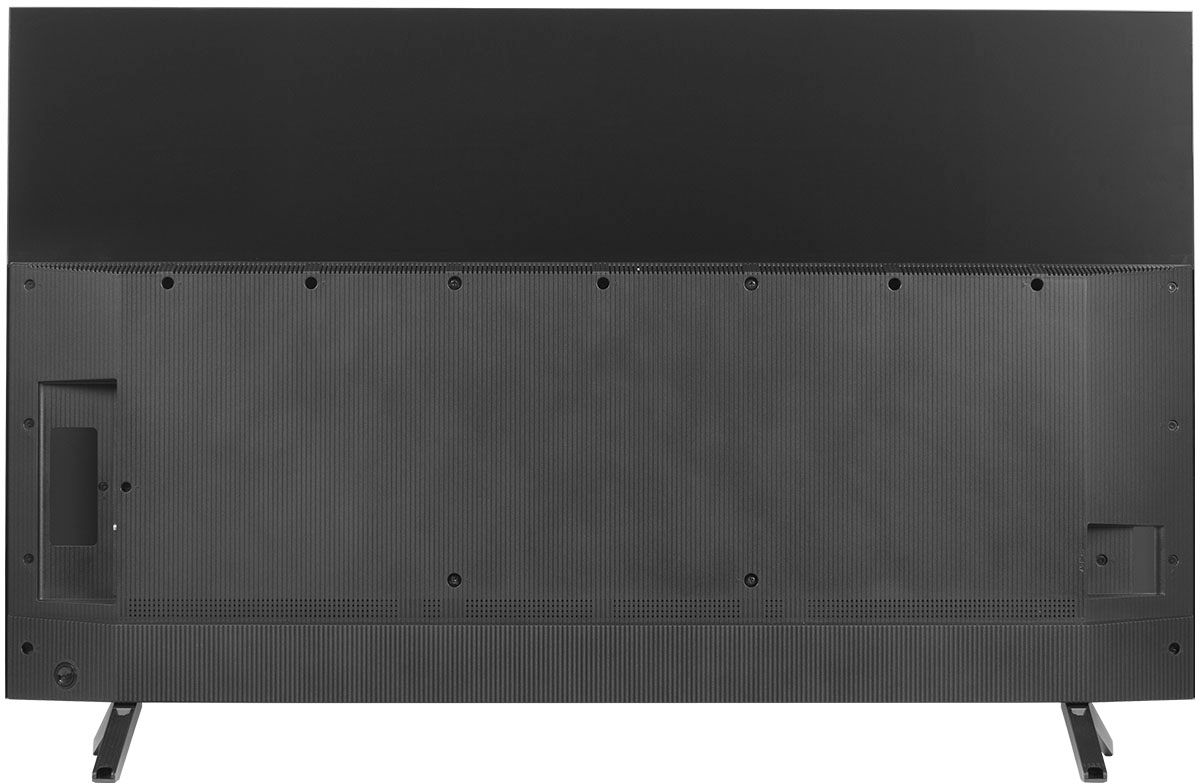
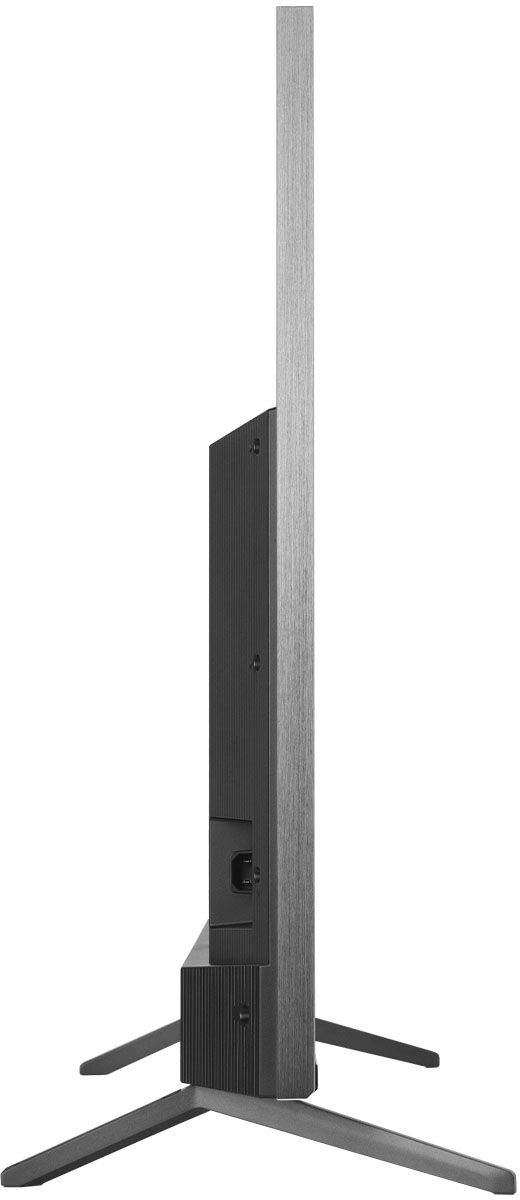
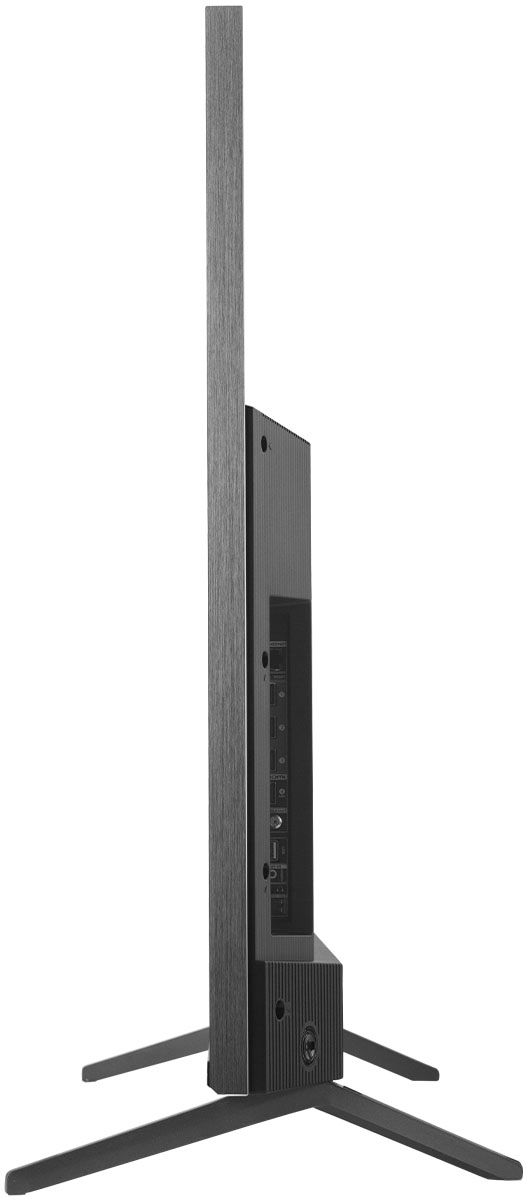
A:AnswerThis TCL Roku TV is compatible with most stands and wall mounts that support a 300mm x 300mm VESA mounting pattern. Hope this helps! Thank you, TCL Customer Support
A:AnswerYes it does. It is one of the app choices, Mine was toward the bottom. Tested it the other night. Put on the Sirius app and set the timer for 1 hour. Fell asleep in minutes and TV was off when I woke up.
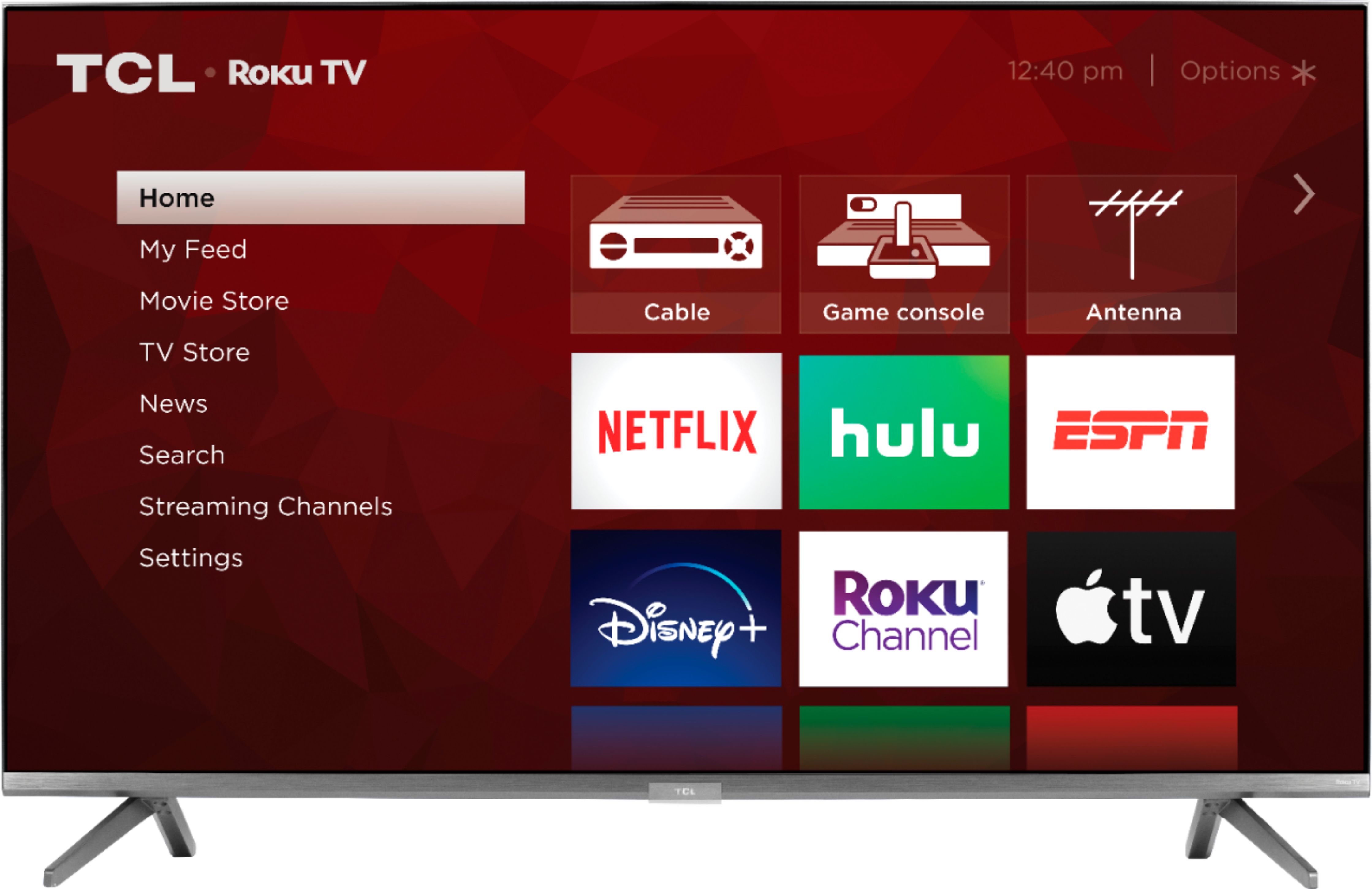
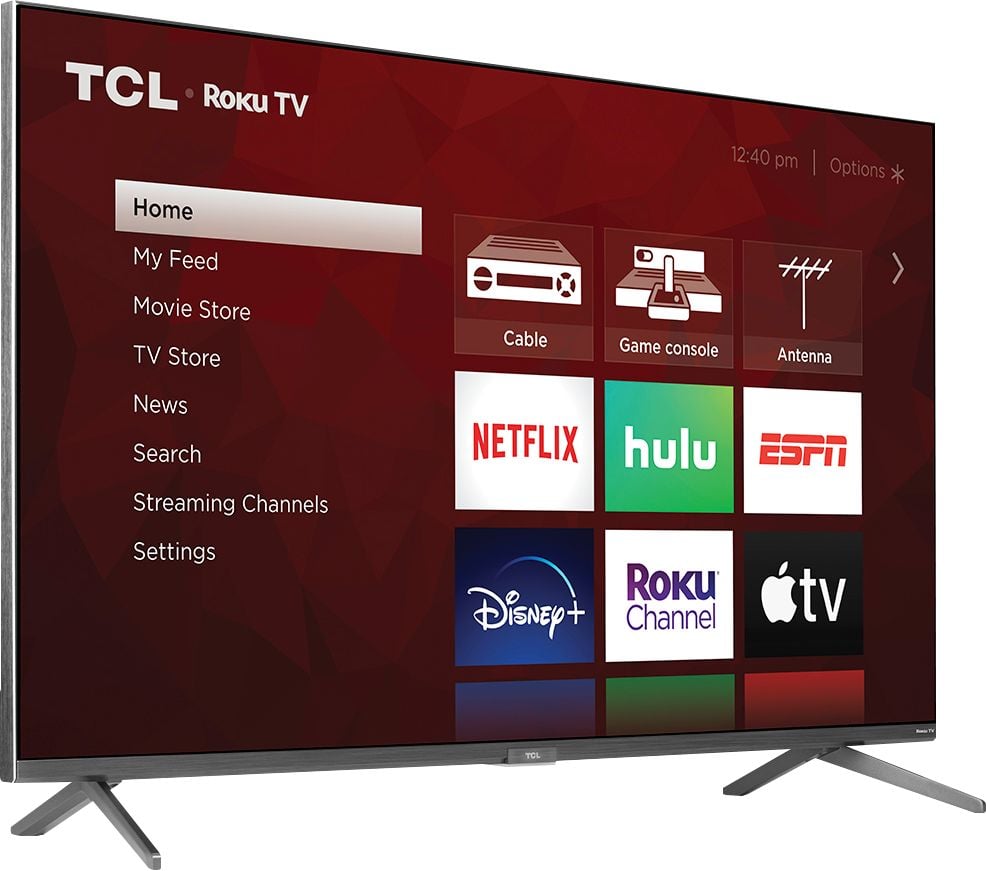
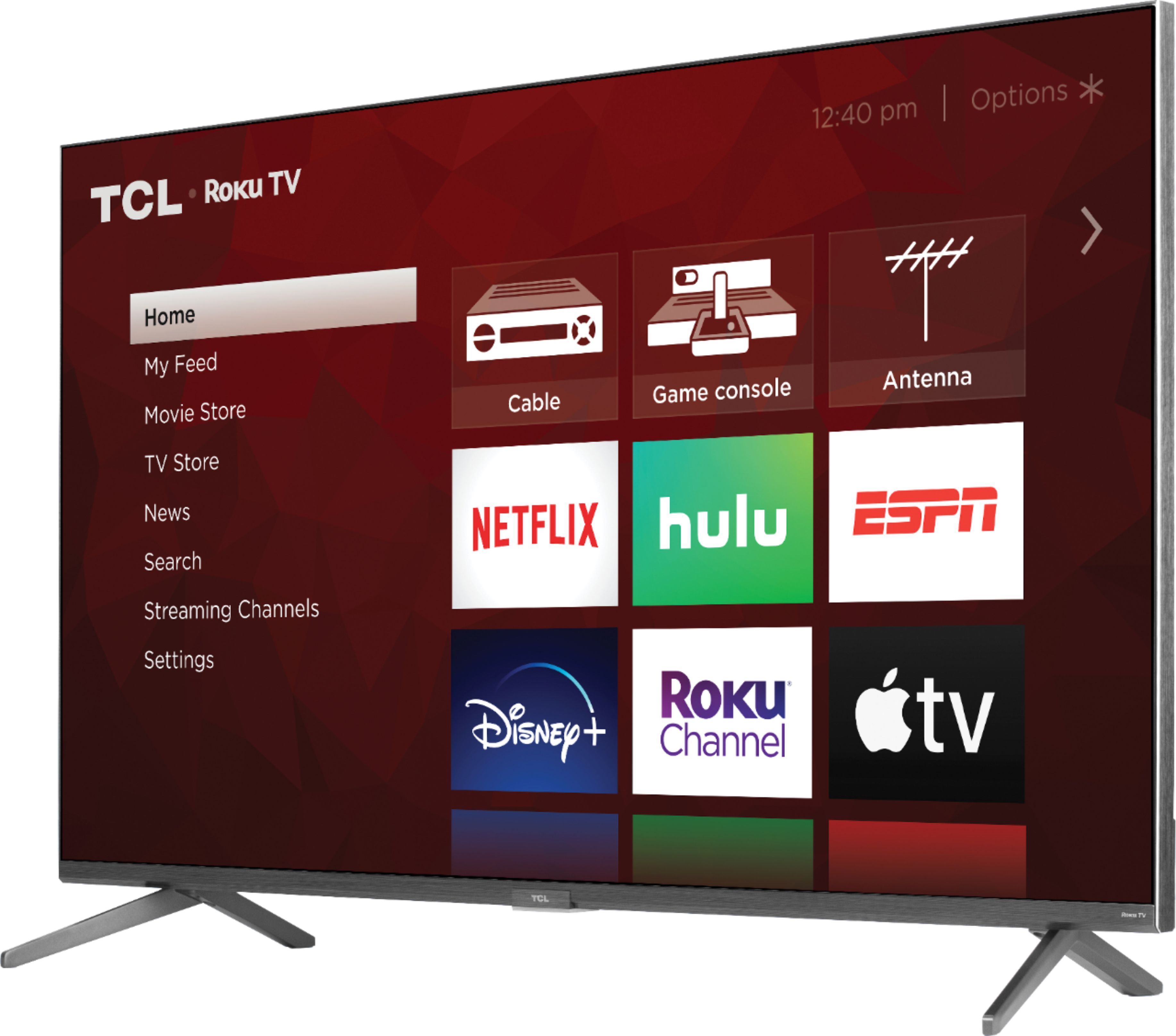
A:AnswerYou can go to www.Roku.com/whats-on to see what streaming channels and apps are offered through the Roku Channel Store. To search for a specific channel you would simply want to enter that information into the search section. Hope this helps! Thank you, TCL Customer Support
A:AnswerFor inquiries concerning stock and availability, you would want to contact your local Best Buy or Best Buy Customer Support as they would be best equipped to further assist you. Hope this helps! Thank you, TCL Customer Support
A:AnswerFor inquiries concerning instillation services, you would want to contact your local Best Buy or Best Buy Customer Support as they would be best equipped to further assist you. Hope this helps! Thank you, TCL Customer Support
A:AnswerIn order for us to better assist, please reach out to us at tclsocial@tcl.com with your contact information and a description of what you need help with. Thank you, TCL Customer Support
A:AnswerFor inquiries concerning stock and availability, you would want to contact your local Best Buy or Best Buy Customer Support as they would be best equipped to further assist you. Hope this helps! Thank you, TCL Customer Support
A:AnswerWe had the same issue. All we did is went to our settings and reset the volume and it went back to normal. We haven’t had an issue with it since.