A:AnswerThis is very unusual. It sounds like the buttons on the remote may be accidentally getting pressed. In order for us to better assist, please reach out to us at tclsocial@tcl.com with your contact information and a description of what is happening. Thank you, TCL Customer Support
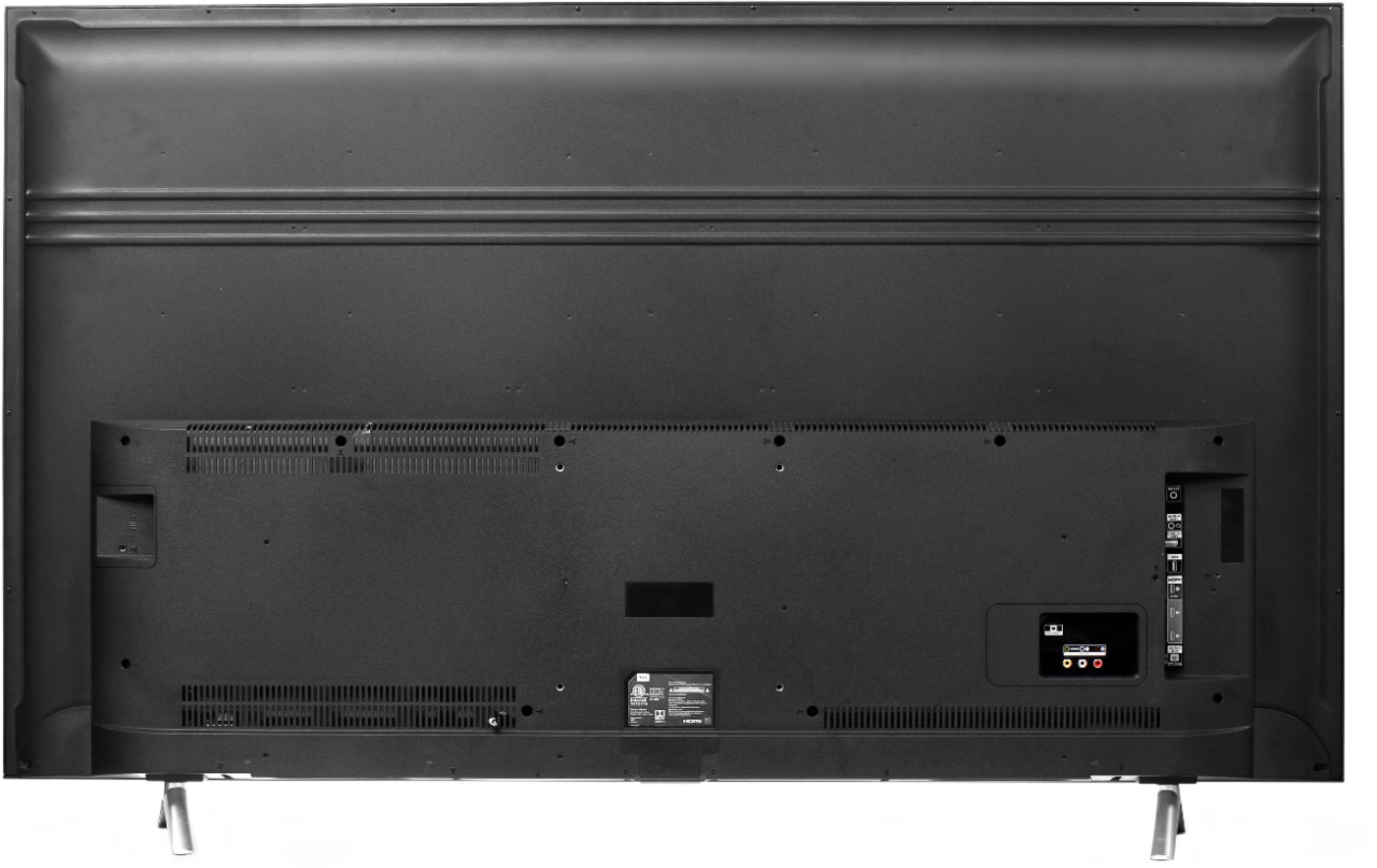
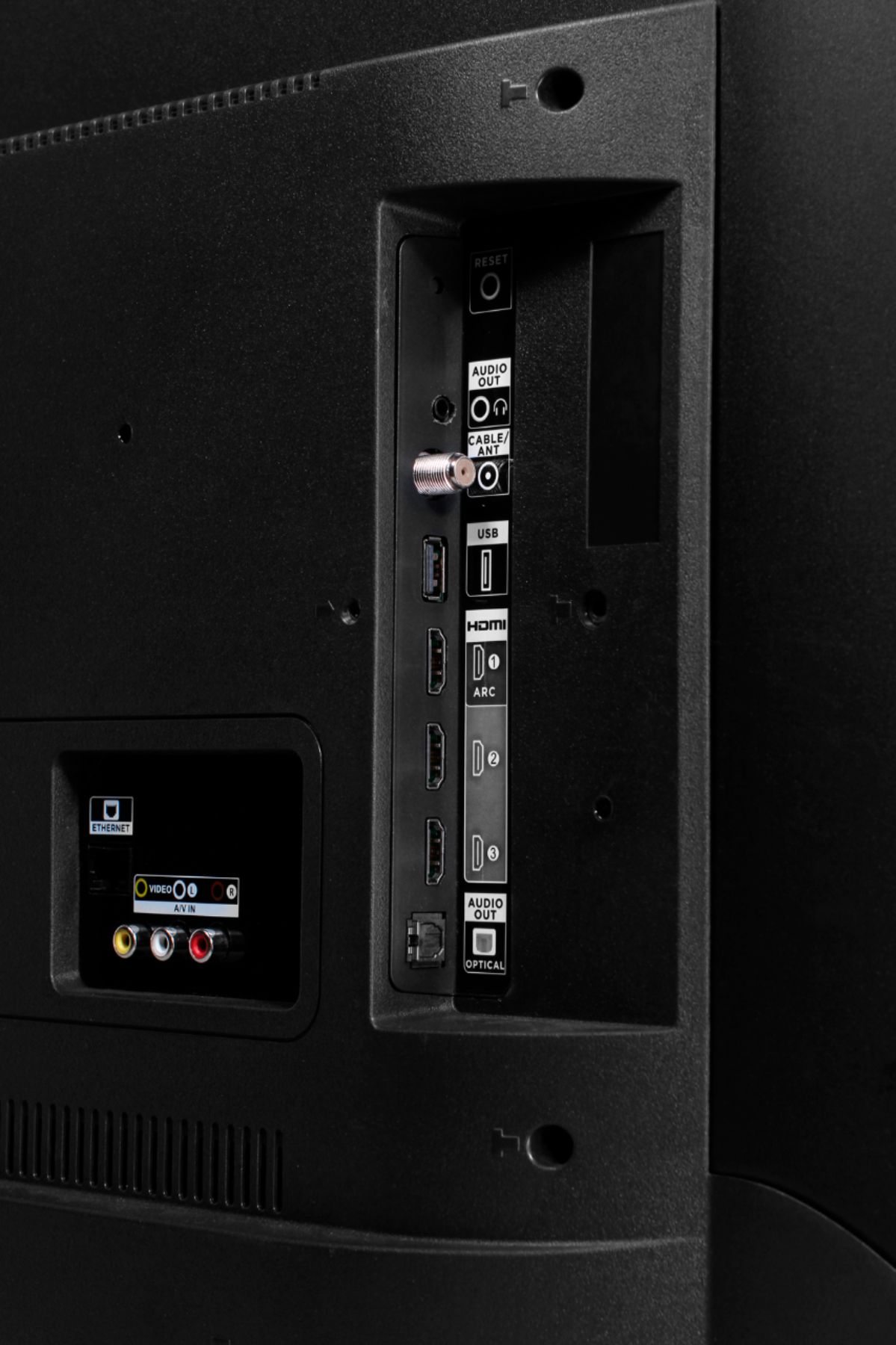
A:AnswerThe TV does have a 3.5 mm stereo headphone jack which can be connected to any transmitting device. The output volume can be controlled by the TV remote.
A:AnswerTcl is not a part of Sharp or Hisence I've had this Tv for over a year and works great.Download the manual at Tcl.com it is very informative and has answers that i wouldn't have figured out on my own.1 example if you put a 32gb 3.0 flash drive in usb port you can pause live tv for up to 90 minutes.Also Hdmi inputs have in settings to change for older or newer equipment that you hook up.Also to get the full potential of 4k you need at least 25 mbps speed with your ISP .And if you get a 4k Blu-ray player that will give you the best picture.Because streaming cant hold all the info like a Blu-ray player can.Go in your settings and change some and read the manual i think you will be happy with the results.The picture is only as good as all your other equipment hooked up to it be patient.Good luck Ps i do not see soap opera effect on mine thats why i didn't want LG or Samsung and Roku is great .