A:AnswerIt depends on the format of the TV. It should change the aspect ratio automatically when you power on your DVD player but if not I would just go FULL SCREEN to avoid distortion and cut offs .
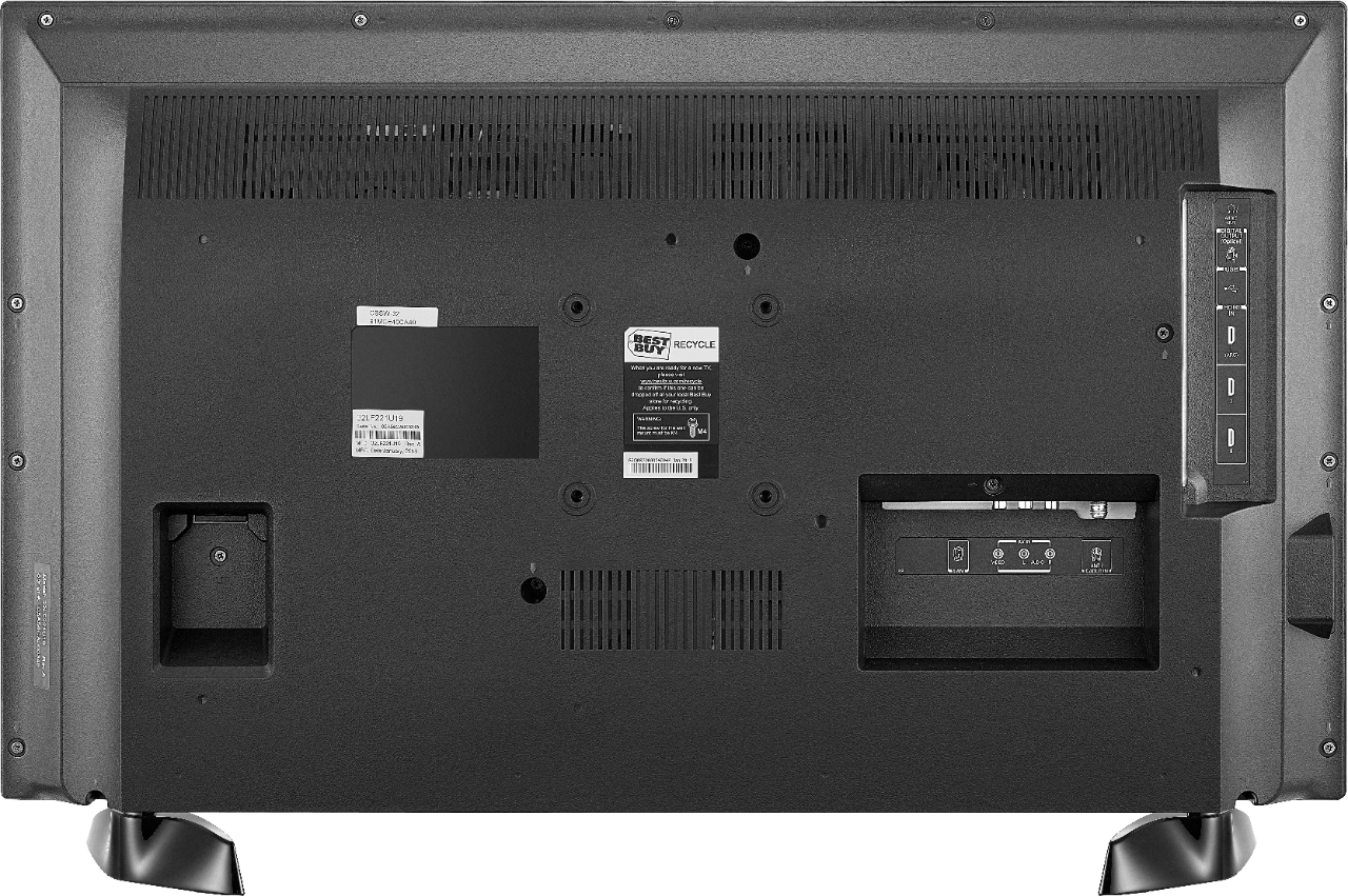
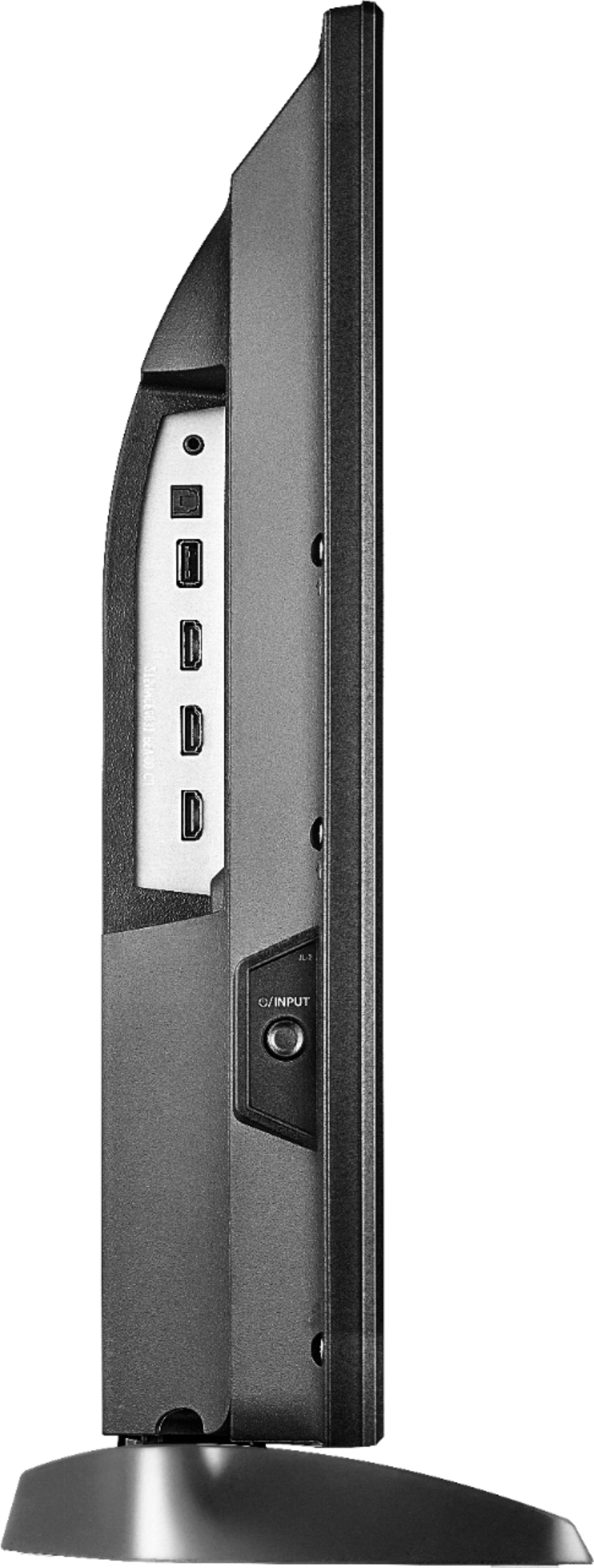
A:AnswerThere’s a button on the left side of the tv that is for the power and inputs. To turn it on you press it to turn it off you hold it down for a few seconds. If you want to switch between the inputs just press the button again once you’ve turned on the tv
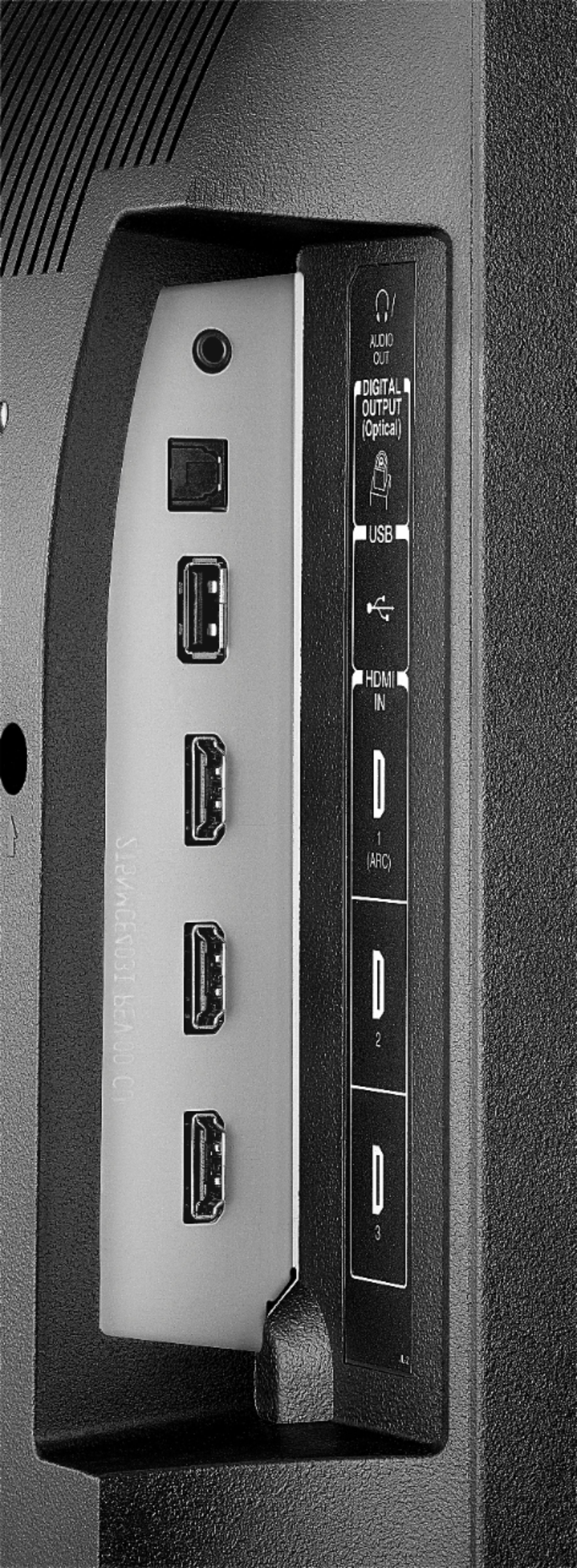
A:AnswerYou could try to connect external speakers, the Fire TV Edition television features the following Audio Outputs: 3.5 mm (Headphone Jack) and Digital Optical Output.
For product support please call 1 (855) 527-2411 available from 8 am to 9 pm CT everyday.
David M. - Toshiba Support
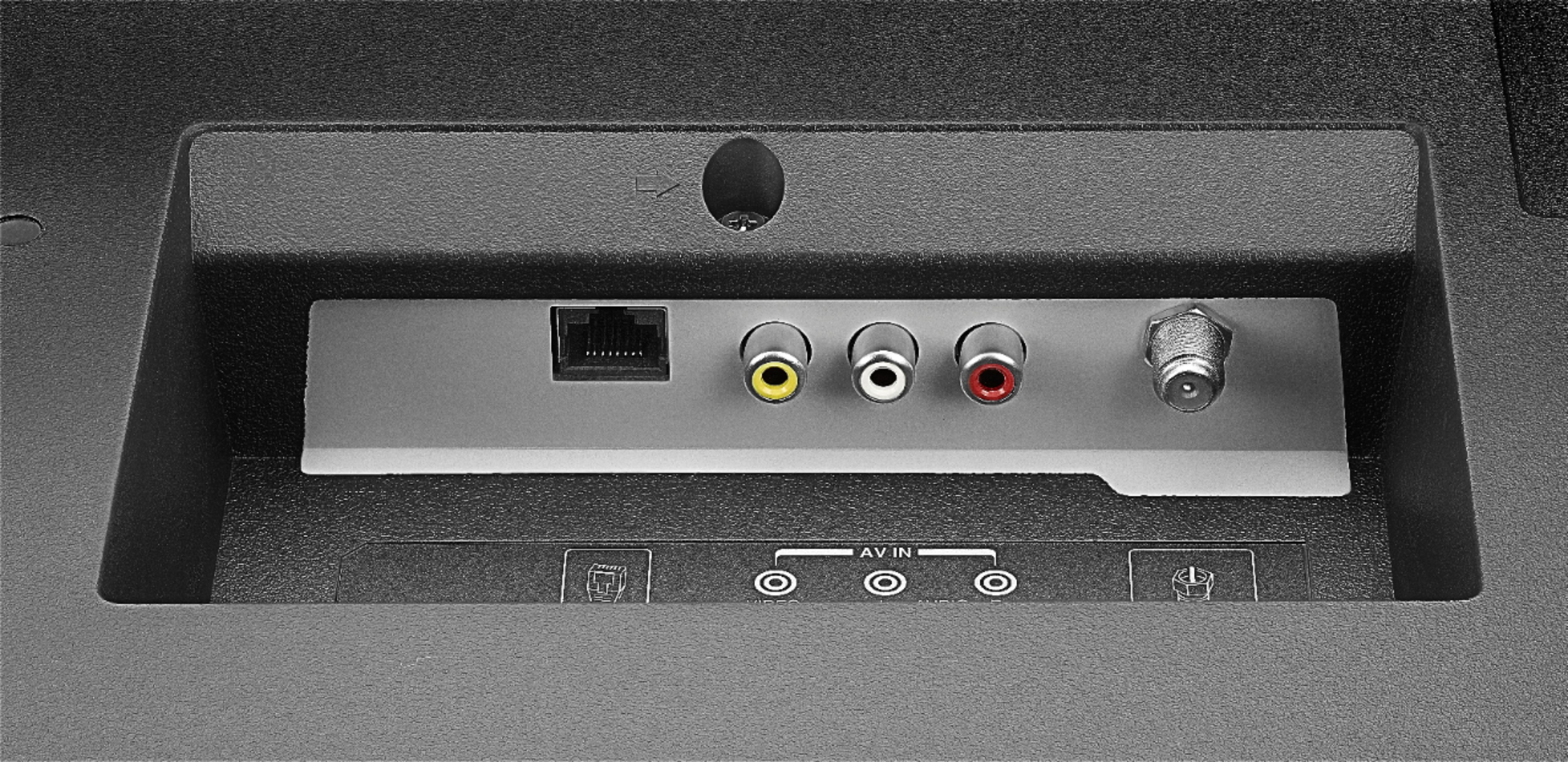
A:AnswerIt's on the left side, looking at the back. There's a cut out and it's inside the recessed part, on the top surface. Use a flashlight. You can't see it unless you stand on your head. I just got my new TV and have been looking for a long time. Finally found it. Thinking gravity might eventually loosen the cord so checking it every few months is on my list of things to do.
A:AnswerTry this, while using Satellite, press and hold the Home button for 3 seconds to launch the Quick Access menu, select Display settings to adjust the Picture Size and Aspect Ratio.
David M. - Toshiba Support
A:AnswerTo search for available apps to download, please visit:
amazon.com > Menu - Shop By Category > Fire TV > Fire TV Apps & Channels > Refine by Device Type select Fire TV Edition TV and search.
David M. - Toshiba Support
A:AnswerYes, the Fire TV Edition television features a Sleep Timer. Go to Home > Settings > Sleep Timer. Another option is press and hold the Home Button on the Voice Remote for 3 seconds to launch the Quick Access Menu, select Sleep Timer. This function turns off the TV in: 5 , 10 , 15 , 30 , 60, 90, 120, 150, 180 and 240 minutes.
David M. - Toshiba Support
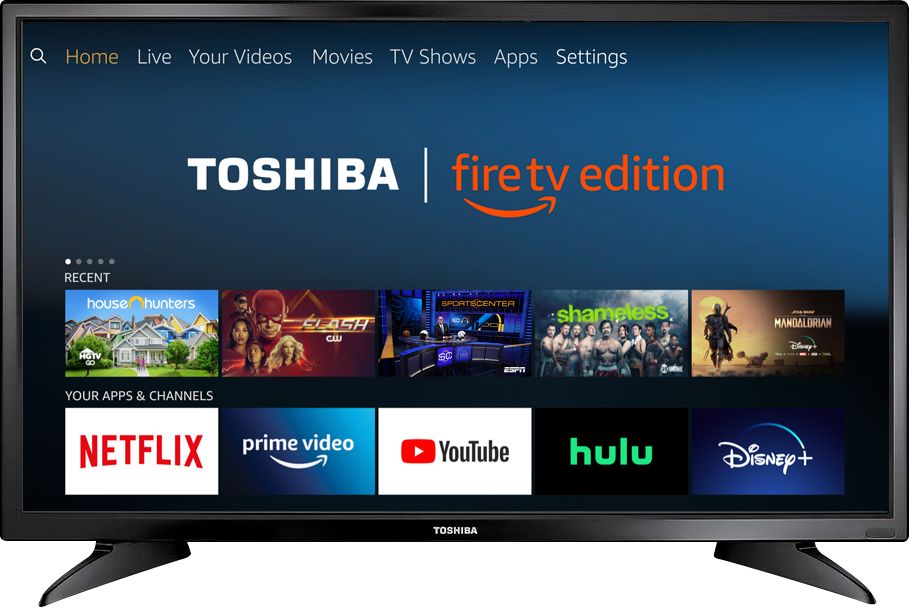
A:AnswerThe Fire TV Edition television features built-in Bluetooth.
To pair a Bluetooth device, go Home > Settings > Controllers & Bluetooth Devices.
For more information, please visit:
https://www.amazon.com/gp/help/customer/display.html?nodeId=GSBSBL44Y4QM59FV
David M. - Toshiba Support
A:AnswerThe Fire TV Edition television does not feature a Chromecast built-in.
You can connect a Chromecast device to the Fire TV Edition television using HDMI.
David M. - Toshiba Support

A:AnswerThe Fire TV Edition television USB port supports 1 USB flash drive up to 128 GB formatted FAT32.
To watch Videos from a USB Flash Drive on your Fire TV Edition television, you need to download the Media Player app VLC for Fire.
The app VLC for Fire supports the following formats:
MKV, MP4, AVI, MOV, Ogg, FLAC, TS, M2TS, Wv and AAC
David M. - Toshiba Support