A:AnswerNot sure because i got the store warranty and info should be on receipt or an email because mines was sent that way . Also you can log into Best Buy account and look under plans and subscriptions and it will give you your geek squad info
A:AnswerThe light at the bottom right of the TV, referred to as the remote sensor, is on continuously when my TV is turned off. I can't find any info on the web site "Users Manual" re: the light except is says that the light will be blue when the TV is off. So maybe we both have a remote sensor issue.
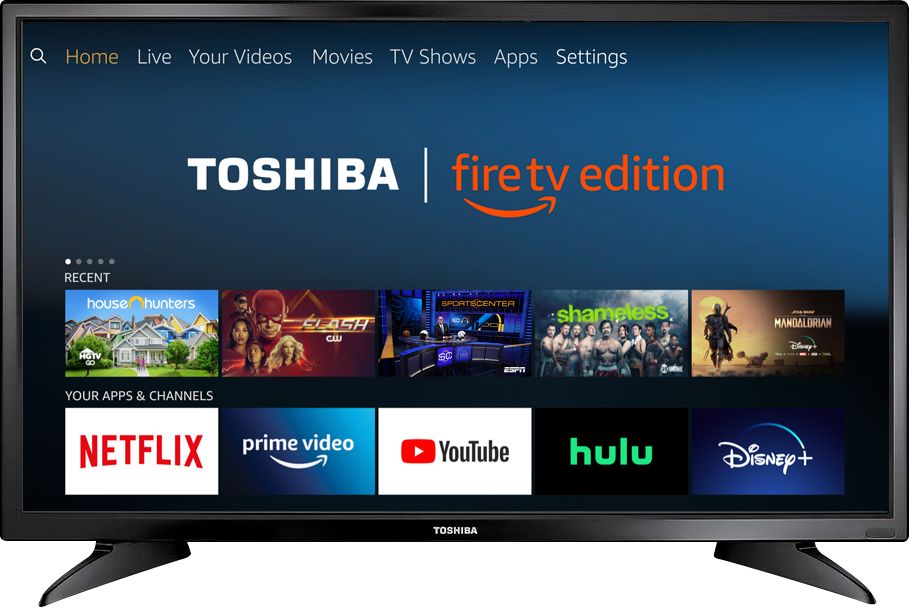
A:AnswerIt will go to any station you have downloaded to the TV. I assume you have Amazon Prime too.
Download Pluto (free with amazonPrime or Roku) and you will get 100+ channels .
Say Channel Guide and you will see the channels. Then (for example) say channel 10 and it should go there.
If you don't have an Amazon Prime account you probably bought the wrong monitor. ( This is all the TV is, it has no built in tuning capability).
If you have prime and echo dot you can completely control the TV by talking to Alexa with no need for a remote.
A:AnswerIf your model has a sleep timer, you can set or disable it sleep timer by going to home/settings/sleep timer. Or hold down the home button for 2 seconds and choose the sleep timer option when it appears