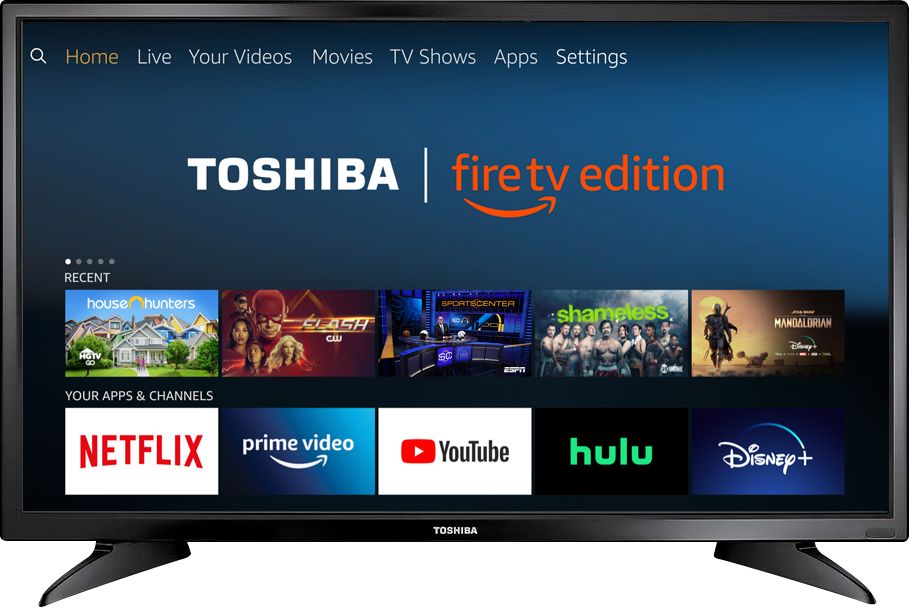
A:AnswerYes, to pair an Echo device, use the smartphone Alexa app, go Home > Menu > Settings > Video and TV > Fire TV and follow the on-screen instructions.
A:AnswerFirst, make sure you have the latest firmware version, go Home > Settings > Device & Software > About > Check for System Update.
Then, try the Power On feature, go Home > Settings > Display & Sounds > Power On and select Last Input.
David M. - Toshiba Support
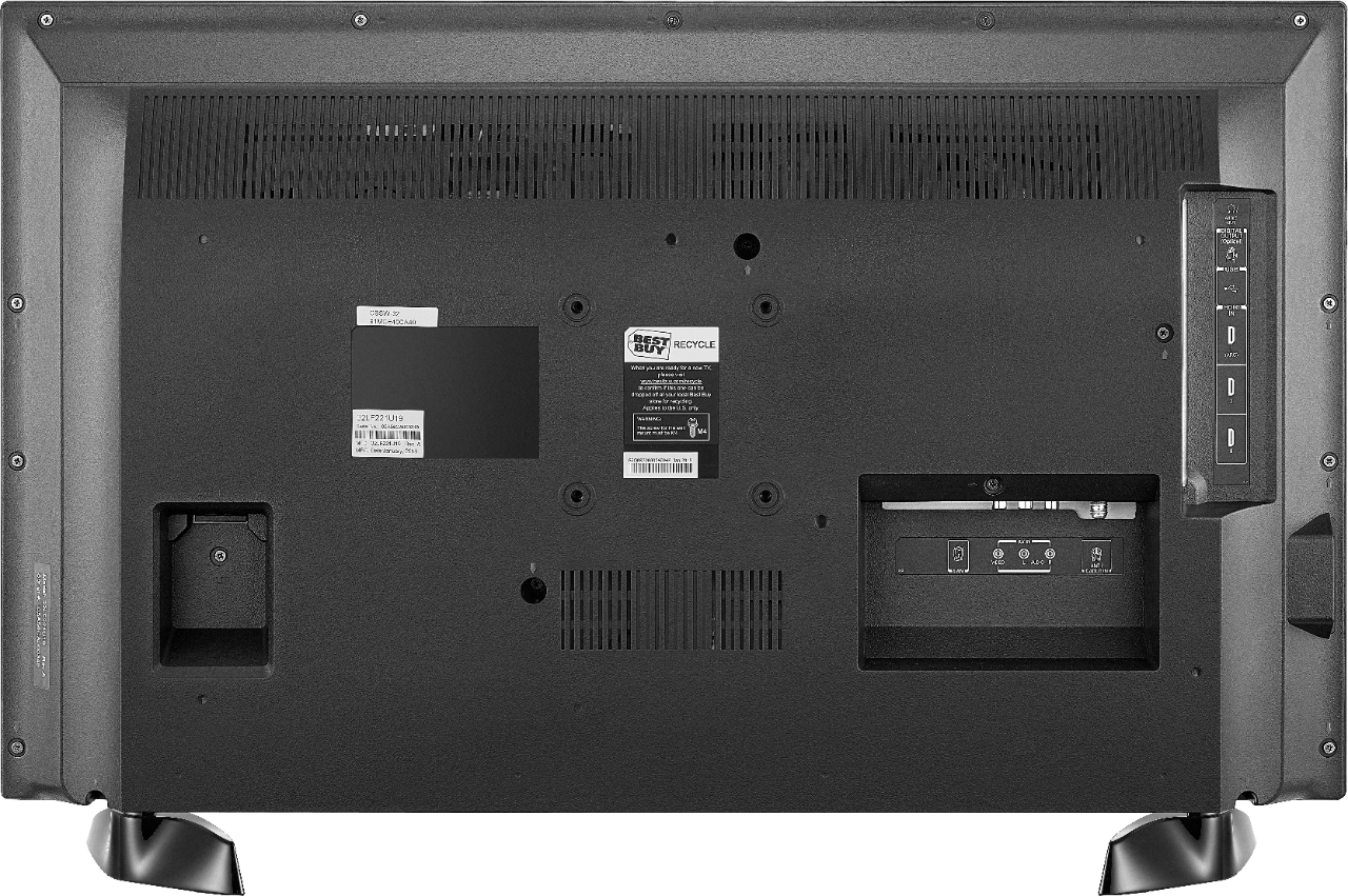
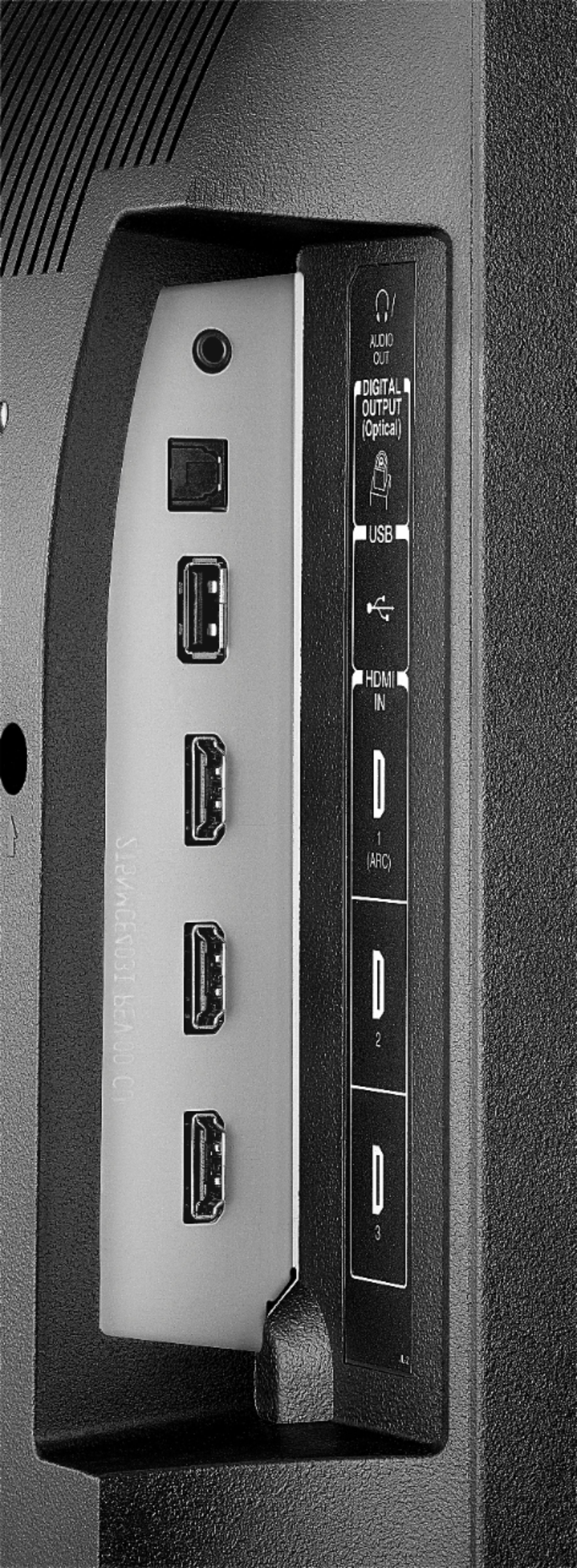
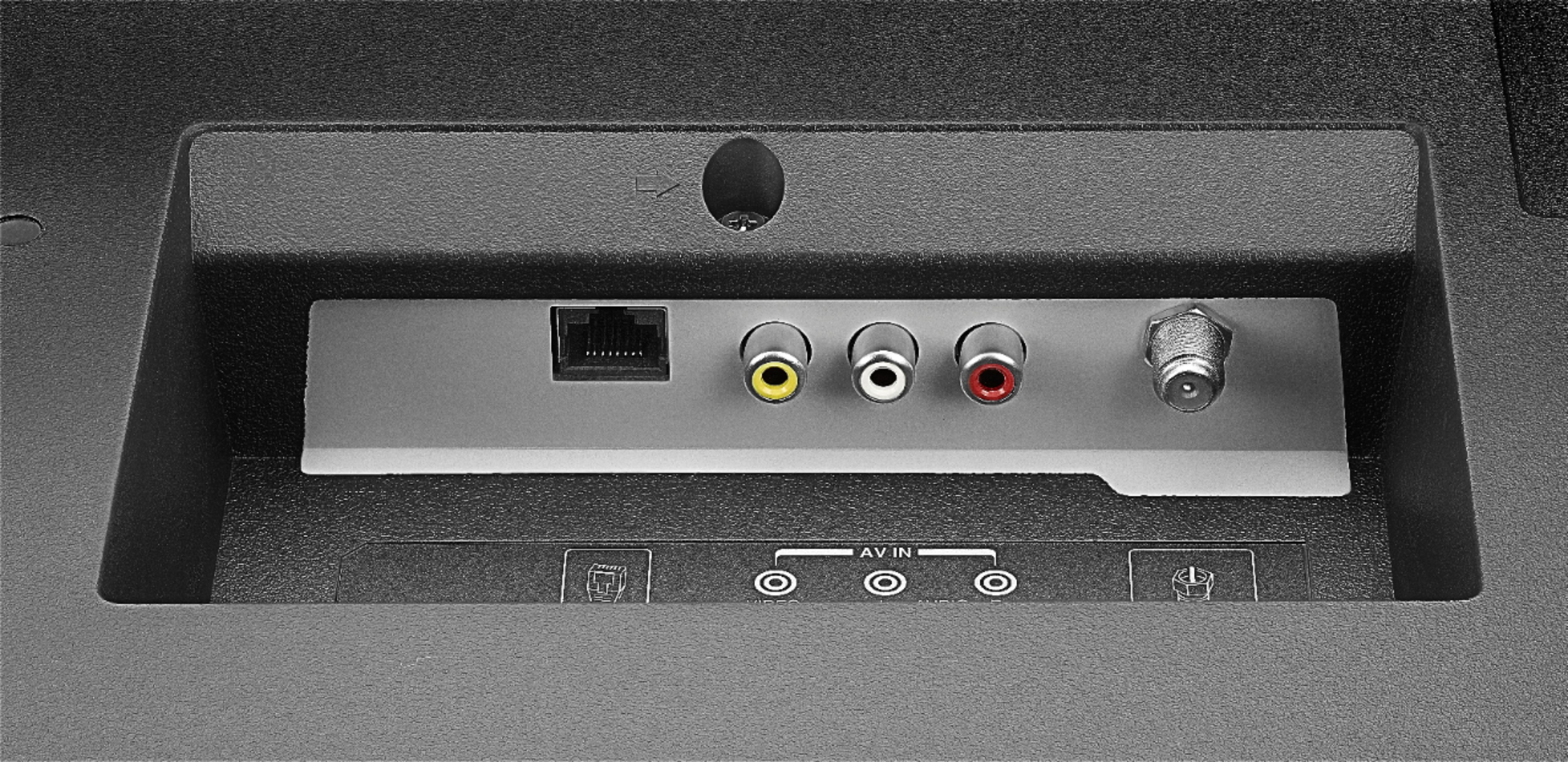
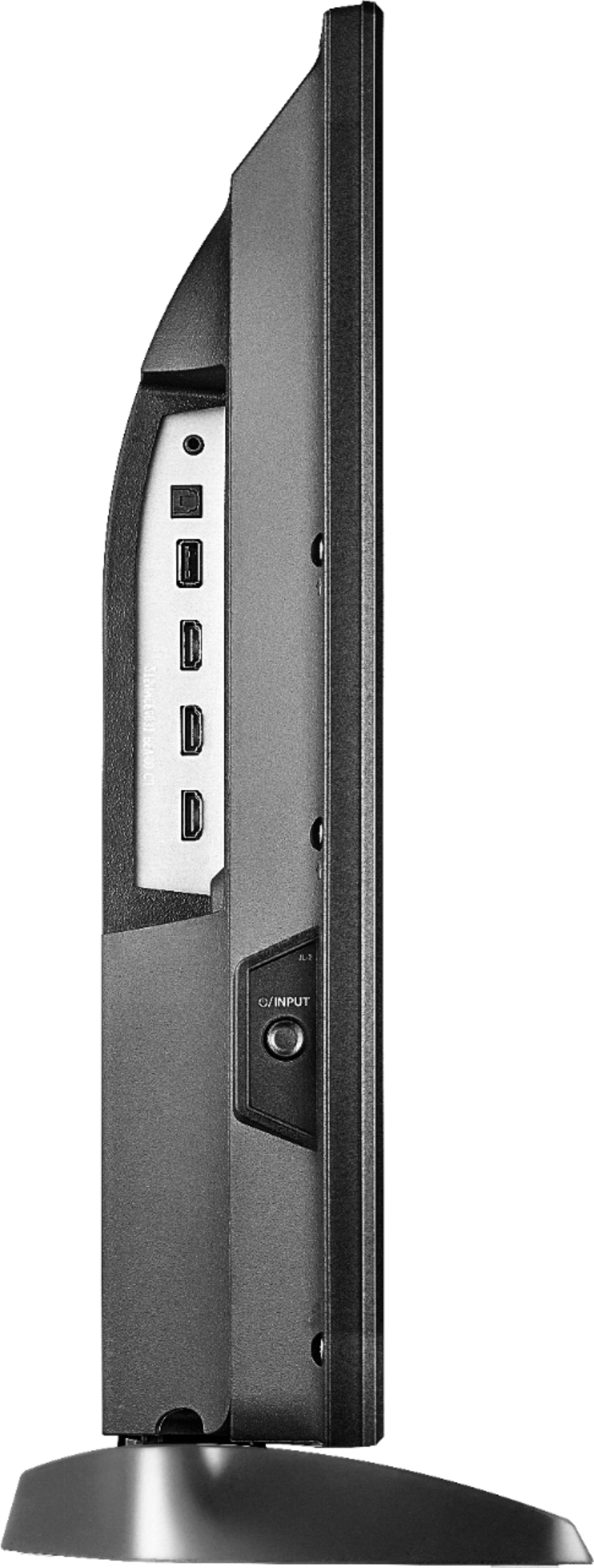
A:AnswerIf you connect an external Audio device, the TV speakers will automatically turn off.
This TV supports only one Audio Output at any time.
David M. - Toshiba Support

A:AnswerThis TV should not turn off as long as a video is playing. For personalized assistance, please call 1 (855) 527-2411 available from 8 am to 9 pm CT everyday.
David M. - Toshiba Support

A:AnswerThis TV does not support screen mirroring.
You can connect your smartphone to the TV using an adapter and an HDMI cable.
David M. - Toshiba Support

A:AnswerIf the TV is not turning on, for personalized assistance, please call 1 (855) 527-2411 available from 8 am to 9 pm CT everyday.
David M. - Toshiba Support