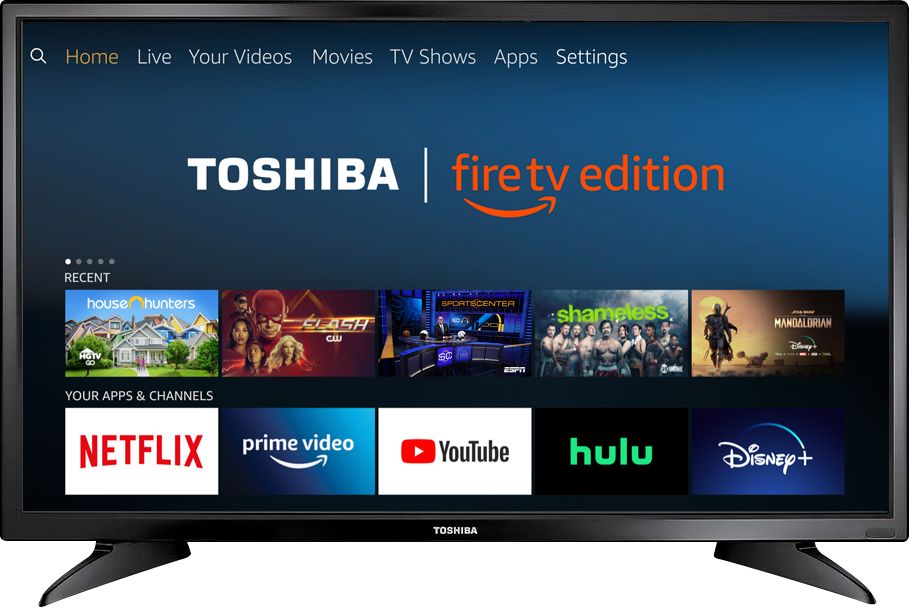
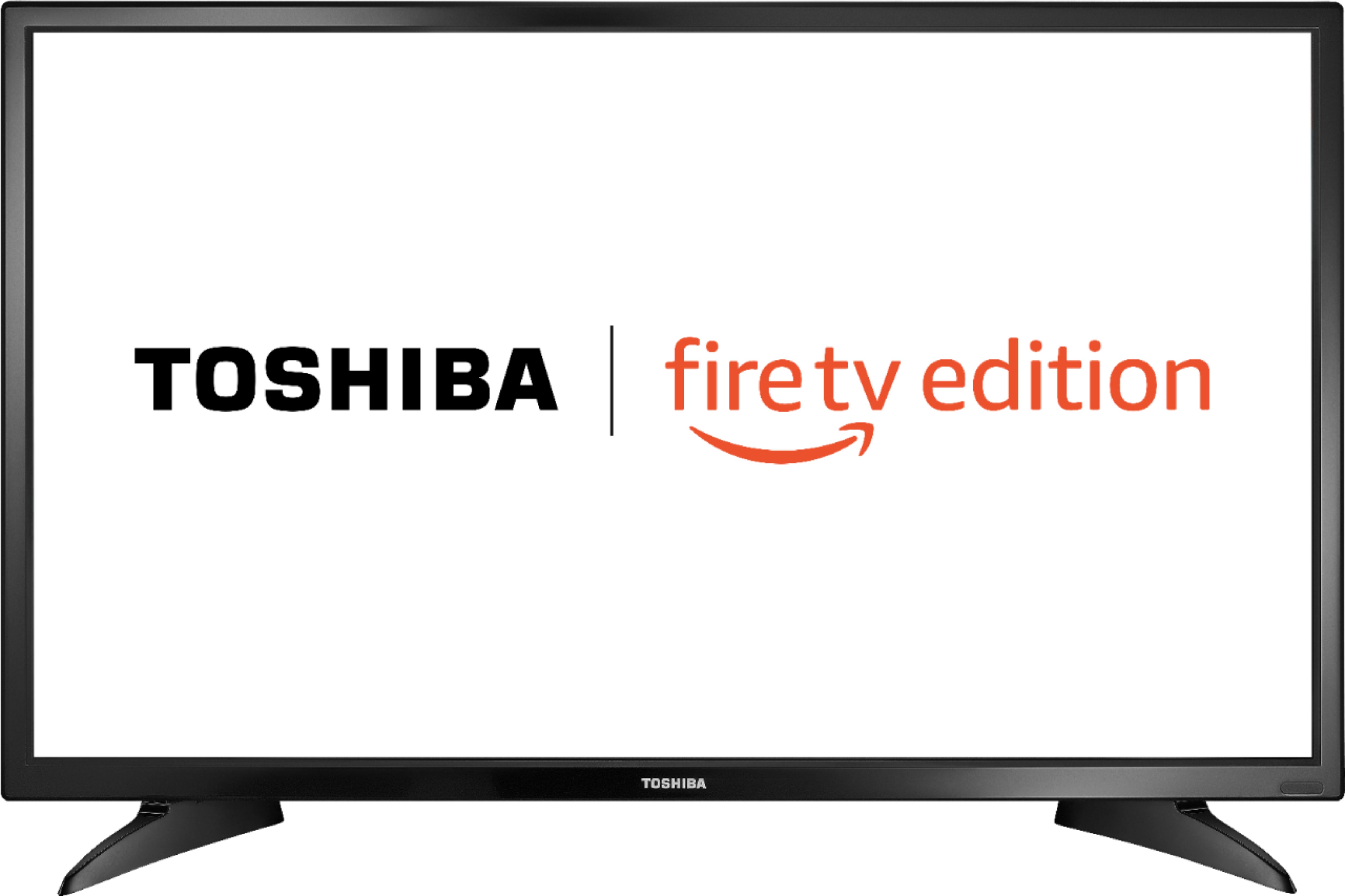
A:AnswerThe Hulu and Disney + apps are available for the Fire TV Edition experience.
Try to download the apps from amazon.com > Menu - Shop By Category > Fire TV > Fire TV Apps & Channels > Refine by Device Type select Fire TV Edition TV and search.
For product support please call 1 (855) 527-2411 available from 8 am to 9 pm CT everyday.
David M. - Toshiba Support
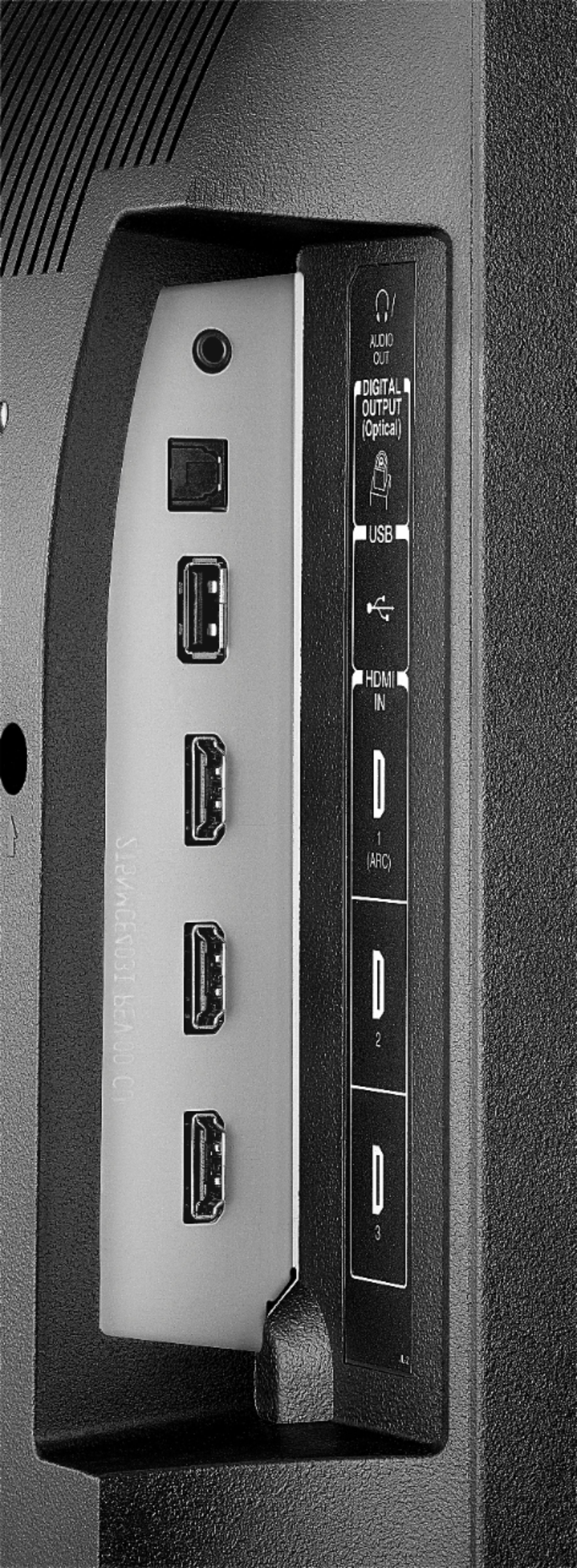
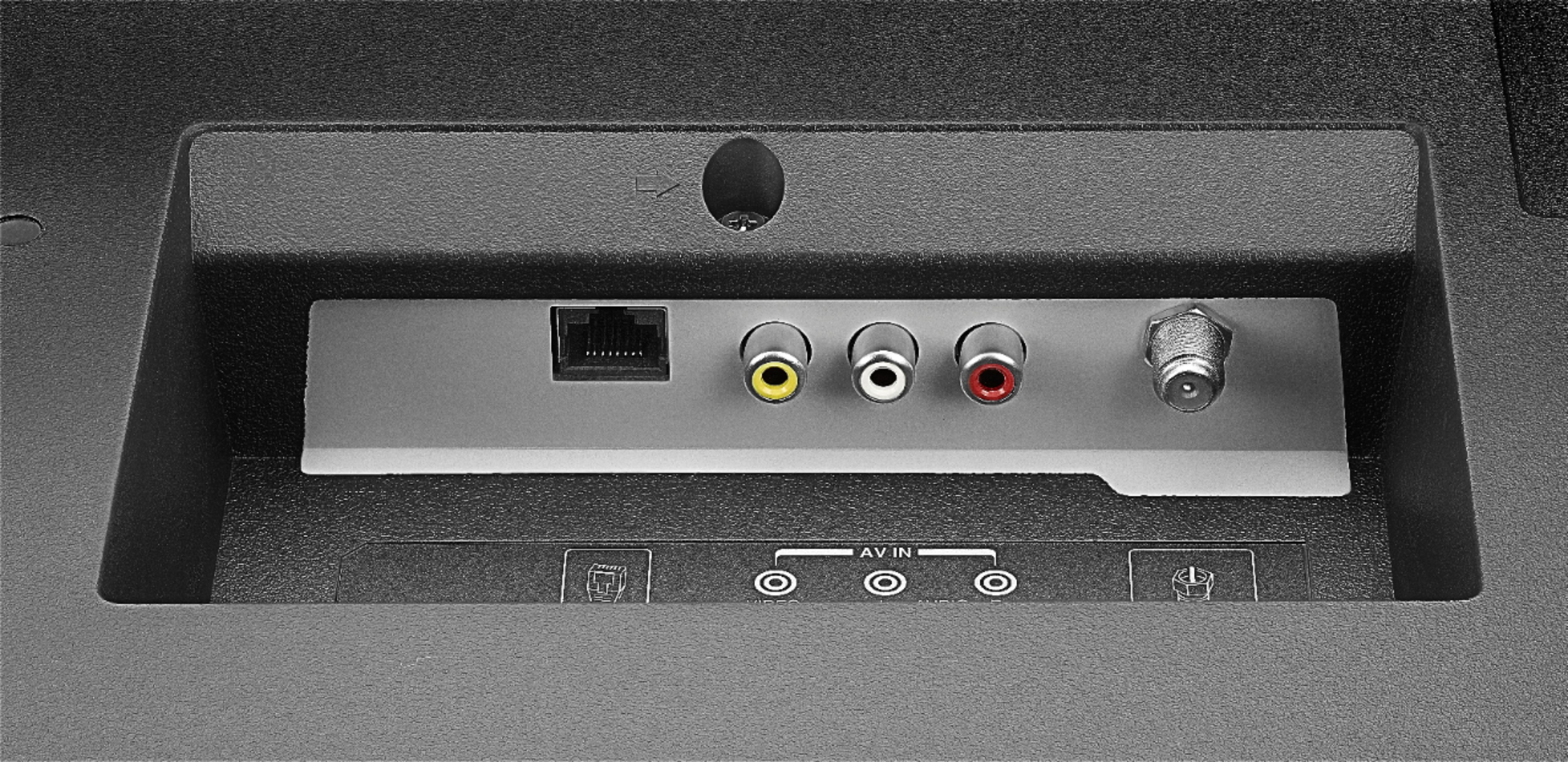
A:AnswerThis TV supports Wi-Fi and Ethernet.
For product support please call 1 (855) 527-2411 available from 8 am to 9 pm CT everyday.
David M. - Toshiba Support
A:AnswerHi,
No, this TV doesn't have ear buds included. you can pair your ear buds to the TV via Bluetooth. To pair a Bluetooth device, go Home > Settings > Controllers & Bluetooth Devices.
Alan O. - Toshiba Support
A:AnswerHi,
Yes, this TV has 1 year of warranty, for more information, please visit http://tvna.compal-toshiba.com/us/en/models/32LF221u19/
Alan O. - Toshiba Support
A:AnswerRight click on your windows home screen and select resolution and choose the best option for you..YOu may not be able to fix it using the remote. Sounds like a mouse job
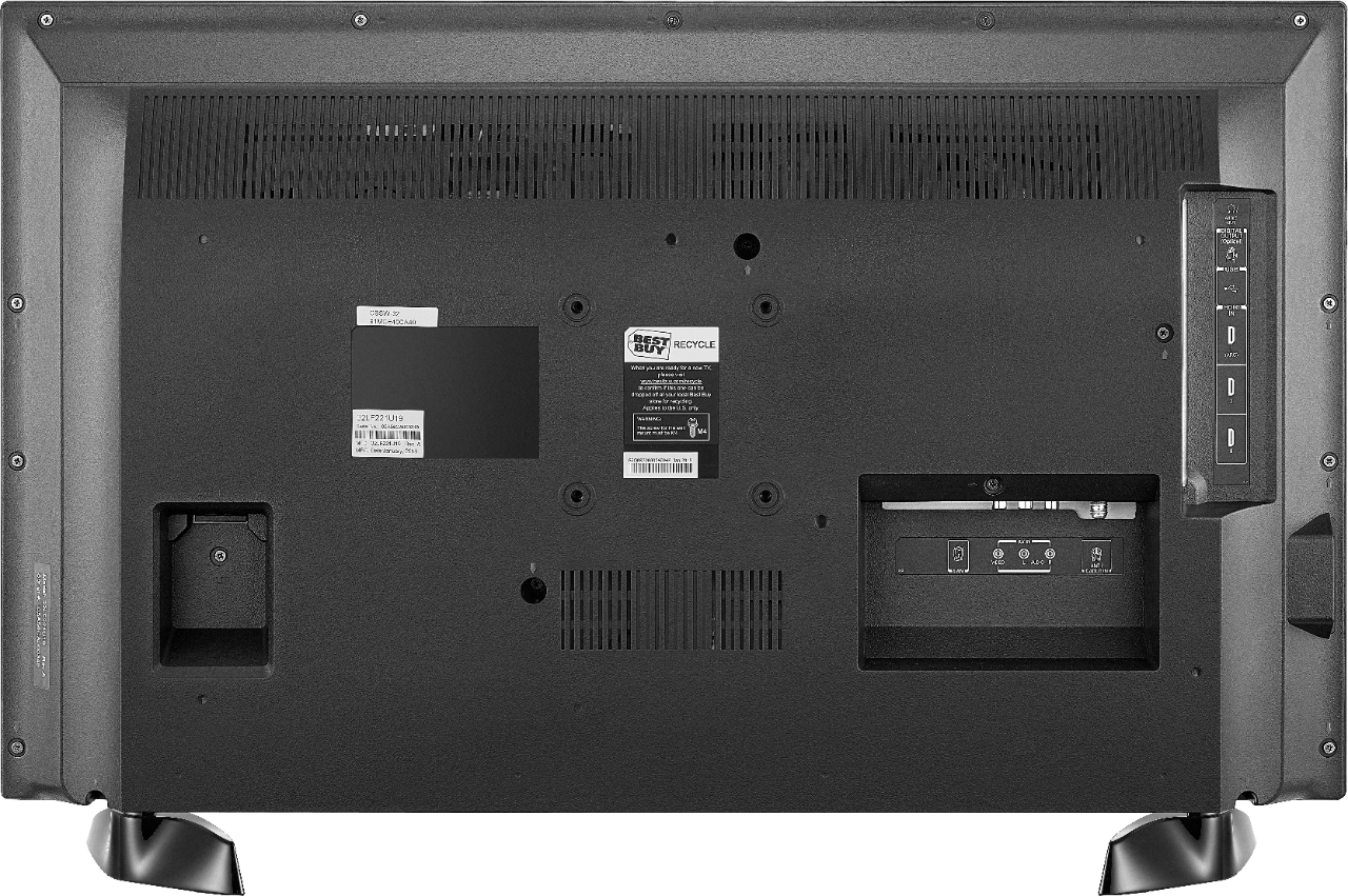
A:AnswerWe are on Mediacom and learned we MUST have a cable box to get all the channels for this TV. The Technician informed us in 2020, Mediacom is going all HD on all channels and a box will be needed on all TVs in the home. The box was added to this TV and plugged into HDMI3 and ALL our cable channels are now available and working. We also had to change the display by turning off AUTO ASPECT RATIO and select FULL in order for the screen to display properly. I'm thankful for these reviews! No online user manual to be found and no paper copy with the TV. Unacceptable! We have spent DAYS trying to figure out this TV. Came close to returning it. We got Alexa functioning 75% of the time but can't get her to do more than turn it on/off. Still trying to figure out Alexa and channel changing functionality (if any?). A User Manual would be very helpful!!
A:AnswerTo pair a Bluetooth device, go Home > Settings > Controllers & Bluetooth Devices.
For more information, please visit:
https://www.amazon.com/gp/help/customer/display.html?nodeId=GSBSBL44Y4QM59FV
David M. - Toshiba Support