A:AnswerCall Toshiba at 855-527-2411 with any questions. Meanwhile, quickly press the HOME button twice, or just hold the HOME button for a couple of seconds. A menu will appear on the right side of the screen with several useful options. SLEEP is one of them.
A:AnswerThe dimensions are:
Product Height With Stand 18.6 inches
Product Width 29 inches
Product Depth With Stand 7.1 inches
Product Height Without Stand 17.2 inches
Product Depth Without Stand 3.3 inches
Product Weight With Stand 11 pounds
Product Weight Without Stand 10.6 pounds.
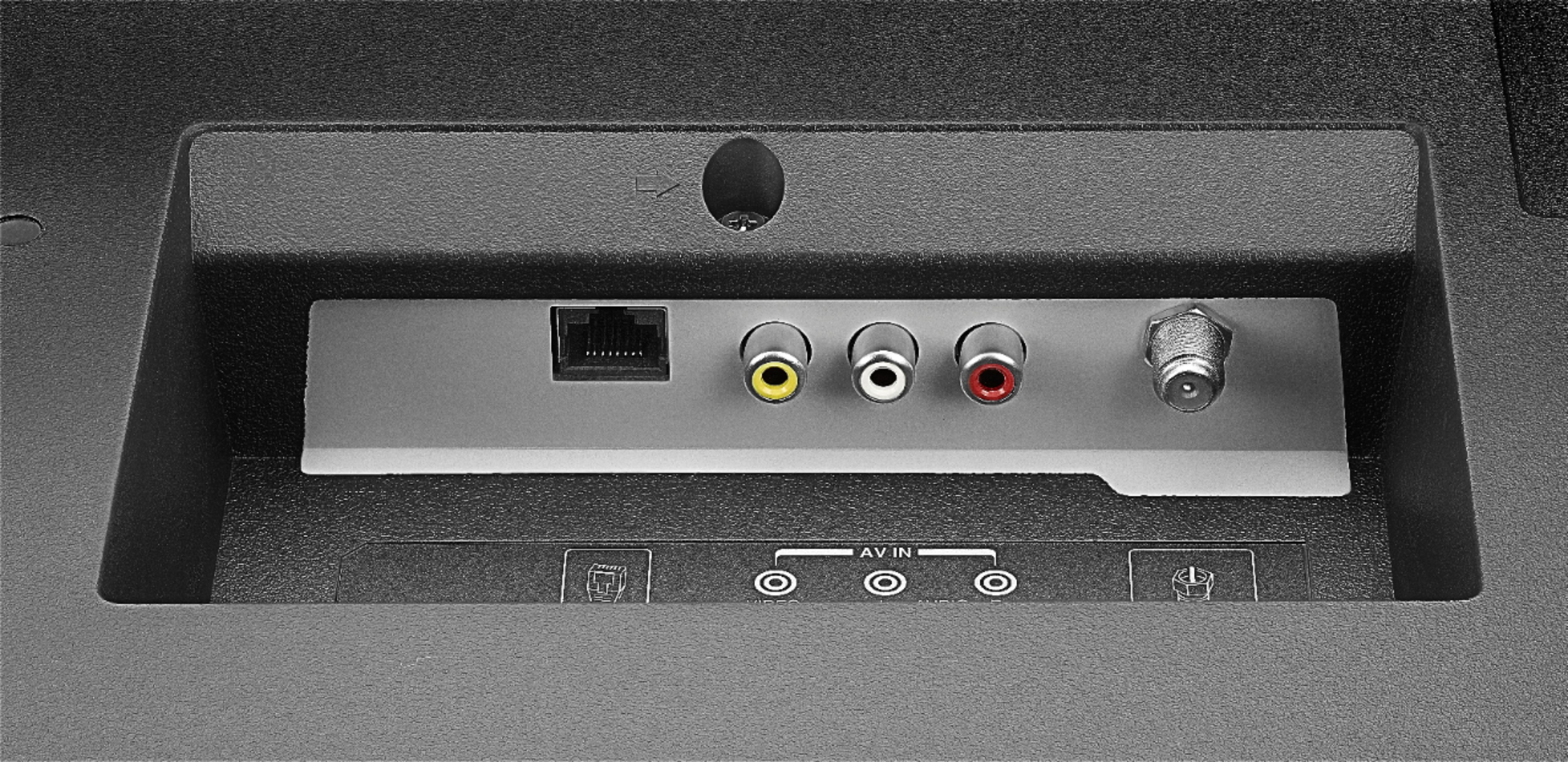
A:AnswerYes, the main point of a Smart TV is it's connectivity abililty. This Smart TV (as with most, if not all smart TV's) connects to the internet by way of it's built-in Wi-Fi or LAN port. This allows access to streaming services and content. If you only want antenna (over-the-air), cable, or satellite, the ethernet connection is optional, but then there would be no need to purchase a smart TV.
User Guide for 32LF221U19:
http://tvna.compal-toshiba.com/us/wp-content/uploads/sites/2/2018/07/20181203022143_toshiba_firetvedition_web_18-0644_v3_en_final_lr.pdf
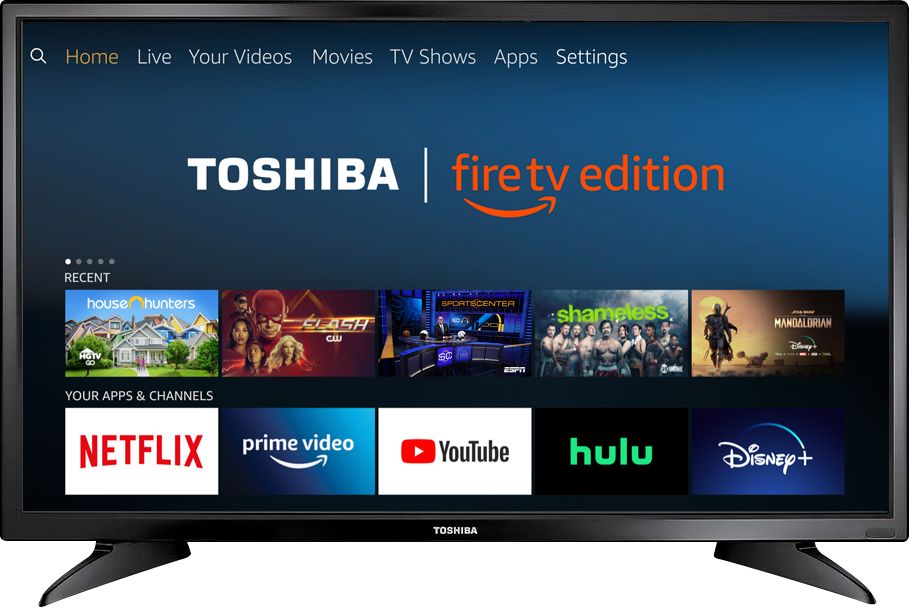
A:AnswerIt has Alexa built in. You talk through the remote so I don’t know what Google Mini would do for the TV. This is not a Echo device it acts as a fire stick or a fire tv. The google mini would be the same as the echo dot. I hope this helps.
A:AnswerMine does the same thing. I think it is in a constant search mode for wifi. My other smart tvs also do it but not constantly. This one has always done it so that is my best guess.