A:Answer1 Make sure that your TV’s power cord is unplugged and all connected equipment is turned off.
2 Connect a coaxial cable (not provided) to the cable wall jack and to the cable-in jack on the cable or satellite box.
3 Connect an HDMI cable (not provided) to one of the HDMI jacks on your TV and to the HDMI out jack on the cable or
satellite box.
4 Plug your TV’s power cord into a power outlet, turn on your TV, then turn on the cable or satellite box.
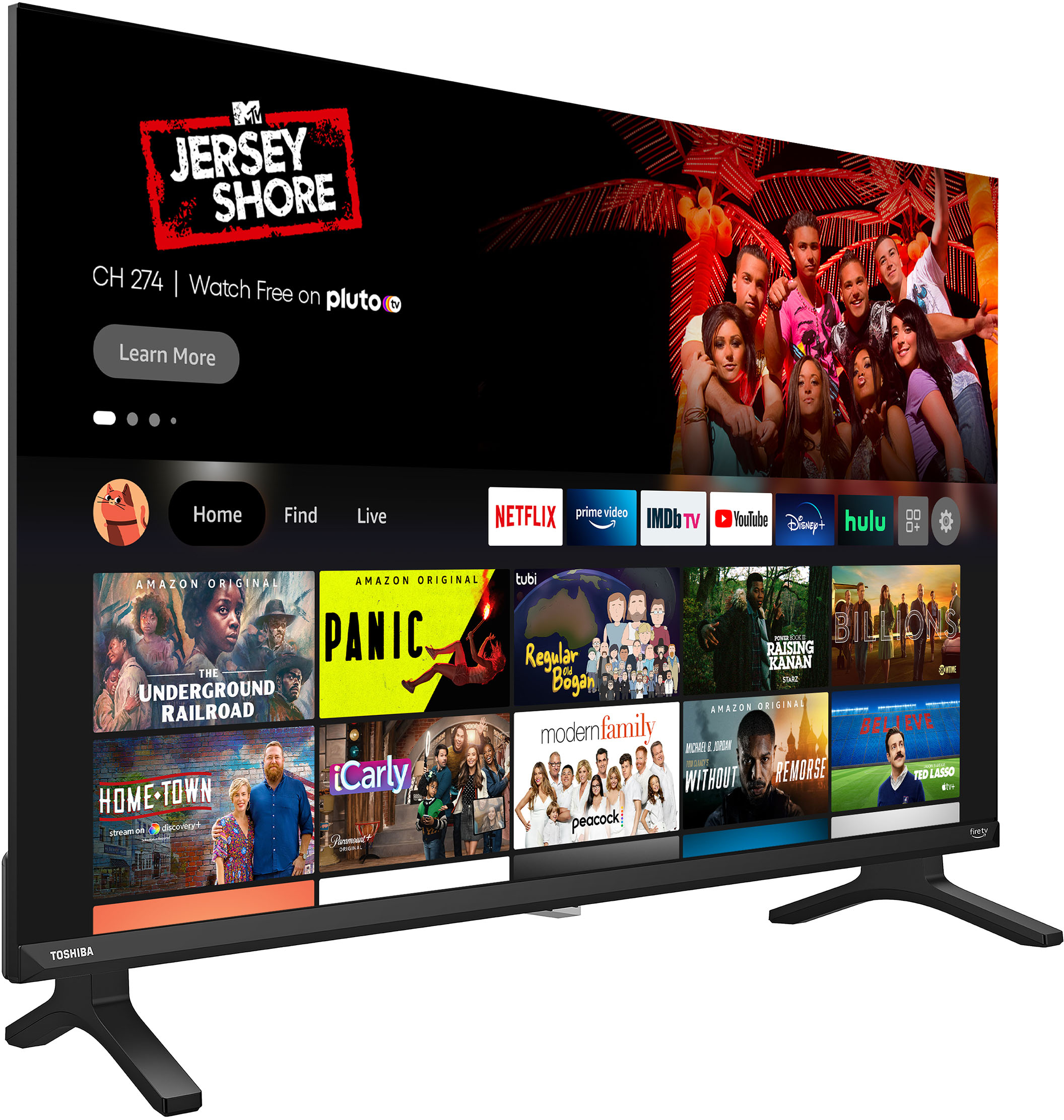
5 On the HOME screen, navigate to the INPUTS row, then select HDMI1, HDMI2, or HDMI3.
Rudson S.| Toshiba Support.
A:AnswerHi Pajazz,
You can follow the steps below:
From the Home screen, choose “Settings“.
Choose “Display & Sounds“.
Select “Set Power“.
Change the setting to “Last input“.
Toshiba Products
Lisa
http://tvna.compal-toshiba.com/us/en/
A:AnswerHi There,
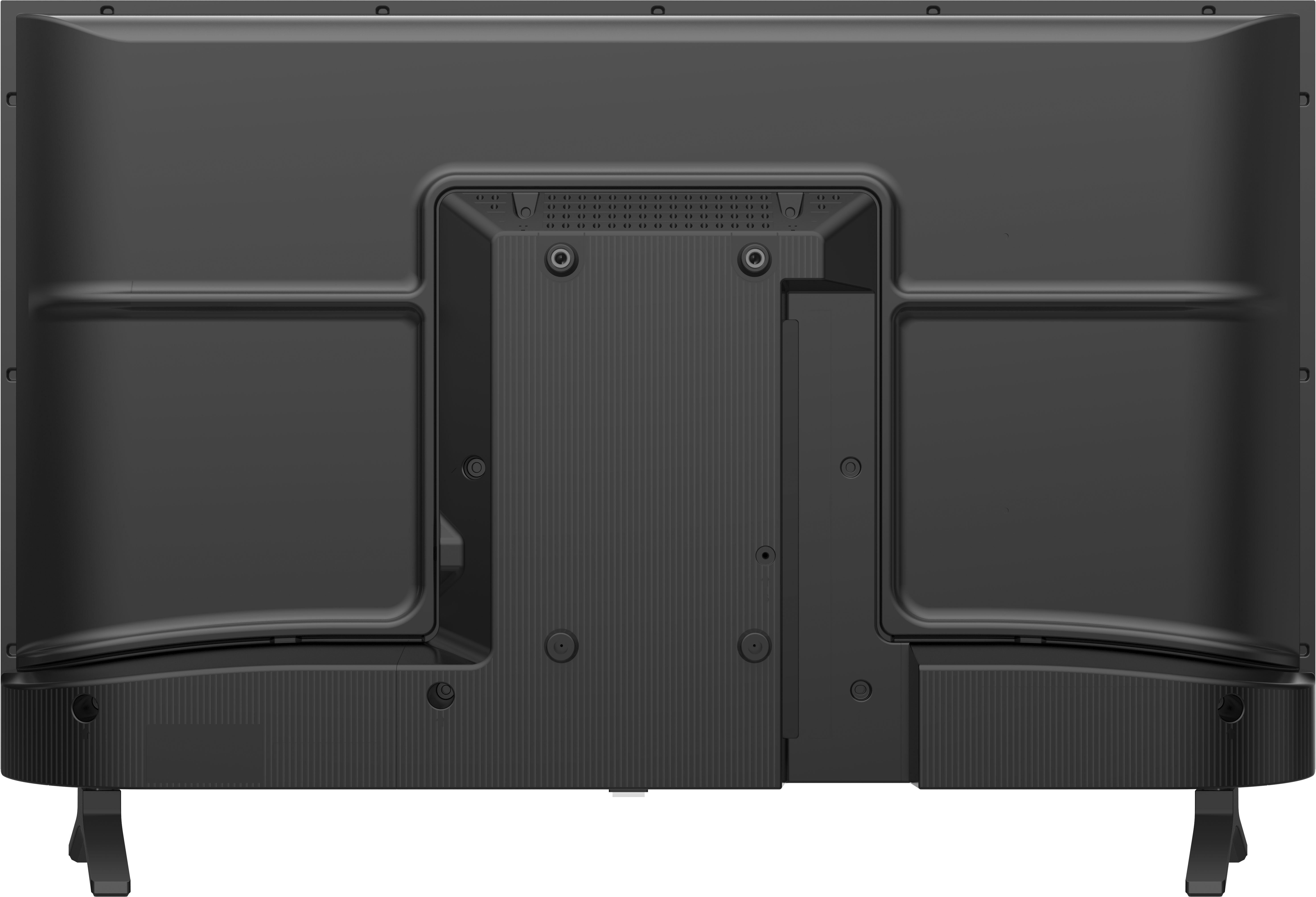
Definitely yes you can mount this TV and use this Insignia™ - Fixed TV Wall Mount for Most 19" - 39" TVs SKU:5090911 .
Toshiba Support
Alvin
http://tvna.compal-toshiba.com/us/en/
A:AnswerI hit the "home" button to get to my HDMI port. It's set as the primary port. Not sure if that will help you. If not, there is a power button underneath the TV, you can use that to get to the input and pick the HDMI that you're looking for. Good luck, took us 30 minutes to find the input button just to switch between HDMIs