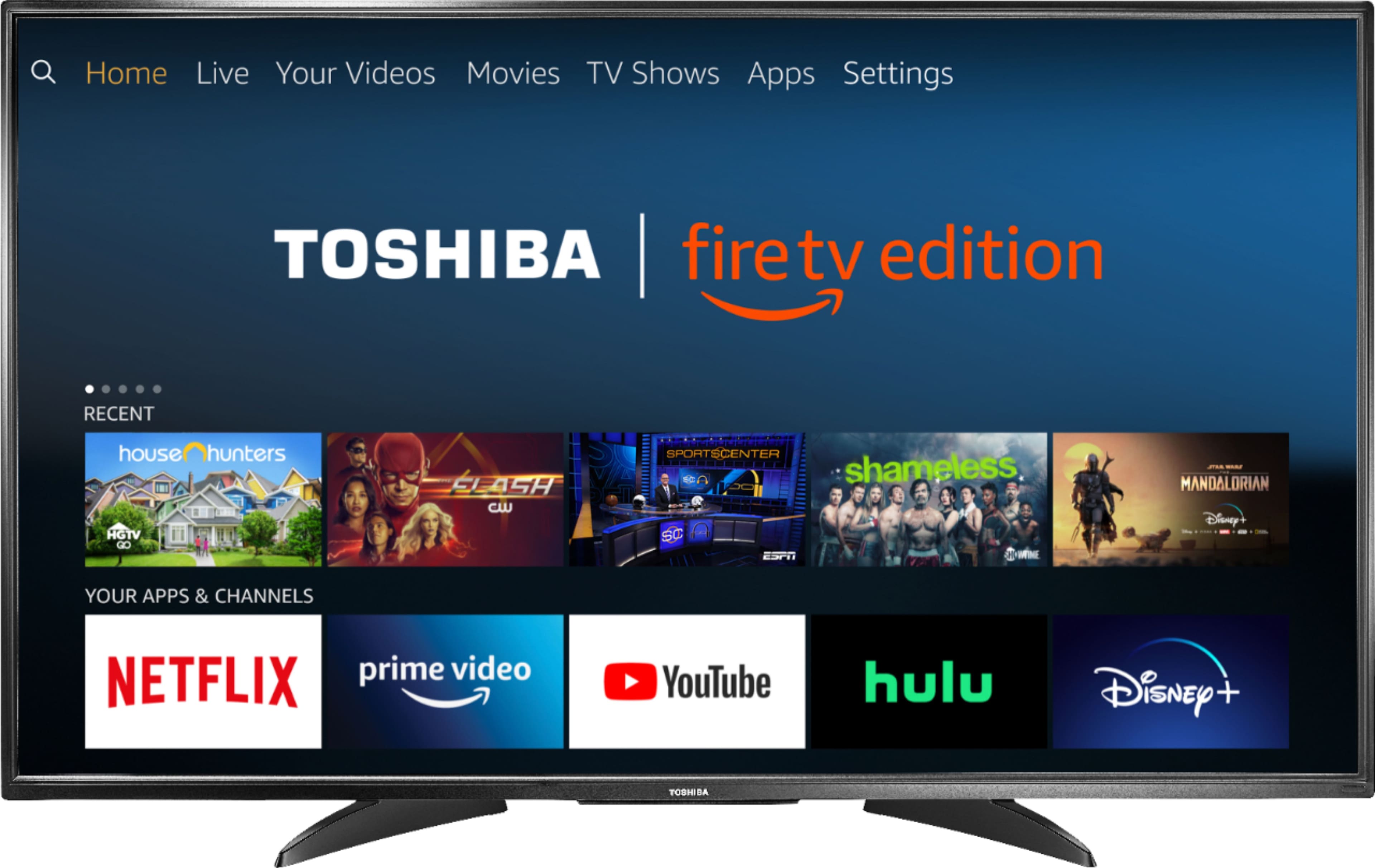
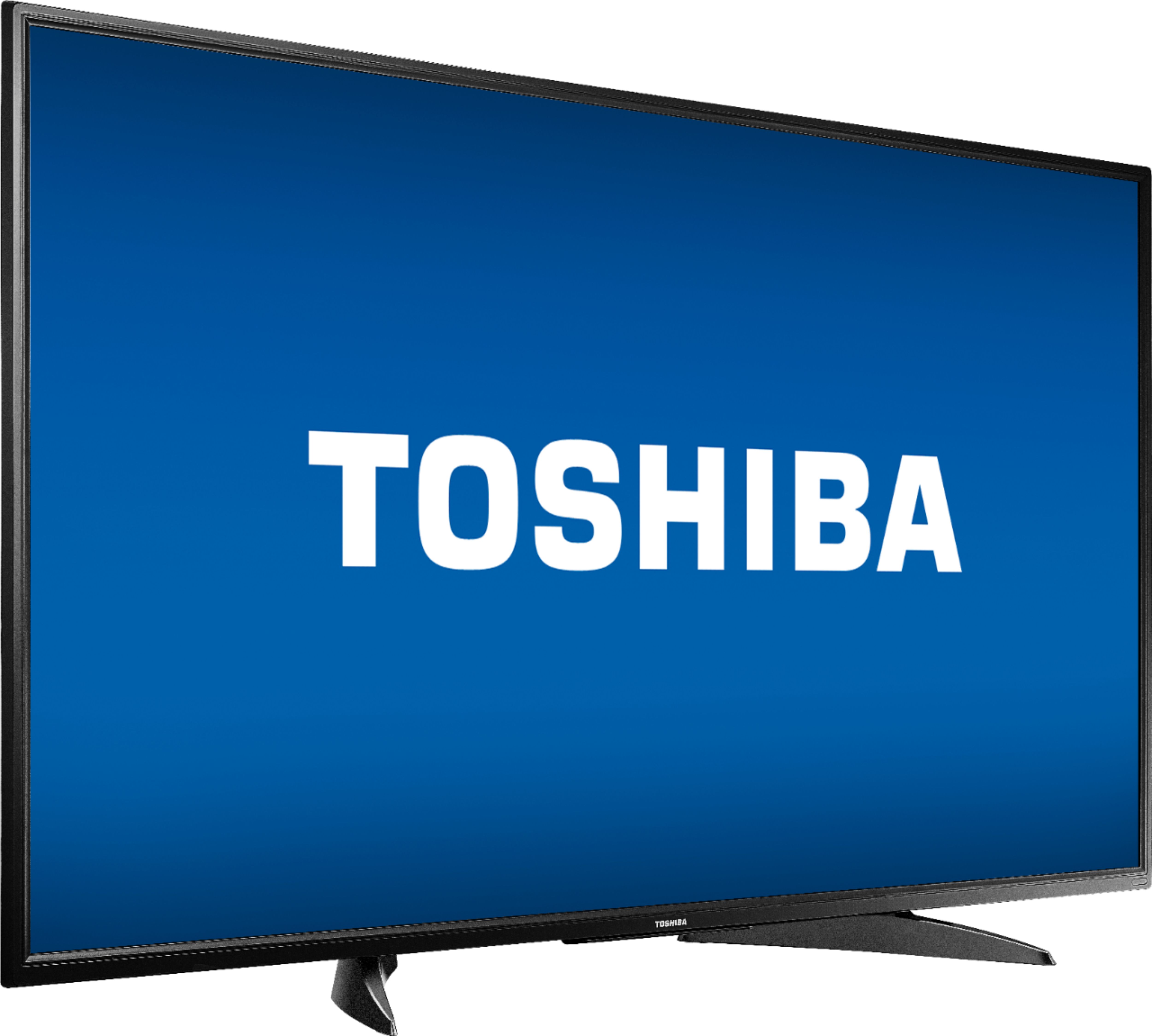
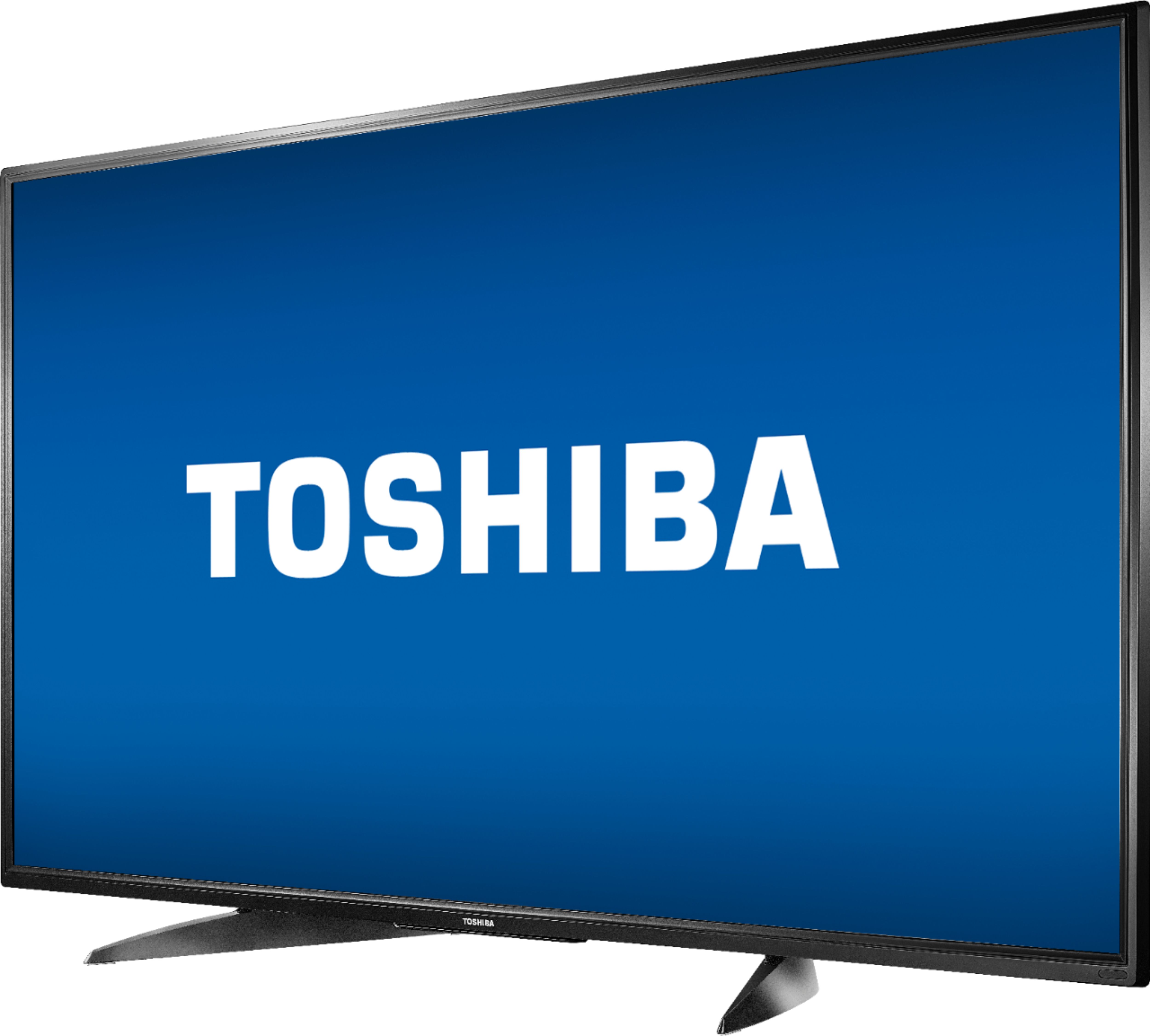
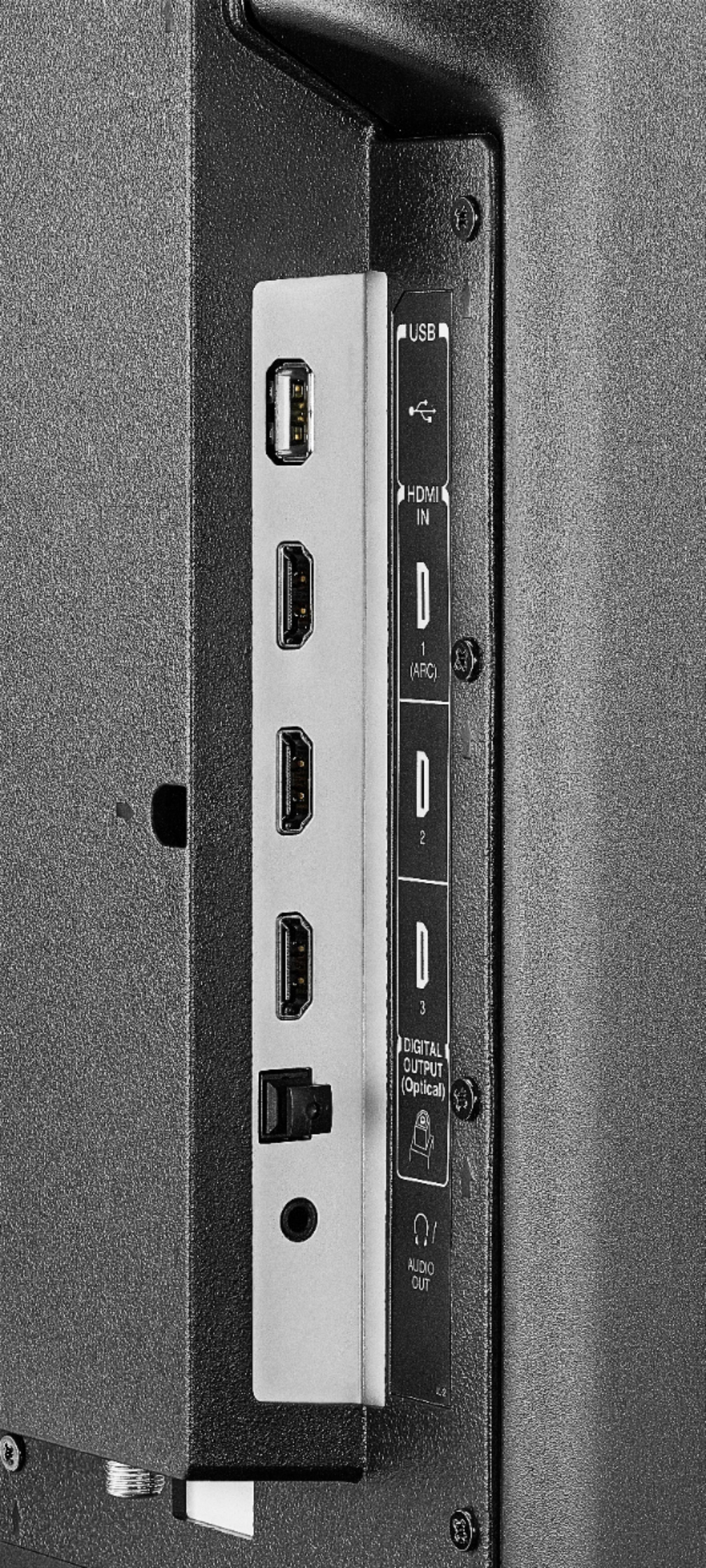
A:AnswerConnect your cable box to the Fire TV Edition television using HDMI.
Connect an antenna to watch free over-the-air broadcasts from your local channels.
David M. - Toshiba Support
A:AnswerYou can link your Smartphone to YouTube.
- Launch the Silk Browser app on the Fire TV Edition television and go to YouTube.
- Go to Settings .
- Go to the Link TV and Phone screen and follow the on-screen instructions.
Also you can download the Amazon Fire TV app to your smartphone to control your Fire TV Edition television
David M. - Toshiba Support
A:AnswerThe Roku app is not available for the Fire TV Edition experience.
Connect your Roku device to the Fire TV Edition television using HDMI.
David M. - Toshiba Support
A:AnswerFor more information about the One Year Warranty, please visit:
https://tvna.compal-toshiba.com/us/en/models/55lf621u19/
David M. - Toshiba Support
A:AnswerThe Fire TV Edition television does not support Screen Mirroring (Miracast)
Connect your streaming devices, like a Chromecast, to the Fire TV Edition television using HDMI.
David M. - Toshiba Support
A:AnswerThis smart TV comes with the Amazon Fire TV streaming services inbuilt. It is a media player/platform through which you can stream online contents and play video games.
A:AnswerHave had no luck with TV on internet even after download app called download. Wanted to watch comet TV over internet and it can't find it. I watch it on My phone and was told you can watch .com TV but I have not been able to get it or any web sites. The internet app has no way to type in the address bar. When I tell Alexa she sead can't find it. Don't know why you would want spectrum if for Cable try you tube TV app 70+ channels for $50 month or TV can download Pluto and Tubi that give you over100 channels plus 1000+ free movies. They have been advertising STIR TV for all over air channels and I have apps on phone but Alexa can't find it.