A:AnswerUnfortunately, the app Spectrum TV is not available for the Fire TV Edition experience. For a list of compatible devices, please visit:
https://www.spectrum.com/cable-tv/spectrum-tv-app.html
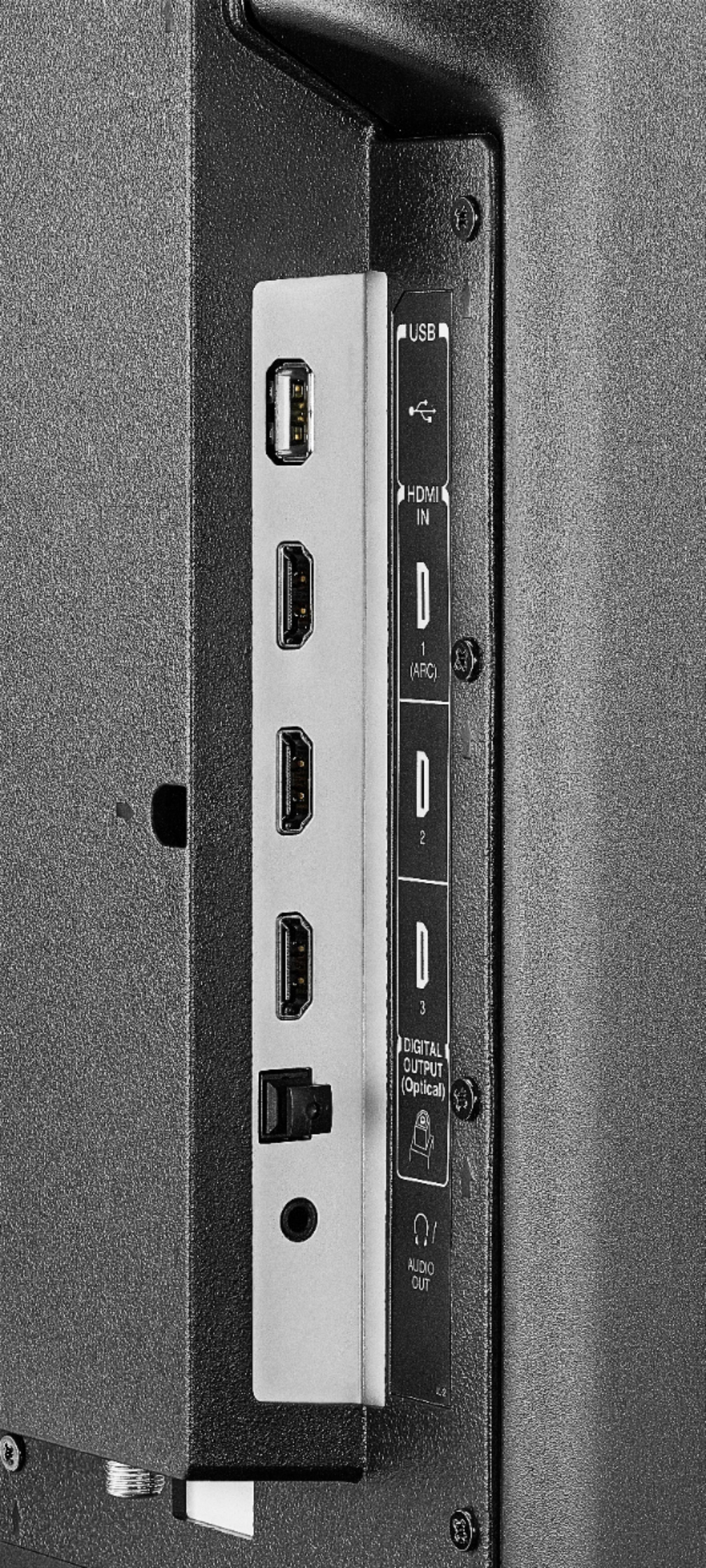
You can connect a compatible device to the TV using HDMI.
To search for Fire TV Edition television apps, go to:
amazon.com > Menu - Shop By Category > Fire TV > Fire TV Apps & Channels > Refine by Device Type select Fire TV Edition TV and search.
To uninstall an app go to the Fire TV Home > Settings > Applications > Manage Installed Applications > select the app and uninstall.
David M. - Toshiba Support
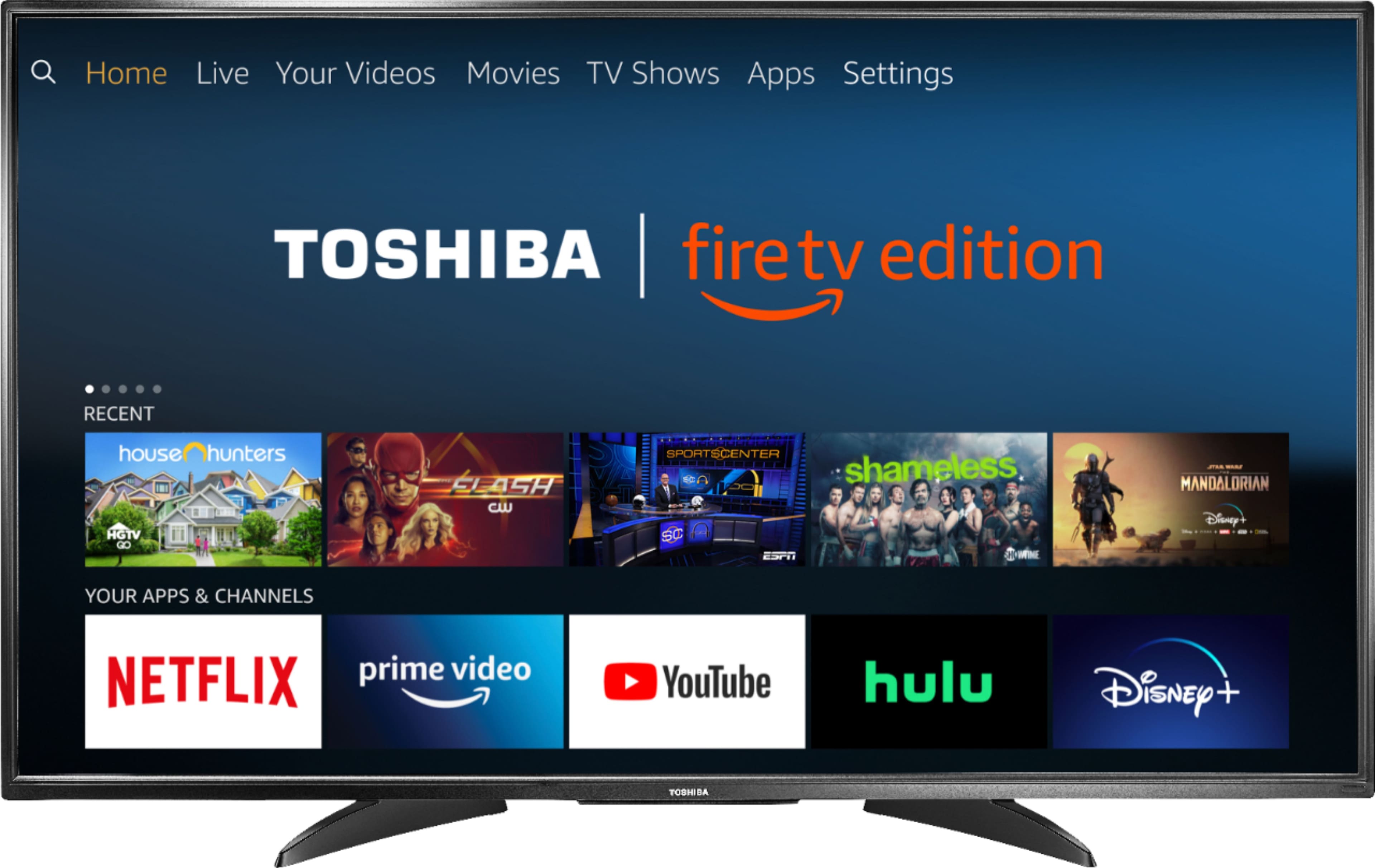
A:AnswerThe TV supports Amazon Firestick apps. What you will need is a mirror casting application for the smart TV and you smartphone. I believe a few of the common ones are supported on Firestick.
A:AnswerConnect your U-Verse box to the Fire TV Edition television using HDMI.
To watch free over-the-air broadcasts from your local channels connect an Antenna to the TV.
David M. - Toshiba Support

A:AnswerThe SoPlayer App is not available for the Fire TV Edition experience.
Please contact the developer of the app for more information.
To search for available apps, go to:
amazon.com > Menu - Shop By Category > Fire TV > Fire TV Apps & Channels > Refine by Device Type select Fire TV Edition TV and search.
David M. - Toshiba Support

A:AnswerThe Toshiba | Fire TV Edition TV Model 50LF621U19 - VESA Mounting Pattern is 400 × 200 – M6 x 25 mm type screws (4 pcs)
If the TV stand says that it is compatible with VESA pattern of 400 x 200 mm it should work.
David M. - Toshiba Support

A:AnswerThe Toshiba | Fire TV Edition TV Model 50LF621U19 - VESA Mounting Pattern is 400 × 200 – M6 x 25 mm type screws (4 pcs)
If the TV stand says that it is compatible with VESA pattern of 400 x 200 mm it should work.
David M. - Toshiba Support