A:AnswerHi,
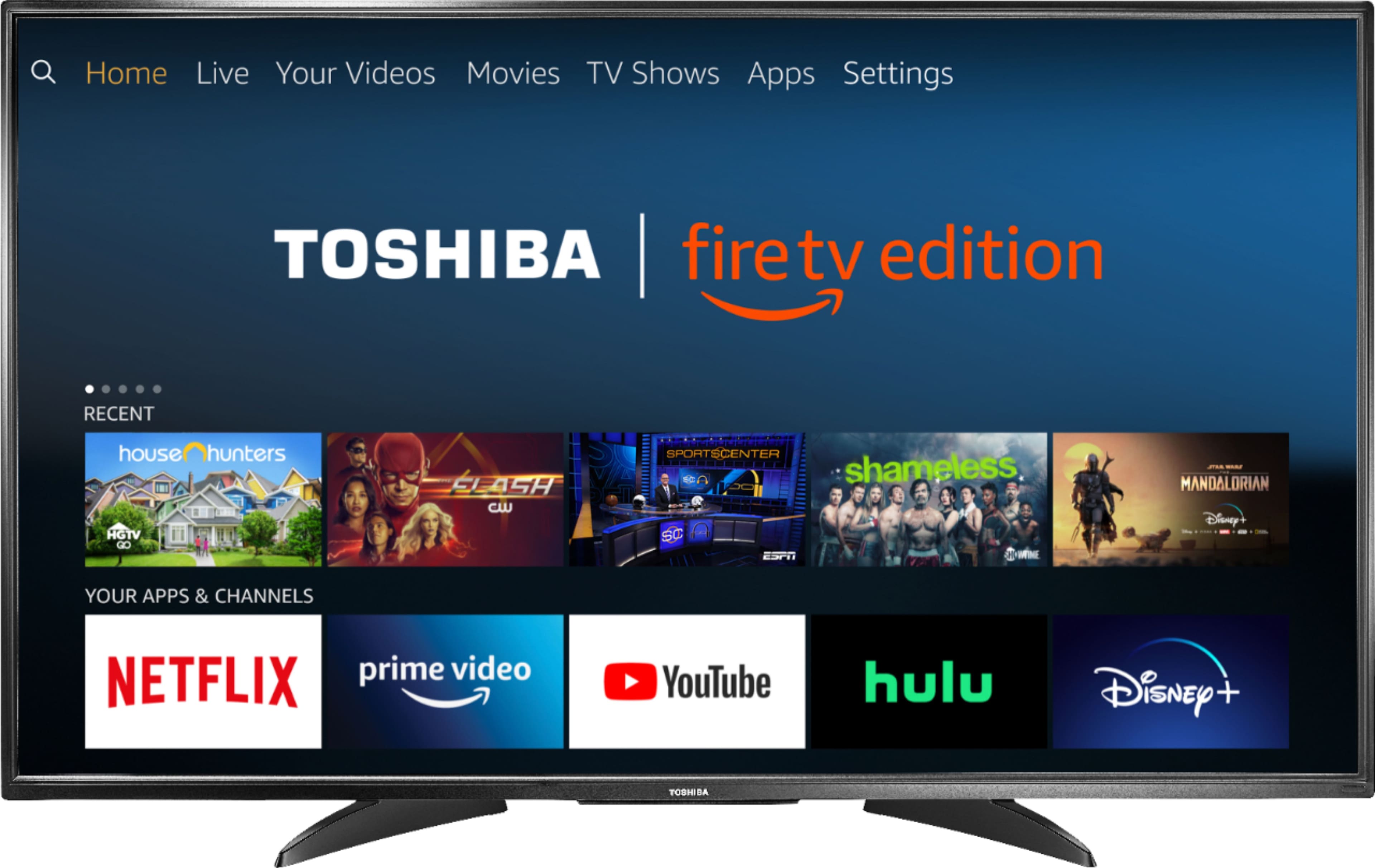
Yes, you can use this TV without cable service, and to use Netflix, you just need to connect the TV to internet, then you have to sing in with your email or create a new account.
Alan O. - Toshiba Support
A:AnswerThis works perfect with or without alexa echo.. It comes with the remote that you just hold down the speaker button and talk to it just as would your alexa echo.
A:AnswerYou will see a small spot on the back of your TV. You can find more information here: http://tvna.compal-toshiba.com/us/en/models/55l711u18/
Alan O. - Toshiba Support
A:AnswerI AM AN AMASON PRIME CUSTOMER AN I DIDN'T HAVE ANY PROBLEM. I JUST PUT IN MY ACCOUNT AN NEVER WAS CHARGED. I HAVE THREE OF THESE TV'S AN HAVEN'T BEEN CHARGED . YOU CAN WATCH JUST ABOUT ANYTHING. TO WATCH DISNEY, YOU HAVE TO PAY FOR THAT APP.
A:AnswerPress and hold the Home button for 3 seconds to launch the Quick Access menu, select Display settings to adjust the Picture Size and Aspect Ratio on the Fire TV Edition television.
David M. - Toshiba Support
A:AnswerThe TV does have basic Bluetooth ability, to connect an external speaker system. I believe it can also be used to connect to various Alexa devices.
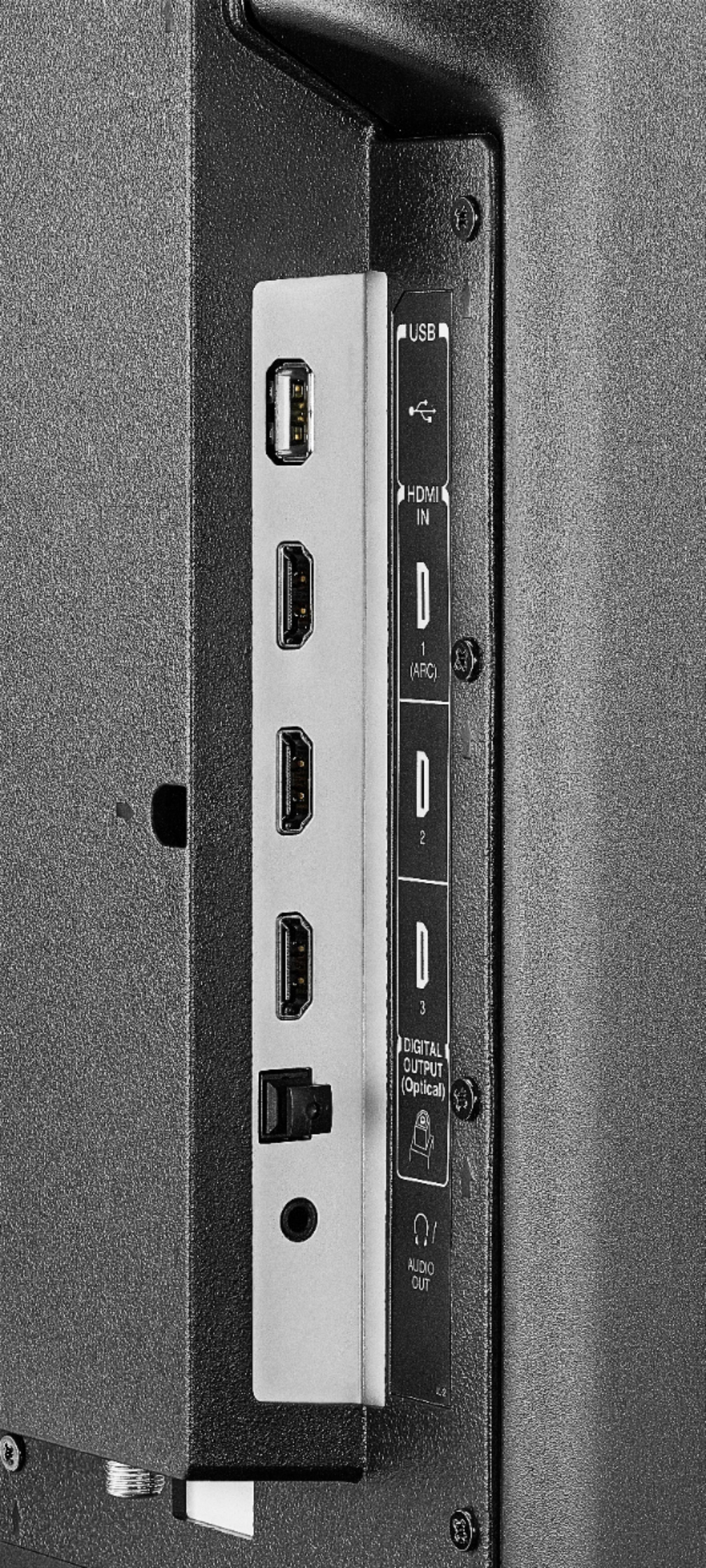
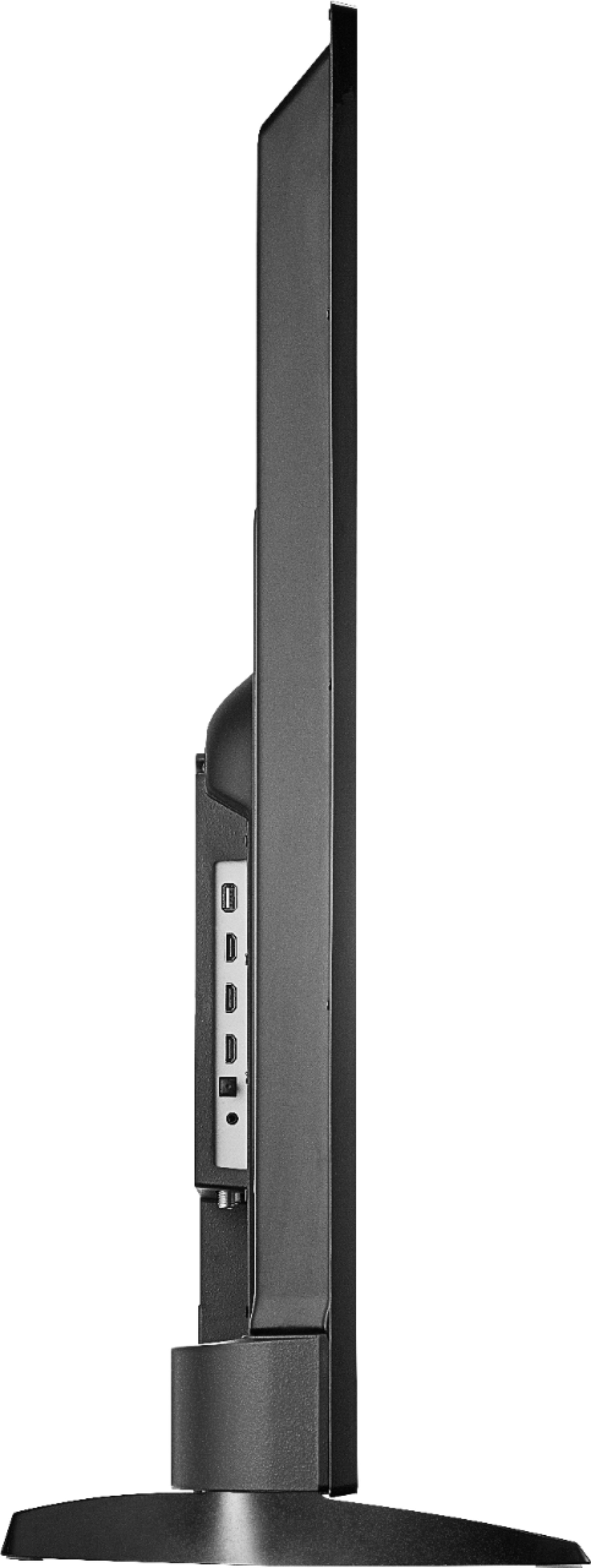
A:AnswerThe TV features the following Audio Outputs:
3.5 mm (Headphone Jack) and Digital Optical Output.
To pair a Bluetooth device, go Home > Settings > Controllers & Bluetooth Devices.
David M. - Toshiba Support
A:AnswerThe TV features the following Audio Outputs:
3.5 mm (Headphone Jack) and Digital Optical Output.
To pair a Bluetooth device, go Home > Settings > Controllers & Bluetooth Devices.
David M. - Toshiba Support
A:AnswerThe Fire TV Edition television does not support screen mirroring.
You can connect a device or adapter that supports it using HDMI.
David M. - Toshiba Support