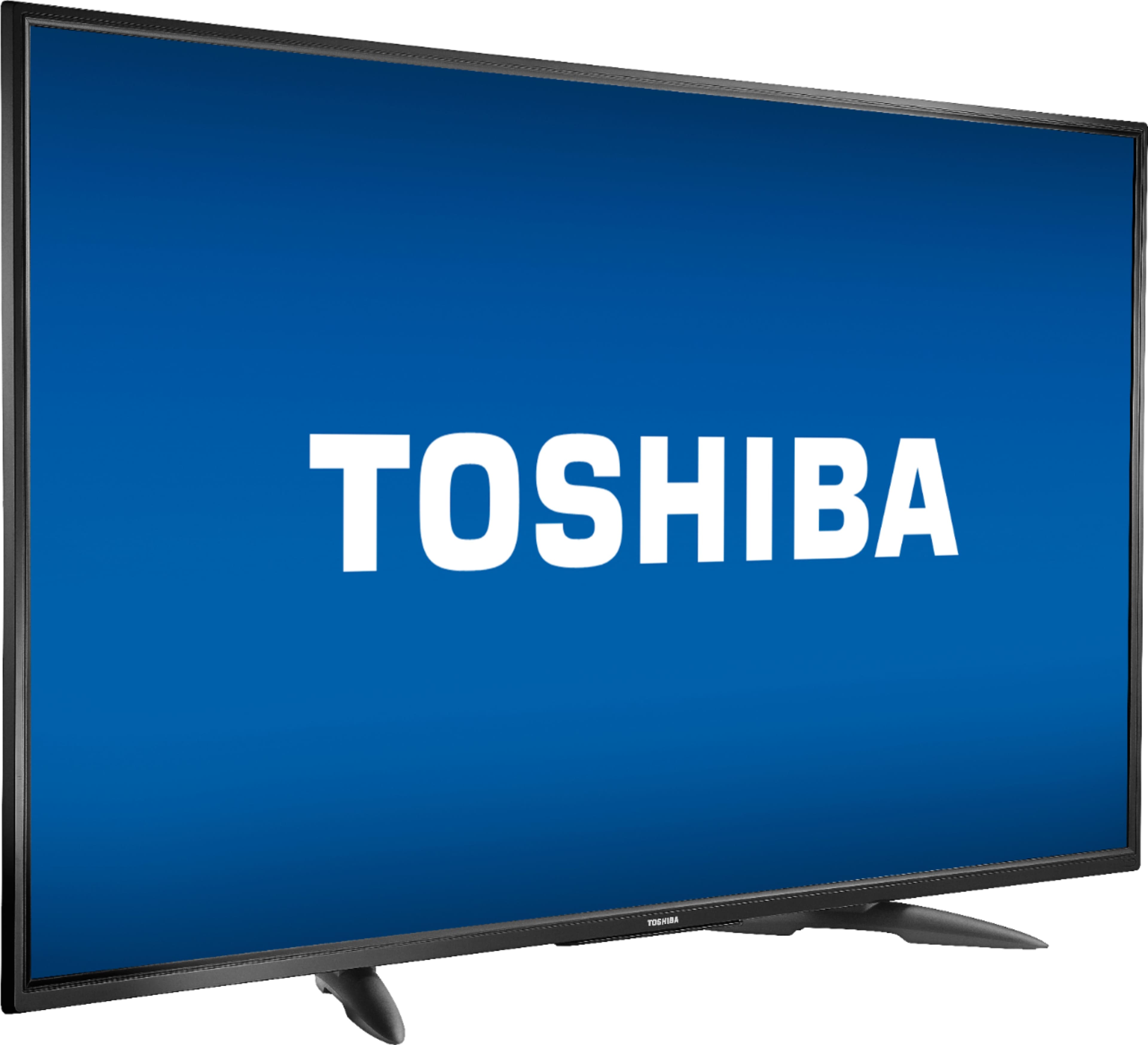
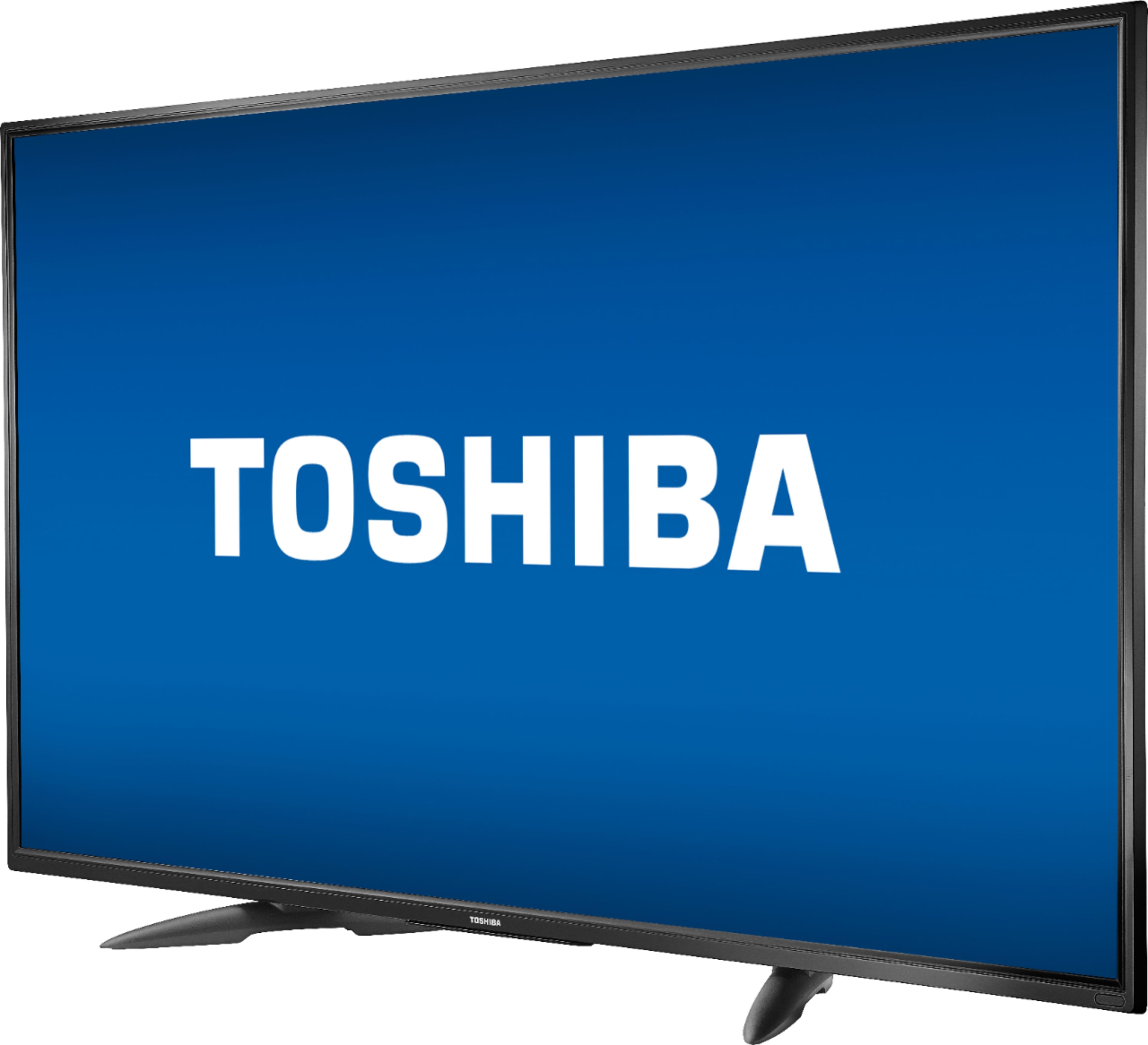
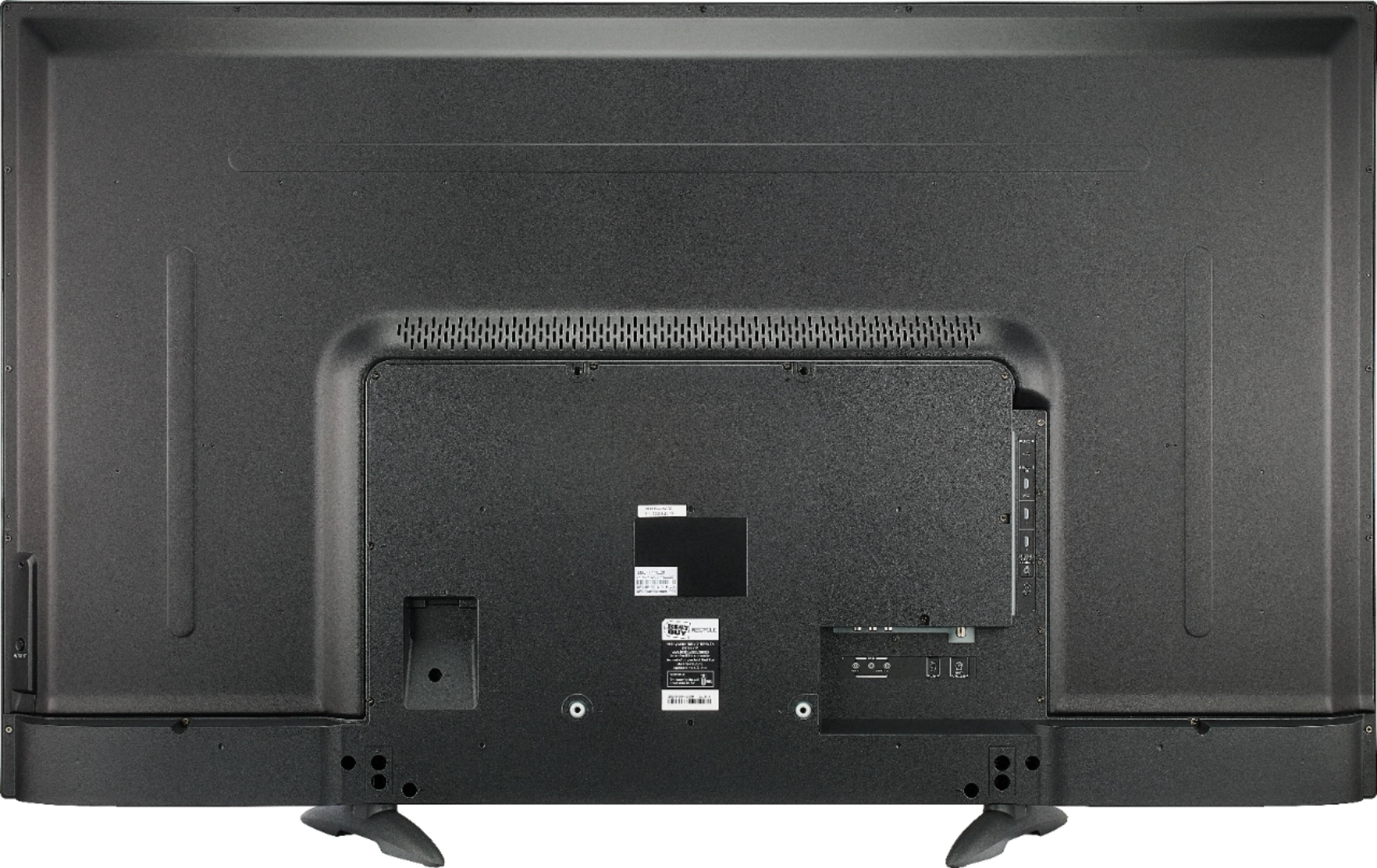
A:AnswerAll I did was ask the Google. Here is a link to the page. User manual is down the page a bit
https://tvna.compal-toshiba.com/us/en/models/55lf711u20/
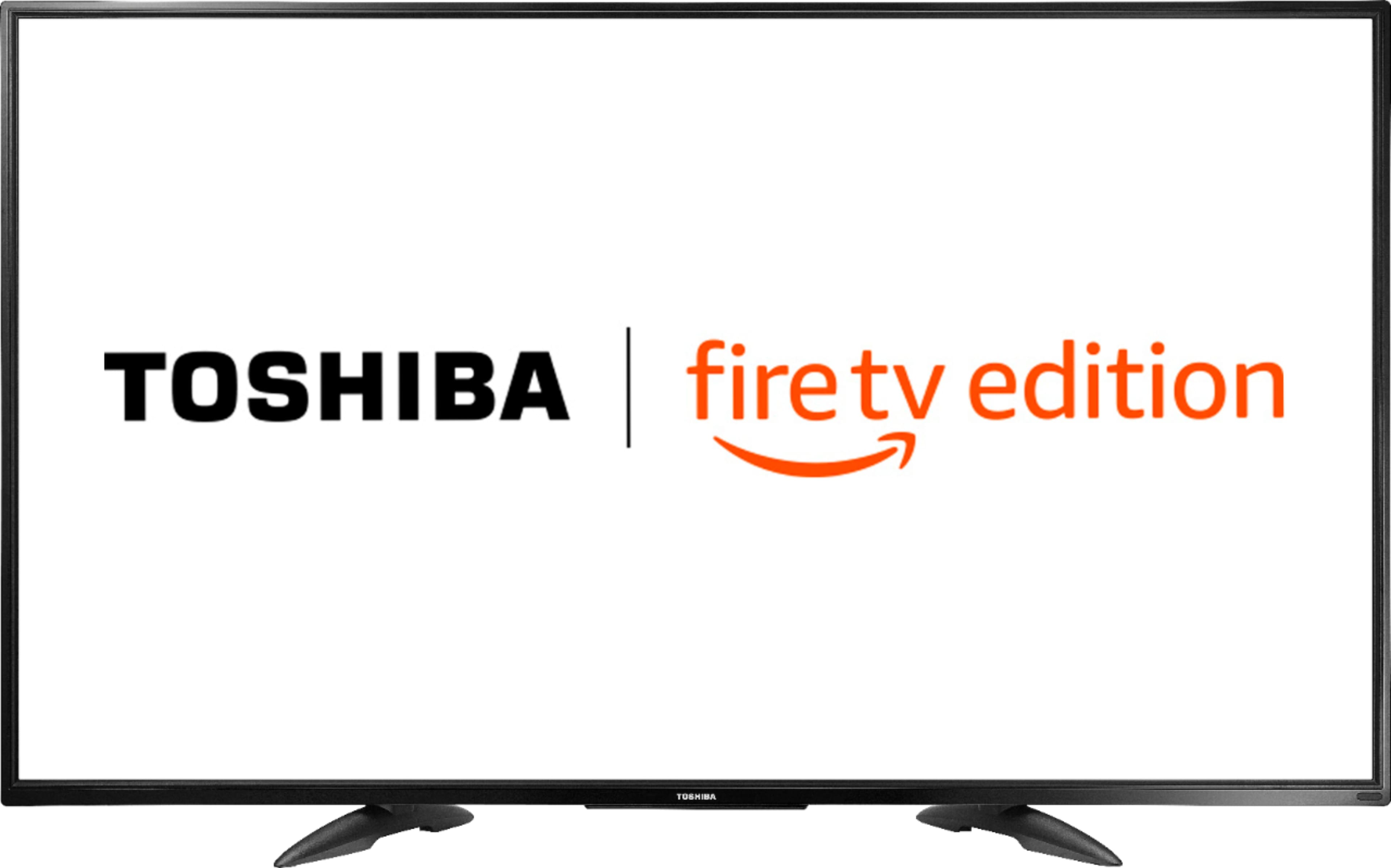
A:AnswerThis TV has the Fire TV experience already built-in, there is no need to connect a Fire Stick.
The Fire TV experience is free to use. However, there are some apps that require a monthly subscription fee to watch their content, for example: Netflix, Hulu, HBO, Prime Video, Disney + and Apple TV +.
David M. - Toshiba Support
A:AnswerThis TV has the Fire TV experience already built-in, an external streaming device is not required.
However, you can connect an external streaming device at any time.
David M. - Toshiba Support
A:AnswerThe apps Hulu: Live and On Demand TV, Movies, Originals, More and Disney Plus show as available for the Fire TV Edition experience.
David M. - Toshiba Support
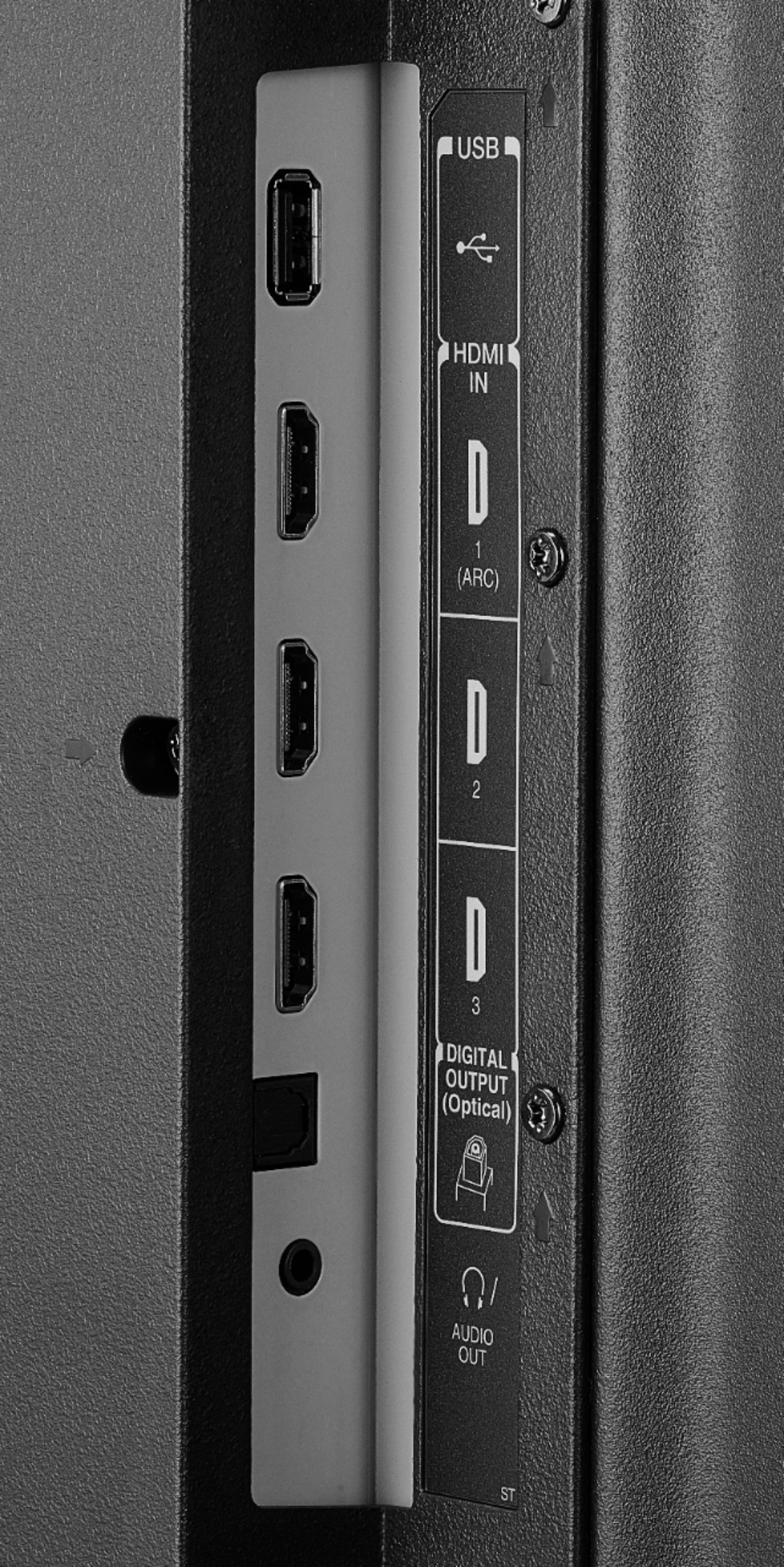
A:AnswerThe HDMI ports support HDMI 1.4 and 2.0.
To change the HDMI Mode long press the home button for 3 seconds, go to Picture > Advanced Settings > HDMI Mode.
David M. - Toshiba Support
A:AnswerTry the Power On feature, when enabled, the TV turns on displaying the last used input.
Go Home > Settings > Display & Sounds > Power On and select Last Input.
David M. - Toshiba Support
A:AnswerThe replacement remote Model: NS-RCFNA-19 is available at Best Buy.
Also you can download the Amazon Fire TV app on your Smartphone to control the TV over Wi-Fi.
David M. - Toshiba Support