A:AnswerFirst make sure you have the latest firmware version, go Home > Settings > Device > About > Software Version > Check for system update.
Then, try the Power On feature, when enabled, the TV turns on displaying the last used input.
Go Home > Settings > Display & Sounds > Power On and select Last Input.
David M. - Toshiba Support
A:AnswerThe included Voice Remote has Alexa already built-in. Just press and hold the Mic button while talking and release it when you finish.
For hands free control, you can link an Echo device using the Alexa app on your smartphone, go Home > Menu > Settings > Video and TV > Fire TV and follow the on-screen instructions.
David M. - Toshiba Support
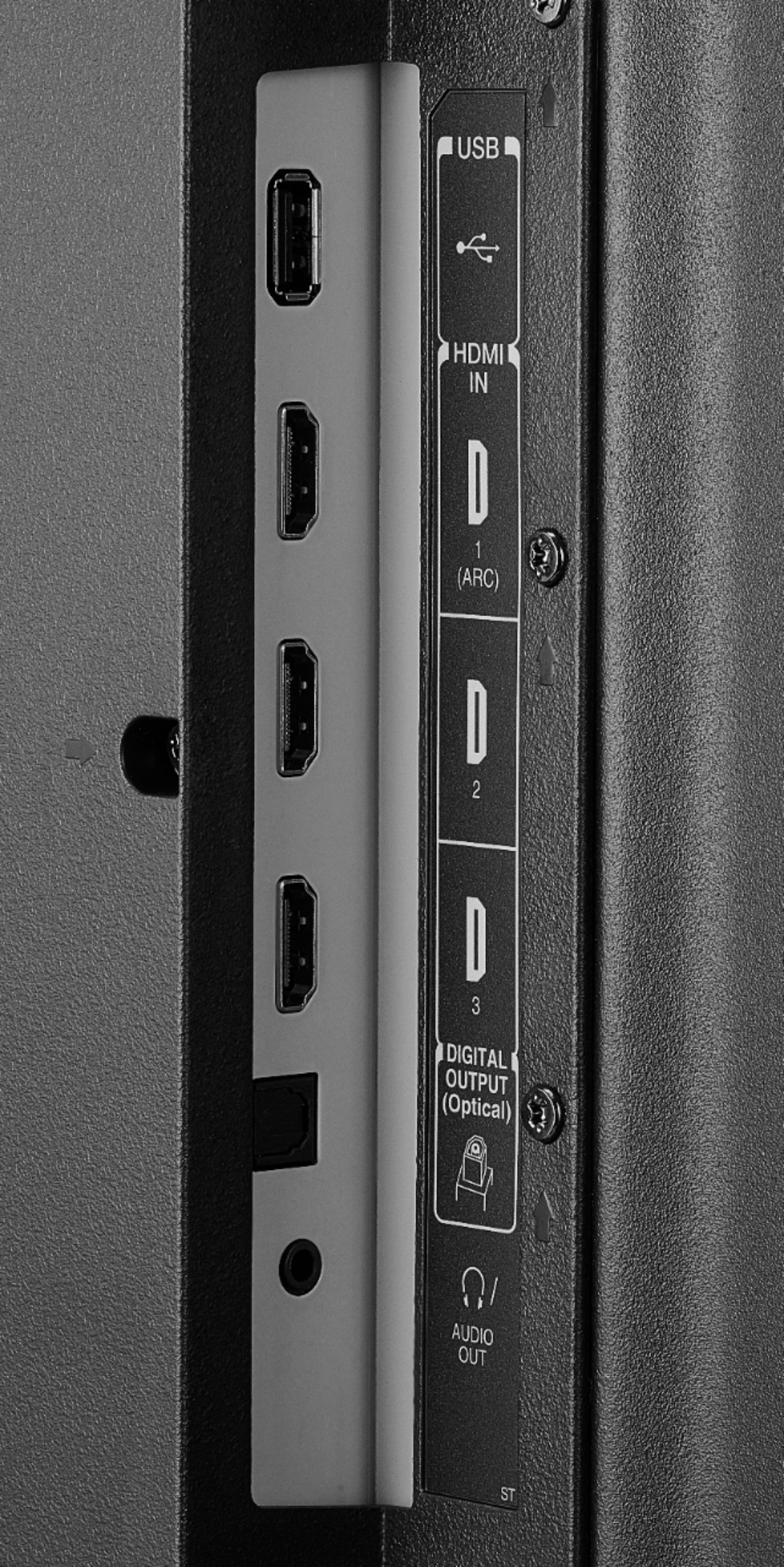
A:AnswerThis TV does not support 2 audio outputs at the same time.
If you connect an external audio device, the TV speakers will automatically turn off.
You could try to use a 3.5 mm splitter, this will allow you to connect two external audio devices, for example a Sound Bar and Headphones.
David M. - Toshiba Support
A:AnswerIt is strongly suggested to use included remote to control the TV.
You could try to use your Cable Remote to Power On the TV.
Try this go Home > Settings > Display & Sounds > Power On and select Last Input.
David M. - Toshiba Support
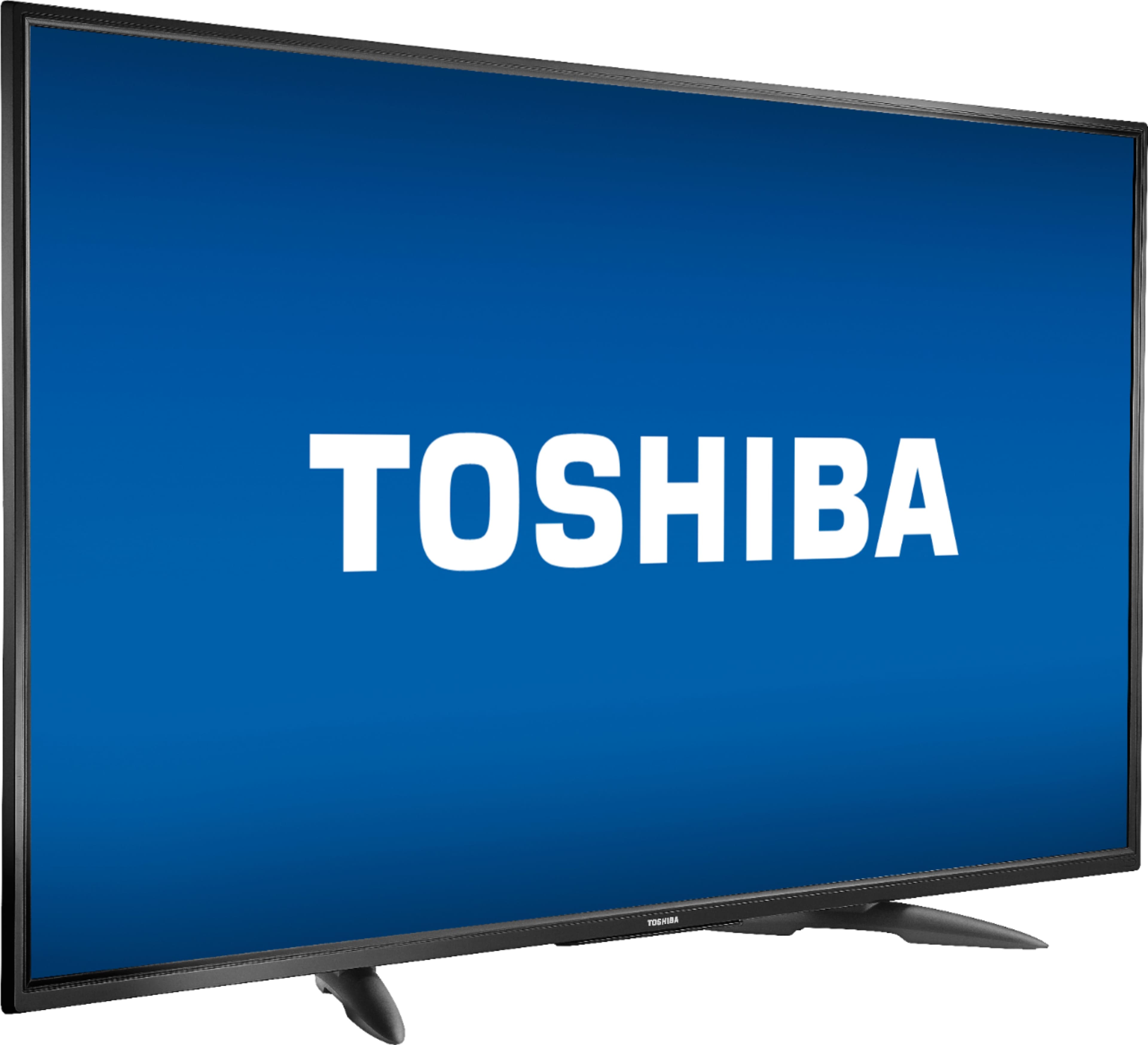
A:AnswerTry to adjust the picture size from your video source settings.
If you need personalized assistance, please call 1 (855) 527-2411 available from 8 am to 9 pm CT everyday.
David M. - Toshiba Support
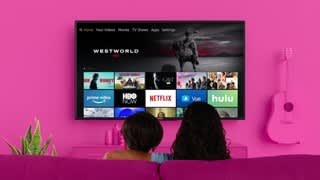
A:AnswerThe YouTube app is available for the Fire TV Edition experience.
If you need personalized assistance, please call 1 (855) 527-2411 available from 8 am to 9 pm CT everyday.
David M. - Toshiba Support