A:AnswerHi,
The effective range of a Wi-Fi Extender depends heavily on existing factors, including the signal strength and coverage provided by your router, the construction materials and other sources of Wi-Fi interference within your home, and where the extender is physically placed. Ideally, the extender should be placed somewhere between the router and the location you want the signal extended to; however, the extender must receive a strong and stable enough signal from the router to effectively extend its Wi-Fi range.
A:AnswerHi,
Range Extenders are generally intended to extend Wi-Fi within the same building. If the neighboring building is exceptionally close to yours and does not have dense construction materials (such as brick or metal), it may potentially yield an improvement. However, we cannot guarantee a successful extension if the device is used in a scenario for which it was not explicitly designed.
A:AnswerHi itmanic,
If your primary goal is to effectively "convert" a Wi-Fi signal to an Ethernet connection, you can also consider our Travel Router, the TL-WR1502X, and set it up in Client Mode. The TL-WR1502X is an AX1500 Wi-Fi 6 device.
If you would like to discuss your network needs in further detail, we recommend visiting our official TP-Link Community Forum or contacting our official TP-Link support team.
A:AnswerHi itmanic,
Yes, you can set up the device in Range Extender Mode, then disable the Extended Network signals, and connect your wired device via its Ethernet port.
A:AnswerHi sammy,
TP-Link Wi-Fi Extenders are universally compatible with Wi-Fi Routers. If your home Internet connection comes through a Wi-Fi router, then this extender should work just fine.
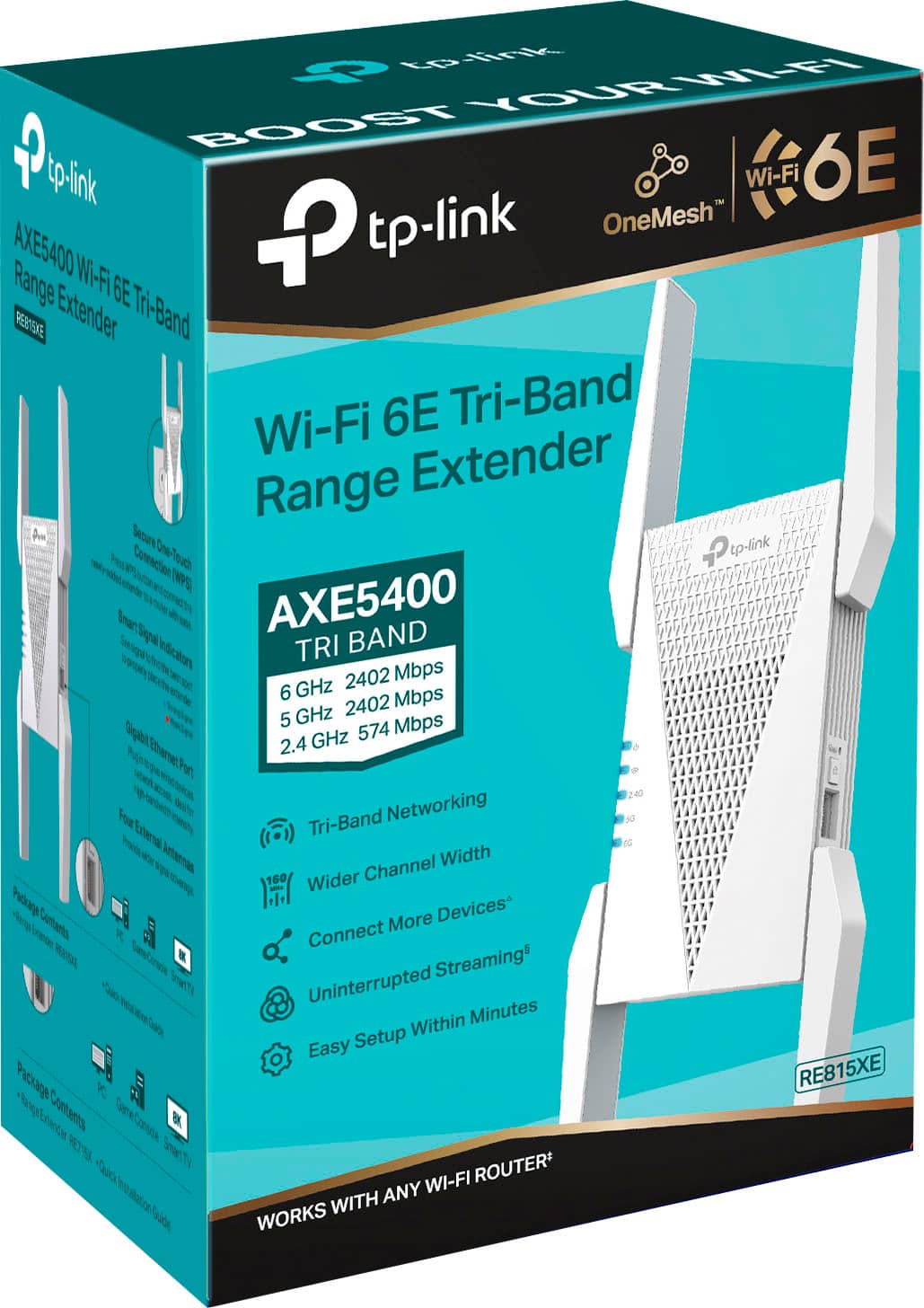
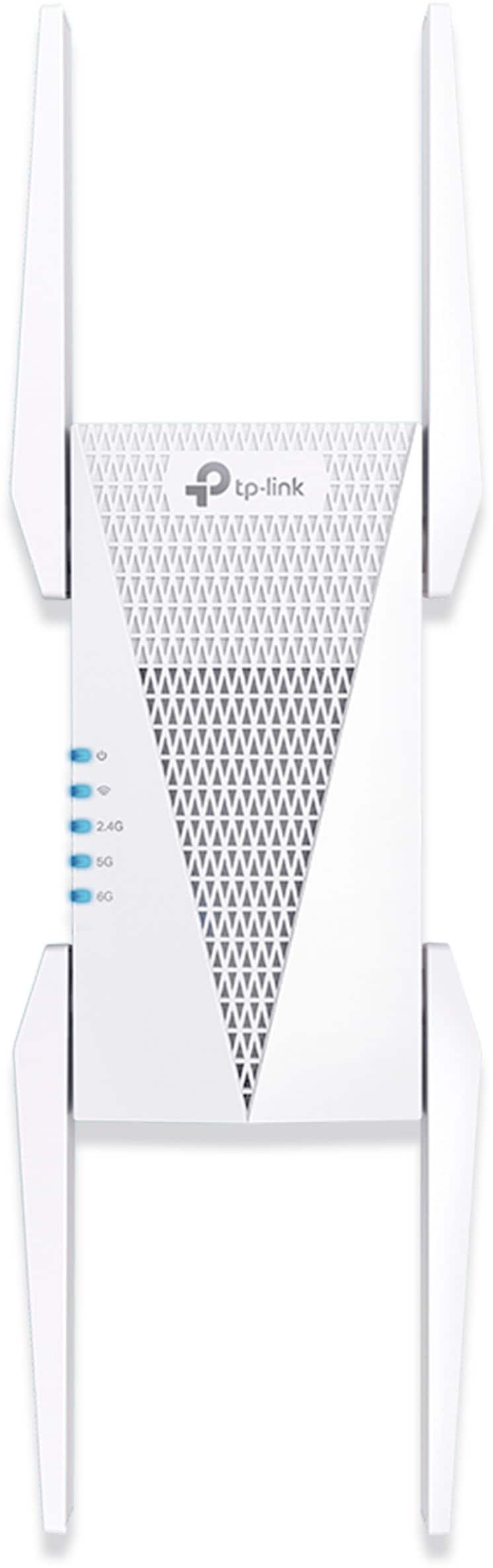
A:AnswerHi! TP-Link Wi-Fi Extenders are universally compatible with Wi-Fi Routers. The TP-Link RE815XE can be used to extend your existing Wi-Fi network; however, please note that it will not fully integrate with the proprietary app(s) or exclusive features of your Nest Mesh.
A:AnswerHi! Since the Gen 3 Starlink Router uses Tri-Band Wi-Fi (2.4 GHz and 5 GHz), we would suggest a Tri-Band Wi-Fi Extender that uses the same band configuration (one 2.4 GHz, two 5 GHz). We offer numerous Wi-Fi Extender models with various feature sets to suit the diverse networking needs of our customers. Please visit our official website, or our Community Forum, to find a Wi-Fi Extender model that fits your specific network setup.
A:AnswerHi! While the RE815XE can extend Wi-Fi networks, including the Wi-Fi of a Deco Mesh network, it is not designed to seamlessly integrate with Deco Mesh technology or the Deco App.
We suggest introducing an additional Deco Node for seamless Deco Mesh expansion. For your convenience, all of our Deco Models are compatible with each other.
A:AnswerTP-Link Wi-Fi Range Extenders are designed for universal compatibility with Wi-Fi routers. As long as your T-Mobile Home Internet service includes a Wi-Fi router or gateway, it should work just fine.
A:AnswerRange Extenders are universally compatible. However, the router should support all the bands that are supported by the Range Extender. For example if your router does not support WiFi 6E then you would not want to get a WiFi 6E extender.