A:AnswerHello KW,
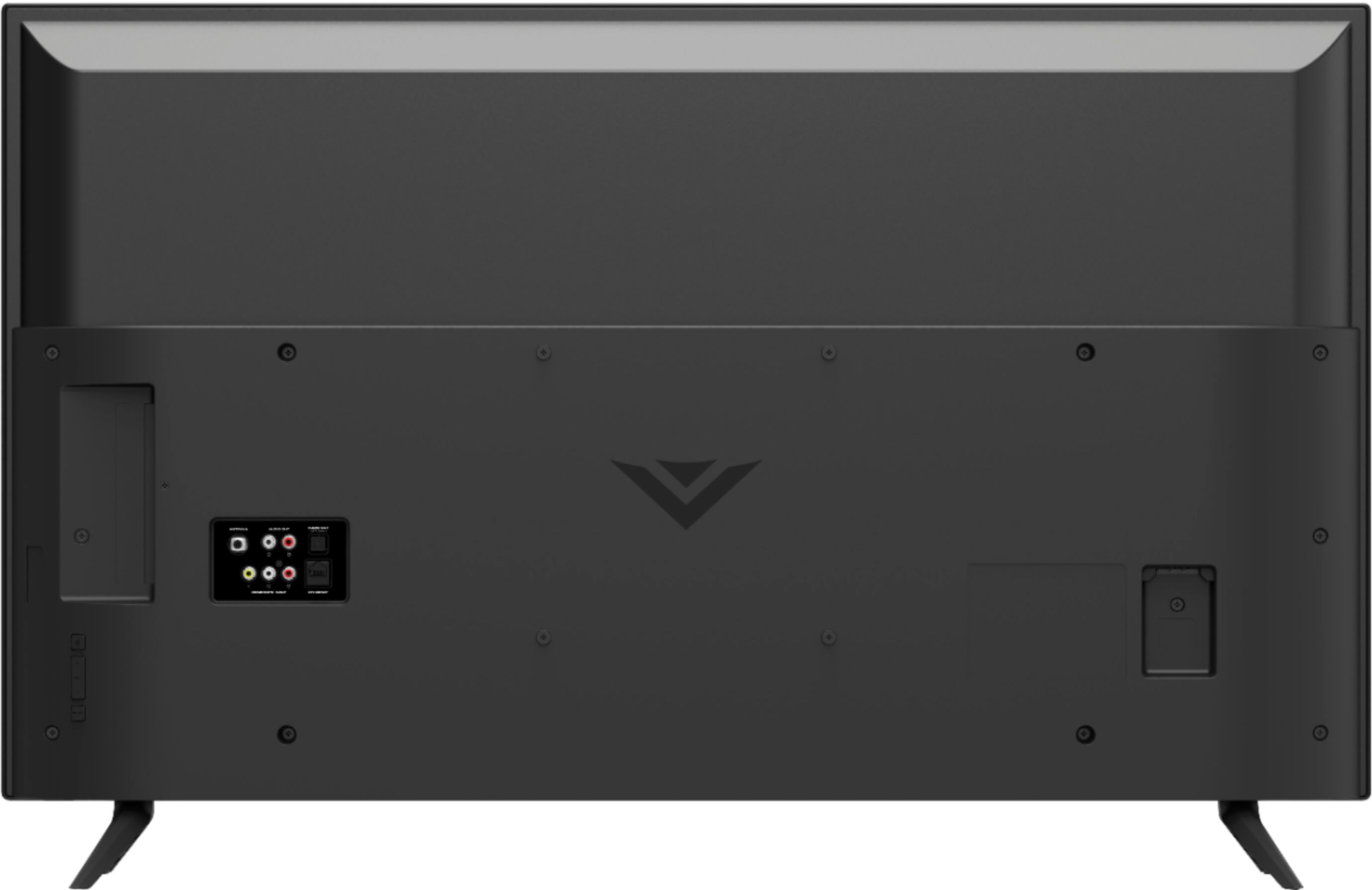
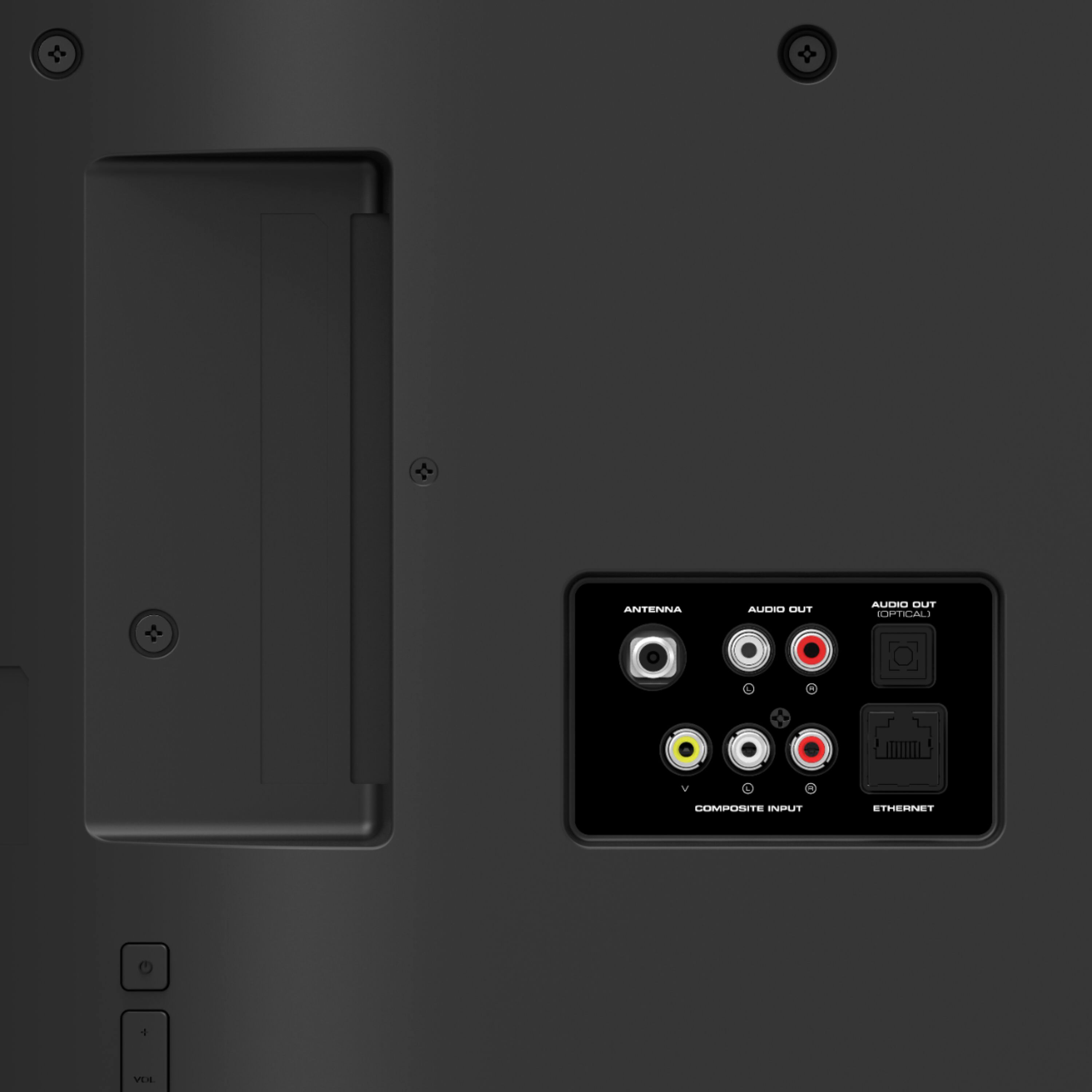
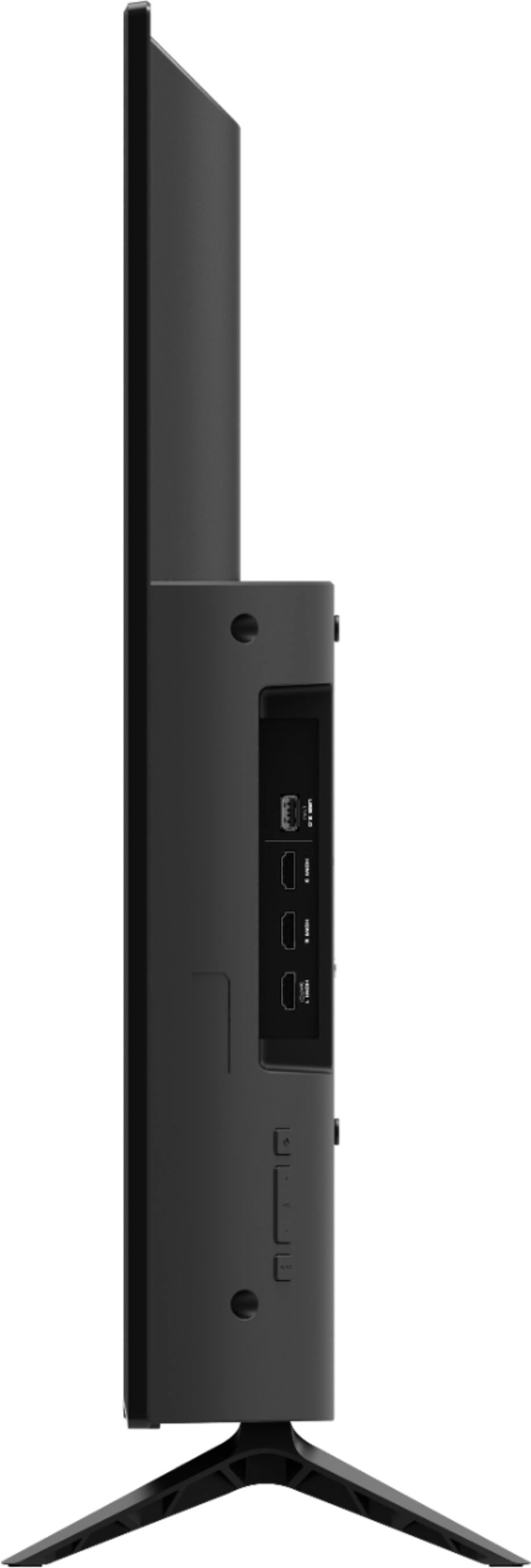
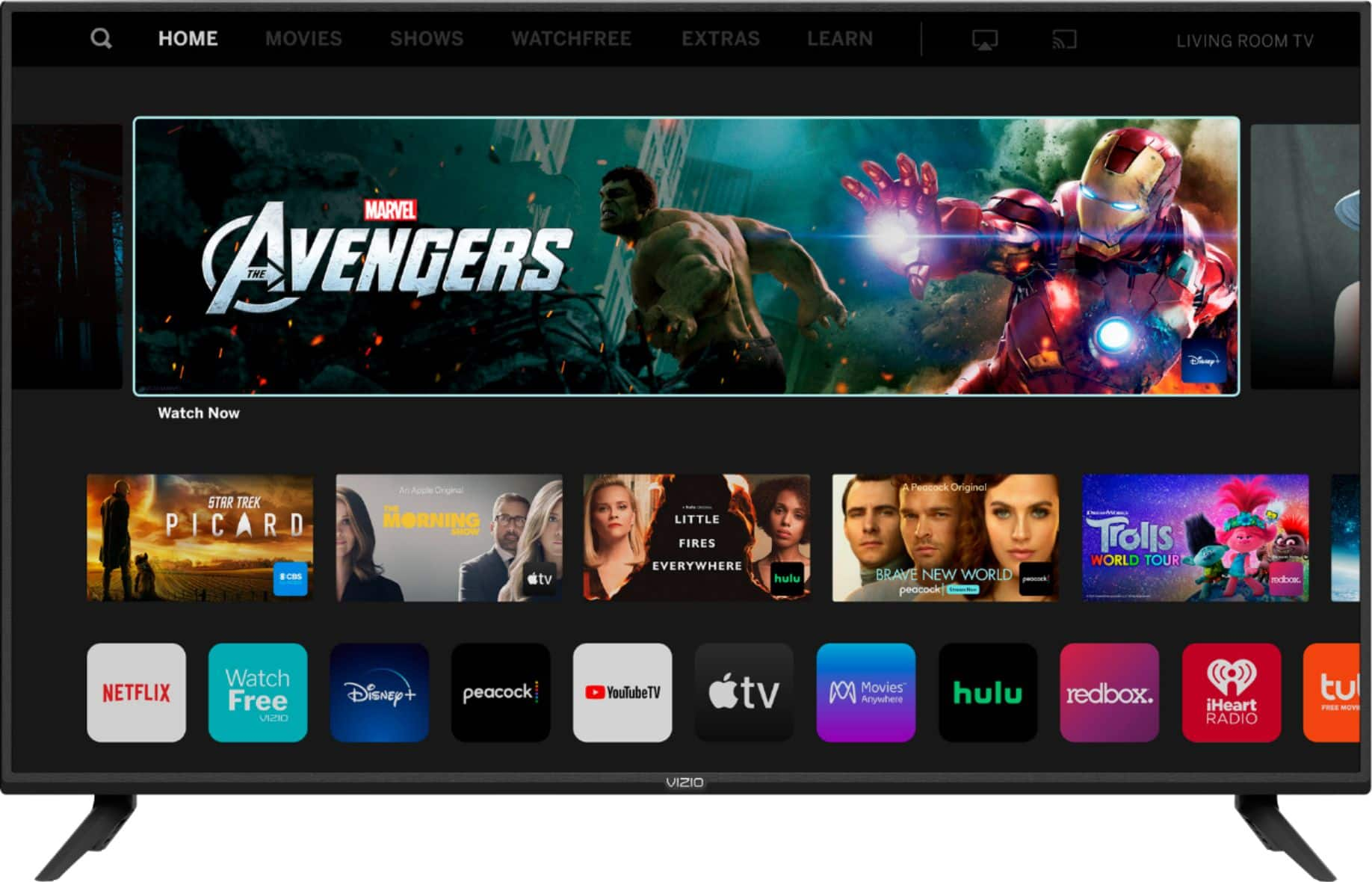
Yes this TV has YouTube TV built in. If your Bose sound system is connected to the HDMI ARC port then the TV remote should control the surround sound system.
A:AnswerHello, The TV has access to Netflix, Hulu, Disney +, You may add HBO to Hulu or SmartCast televisions also support Google Chromecast and Apple AirPlay 2 so that you can share content from the latest applications on your phone, tablet, or computer directly to the TV.
A:AnswerScreen mirroring thru a wireless connection always has a 1 second ish lag. HDMI mirroring should be instant. As far as the tv not powering on and not responding to your inputs I would say you have a faulty remote or receiver, or the TV is glitching out due to a fault. That is a manufacturing problem and should be covered by the warranty. I suggest trying the remote on a different tv to rule out the remote being the issue. If its not the remote contact customer service. I don't have any user input issues.
A:AnswerHello Serenity,
This model supports Bluetooth LE, which is a low energy form of bluetooth used to assist in pairing the VIZIO SmartCast Mobile application to use devices like smart phones and tablets as a remote for the TV.
A:AnswerHello Carolyn,
I would like to offer the assistance of our award-winning technical support team with this issue. Please visit support.VIZIO.com and click on ‘Contact Us’. We’ve got agents ready to chat, text message, or speak with you on the phone.
A:AnswerHello TB,
This TV is compatible with the Google Assistant, Amazon Alexa, and Apple Siri. There are numerous voice commands that are compatible with this TV. For more information you can start with this article: https://support.vizio.com/s/article/How-to-use-Google-Voice-Assistant-with-your-SmartCast-TV?language=en_US
A:AnswerHello Donl,
This model supports Bluetooth LE, which is a low energy form of bluetooth used to assist in pairing the VIZIO SmartCast Mobile application to use devices like smart phones and tablets as a remote for the TV.